





Plug In and Connect — Anywhere

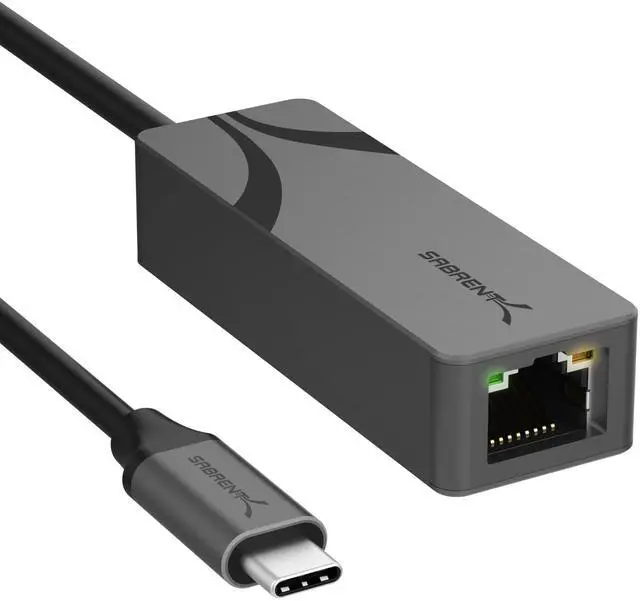
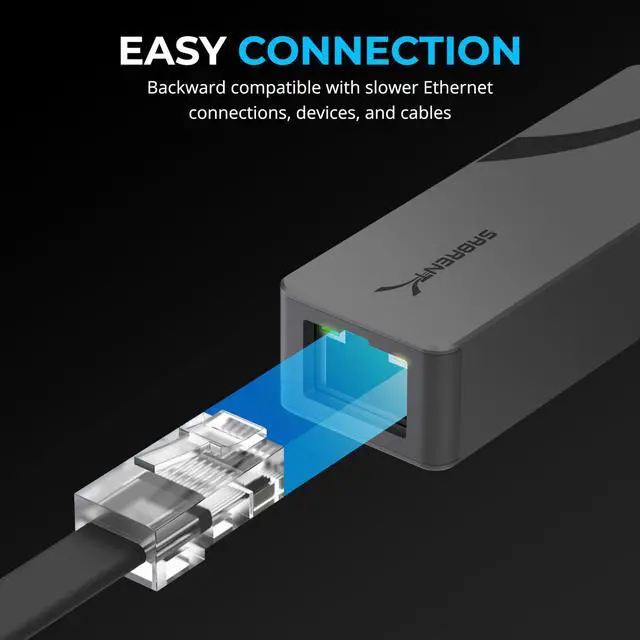
Connect your Ethernet cable, plug the integrated USB-C into your laptop or Mac, and get up to 2.5 Gigabit wired speed — no drivers on most systems and no power adapter. The compact aluminum body travels easily and stays cool during long transfers.
See the NT-25GA in Action
aplus content video
Watch how the NT-25GA adds fast, stable 2.5 Gigabit Ethernet to your laptop or Mac over a single USB-C port — plug-and-play on most systems, with a compact aluminum design that travels.
Find the Right SABRENT Network Adapter
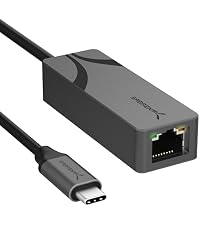 USB-C · 2.5GbE | 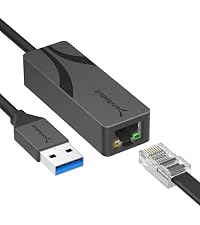 USB-A · 2.5GbE | 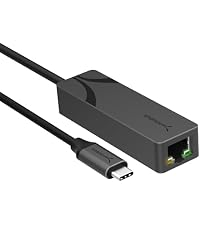 USB-C · 5GbE | 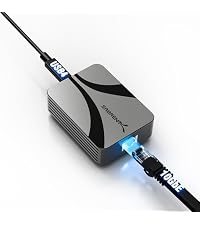 USB4/TB · 10GbE | |
|---|---|---|---|---|
Customer Reviews | — | — | — | — |
Price | — | — | — | — |
Max speed | 2.5GbE | 2.5GbE | 5GbE | 10GbE |
Connector | USB-C (USB 3.2 Gen 1) | USB-A (USB 3.0) | USB-C (USB 3.2 Gen 2) | USB-C — Thunderbolt 3-5 & USB4 |
Works with | Any USB-C data port | Any USB-A port | USB-C (Gen 2 for full 5G) | Thunderbolt/USB4 only |
Best for | MacBooks & modern laptops | Desktops & older laptops | Creators, 5G NAS | 10G NAS/servers, Mac & TB rigs |
Setup | Plug-and-play | Plug-and-play | Plug-and-play (Win/Mac) | Driver install (Win/Linux) |
Cable for full speed | CAT5e+ | CAT5e+ | CAT6a+ | CAT6a+ |
Chipset | Realtek RTL8156BG | Realtek RTL8156BG | Realtek RTL8157CG | Marvell AQC113 |
Wake-on-LAN | ? | ? | ? | ? |
Why am I not getting the full 2.5Gbps?
Every link must support 2.5G: a 2.5GbE router or switch, a CAT5e (or better) cable, and a USB 3.0 (5Gbps) or faster USB-C port. If any is slower — or your internet/NAS caps below 2.5G — the adapter auto-negotiates down.
Do I need to install drivers?
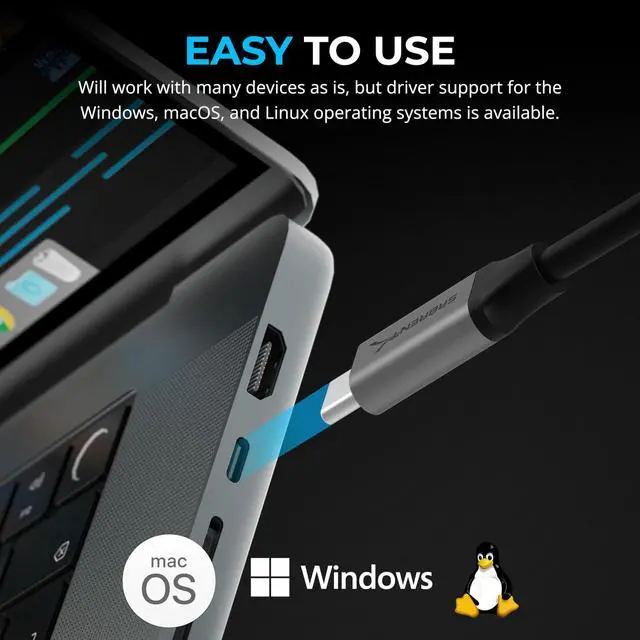
No on most systems — it's plug-and-play on Windows, macOS, ChromeOS, and Linux. If Windows connects slowly, run Windows Update for the latest Realtek driver. Newest drivers are on Sabrent.com.
Which devices and ports does it work with?
Any data-capable USB-C port on Windows, macOS, ChromeOS, or Linux laptops and desktops, plus iPad Pro (2018+). It will not work on power-only (charge-only) USB-C ports.
Does it have its own MAC address for managed networks?
Yes — it carries its own MAC address, so it works on university and office networks that require a registered MAC. It also supports Wake-on-LAN and PXE boot.
Can I prioritize or control bandwidth?
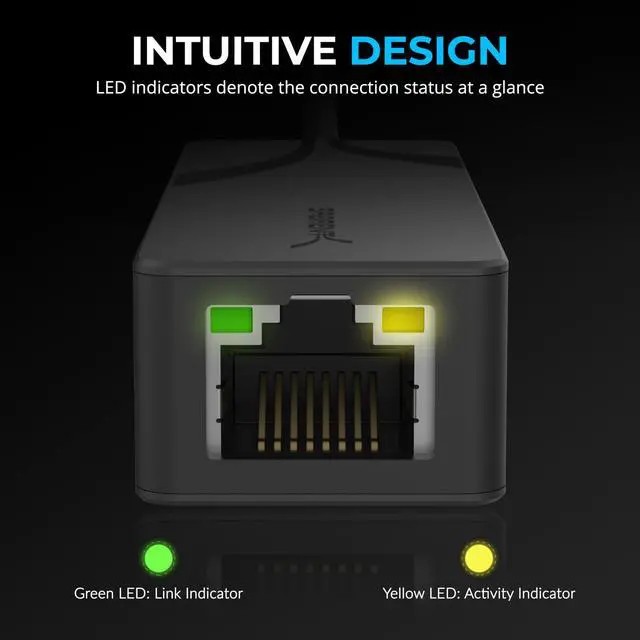
Yes — it supports Realtek Dragon software, so you can prioritize bandwidth for gaming, streaming, or work. Status LEDs show your link (green) and activity (amber).
Driver-Free Setup
Just Plug It In
Driver-free on Windows, macOS, ChromeOS & Linux. Integrated cable — just plug in.
Ready to Go
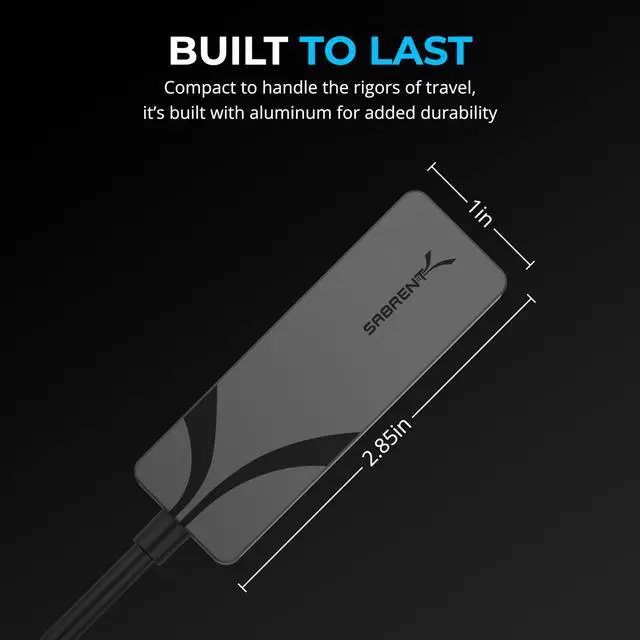
Built to Last
Adapter with integrated USB-C cable + guide. Aluminum body for cool, stable speed.


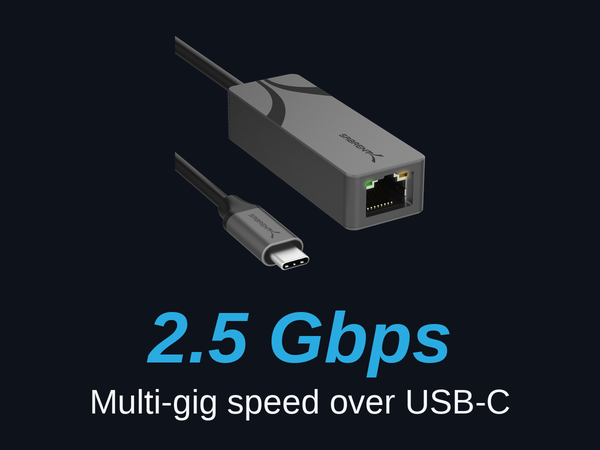
2.5 Gigabit Speed
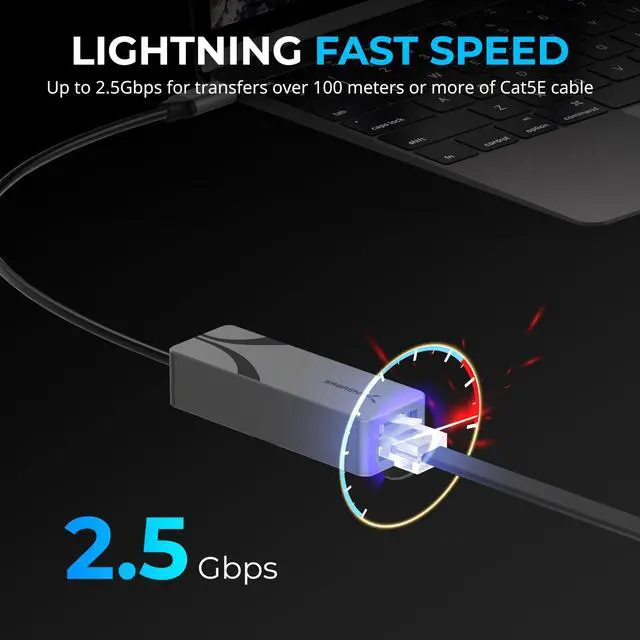
Up to 2.5Gbps on a 2.5G network — Cat5e or better, up to 100 m.
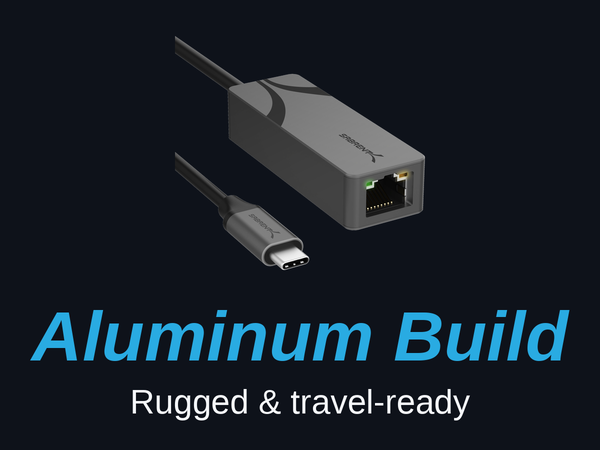
Aluminum Build
Rugged aluminum housing with an integrated USB-C cable — compact and travel-ready.
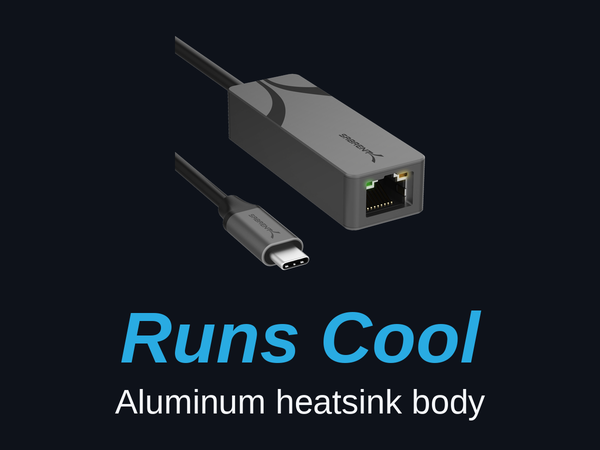
Stays Cool
The aluminum body doubles as a heatsink, shedding heat during sustained transfers.
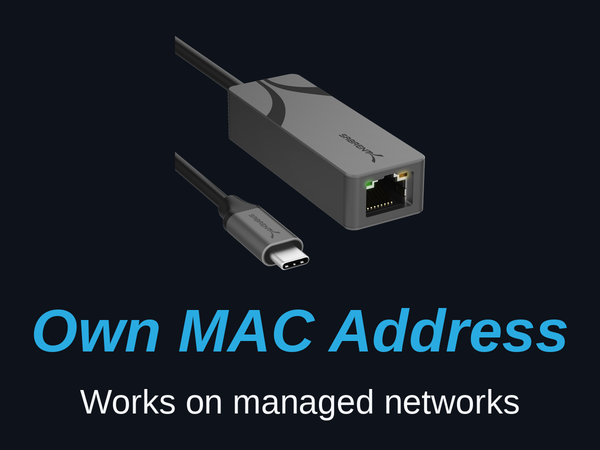
Its Own MAC Address
Connects on university and office networks that require a registered MAC address.
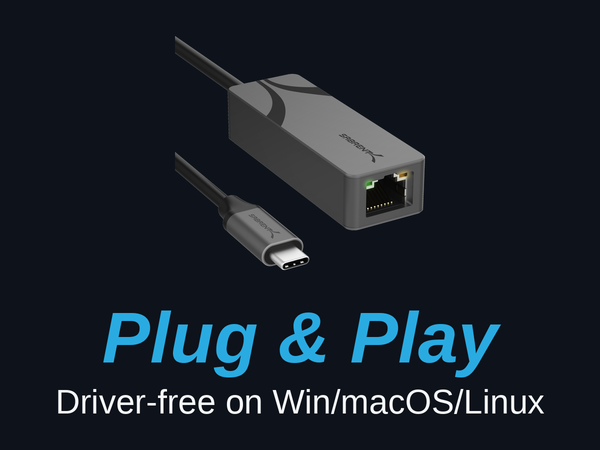
Plug-and-Play
Driver-free on Windows, macOS, ChromeOS, and Linux — just plug in.
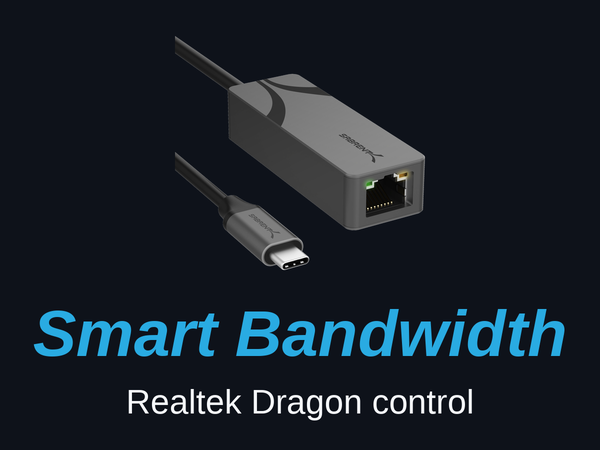
Smart Bandwidth
Realtek Dragon software prioritizes bandwidth for gaming, streaming, or work.

Plug In and Connect — Anywhere

Connect your Ethernet cable, plug the integrated USB-C into your laptop or Mac, and get up to 2.5 Gigabit wired speed — no drivers on most systems and no power adapter. The compact aluminum body travels easily and stays cool during long transfers.
See the NT-25GA in Action
aplus content video
Watch how the NT-25GA adds fast, stable 2.5 Gigabit Ethernet to your laptop or Mac over a single USB-C port — plug-and-play on most systems, with a compact aluminum design that travels.
Find the Right SABRENT Network Adapter
USB-C · 2.5GbE | USB-A · 2.5GbE | USB-C · 5GbE | USB4/TB · 10GbE |
|---|---|---|---|
| Customer Reviews | |||
| — | — | — | — |
| Price | |||
| — | — | — | — |
| Max speed | |||
| 2.5GbE | 2.5GbE | 5GbE | 10GbE |
| Connector | |||
| USB-C (USB 3.2 Gen 1) | USB-A (USB 3.0) | USB-C (USB 3.2 Gen 2) | USB-C — Thunderbolt 3-5 & USB4 |
| Works with | |||
| Any USB-C data port | Any USB-A port | USB-C (Gen 2 for full 5G) | Thunderbolt/USB4 only |
| Best for | |||
| MacBooks & modern laptops | Desktops & older laptops | Creators, 5G NAS | 10G NAS/servers, Mac & TB rigs |
| Setup | |||
| Plug-and-play | Plug-and-play | Plug-and-play (Win/Mac) | Driver install (Win/Linux) |
| Cable for full speed | |||
| CAT5e+ | CAT5e+ | CAT6a+ | CAT6a+ |
| Chipset | |||
| Realtek RTL8156BG | Realtek RTL8156BG | Realtek RTL8157CG | Marvell AQC113 |
| Wake-on-LAN | |||
| ? | ? | ? | ? |
Why am I not getting the full 2.5Gbps?
Every link must support 2.5G: a 2.5GbE router or switch, a CAT5e (or better) cable, and a USB 3.0 (5Gbps) or faster USB-C port. If any is slower — or your internet/NAS caps below 2.5G — the adapter auto-negotiates down.
Do I need to install drivers?
No on most systems — it's plug-and-play on Windows, macOS, ChromeOS, and Linux. If Windows connects slowly, run Windows Update for the latest Realtek driver. Newest drivers are on Sabrent.com.
Which devices and ports does it work with?
Any data-capable USB-C port on Windows, macOS, ChromeOS, or Linux laptops and desktops, plus iPad Pro (2018+). It will not work on power-only (charge-only) USB-C ports.
Does it have its own MAC address for managed networks?
Yes — it carries its own MAC address, so it works on university and office networks that require a registered MAC. It also supports Wake-on-LAN and PXE boot.
Can I prioritize or control bandwidth?
Yes — it supports Realtek Dragon software, so you can prioritize bandwidth for gaming, streaming, or work. Status LEDs show your link (green) and activity (amber).