






Does this adapter need a driver? How do I set it up?
macOS is plug-and-play — no driver needed. Windows 10+ and Linux 3.10+ require the AQC113 driver, available at sabrent.com. Install the driver first, then connect the adapter. Allow 15–30 seconds to initialize.
What do I need to get full 10Gbps speeds?
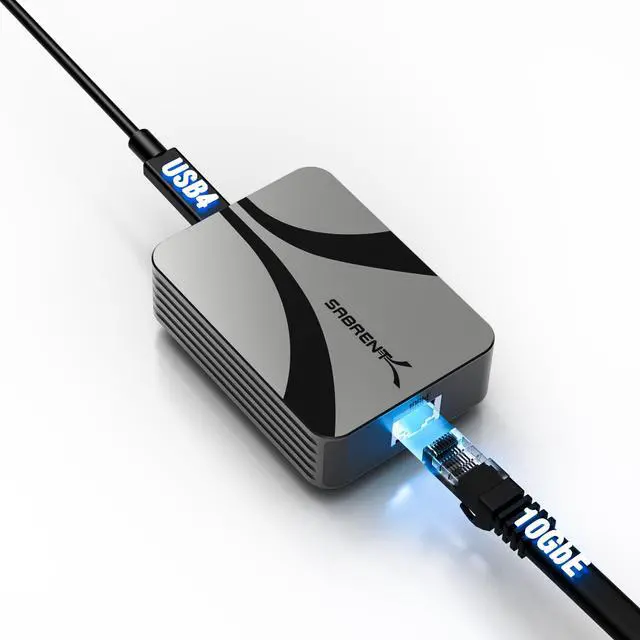
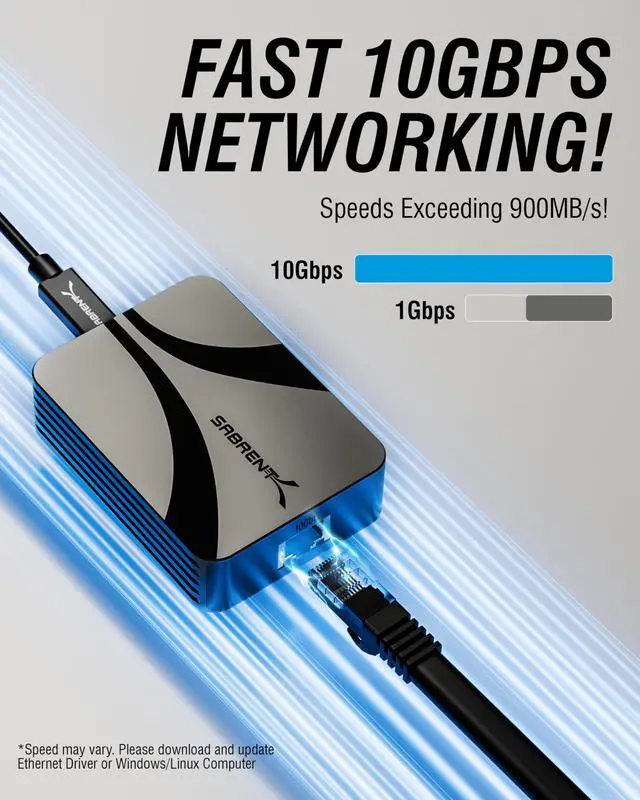
Three things: a USB4 or Thunderbolt 3/4/5 port on your computer, a 10GbE capable switch, router, or NAS, and a CAT6a or better Ethernet cable. Without 10GbE networking hardware, the adapter connects at your network's max speed.
The adapter isn't being detected on Windows — what should I do?
Install the AQC113 driver from our website before connecting. Then disable Energy-Efficient Ethernet in Device Manager under the adapter's Advanced tab. This resolves most Windows detection and reliability issues.
Does it support slower Ethernet speeds like 1GbE or 2.5GbE?
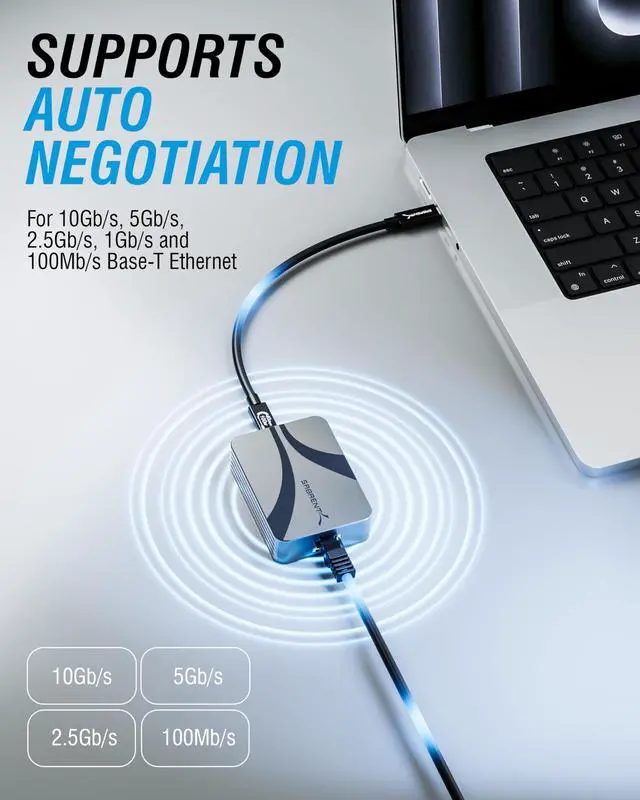
Yes — auto-negotiates to 5GbE, 2.5GbE, 1GbE, or 100Mbps depending on your network. The left LED glows amber when connected below 10GbE so you always know your active link speed.
What devices is this compatible with?
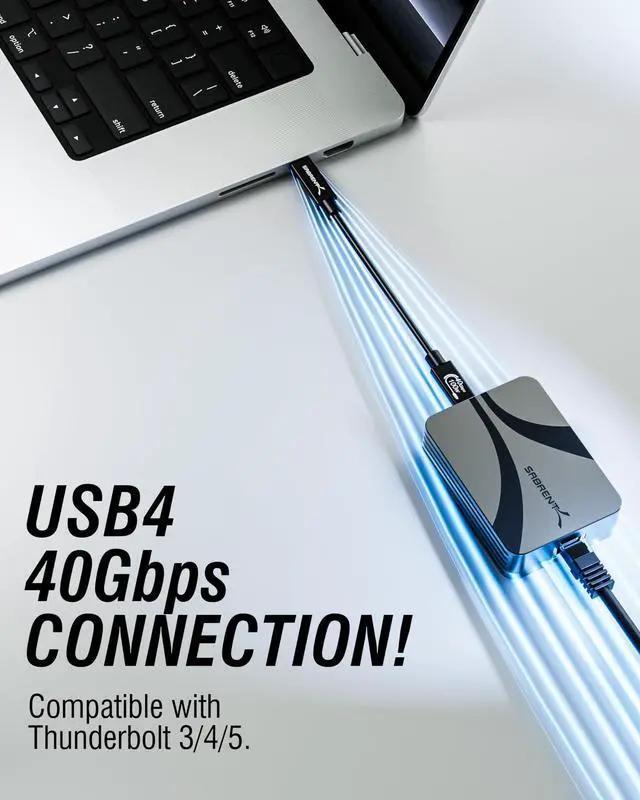
Works with any USB4 or Thunderbolt 3/4/5 device running Windows 10+, macOS 10.12+, or Linux 3.10+. Not compatible with standard USB 3.x ports. Supports desktops, laptops, NAS enclosures, and gaming systems with a compatible USB-C port.


Does this adapter need a driver? How do I set it up?
macOS is plug-and-play — no driver needed. Windows 10+ and Linux 3.10+ require the AQC113 driver, available at sabrent.com. Install the driver first, then connect the adapter. Allow 15–30 seconds to initialize.
What do I need to get full 10Gbps speeds?
Three things: a USB4 or Thunderbolt 3/4/5 port on your computer, a 10GbE capable switch, router, or NAS, and a CAT6a or better Ethernet cable. Without 10GbE networking hardware, the adapter connects at your network's max speed.
The adapter isn't being detected on Windows — what should I do?
Install the AQC113 driver from our website before connecting. Then disable Energy-Efficient Ethernet in Device Manager under the adapter's Advanced tab. This resolves most Windows detection and reliability issues.
Does it support slower Ethernet speeds like 1GbE or 2.5GbE?
Yes — auto-negotiates to 5GbE, 2.5GbE, 1GbE, or 100Mbps depending on your network. The left LED glows amber when connected below 10GbE so you always know your active link speed.
What devices is this compatible with?
Works with any USB4 or Thunderbolt 3/4/5 device running Windows 10+, macOS 10.12+, or Linux 3.10+. Not compatible with standard USB 3.x ports. Supports desktops, laptops, NAS enclosures, and gaming systems with a compatible USB-C port.