




 here!
here!
I’m your shopping assistant for PC builds, upgrades, and everything tech.
Got questions? Ask away!
Start a conversation
here!
I’m your shopping assistant for PC builds, upgrades, and everything tech.
Got questions? Ask away!
Start a conversation



Any questions? Ask CelesteSM will help you find out quickly.

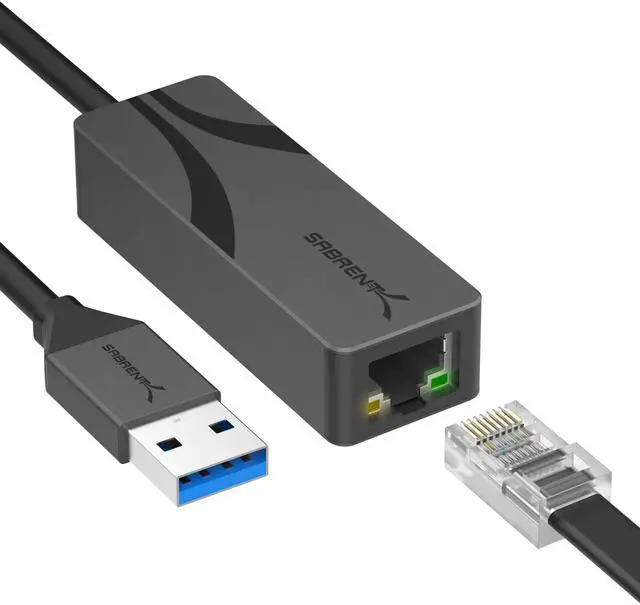
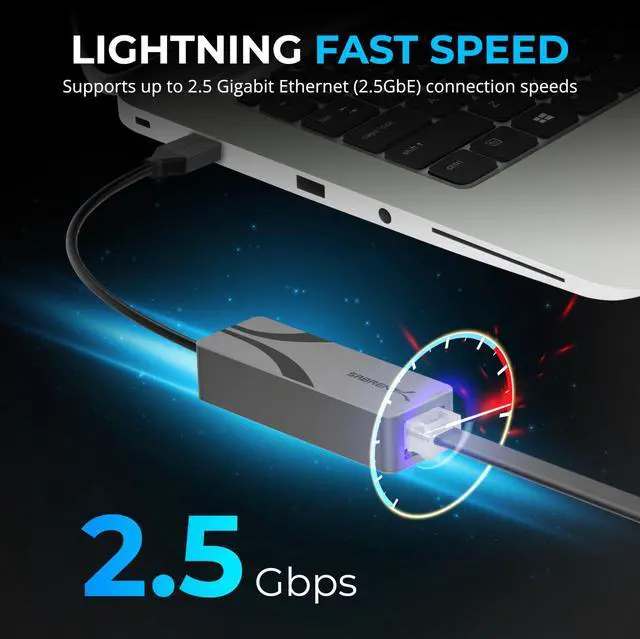
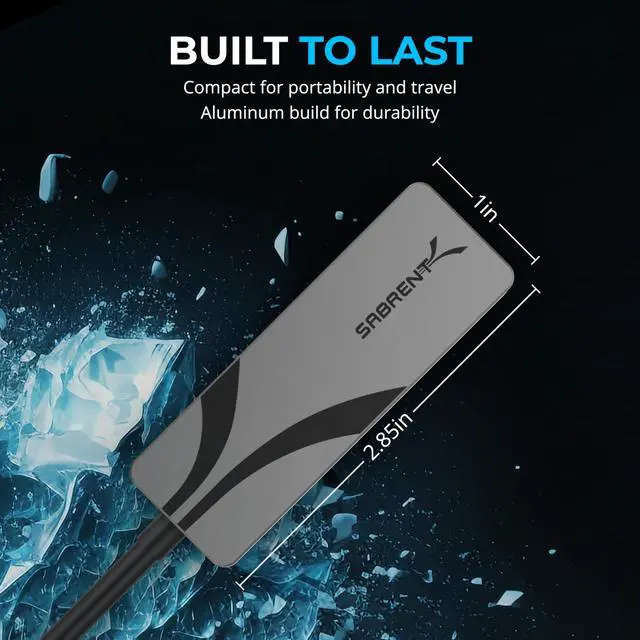
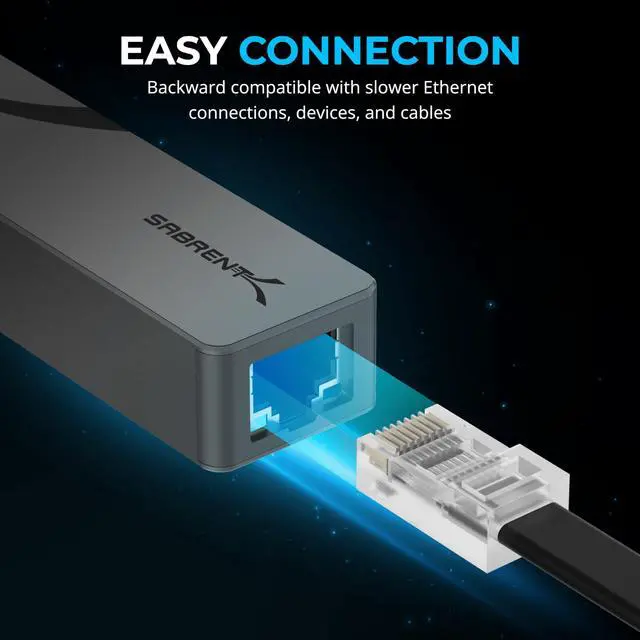
Bypass unreliable Wi-Fi with a stable and fast 2.5Gbps wired connection for smoother online experiences. Enhance your access to servers, media libraries, and cloud platforms, especially when transferring large files. Backwards compatible with 10/100/1000Mbps networks and USB 2.0 ports, this adapter is a flexible upgrade for any setup.
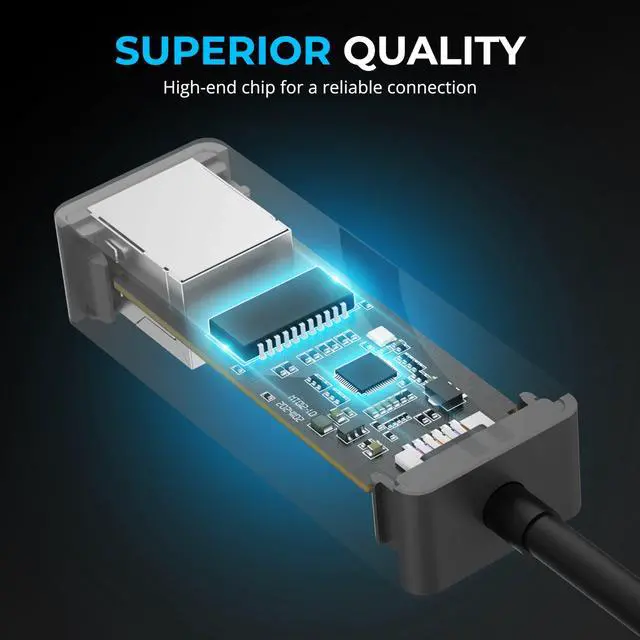
Powered by the reliable RTL8156BG chipset, it delivers consistent performance across a wide range of environments. Durable aluminum housing provides superior heat dissipation, making it ideal for prolonged transfers and mobile use. With support for 2.5Gbps speeds over 100 meters (with CAT 5e or better cabling), this adapter enables high-throughput networking without compromise.
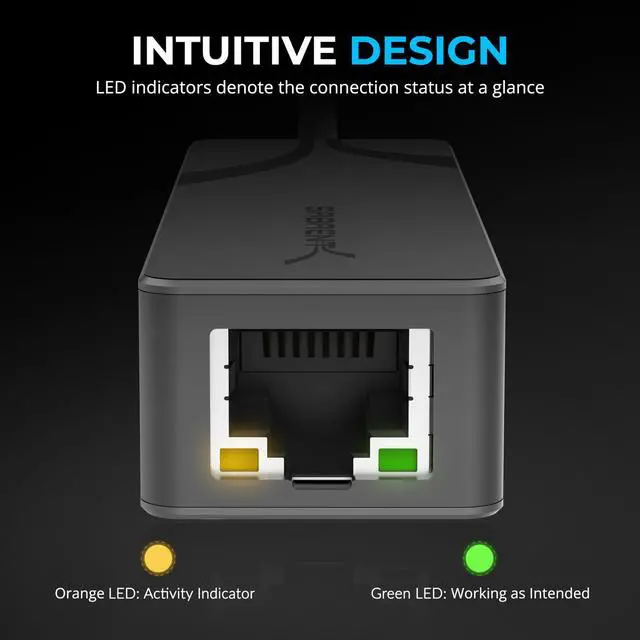
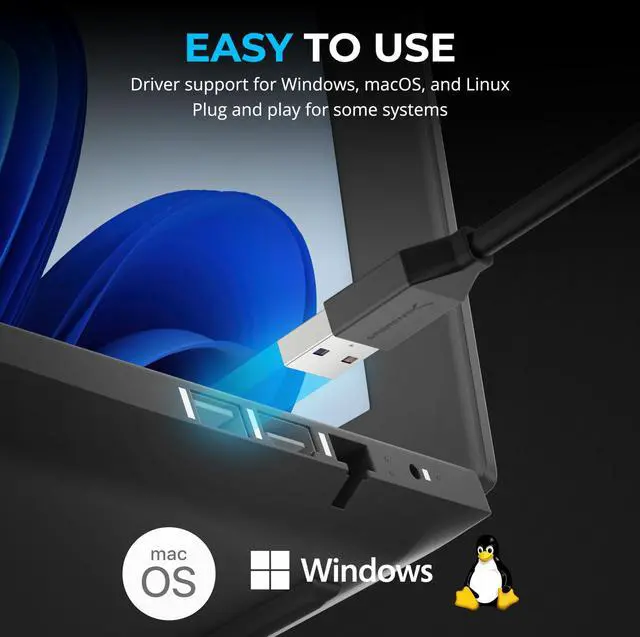
Bus-powered and plug-and-play, it’s easy to use—just connect and go. Status LEDs provide instant feedback for link and activity. Compatible with a wide range of platforms, including Windows 11/10/8.1/8/7, macOS 10.9+, Linux 3.2+, and Chrome OS. No drivers needed for most systems.
This adapter is ideal for desktops, laptops, servers, docking stations, and NAS. Whether you’re streaming, gaming, video conferencing, or working remotely, it ensures a reliable connection every time.
Backed by SABRENT’s commitment to quality, this USB-A to 2.5GbE adapter is your trusted solution for faster, more stable, and future-ready wired connectivity.

Experience up to 2.5Gbps Ethernet with stable, plug-and-play connectivity for laptops, desktops, and servers.

Instantly upgrade your wired networking with native OS support and no drivers required.
See how the SABRENT USB 3.0 to 2.5GbE adapter improves your workflow and upgrades legacy systems with ease.
 USB-A · 2.5GbE | 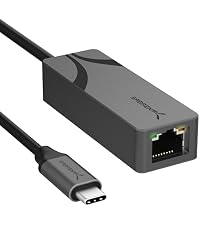 USB-C · 2.5GbE | 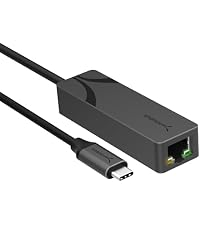 USB-C · 5GbE | 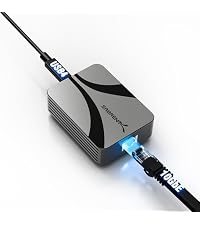 USB4/TB · 10GbE | |
|---|---|---|---|---|
Customer Reviews | — | — | — | — |
Price | — | — | — | — |
Max speed | 2.5GbE | 2.5GbE | 5GbE | 10GbE |
Connector | USB-A (USB 3.0) | USB-C (USB 3.2 Gen 1) | USB-C (USB 3.2 Gen 2) | USB-C — Thunderbolt 3-5 & USB4 |
Works with | Any USB-A port | Any USB-C data port | USB-C (Gen 2 for full 5G) | Thunderbolt/USB4 only |
Best for | Desktops & older laptops | MacBooks & modern laptops | Creators, 5G NAS | 10G NAS/servers, Mac & TB rigs |
Setup | Plug-and-play | Plug-and-play | Plug-and-play (Win/Mac) | Driver install (Win/Linux) |
Cable for full speed | CAT5e+ | CAT5e+ | CAT6a+ | CAT6a+ |
Chipset | Realtek RTL8156BG | Realtek RTL8156BG | Realtek RTL8157CG | Marvell AQC113 |
Wake-on-LAN | ? | ? | ? | ? |
Is this adapter compatible with my USB-C-only laptop?
This is the USB-A version — it plugs into a standard USB-A (USB 3.0) port. If your laptop only has USB-C, choose the SABRENT NT-25GA (USB-C to 2.5GbE) instead.
Why am I only getting 1Gbps, or it won't connect at 2.5G?
Make sure it's in a USB 3.0 (usually blue) Type-A port — a USB 2.0 port caps it near 1Gbps. You also need a 2.5G router/switch and a CAT5e (or better) cable; it auto-negotiates down if any link is slower.
Does it need drivers, and does it work on Linux?
Plug-and-play on Windows and macOS. If Windows is slow, run Windows Update for the latest Realtek driver. On Linux, use a recent Realtek r8152/r8156 kernel driver (newer kernels include it) for stable 2.5G.
What cable do I need for 2.5Gbps speeds?
Use CAT5e or better for the full 2.5Gbps at up to 100 m. Older or damaged cabling can force a slower link, so CAT6 is a safe choice for longer runs.
Will it work with a docking station or USB hub?
Yes, on a USB 3.0 hub or docking station. For the full 2.5Gbps the hub/dock must provide a 5Gbps (USB 3.0) data port — a USB 2.0 hub will limit speed.

Bypass unreliable Wi-Fi with a stable and fast 2.5Gbps wired connection for smoother online experiences. Enhance your access to servers, media libraries, and cloud platforms, especially when transferring large files. Backwards compatible with 10/100/1000Mbps networks and USB 2.0 ports, this adapter is a flexible upgrade for any setup.
Powered by the reliable RTL8156BG chipset, it delivers consistent performance across a wide range of environments. Durable aluminum housing provides superior heat dissipation, making it ideal for prolonged transfers and mobile use. With support for 2.5Gbps speeds over 100 meters (with CAT 5e or better cabling), this adapter enables high-throughput networking without compromise.
Bus-powered and plug-and-play, it’s easy to use—just connect and go. Status LEDs provide instant feedback for link and activity. Compatible with a wide range of platforms, including Windows 11/10/8.1/8/7, macOS 10.9+, Linux 3.2+, and Chrome OS. No drivers needed for most systems.
This adapter is ideal for desktops, laptops, servers, docking stations, and NAS. Whether you’re streaming, gaming, video conferencing, or working remotely, it ensures a reliable connection every time.
Backed by SABRENT’s commitment to quality, this USB-A to 2.5GbE adapter is your trusted solution for faster, more stable, and future-ready wired connectivity.

Experience up to 2.5Gbps Ethernet with stable, plug-and-play connectivity for laptops, desktops, and servers.

Instantly upgrade your wired networking with native OS support and no drivers required.
See how the SABRENT USB 3.0 to 2.5GbE adapter improves your workflow and upgrades legacy systems with ease.
USB-A · 2.5GbE | USB-C · 2.5GbE | USB-C · 5GbE | USB4/TB · 10GbE |
|---|---|---|---|
| Customer Reviews | |||
| — | — | — | — |
| Price | |||
| — | — | — | — |
| Max speed | |||
| 2.5GbE | 2.5GbE | 5GbE | 10GbE |
| Connector | |||
| USB-A (USB 3.0) | USB-C (USB 3.2 Gen 1) | USB-C (USB 3.2 Gen 2) | USB-C — Thunderbolt 3-5 & USB4 |
| Works with | |||
| Any USB-A port | Any USB-C data port | USB-C (Gen 2 for full 5G) | Thunderbolt/USB4 only |
| Best for | |||
| Desktops & older laptops | MacBooks & modern laptops | Creators, 5G NAS | 10G NAS/servers, Mac & TB rigs |
| Setup | |||
| Plug-and-play | Plug-and-play | Plug-and-play (Win/Mac) | Driver install (Win/Linux) |
| Cable for full speed | |||
| CAT5e+ | CAT5e+ | CAT6a+ | CAT6a+ |
| Chipset | |||
| Realtek RTL8156BG | Realtek RTL8156BG | Realtek RTL8157CG | Marvell AQC113 |
| Wake-on-LAN | |||
| ? | ? | ? | ? |
Is this adapter compatible with my USB-C-only laptop?
This is the USB-A version — it plugs into a standard USB-A (USB 3.0) port. If your laptop only has USB-C, choose the SABRENT NT-25GA (USB-C to 2.5GbE) instead.
Why am I only getting 1Gbps, or it won't connect at 2.5G?
Make sure it's in a USB 3.0 (usually blue) Type-A port — a USB 2.0 port caps it near 1Gbps. You also need a 2.5G router/switch and a CAT5e (or better) cable; it auto-negotiates down if any link is slower.
Does it need drivers, and does it work on Linux?
Plug-and-play on Windows and macOS. If Windows is slow, run Windows Update for the latest Realtek driver. On Linux, use a recent Realtek r8152/r8156 kernel driver (newer kernels include it) for stable 2.5G.
What cable do I need for 2.5Gbps speeds?
Use CAT5e or better for the full 2.5Gbps at up to 100 m. Older or damaged cabling can force a slower link, so CAT6 is a safe choice for longer runs.
Will it work with a docking station or USB hub?
Yes, on a USB 3.0 hub or docking station. For the full 2.5Gbps the hub/dock must provide a 5Gbps (USB 3.0) data port — a USB 2.0 hub will limit speed.
| Brand | SABRENT |
| Hardware Interface | USB 3.0, USB 3.0 Type A, USB 3.2 Gen 1 |
| Color | black |
| Compatible Devices | Desktop, Laptop |
| Product Dimensions | 2.87"L x 0.98"W x 0.65"H |
| Data Link Protocol | Ethernet, Fast Ethernet, Gigabit Ethernet |
| Data Transfer Rate | 2.5 Gigabits Per Second |
| Item Weight | 1.4 Ounces |
| Unit Count | 1.0 Count |
| UPC | 840025274716 |
| Compatible Operating System Family | Android |
| Minimum Required Operating System Version | Android 12L, ChromeOS 137, Mac OS 12 Monterey, Ubuntu 22.04 Jammy Jellyfish, Windows 11 |
| Item Dimensions L x W x H | 2.87"L x 0.98"W x 0.65"H |
| Global Trade Identification Number | 00840025274716 |
| Manufacturer | SABRENT |
| Mfr Part Number | NT-UA25 |
| Model Number | NT-UA25 |
| Warranty Description | 1 year limited. 2 years with rgistration. |
| Built-In Media | Adapter, User manual |


