
Your Browsing History







Any questions? Our AI beta will help you find out quickly.
Product Description:
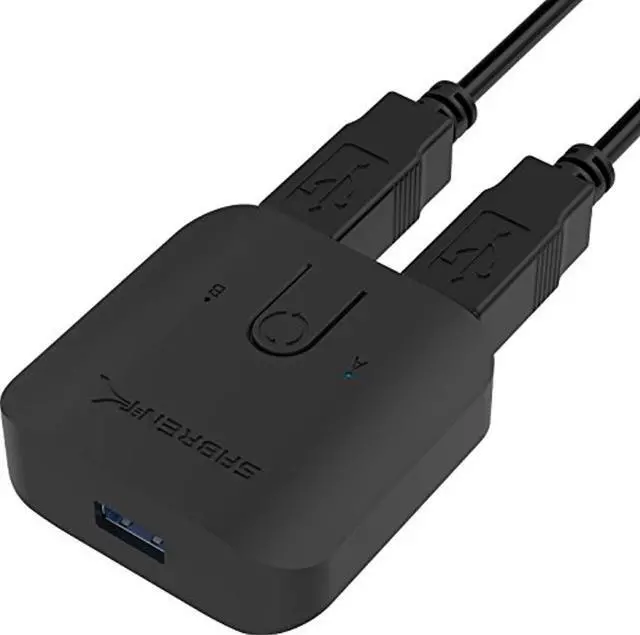
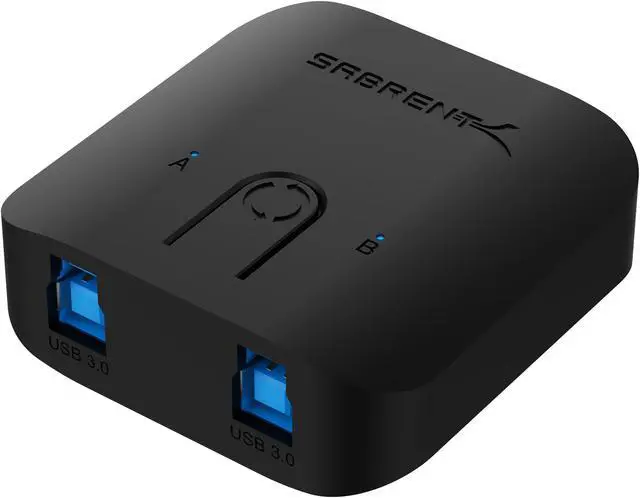
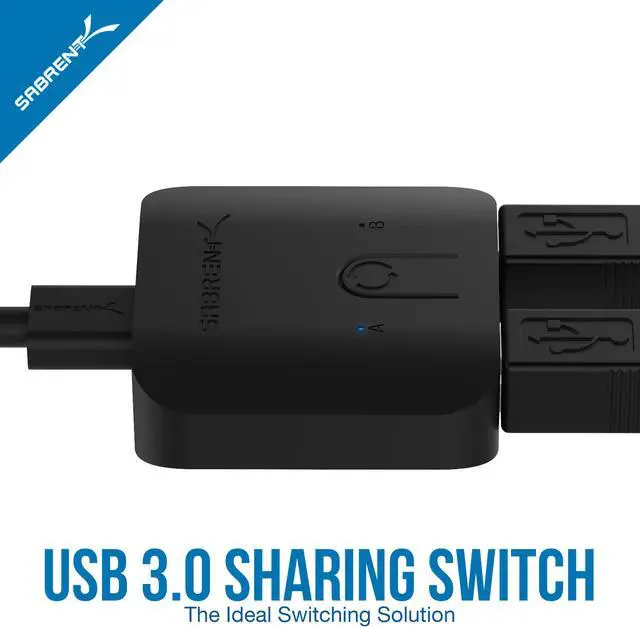
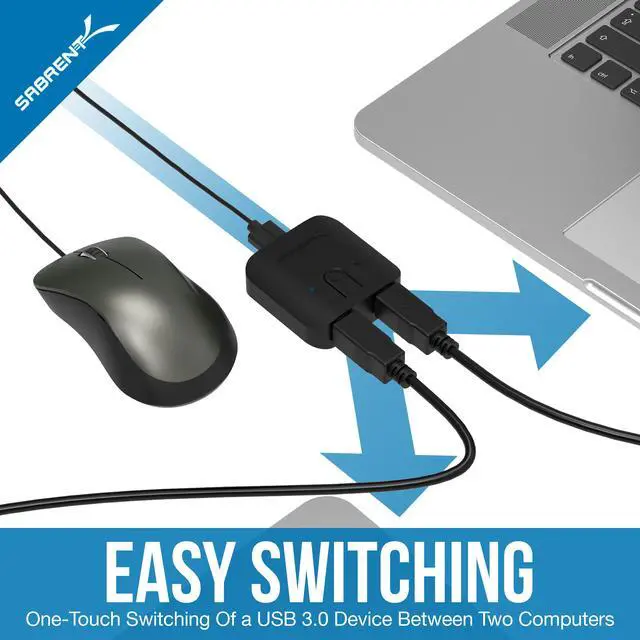
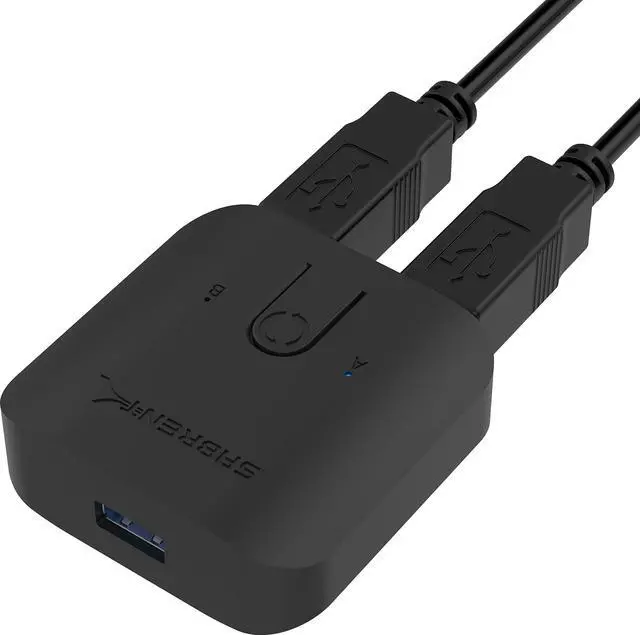
This USB 3.0 sharing switch gives you the ability to operate two computers with a click of a button.
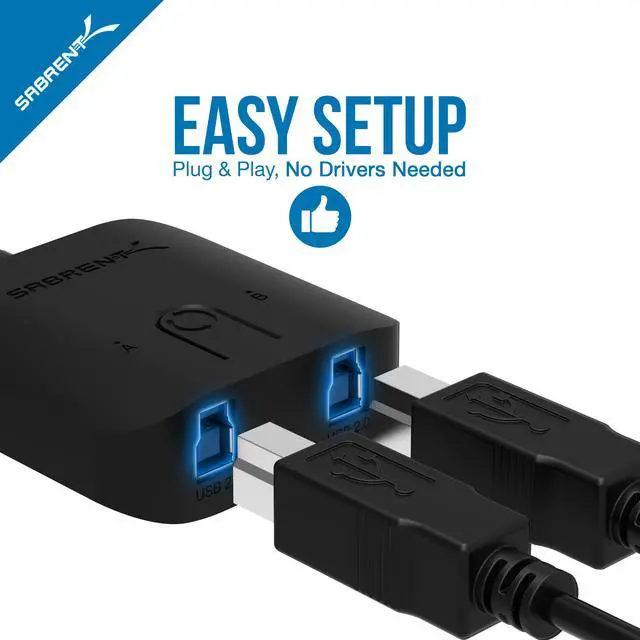
Featuring Plug & Play compatibility no additional drivers are needed to start using this device.
We know in this day and age operating two computers simultaneously without having to use separate devices is needed.
Saving you precious time this device and technology in one can help keep your workspace clean and organized.
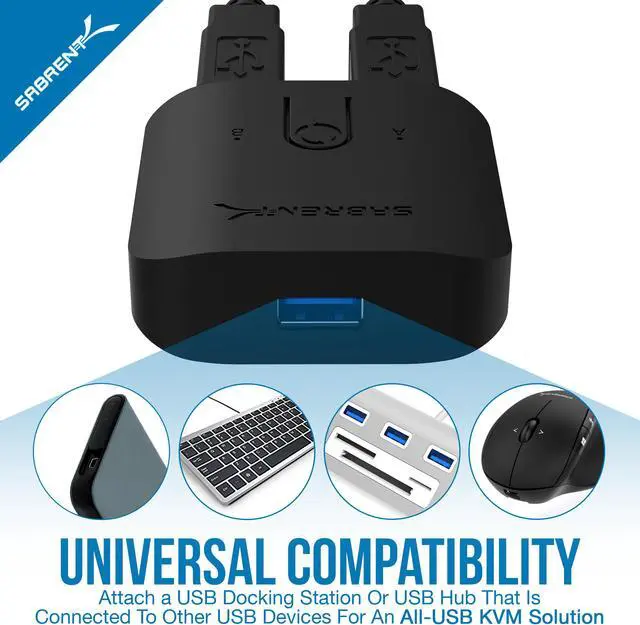
This allows sharing a single device between two computers or even connecting a USB hub for sharing multiple devices between two computers.
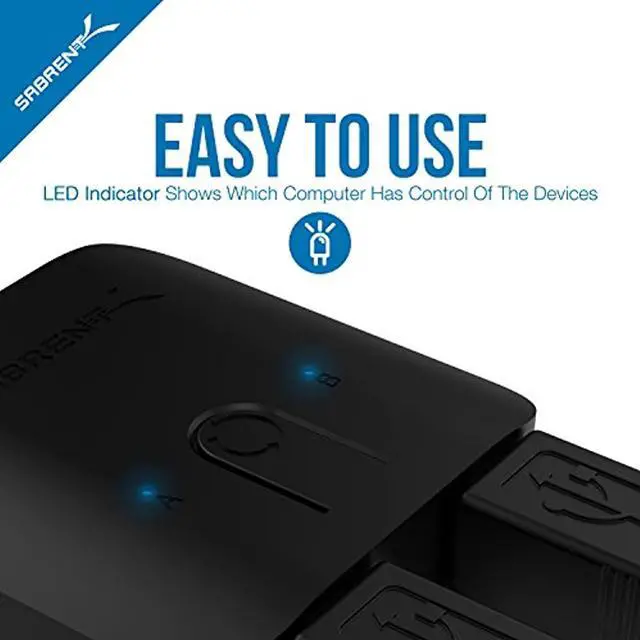
Powered Blue LED’s show you exactly which computer you are connected to for easy distinction.
Access data on two separate computers through the same USB shared port.
System requirements:
• Available USB 3.0 Port
• Two Computer Systems For Swapping
• Available USB 3.0 Port
• USB 2.0 Peripheral Such as Keyboard, Mouse, USB Graphics Adapter Operating System - Wind
• Windows 11
• Windows 10
• Windows 8.1/8
• Windows 7
• Windows Vista
• Windows XP
• Windows 2000
• Linux 2.4 or Above
• Mac OS 8.6 or Above

