

Your Browsing History


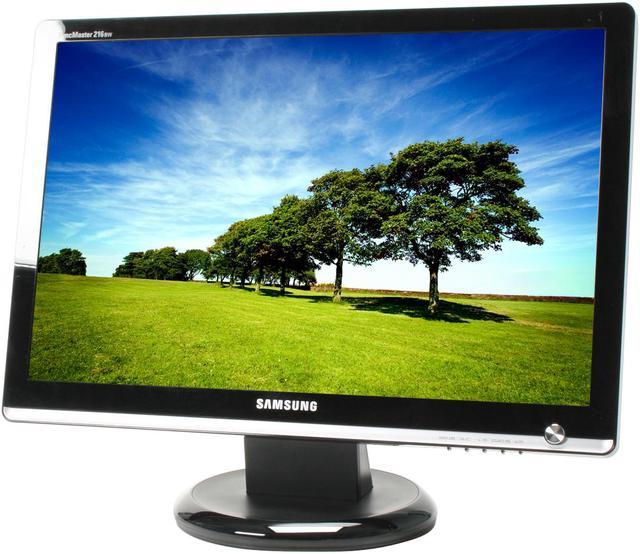
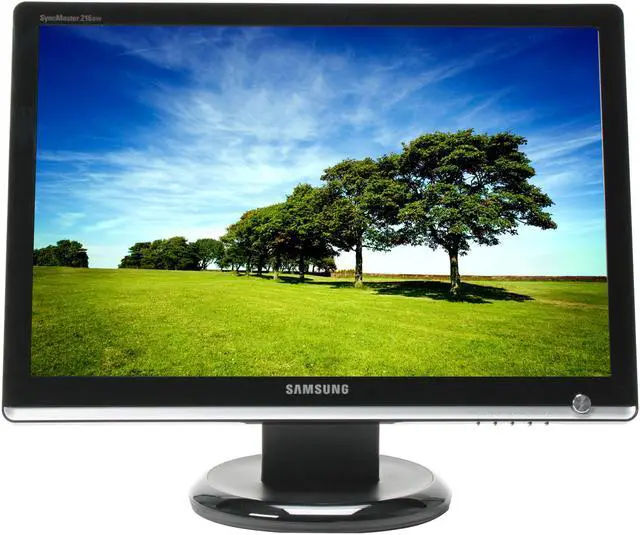
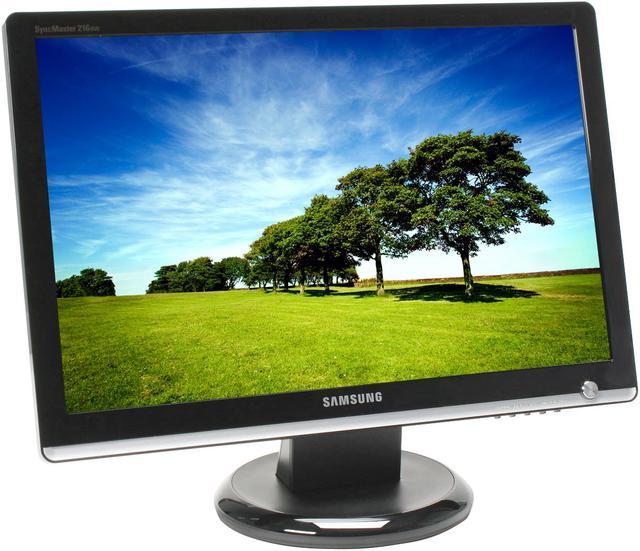
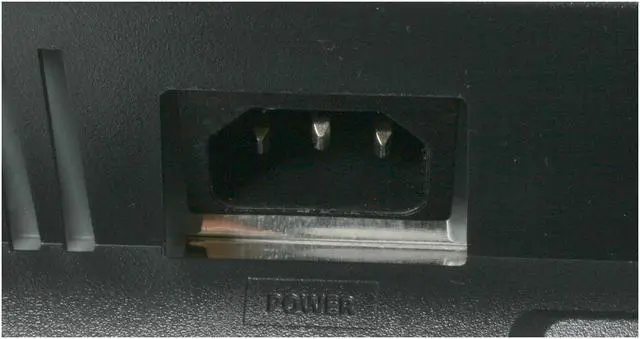
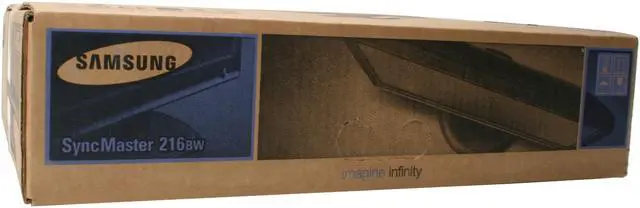


SAMSUNG 21.6" WSXGA+ LCD Monitor 5 ms D-Sub, DVI-D 216BW
- 21.6"
- WSXGA+
- DC 3000:1(1000:1)
- 16.7 Million
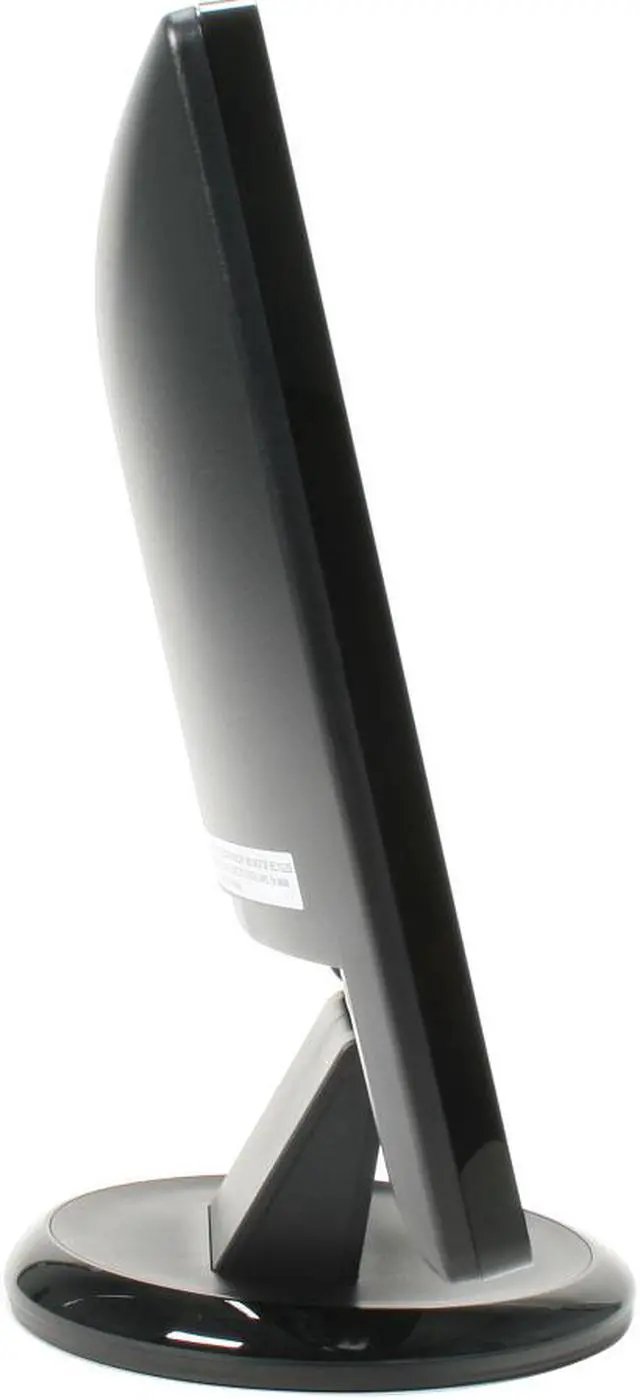
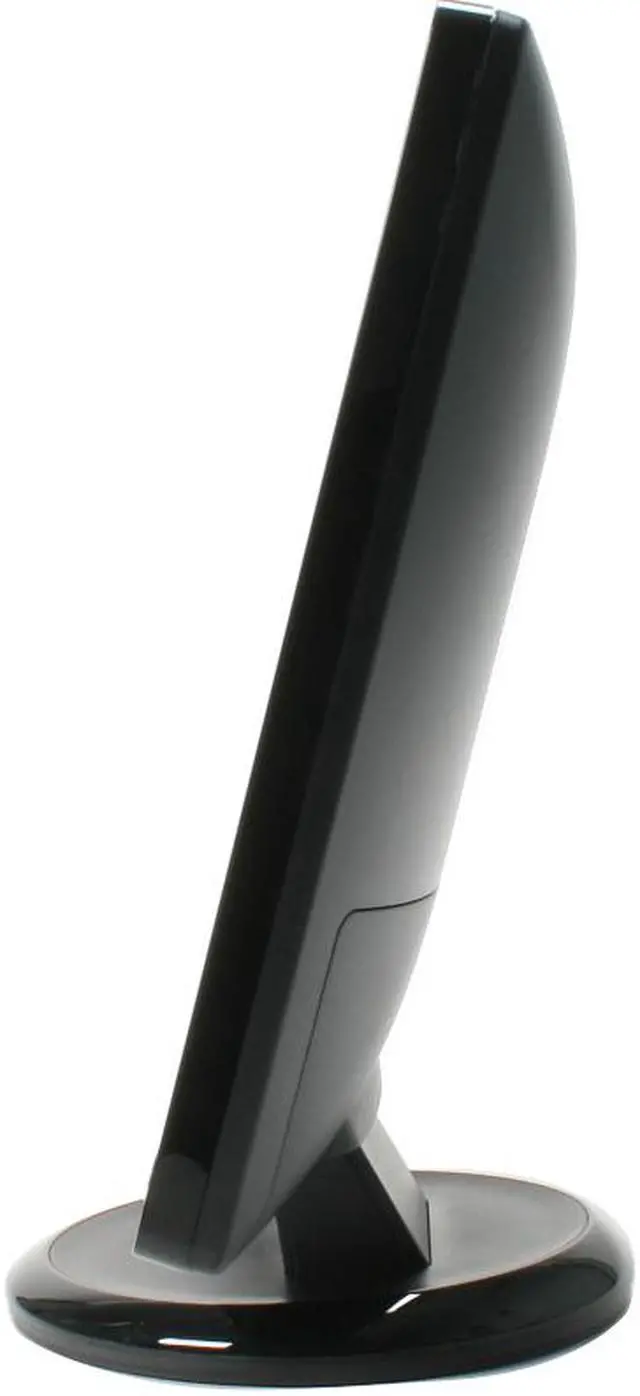
- Swivel & Tilt
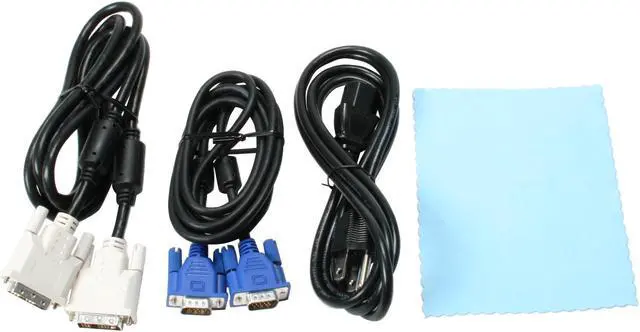
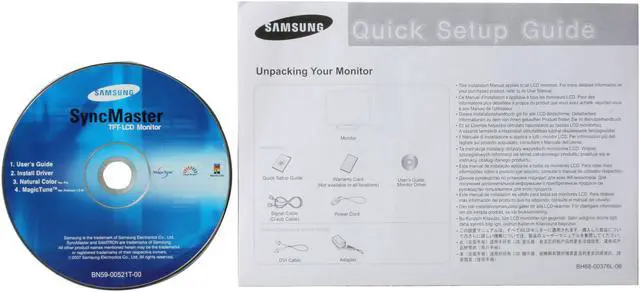
- 216BW LCD Monitor User Manual VGA Cable DVI Cable Power Cable Support Disk
Overview
Specs
Reviews (230)
See all Q & A 
Any questions? Our AI mode will help you find out quickly.
Try me now
Look, your computer, no matter how wonderful, is no use without the right monitor. This Samsung 216BW 21.6" widescreen LCD display could just be it. A 1680-1050 resolution, 1000:1 contrasts and 16.7 million colors will show you every detail in startling color and clarity. Samsung's MagicColor and MagicBright technology gild the lily, giving you a viewing experience like no other.
The 170°(H)and 160°(V) degree viewing angles will keep the shadow off the screen so groups can work together without complicated and uncomfortable seating arrangements. The 5ms response time will keep your timing perfect during high demand games. In other words, it's an unbeatable deal!
The 170°(H)and 160°(V) degree viewing angles will keep the shadow off the screen so groups can work together without complicated and uncomfortable seating arrangements. The 5ms response time will keep your timing perfect during high demand games. In other words, it's an unbeatable deal!
 21.6" Widescreen and Fast Response TimeFeaturing a maximum 1680x1050 resolution widescreen (16:10) display, the 21.6" SAMSUNG 216BW offers a more natural viewing experience with a super-fast 5ms response time, helping to reduce blurring and significantly increases productivity by allowing multiple windows to be displayed simultaneously.
 High Contrast Ratio and BrightnessThe SAMSUNG 216BW's impressive 1000:1 contrast ratio and 300cd/m2 brightness ensure accurate color reproduction and sharp images even when displaying darker scenes and images for even more breathtaking games and full-motion video!
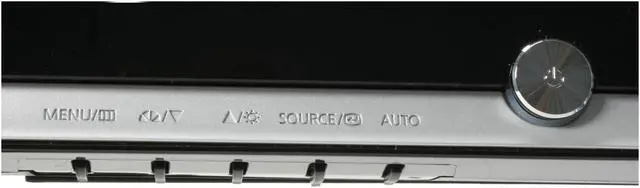
 SAMSUNG MagicBright 3The powerful MagicBright 3 provides an optimized viewing environment based on the images being displayed with 7 viewing modes: Text, Internet, Game, Sport, Movie, Dynamic Contrast and Customized. With the pre-configured Brightness, Gamma and Contrast in each mode, viewing modes can be selected simply for the best experience.
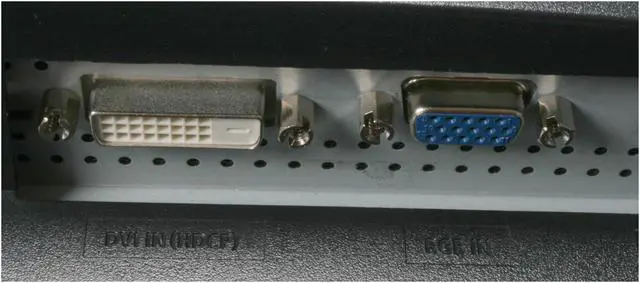
 DVI with HDCP SupportThe SAMSUNG 216BW features a DVI interface with HDCP support to unlock ultra-high resolution and superb-quality protected content.
 Windows Vista CertifiedThe SAMSUNG 216BW display has passed the Windows Hardware Quality Labs testing for guaranteed compatibility with Windows Vista Premium standards. Maximize your Windows Vista view with the impressive SAMSUNG 216BW display!
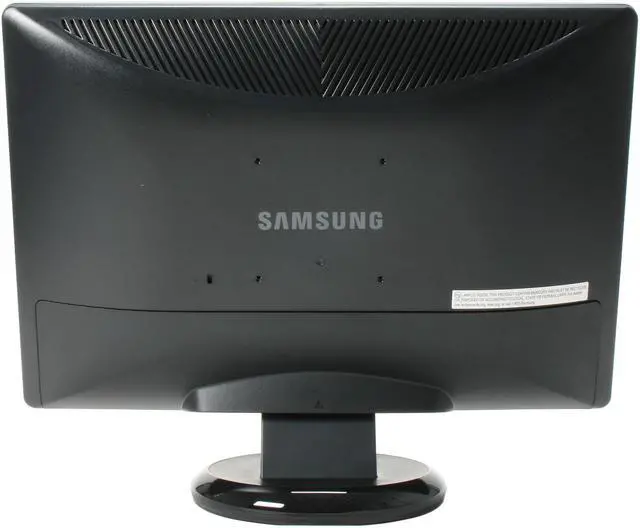
 Mounting VersatilityThe SAMSUNG 216BW is designed to fit any environment whether on your desk, on the wall or to any position with the arm mount.
 21.6" Widescreen and Fast Response TimeFeaturing a maximum 1680x1050 resolution widescreen (16:10) display, the 21.6" SAMSUNG 216BW offers a more natural viewing experience with a super-fast 5ms response time, helping to reduce blurring and significantly increases productivity by allowing multiple windows to be displayed simultaneously.
 High Contrast Ratio and BrightnessThe SAMSUNG 216BW's impressive 1000:1 contrast ratio and 300cd/m2 brightness ensure accurate color reproduction and sharp images even when displaying darker scenes and images for even more breathtaking games and full-motion video!
 SAMSUNG MagicBright 3The powerful MagicBright 3 provides an optimized viewing environment based on the images being displayed with 7 viewing modes: Text, Internet, Game, Sport, Movie, Dynamic Contrast and Customized. With the pre-configured Brightness, Gamma and Contrast in each mode, viewing modes can be selected simply for the best experience.
 DVI with HDCP SupportThe SAMSUNG 216BW features a DVI interface with HDCP support to unlock ultra-high resolution and superb-quality protected content.
 Windows Vista CertifiedThe SAMSUNG 216BW display has passed the Windows Hardware Quality Labs testing for guaranteed compatibility with Windows Vista Premium standards. Maximize your Windows Vista view with the impressive SAMSUNG 216BW display!
 Mounting VersatilityThe SAMSUNG 216BW is designed to fit any environment whether on your desk, on the wall or to any position with the arm mount.
Warranty & Returns
Warranty, Returns, And Additional Information
Warranty
- Limited Warranty period (parts): 3 years
- Limited Warranty period (labor): 3 years
- Read full details
Return Policies
- Return for refund within: 15 days
- Return for replacement within: 15 days
- This item is covered by Newegg.com's 15-Day Return Policy.
- Read full return policy for details.
Manufacturer Contact Info
- Manufacturer Product Page
- Manufacturer Website
- Support Phone: 800-726-7864
- Support Website
- View other products from SAMSUNG
LOADING...
LOADING...