Are you an E-Blast Insider?
Make informed decisions with expert advice. Learn More

Shop without retyping payment details. Secure shopping made faster.
Check out with PayPal.


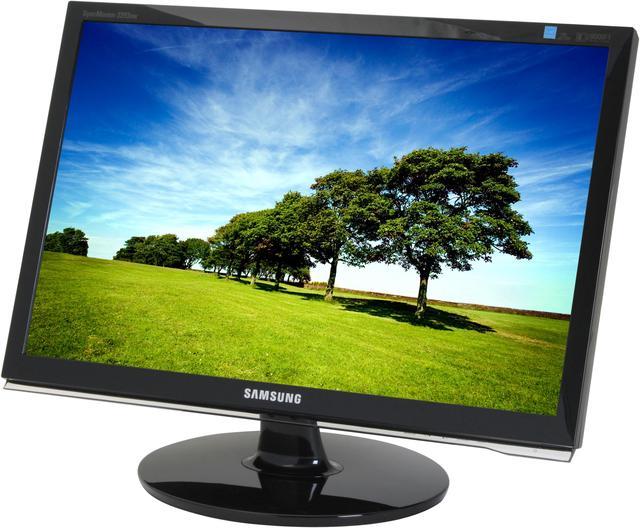
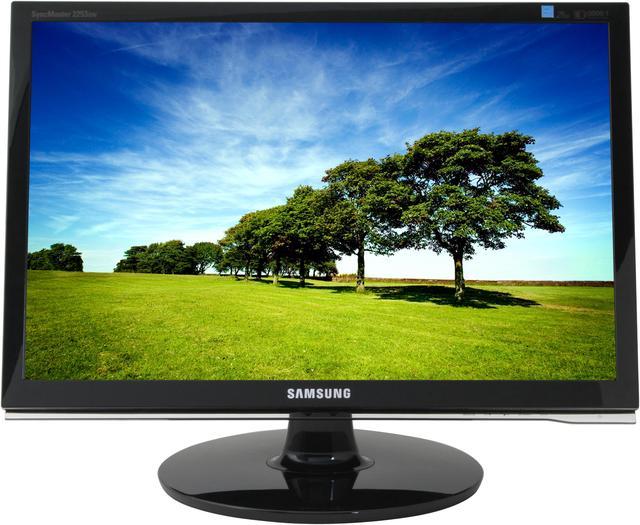
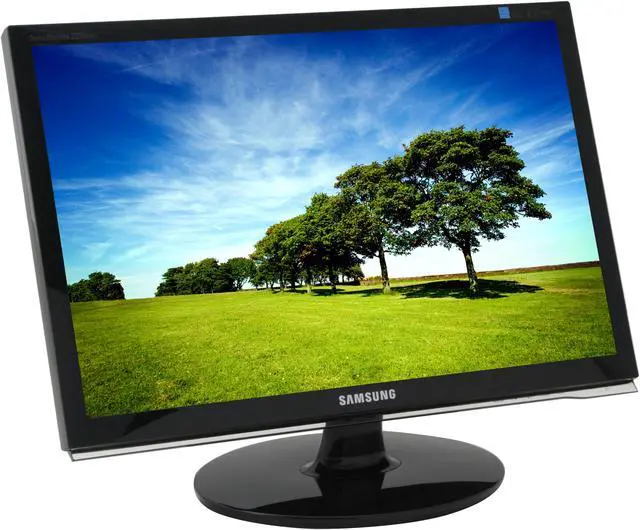
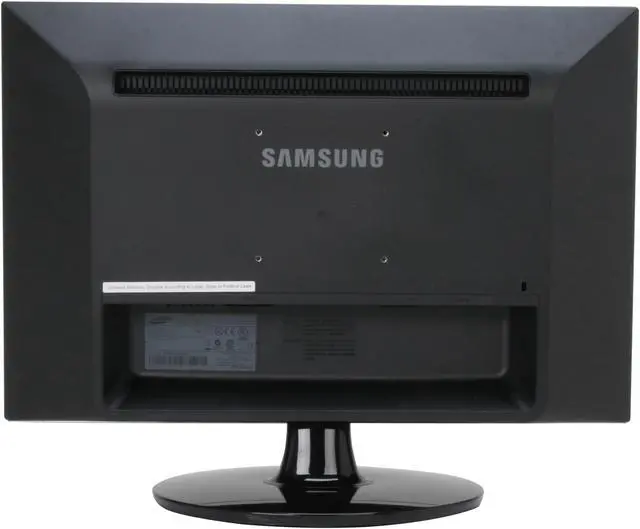
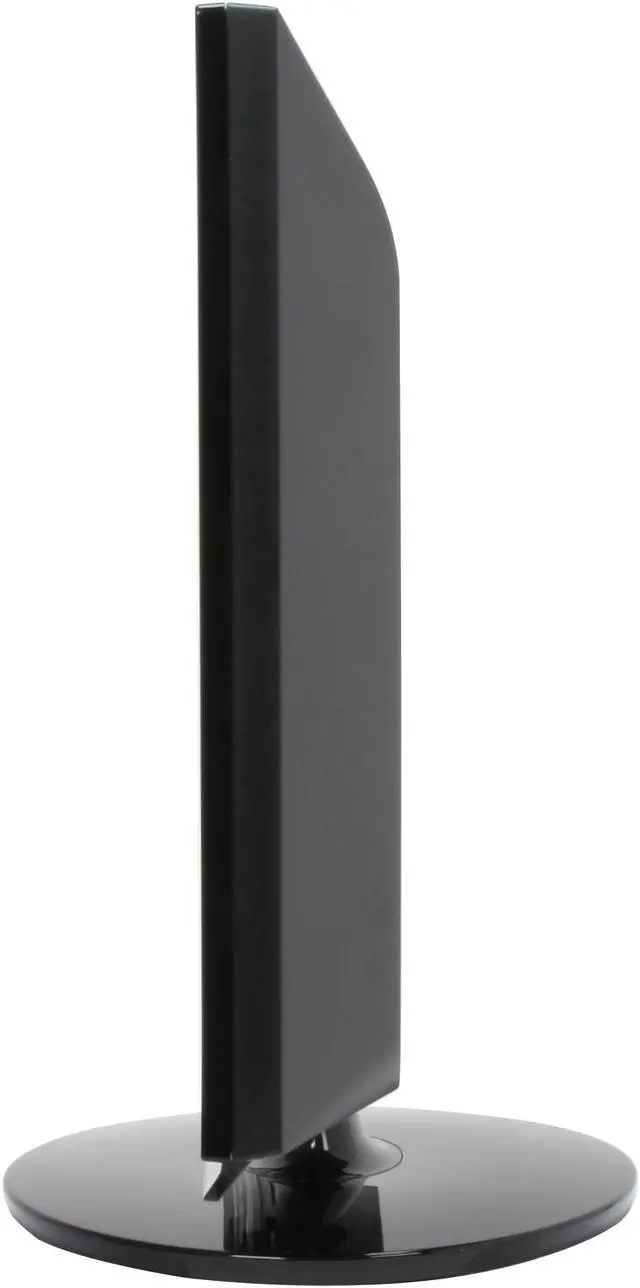
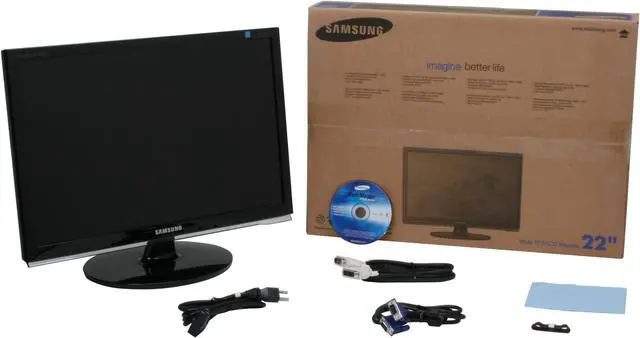
SAMSUNG 2253BW Black 22" 2ms(GTG) DVI Widescreen LCD Monitor with HDCP Support 300 cd/m2 DC 8000:1
- 1680 x 1050
- DC 8000:1(1000:1)
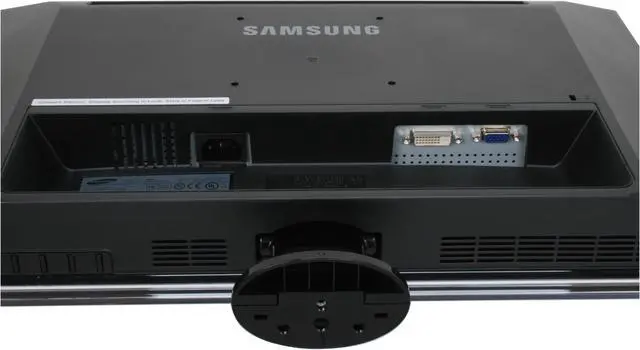
- D-Sub DVI
- 170°(H) / 160°(V)
Immerse yourself in your digital entertainment. With an ultra-fast response time, you'll experience virtually no blurring when watching movies or playing video games. Add to that an 8000:1 contrast ratio for superior quality color and a 1680x1050 resolution that lets you see the sharpest details, and you're ready for the ultimate viewing experience. This stylish 2253BW widescreen monitor was made for you and your lifestyle.
Learn more about the SAMSUNG 2253BW
| Brand | SAMSUNG |
|---|---|
| Model | 2253BW |
| Cabinet Color | High-gloss Black |
| Screen Size | 22" |
|---|---|
| Widescreen | Yes |
| Recommended Resolution | 1680 x 1050 |
| Viewing Angle | 170° (H) / 160° (V) |
| Brightness | 300 cd/m2 |
| Contrast Ratio | DC 8000:1(1000:1) |
| Response Time | 5 ms, 2 ms (GTG) |
| Display Type | WSXGA+ |
| Input Video Compatibility | Analog RGB, Digital |
|---|---|
| Connectors | D-Sub, DVI-D |
| D-Sub | 1 |
| DVI | 1 |
| HDMI | No |
| Power Supply | 100 - 240 VAC, 50/60Hz |
|---|---|
| Power Consumption | 45 Watts |
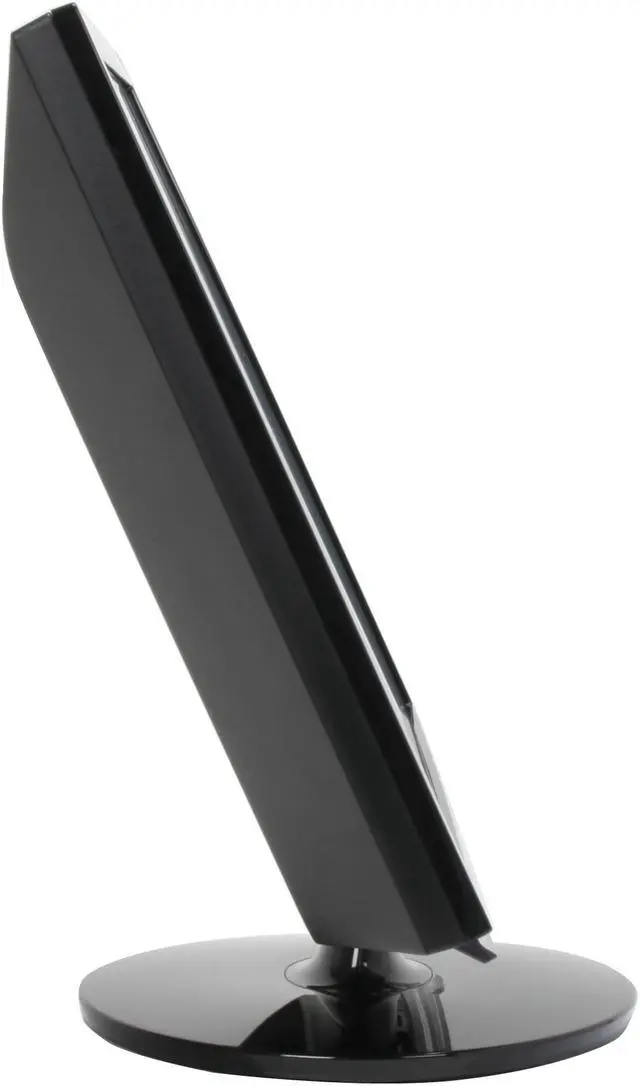
| Stand Adjustments | Swivel & Tilt |
|---|---|
| Built-in TV Tuner | No |
| Built-in Speakers | No |
| HDCP Support | Yes |
| Features | Plug & Play: DDC 2B Wall Mount (VESA): 100mm MagicBright3, off timer, image size, color effect, customized key, MagicWizard & MagicTune with AssetManagement, Windows Vista Premium, safe mode (DownScaling in UXGA) |
| Windows Vista | Certified for Windows Vista |
| Dimensions (H x W x D) | 20.2" x 15.7" x 8.6" |
|---|---|
| Weight | 8.6 lbs. |
| Date First Available | February 26, 2008 |
|---|
Pros: I replaced my 9 year old secondary monitor, which was an aperture grill 21” Iiyama CRT. My ‘Huey’ color managed primary, which is a one year old aperture grill 22” Iiyama CRT, is pretty much spot on. The transition to LCD didn't go well and I had the added advantage... or disadvantage... of having a known good image to compare to. I bought and brought back a Viewsonic and Dell 22” low end consumer LCD. This 24 bit Samsung is a big improvement over the other monitors as it is eminently adjustable with great blacks, contrast and LCD hyper-real sharpness. The typical LCD has a brightness Nit rating of 300 (cd/m2) and for photographic purposes, and to match printed material, it should be approx. 100. That can be problematic but is easy with this unit and still have decent contrast. The point might not be how good this LCD is for photo manipulation, but how bad almost everything else is. ...SUPERB Newegg service.
Cons: The TN light band is noticeable at the top and bottom of screen. The red runs a little too hot/saturated. Everything runs too hot, color wise, but it’s adjustable...mostly. I turned off all "auto" everything, especially Dynamic Contrast. The DC of 8000:1 makes it impossible to adjust properly; its actual native contrast of 1000:1 is much more realistic. The pre-selected color temp settings don't cut it. Overall I'm pleased but my experiences reinforce the problems people are having with modestly priced consumer LCDs. There is a feature called Magic Bright with settings for Text, Internet, Movies, Sports etc. Conspicuously absent is "Photo". The 3 setting gamma adjustment is much too crude but MUCH better than nothing. After updating my NVIDIA drivers, adjustment at the video card level made everything reasonably accurate.
Overall Review: It’s obvious that consumer TN (twisted nematic) LCDs are NOT designed for photographic manipulation. There are plenty of excellent pro LCD units in this size for $1000-$2000. Contrary to what anyone will tell you, these consumer units are designed for web and office apps. Even getting this latest and quite acceptable 2253BW does not insure any sort of accuracy color management-wise as even low end calibration and profiling equipment is suspect. The stock monitor settings are laughable and more suitable to 60’s psychedelic art than photographic adjustment. We need at least another generation of monitors to get this right at a consumer price point. But the bottom line is that right now I would recommend this monitor to anyone. If I didn't have a decent primary CRT next to it to A&B, I might initially think this $300 LCD was the best thing ever.
Pros: Not all monitors are created equal, and this one is definitely ahead of the curve. The colors are vibrant, the detail is excellent, and the viewing radius (horizontal) is very very good.
Cons: The monitor does wiggle a bit when you're typing if your desk isn't 100% solid. You can try to reduce that, but if you're moving your desk around at all when typing, the monitor will wiggle. In addition, if you have this monitor in the same room you sleep in, you'll have to power it off manually or the very bright power LED will continuously blink indicating it does not have a data source. The vertical viewing radius is not as good as it's horizontal, although I just recently noticed that. It wasn't enough to bother me.
Overall Review: I bought this monitor to for gaming and graphics editing purposes. So far it's served both with style. I almost want to throw out my old CRT television in the same room, because this monitor is so large I can watch streaming and downloaded video content on it just fine at a distance. It is VERY bright (just like a television). Newegg shipped very fast, and I the monitor came with 0 dead pixels. Not relating to the product... Newegg failed to charge my credit card several times, and their customer service staff seemed un-knowledgeable and confused. Using paypal (and the very same credit card), I was able to purchase the order successfully after Newegg failed to. This was quite frustrating considering I've always used the same card when buying from Newegg.
Pros: Finally bought this after debating for over a month and upgraded from a 17in Samsung 730b. First, 2 days to ship and it was free shipping. I love you NewEgg. Seriously. Coming from a 17in LCD this thing is HUGE and very bright. I started my PC up and it was amazingly bright and colorful. Stand snapped into place no problem. I found it quite easy to navigate through the controls via the monitor. It's just a little awkward at first since you have to lean in but again they work great. Haven't started up TF2 or CS:S yet but everyone else said they had amazing results so I expect the same.
Cons: Very slight, I repeat, VERY slight bleeding on the top but can't even tell unless it a plain black background. Don't see bleeding anywhere else. Slight red hue on white backgrounds when viewing at an angle (>45degrees), again just slight but I'm not sure how many times I'll be looking at a white background from an angle. These cons were not to take the score down from 5 eggs though. They were too slight and I was only looking for them because they had been pointed out in the user reviews.
Overall Review: I want to put to rest some of the issues other claimed. I had no blue hue when I started it up. I had no humming noise when brightness was lowered below 80% (had it at 50% all day and even if i put my head right next to it i hear nothing). The bleeding is so insanely slight the rest of the reviews are right to say you can really only see it on a black background and if you're looking for it (1/4 inch at most). A lot of people seemed to have issues with the viewing angle. I put in a movie and watched from my bed and could not see what people had an issue with so I assume it is personal preference. As I said in cons I get a very very slight red hue on white but other than that viewing angle seemed fine to me. This monitor is a great buy, it's a very decent price for it's size and quality and I think most of the sub 4 egg reviews you read are due to damaged product (dead pixels, rattling from UPS, DOA, etc) or personal preference.
Pros: Wow! awesome screen. Great color settings and can be very bright if needed. I am graphic designer so my photoshop work is best done with this wide screen because I use more horizontal space. I plan on getting a second to run a dual screen setup.
Cons: none
Overall Review: It took some time set up the setting just right for web/print design work. The menu was hard to use, trying to toggle between the settings. So here is my current configuration thats best for my graphic design work (no games). Picture - Brightness: 45 - Contrast: 75 - MagicBright: "custom" Color - Magic Color: "off" - Color Tone: "normal" - Color Control: all 50 - Color Effect: "off" - Gamma: "mode 1" Image - Coarse: 1840 - Fine: 48 - Sharpness: 60 - H-Position: 56 - V-Position: 47 OSD - H-Position: 50 - V-Position: 50 - Transparency: "off" Setup - Customized Key: "Image Size" - RTA: "mode 1" - Auto Source: "auto" Hope this helps!
Pros: If you're choosing between Samsung 226BW and Samsung 2253BW, 2253BW is definitely a much better pick. Better contrast. Better luminance distribution. Thinner frame (viewable areas are identical). Less power consumption. Noticeably improved horizontal viewing angle.
Cons: My monitor: Heavy backlight bleeding at the top. One unnoticeable dead pixel in the left corner. General observations: Rather short cables: DVI cable is only 4.5 feet (1.4m), good 12 inches (0.3m) shorter than one that came with 226BW. As with Samsung 226BW, vertical viewing angle is pretty bad. It may concern you if you plan to occasionally look at the monitor from a lower angle (e.g. watching a movie from the bed).
Overall Review: I have an excellent 7-year-old 22' Mitsubishi Diamond 2040u CRT and I don't find the overall quality of this LCD display (perhaps it applies to all medium-priced LCDs as well) satisfactory enough to make a good replacement. However, I think it's good enough to be used in all kinds of unprofessional uses, be it gaming, movie watching, or other everyday activities. I also want to remind you that some of my criticisms are common to all LCD monitors in general and some may not relate to your particular situations and needs. If you're looking for the best price/quality ratio, this monitor is definitely worth considering. If you're looking for the best quality, you may want to take a look at something a lot more expensive.
Pros: 1680 x 1050 is absolutely beautiful for gaming. I am using a Geforce GTX260 graphics card and it quite adequate to run Warhammer Online and World of Warcraft very nicely at this resolution. 22" is a nice size vs 20" for this resolution IMO. Text and icons on a 20" in this resolution would be a little small for my liking. Icons and text basically look the same size as my 19" 1280 x 1024 monitor but there is a lot more space on the screen. No dead or stuck pixels, which was my biggest concern due to Newegg's fairly dismal return policy on LCD monitors. I would prefer to buy a monitor at a brick and mortar store but I do not want to pay the huge price increase by going that route and they never have that great of a selection. The colors look great. Great response time for gaming. The monitor is shipped on a very high brightness setting which would burn my eyes out if I didn't tone it down a little.
Cons: Glossy finish. I like the flat black finish on my 19" Samsung monitor better. The glossy finish shows dust so easily and can scratch easily if you use anything besides microfiber to clean it. Believe me, you will be cleaning it often as the smallest bit of dust shows up very easily. DO NOT wipe it off with paper towel. Paper towel will put small scratches into it if you look at it in the light. Paper is made of trees after all... My Samsung TV has this same fault. I wish companies would move away from this glossy finish business. It reflects light into your eye balls, scratches easily and needs to be cared for more carefully than the good old flat black finish. This new monitor also does not have vertical adjustment like my 19" does. It isn't as big of deal since the monitor is so big but would have been nice. I have a very stable desk so wobbling isn't a problem. Small amount of backlight bleed on an all black screen.
Overall Review: I wanted a widescreen monitor as most games now support widescreen resolutions. I am a little angry with myself for purchasing a standard 4:3 19" only two years ago. I have been very happy with my 19" Samsung LCD monitor and my 40" Samsung LCD TV so I thought I would go with Samsung again and am glad to say it is another great experience. For the people who have stuck pixels, you should Google search how to fix stuck pixels. It is VERY possible to bring your pixels back to working condition by gently rubbing them with increasing pressure using a dull pencil with a piece of cloth over the point so it doesn't scratch the screen. If your pixels are truly dead it will be black and not fixable but if it is any color other than black you may very well be able to fix it. There are also free programs that will very quickly cycle through a bunch of colors to try to bring the pixels back. Just do a Google search as truly dead pixels are quite rare and it is possible yours are only stuck.
Pros: A great monitor! High res, quality, color, etc. NO dead pixels. Tilts vertically
Cons: Has a strong Blue tint but can be corrected in the settings. I have mine set to 0
Overall Review: It's a beautiful display. Fits any work area.
Warranty & Returns
Warranty, Returns, And Additional Information
Warranty
- Limited Warranty period (parts): 3 years
- Limited Warranty period (labor): 3 years
- Read full details
Return Policies
- Return for refund within: Non-refundable
- Return for replacement within: 30 days
- This item is covered by Newegg.com's Replacement Only Return Policy
Manufacturer Contact Info
- Manufacturer Product Page
- Manufacturer Website
- Support Phone: 1-800-726-7864
- Support Website
- View other products from SAMSUNG


Pros: 1) 2ms 2) 4:3 Displayed natively 3) Larger viewable screen than my old 19" CRT, but takes up less space on my desk 4) Has two inputs (VGA and DVI) that can easily switch between (I will have my wii hooked up w/ a converter soon and my computer hooked up at the same time 5) When you take it out of the box everything feels strong and like it is of high quality (stand especially) 6) No dead pixels
Cons: Most websites are optimized for 4:3 - 800 x 600, so you have lots (about half the screen) of unused room on either side of the text. Not that big of a deal, will be good for c++ :-) Bit of back light bleed that is horrendous on POST (boot up), after that you can't even notice it... I know it sounds bad, but is a non-issue unless 100% of your screen is black.
Overall Review: 5:4 is not the aspect ratio, it is 16:10. If this were true it would be narrower than a 4:3 LCD. Someone obviously used the dimensions of the entire monitor(including the stand) to come up with this aspect ratio. H:W = Height/width 5:4 = 1.25 4:3 = 1.33333... (Standard) 16:10 = 1.6 Wide 16:9 = 1.77777... Wide ======= If you are looking at this and the 226BW, get this one. 226BW doesn't have 4:3 native support. Don't be put off by the lack of reviews for this monitor it is solid. After being forced to move to an LCD due to space issues, I wish I would of replaced my 8- year old CRT, the venerable 19" Samsung 950p sooner.