
Your Browsing History

Make informed decisions with expert advice. Learn More



Any questions? Our AI beta will help you find out quickly.
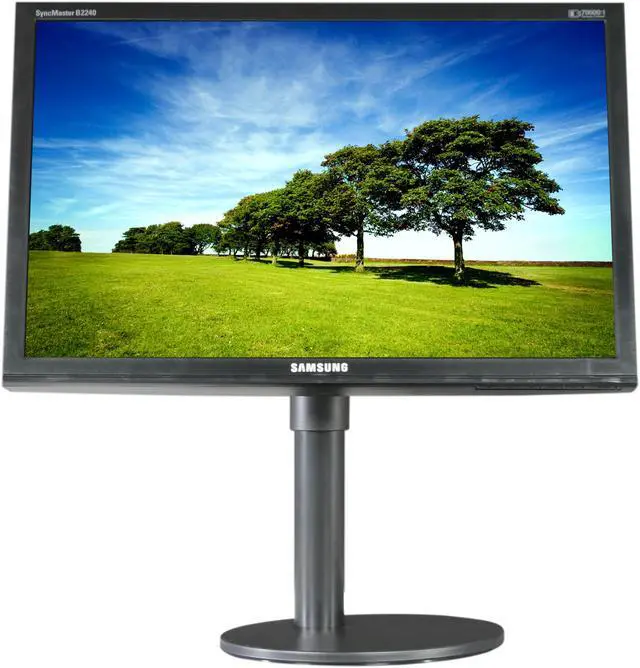
 Magic AngleSamsung’s Magic Angle uses 5-step angle management to deliver crisp images and bold color from every direction. So whether your view is from above, below or from the side, images stay the same.
 Magic EcoMagic Eco adjusts Samsung monitor’s brightness based on how much energy you want to save, with four energy saving options available: 100%, 75%, and 50% power consumption as well as ‘power saving off’. If Magic Eco is turned off, you still enjoy the option of using Samsung’s Magic Bright feature, engineered to let you manually adjust the screen’s brightness. Take the effort out of saving energy and take control with Magic Eco.
 Magic ReturnNever lose sight of your documents. MagicReturn automatically migrates content from both monitors to one monitor if you turn off or lose connection from your second monitor.
 Color EffectsEnhance images your way using Samsung’s advanced ColourEffect feature. Open your eyes to a completely customized viewing experience as you play with photographic effects that match your mood. Choose from Aqua, Sepia, Green and Greyscale to interact with your display in a whole new way – namely, yours.
 Customize Your ControlSamsung’s innovative custom key feature puts enhanced entertainment at your fingertips, literally. Assign your favorite function such as Magic Bright, Magic Color, Color Effect or the Image Size function to the customized key, and access them in a flash.
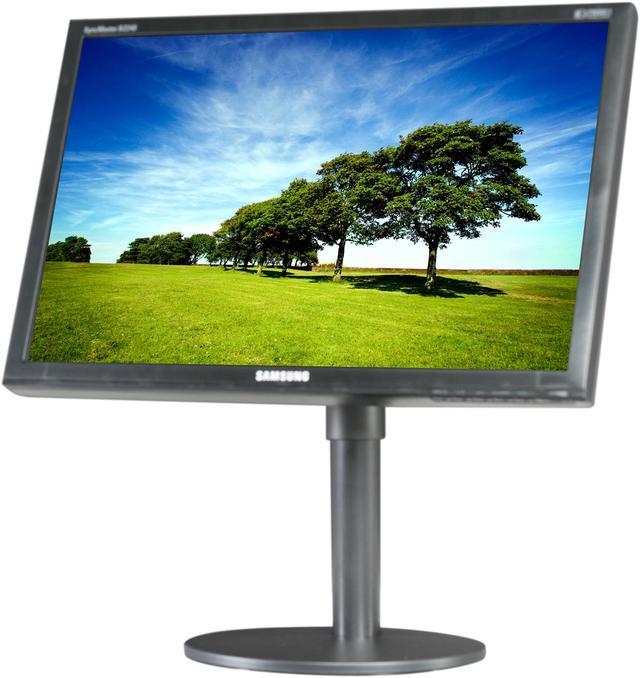
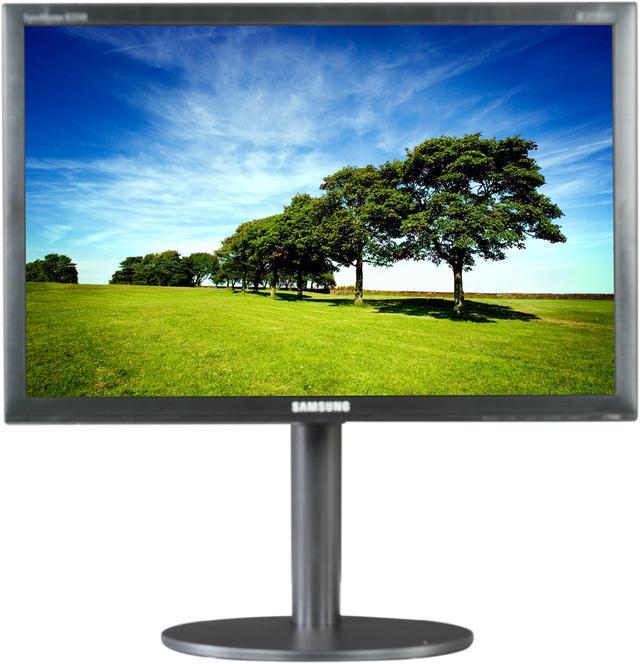
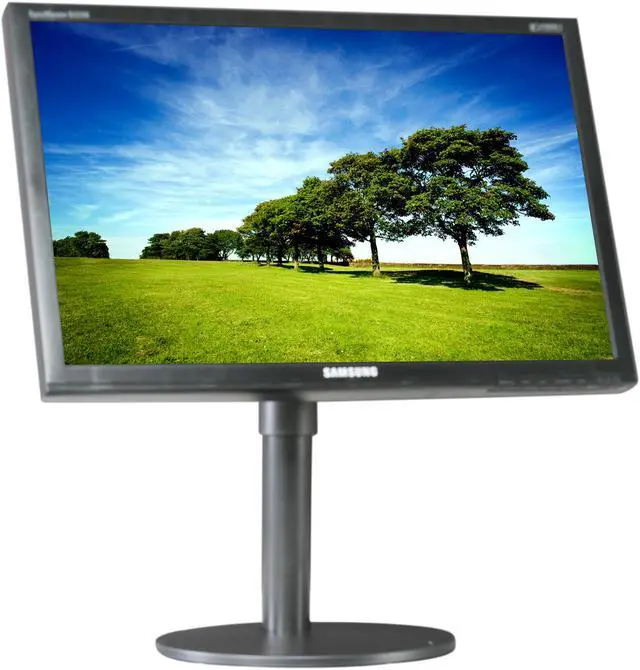
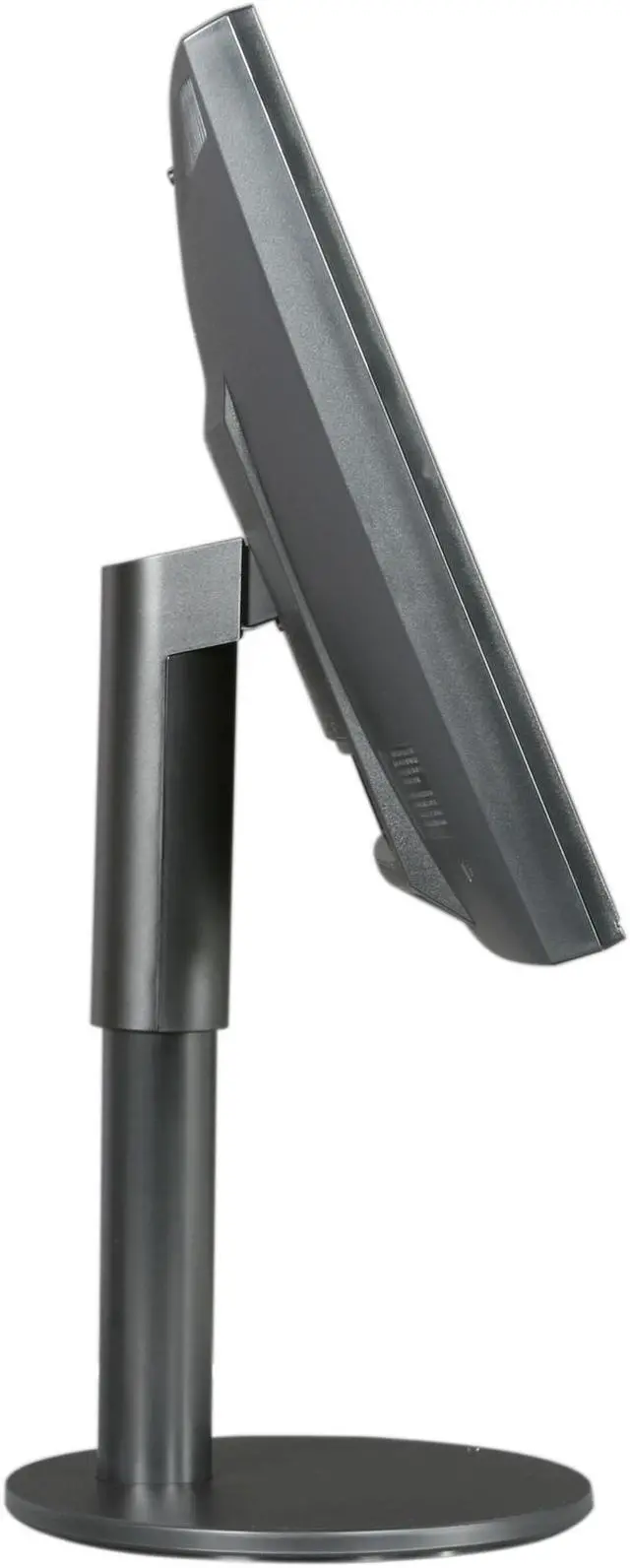
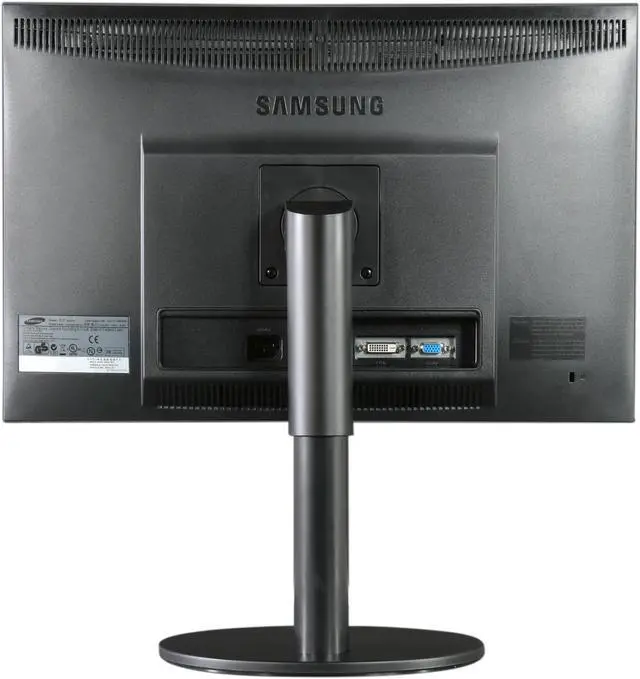
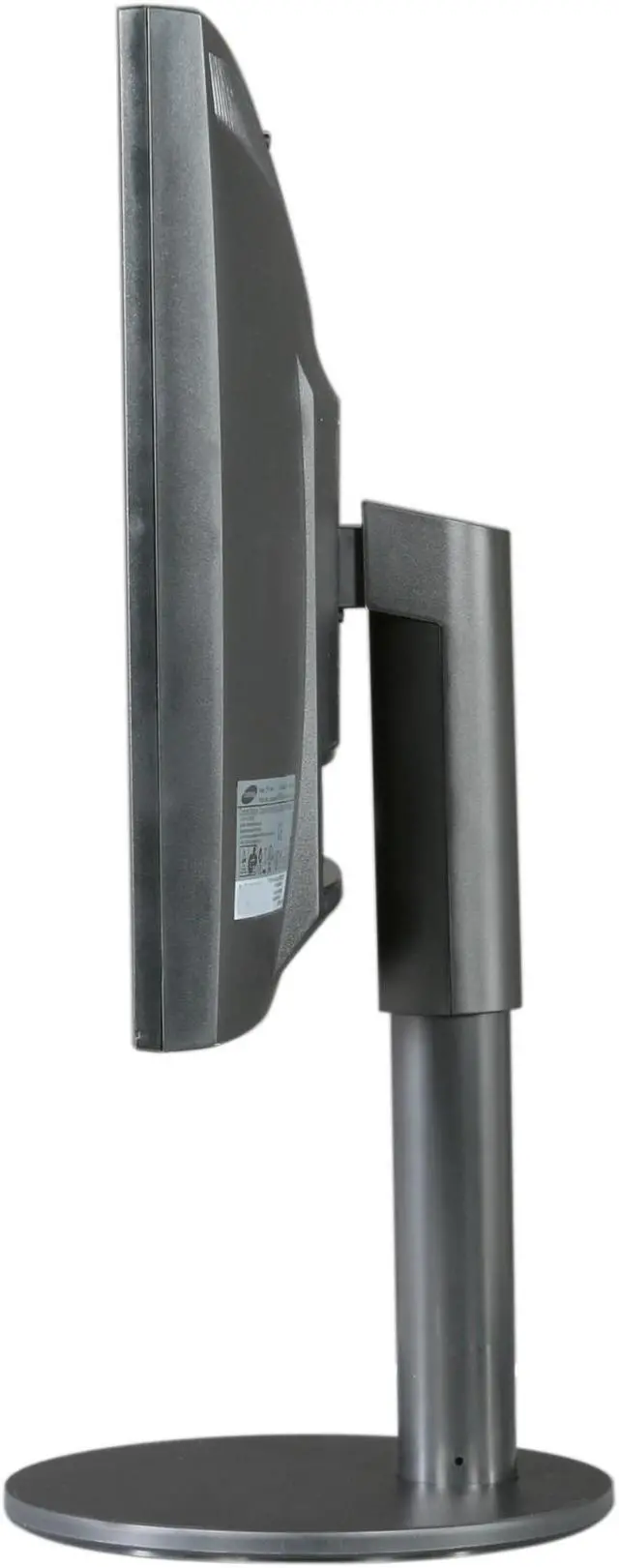
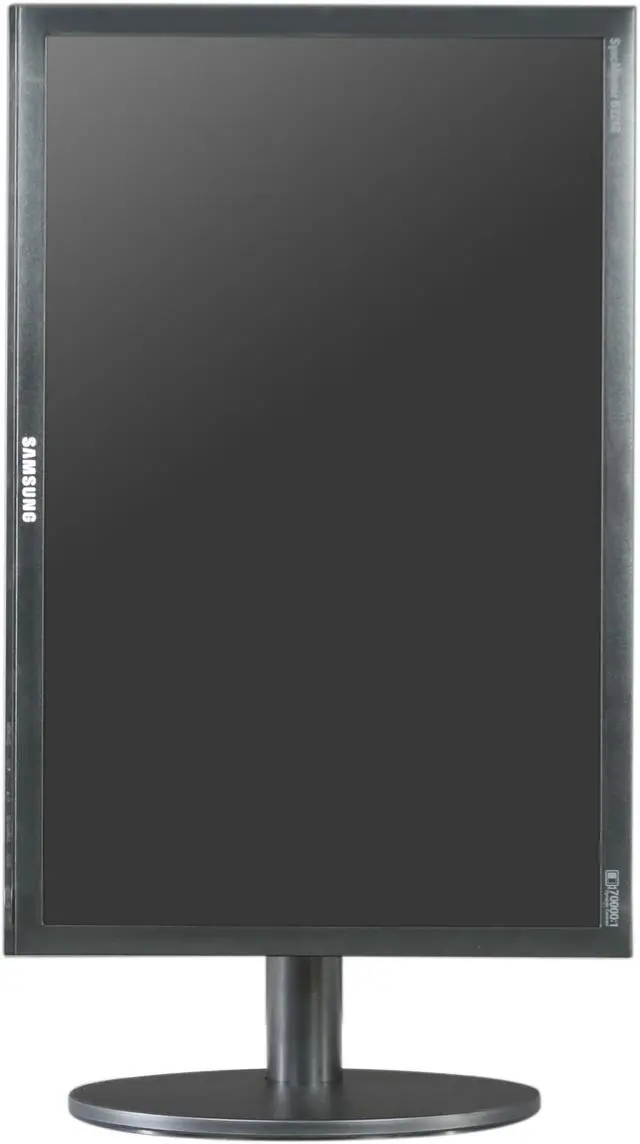
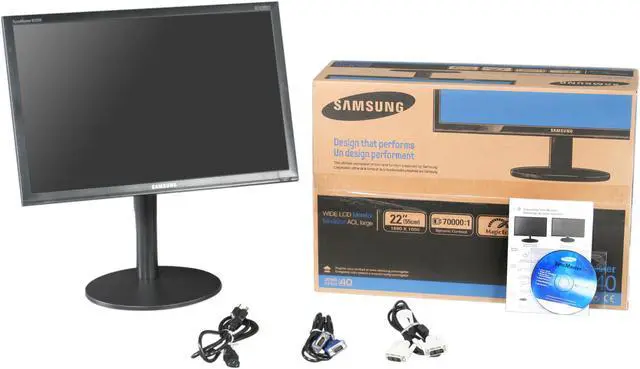
 Height-adjustable StandCustomize your monitor to your viewing needs with a tiltable, 100mm height-adjustable stand (HAS).
