

Your Browsing History

Get Educated
Make informed decisions with expert advice. Learn More
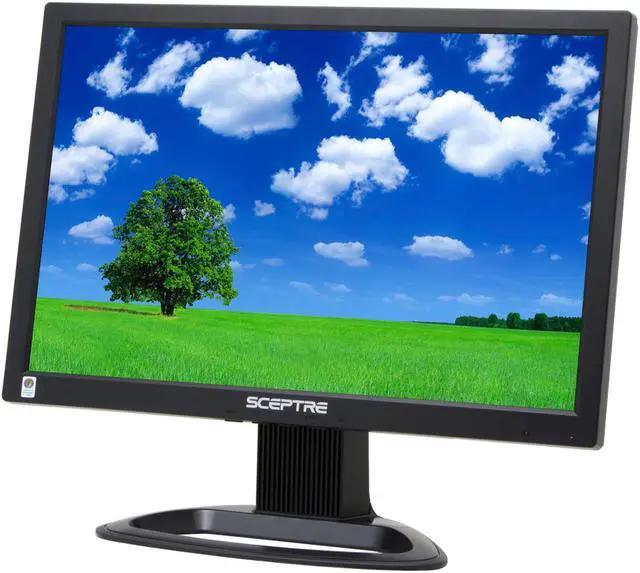
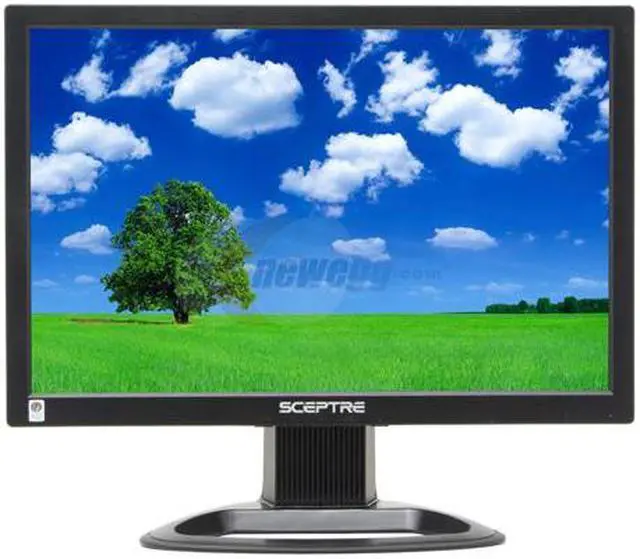
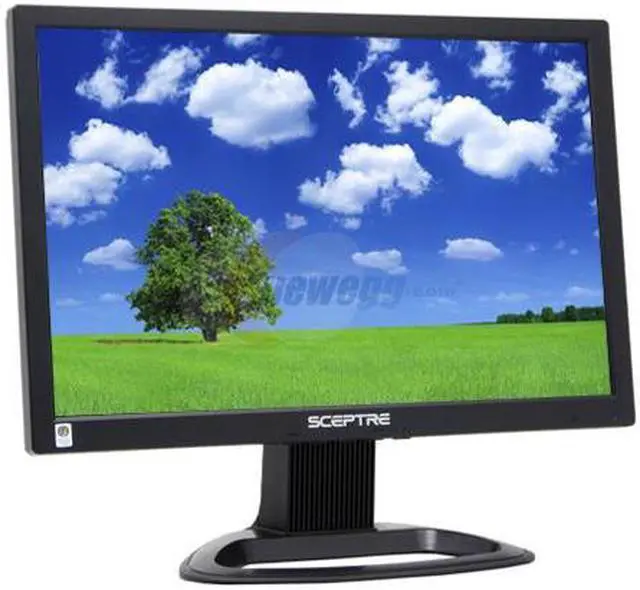
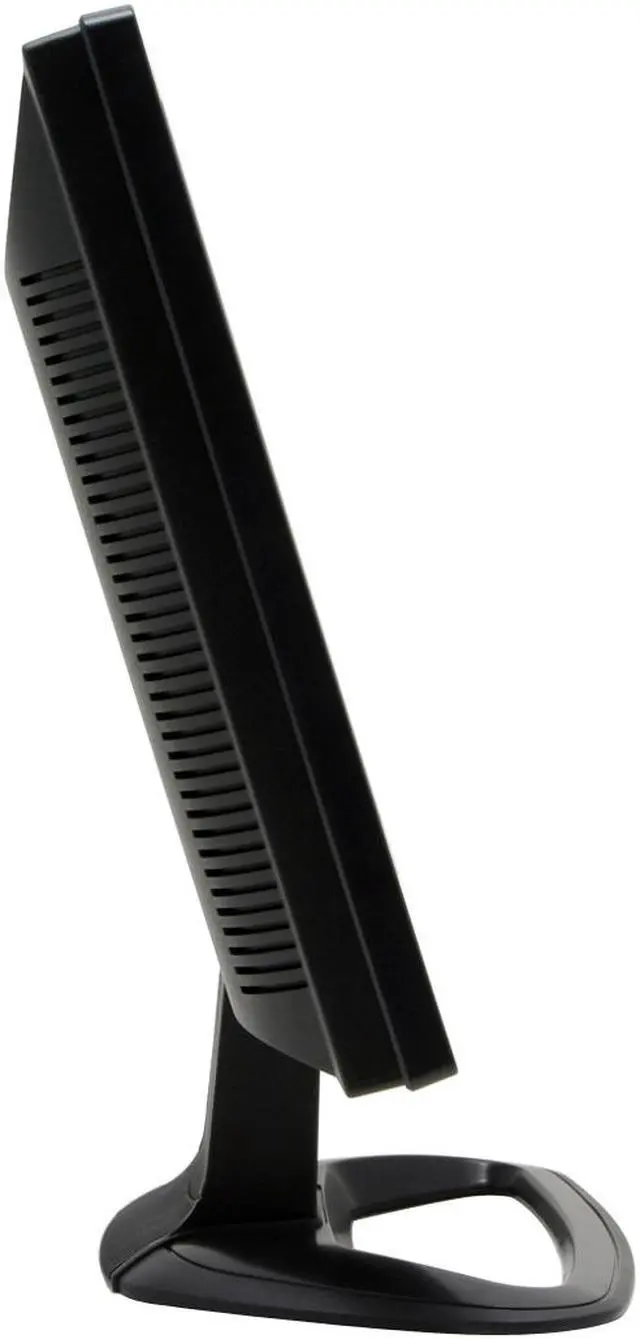
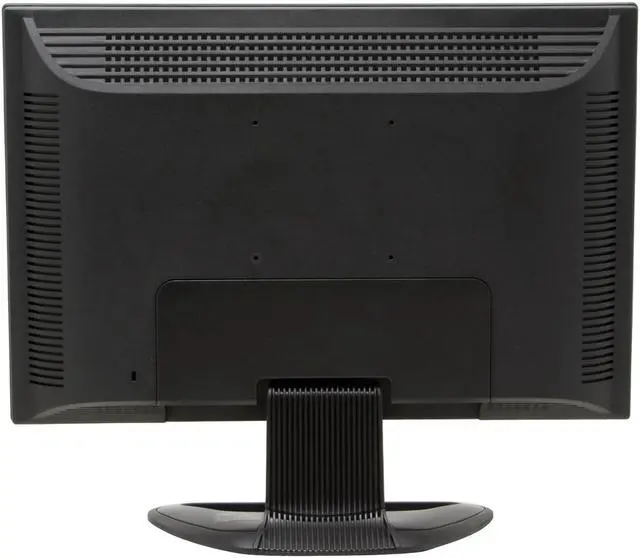
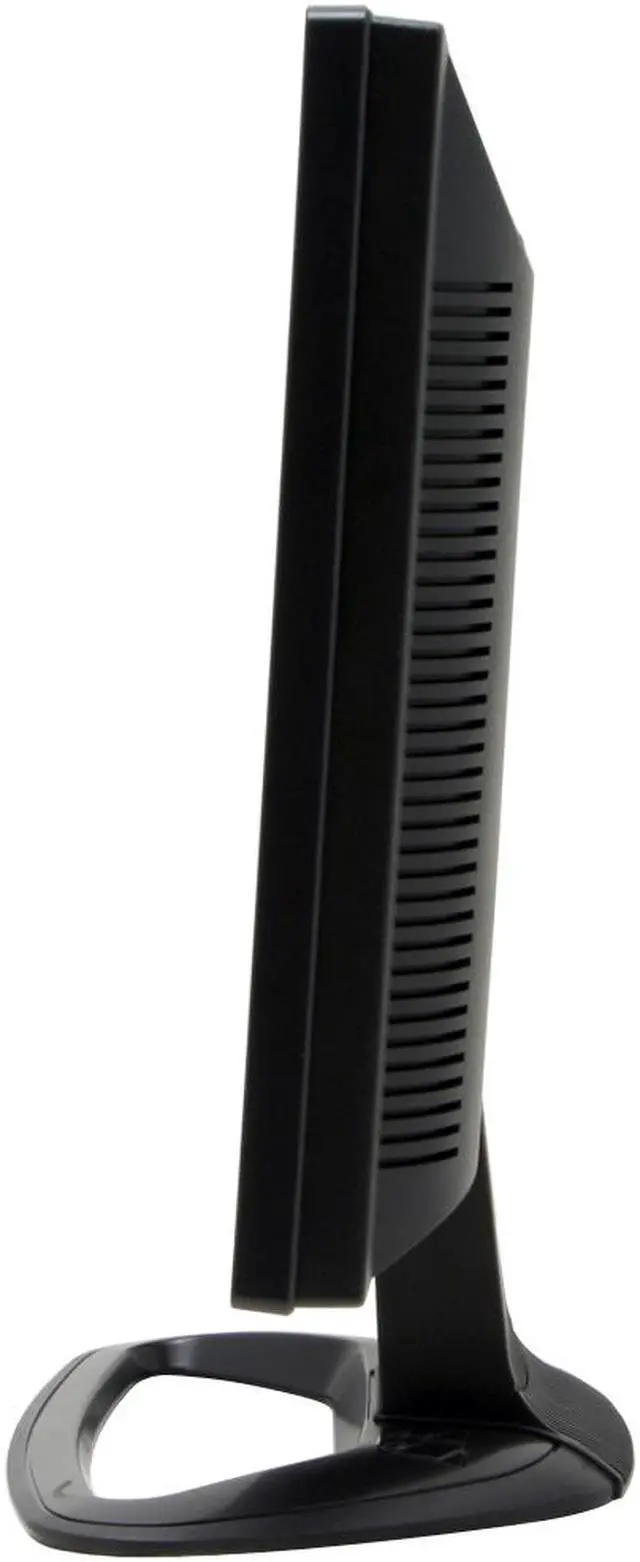
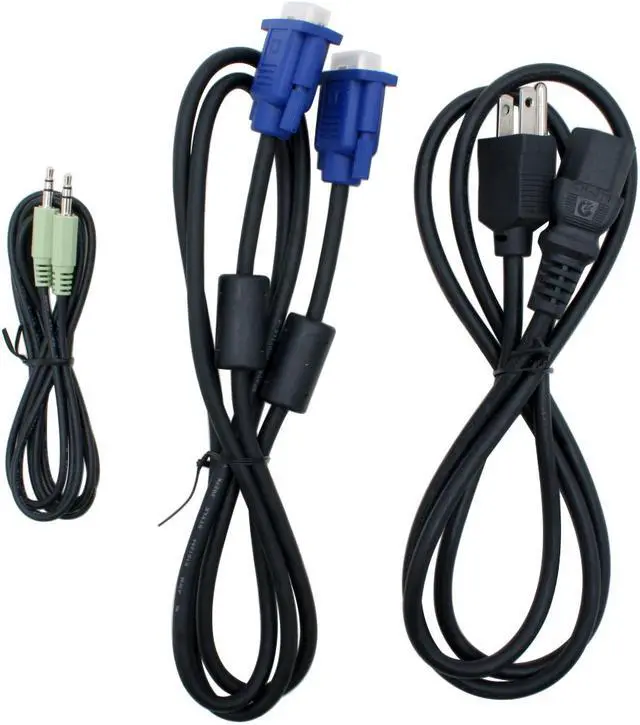
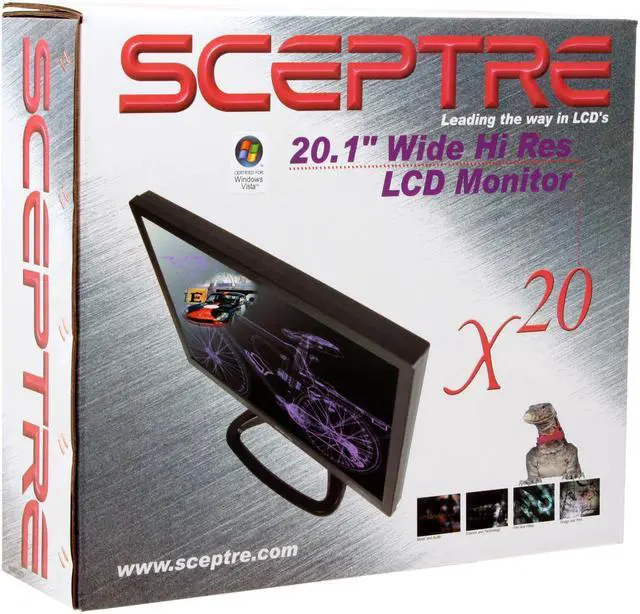


SCEPTRE X20WG-1080P Black 20.1" 5ms(GTG) Widescreen LCD Monitor 300 cd/m2 1,000:1, US Warranty
- 1680 x 1050
- 1000:1
- D-Sub DVI
- 160°(H) / 160°(V)
- US Warranty
Overview
Specs
Reviews (271)

Any questions? Our AI mode will help you find out quickly.
Try me now
The SCEPTRE X20WG-1080P 20.1-Inch Digital/Analog Widescreen LCD Monitor offers razor-sharp, widescreen image clarity and a host of innovative features. With a wide viewing angle (160-degree vertical and horizontal viewing angle), 16.2 million color brilliance (remember when we thought 256 colors was amazing?!?), precise resolution, and a brilliant contrast ratio, you'll be amazed by the clear, life-like images this wide-spectrum monitor offers.
The X20WG-1080P features an advanced dual interface that is capable of handling both analog and digital video signals. Compatible with all major operating systems (including Windows Vista), and impressive 5ms response time that virtually eliminates the "blur" found in 25, 16, and 12ms monitors. Whether you're working, enjoying your photos and videos, or gaming, you won't believe your eyes when you see the stunning color and clarity of the X20WG-1080P.
The SCEPTRE X20WG-1080P 20.1-Inch Digital/Analog Widescreen LCD Monitor offers razor-sharp, widescreen image clarity and a host of innovative features. With a wide viewing angle (160-degree vertical and horizontal viewing angle), 16.2 million color brilliance (remember when we thought 256 colors was amazing?!?), precise resolution, and a brilliant contrast ratio, you'll be amazed by the clear, life-like images this wide-spectrum monitor offers.
The X20WG-1080P features an advanced dual interface that is capable of handling both analog and digital video signals. Compatible with all major operating systems (including Windows Vista), and impressive 5ms response time that virtually eliminates the "blur" found in 25, 16, and 12ms monitors. Whether you're working, enjoying your photos and videos, or gaming, you won't believe your eyes when you see the stunning color and clarity of the X20WG-1080P.
The X20WG-1080P features an advanced dual interface that is capable of handling both analog and digital video signals. Compatible with all major operating systems (including Windows Vista), and impressive 5ms response time that virtually eliminates the "blur" found in 25, 16, and 12ms monitors. Whether you're working, enjoying your photos and videos, or gaming, you won't believe your eyes when you see the stunning color and clarity of the X20WG-1080P.
 20.1" Widescreen LCD PanelThe 20.1" widescreen SCEPTRE X20WG-1080P features a maximum resolution of 1680x1050 (16:10) for significantly reduced letter boxing when displaying TV programming or widescreen DVD movies. It also significantly increases productivity by displaying multiple windows simultaneously.
 Superior Image QualityFeaturing an outstanding 1000:1 contrast ratio and 300cd/m2 brightness, the SCEPTRE X20WG-1080P delivers sharp text and crystal clear images with 160o viewing angles for greatly enhanced image legibility from all directions.
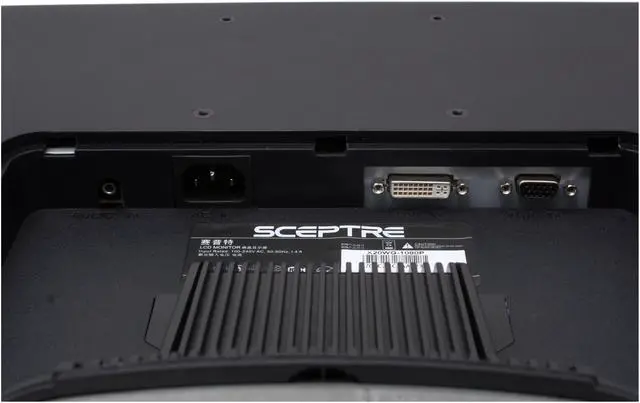
 Dual InputsWith D-sub and DVI-D connectors, the SCEPTRE X20WG-1080P supports both analog and digital inputs to ensure compatibility with computer systems for the current day and for the future.
 Windows Vista CertifiedThe SCEPTRE X20WG-1080P display has passed the Windows Hardware Quality Labs testing for guaranteed compatibility with Windows Vista Premium standards. Maximize your Windows Vista view with the impressive SCEPTRE X20WG-1080P display!
 20.1" Widescreen LCD PanelThe 20.1" widescreen SCEPTRE X20WG-1080P features a maximum resolution of 1680x1050 (16:10) for significantly reduced letter boxing when displaying TV programming or widescreen DVD movies. It also significantly increases productivity by displaying multiple windows simultaneously.
 Superior Image QualityFeaturing an outstanding 1000:1 contrast ratio and 300cd/m2 brightness, the SCEPTRE X20WG-1080P delivers sharp text and crystal clear images with 160o viewing angles for greatly enhanced image legibility from all directions.
 Dual InputsWith D-sub and DVI-D connectors, the SCEPTRE X20WG-1080P supports both analog and digital inputs to ensure compatibility with computer systems for the current day and for the future.
 Windows Vista CertifiedThe SCEPTRE X20WG-1080P display has passed the Windows Hardware Quality Labs testing for guaranteed compatibility with Windows Vista Premium standards. Maximize your Windows Vista view with the impressive SCEPTRE X20WG-1080P display!
Warranty & Returns
Warranty, Returns, And Additional Information
Warranty
- Limited Warranty period (parts): 1 year
- Limited Warranty period (labor): 1 year
- Read full details
Return Policies
- Return for refund within: Non-refundable
- Return for replacement within: 30 days
- This item is covered by Newegg.com's Replacement Only Return Policy.
- Read full return policy for details.
Manufacturer Contact Info
- Manufacturer Product Page
- Manufacturer Website
- Support Phone: 800-788-2878 ex 1204
- Support Email: http://www.sceptre.com/Contact/techsupport.htm
- Support Website
- View other products from Sceptre
LOADING...
LOADING...