here!
here!
I’m your shopping assistant for PC builds, upgrades, and everything tech.
Got questions? Ask away!
Start a conversation
here!
I’m your shopping assistant for PC builds, upgrades, and everything tech.
Got questions? Ask away!
Start a conversation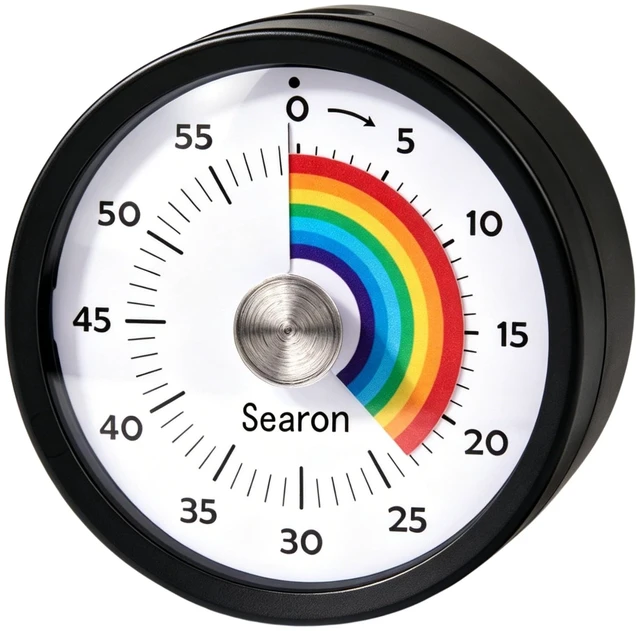




Any questions? Ask CelesteSM will help you find out quickly.

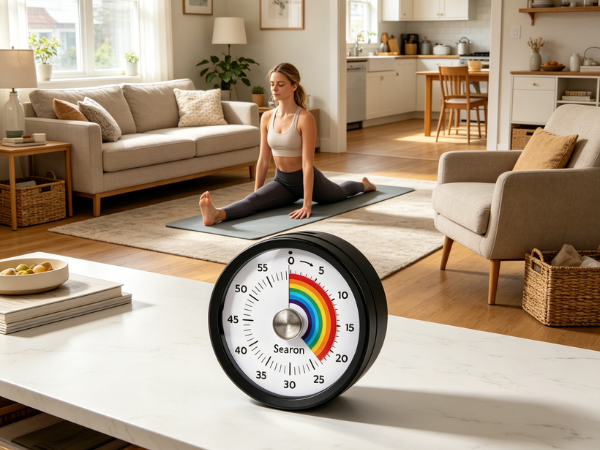
Stop guessing when your food is done. Stop arguing with your kids about screen time. With Searon's magnetic rainbow visual timer, time isn't a number — it's something you can actually see.
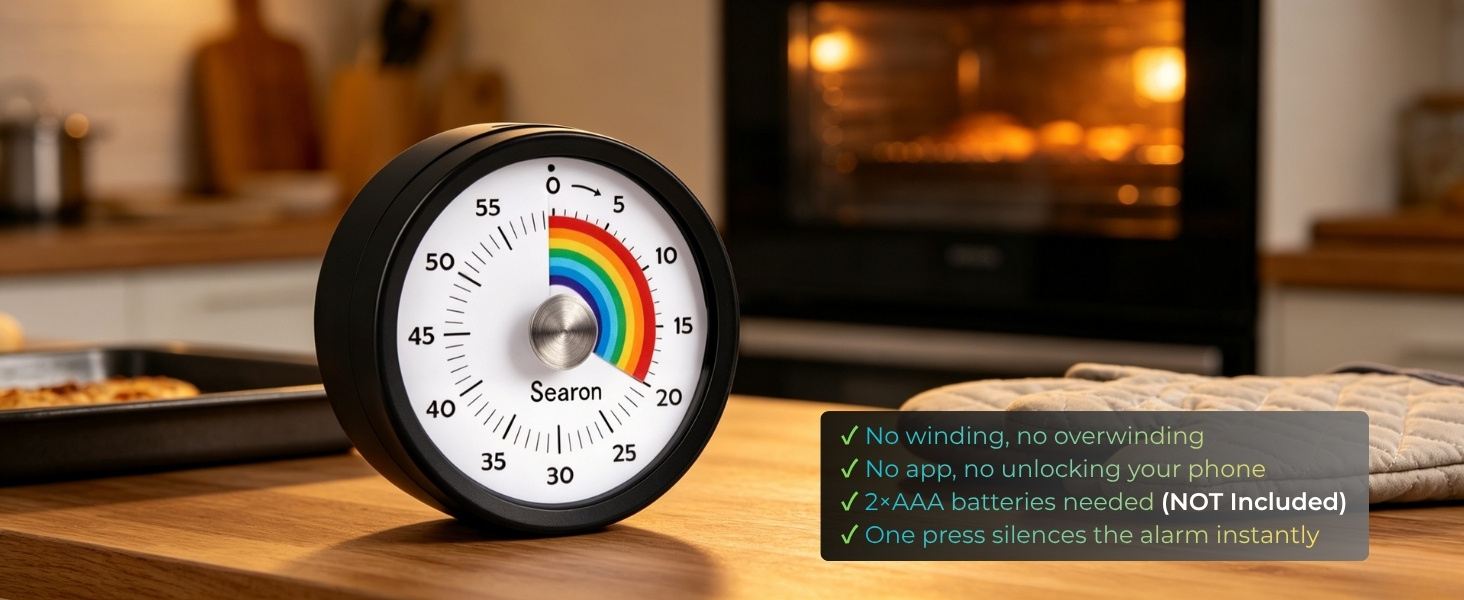
Cooking shouldn't mean staring at your phone or wrestling with fiddly buttons. Just twist the Searon dial to your time — done. The rainbow shrinks. Your food gets ready. You stay focused on what matters.
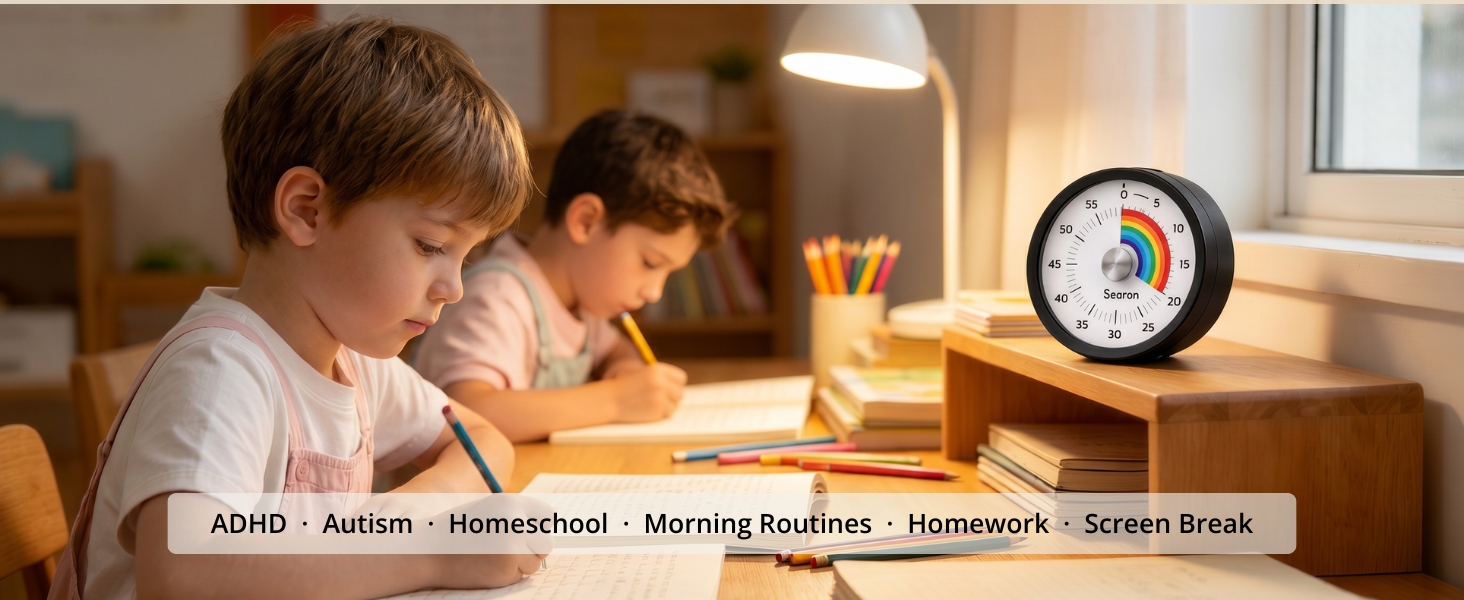
Children with ADHD, autism, or time blindness process visual cues far better than numbers on a screen. When the rainbow is big, there's time left. When it's almost gone — wrap up. No abstract counting. No anxiety. Just a clear, calming picture of time.
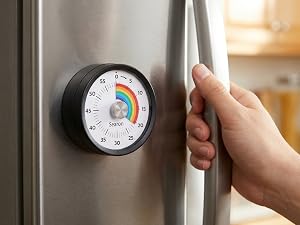
Holds firm on refrigerators and metal surfaces — even when cabinet doors slam shut. Never falls, never slides.
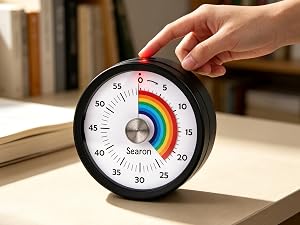
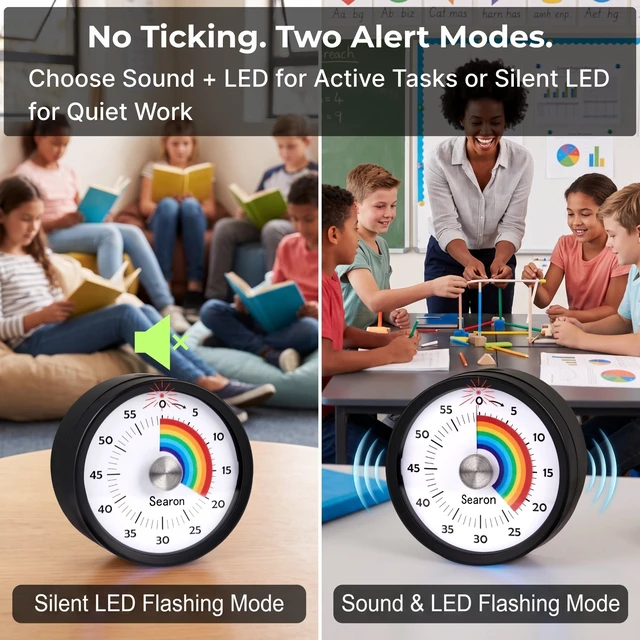
Sound + LED flash for busy kitchens. Silent LED only for libraries, classrooms & focus sessions. Reset to zero, then hold the top button to switch.

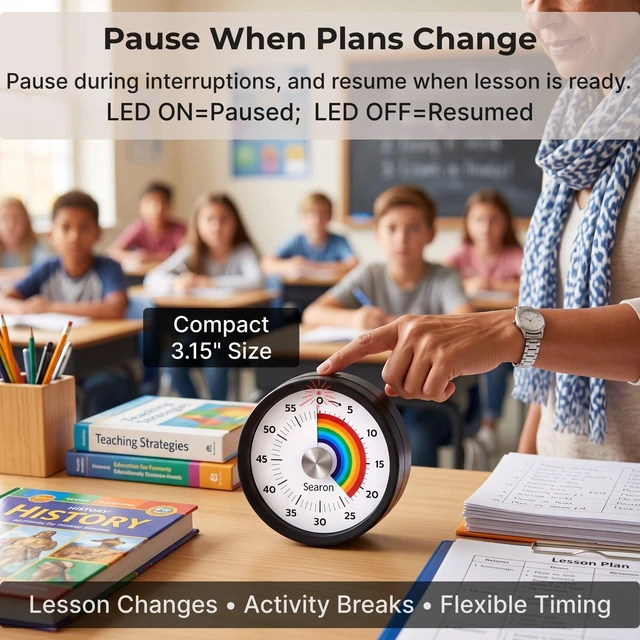
Pause mid-session and resume right where you left off — great for lesson breaks, split cooking tasks, or or anything that needs a pause.
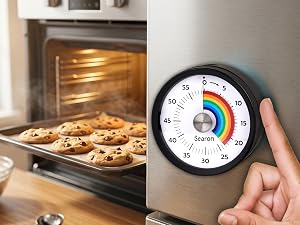
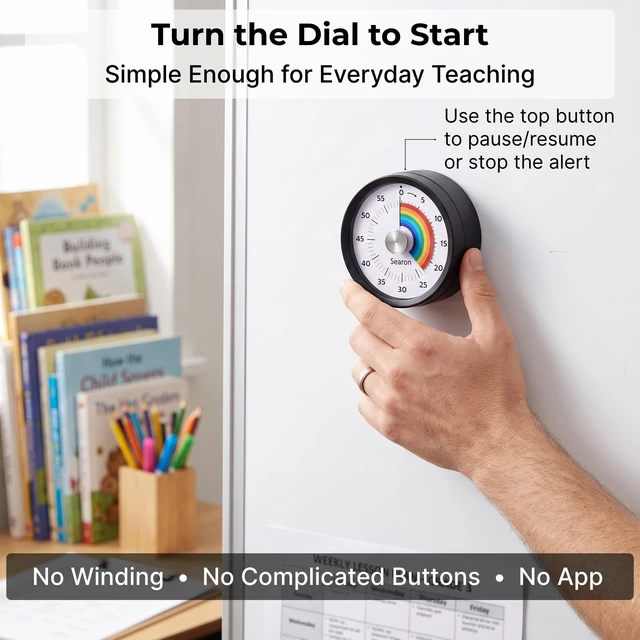
Set your time with one simple turn. No winding, No app, no phone unlocking, no complicated buttons — just turn the dial and start timing.
How do I start the timer, what does the top button do, and why does it beep or flash by itself?
Turn the dial to start—NOT the top button. LED off = running; LED on = paused. The top button pauses/resumes or stops the alert. Unexpected beeping or flashing every 2 seconds means low battery—replace the batteries.
Where can I use this visual timer?
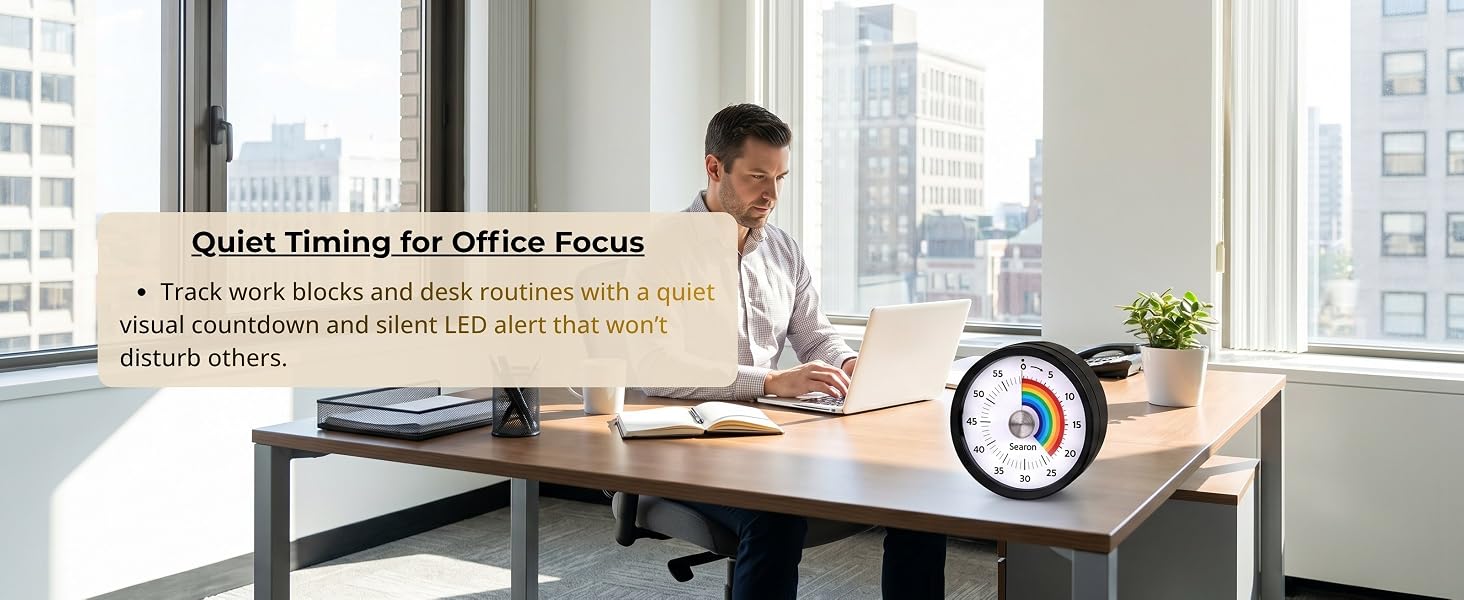
Use it for cooking and baking, kids’ routines, homework, classroom activities, homeschool, reading, study, or focused work. Its visual countdown makes remaining time easy to see at home, in the kitchen, classroom, or workspace.
How is this visual timer different from a phone, mechanical, or digital timer?
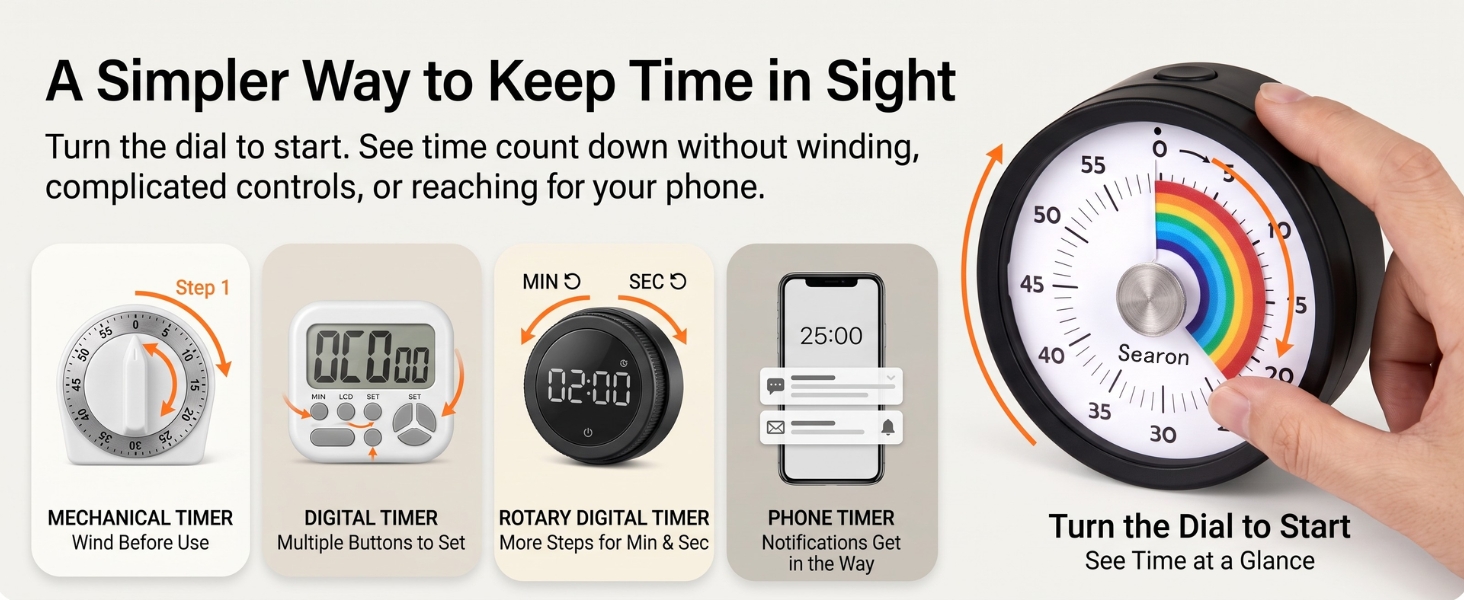
Turn the dial to start and see time count down at a glance. No winding, ticking, app setup, or complicated controls. It offers dedicated visual timing without reaching for your phone and getting pulled into notifications.
How can I place the timer in the kitchen, classroom, or around the home?
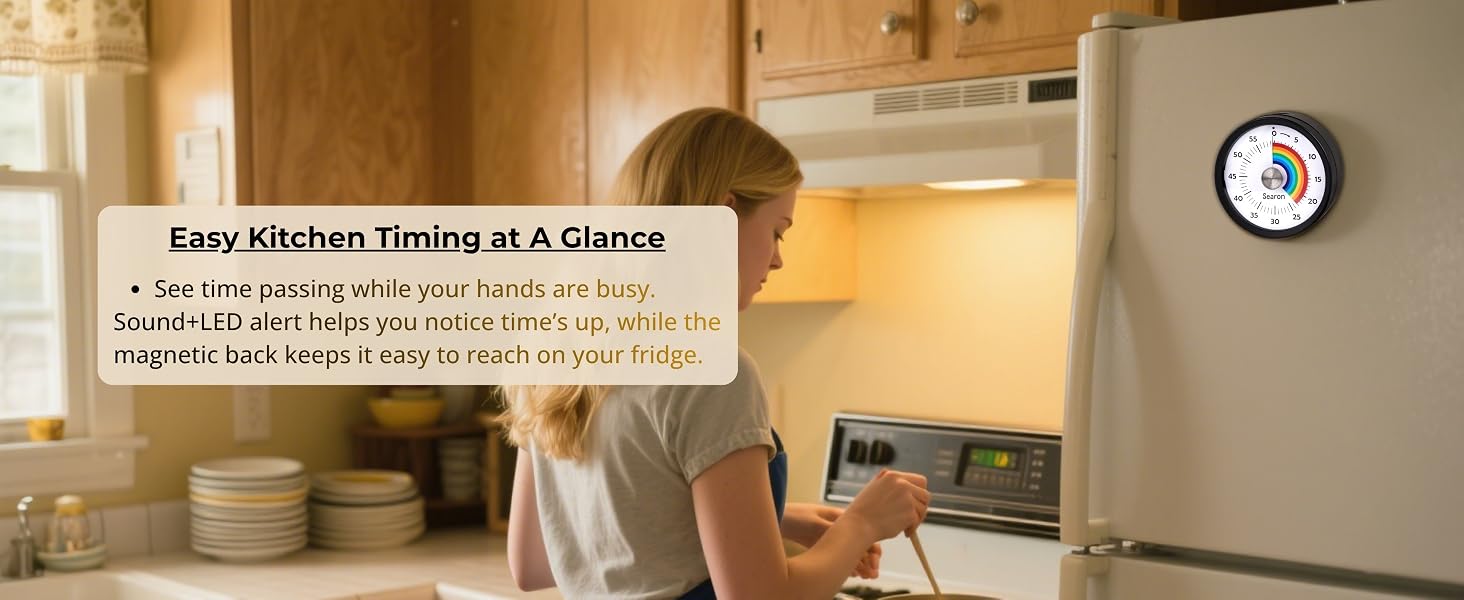
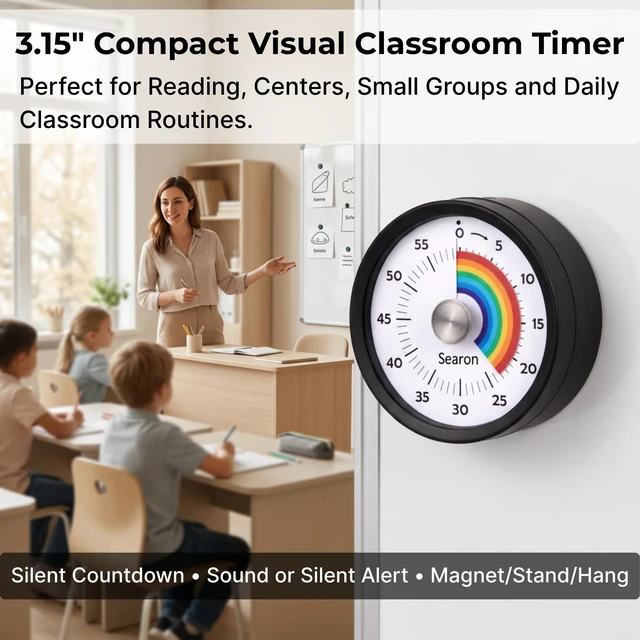
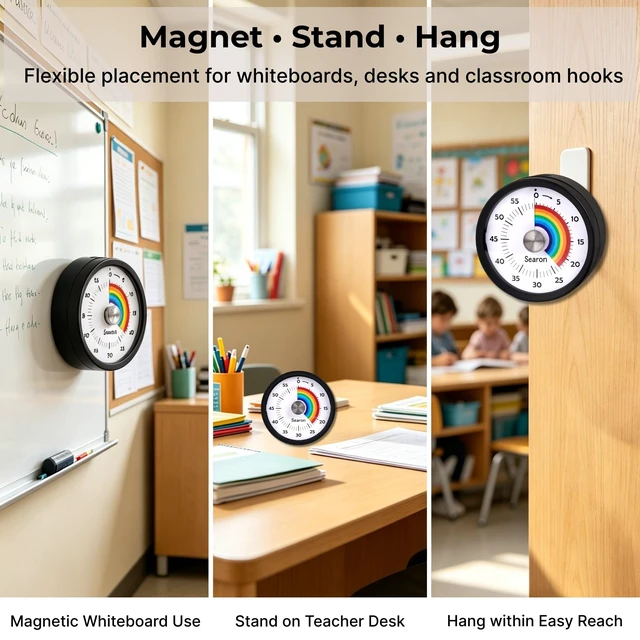
Use the magnetic back on a fridge, whiteboard, or other magnetic metal surface. Place the flat base on a countertop or desk, or use the built-in hanging hole to hang it on a hook.
Does the timer tick, and can I use it in quiet spaces?
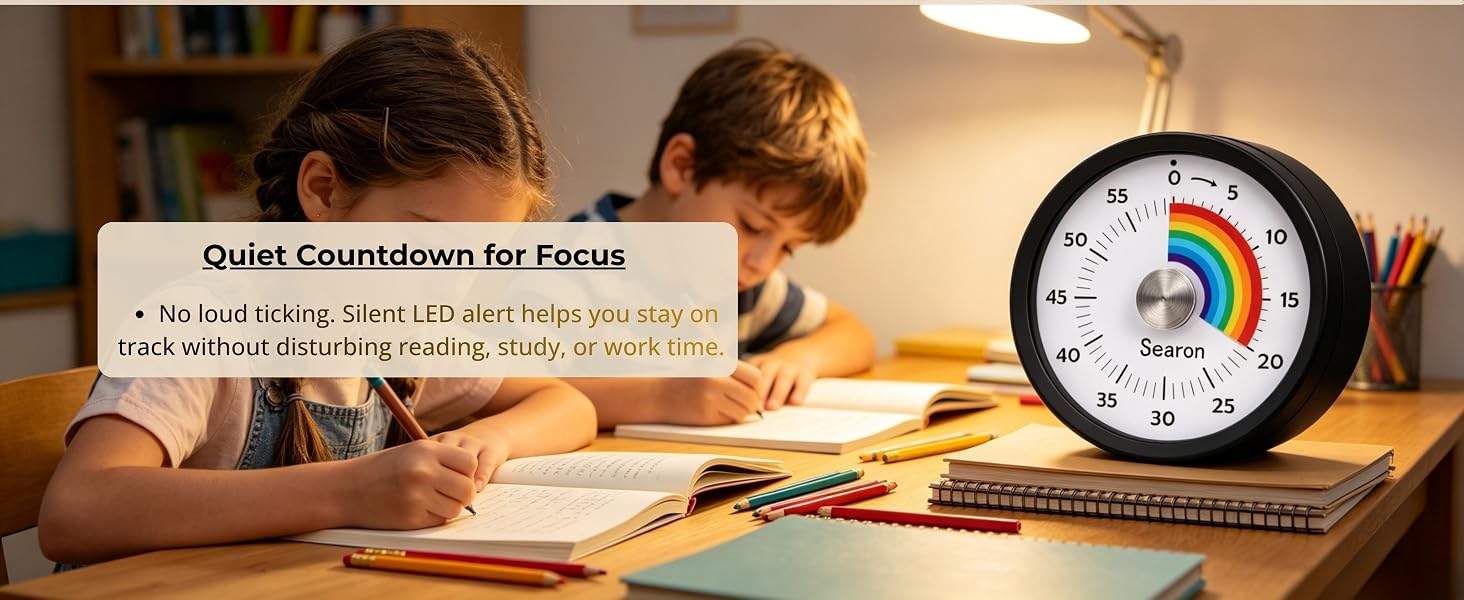
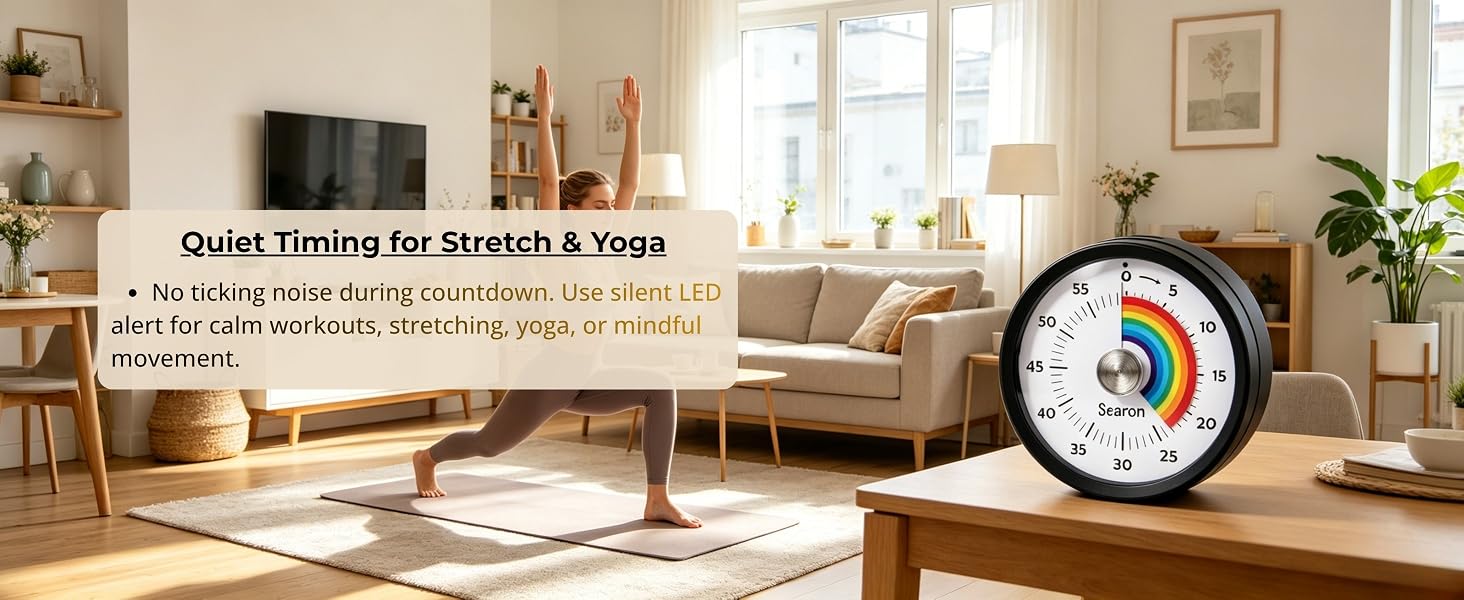
The countdown runs silently with no ticking. Choose sound + flashing LED or silent flashing LED for the alert. The alert lasts up to 60 seconds, making it useful for kitchens, classrooms, homework, reading, and other quiet spaces.

From classic mechanical timers to modern visual countdowns, Searon makes it easier to choose the right way to manage time.

At Searon, we believe there is no single right way to manage time. Some people prefer the familiar simplicity of a mechanical timer, while others want to see time count down quietly and clearly. We create practical timing solutions for cooking, family routines, classrooms, and focused work—simple to set, easy to understand, and designed around the way people actually use time.
Before each use, turn to 55–60 minutes, then back to the desired time. This fully winds the mechanism for proper ringing.
Turn the dial to start. Do not press the top button to start; it pauses or resumes the countdown. The LED may stay off while timing.
Silent mode uses a flashing LED instead of sound. Press the top button once to stop it. A beep or flash every 2 seconds signals low battery; replace both AAA batteries.
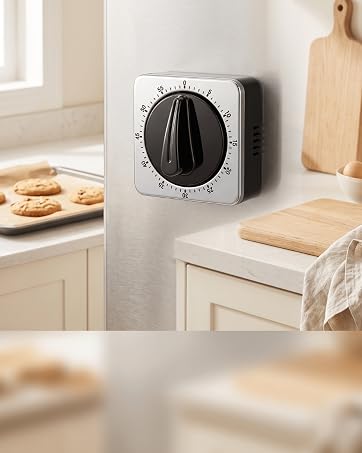

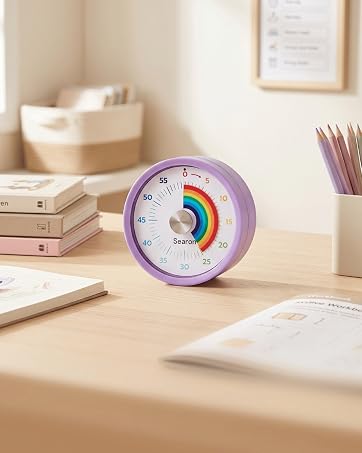
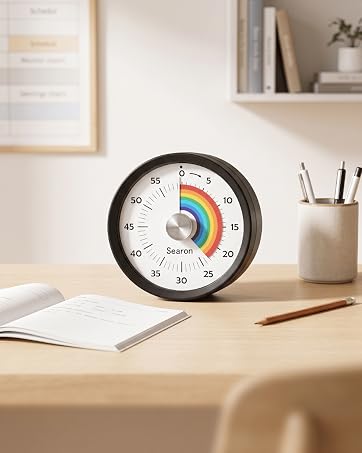
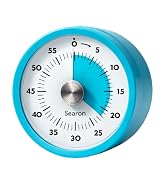
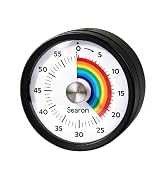
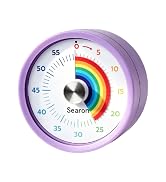
From classic mechanical timers to modern visual countdowns, Searon makes it easier to choose the right way to manage time.
At Searon, we believe there is no single right way to manage time. Some people prefer the familiar simplicity of a mechanical timer, while others want to see time count down quietly and clearly. We create practical timing solutions for cooking, family routines, classrooms, and focused work—simple to set, easy to understand, and designed around the way people actually use time.
Before each use, turn to 55–60 minutes, then back to the desired time. This fully winds the mechanism for proper ringing.
Turn the dial to start. Do not press the top button to start; it pauses or resumes the countdown. The LED may stay off while timing.
Silent mode uses a flashing LED instead of sound. Press the top button once to stop it. A beep or flash every 2 seconds signals low battery; replace both AAA batteries.

Stop guessing when your food is done. Stop arguing with your kids about screen time. With Searon's magnetic rainbow visual timer, time isn't a number — it's something you can actually see.

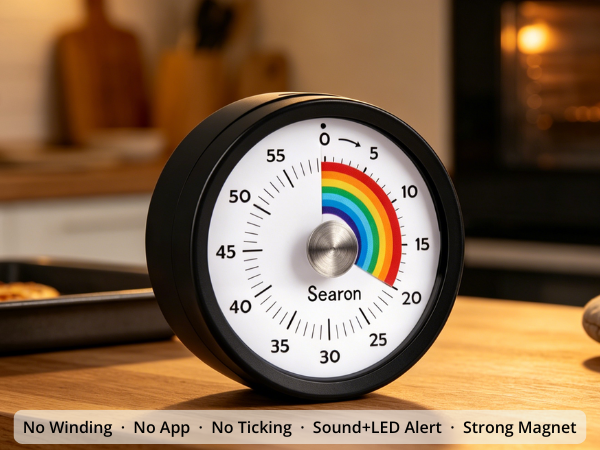
Cooking shouldn't mean staring at your phone or wrestling with fiddly buttons. Just twist the Searon dial to your time — done. The rainbow shrinks. Your food gets ready. You stay focused on what matters.

Children with ADHD, autism, or time blindness process visual cues far better than numbers on a screen. When the rainbow is big, there's time left. When it's almost gone — wrap up. No abstract counting. No anxiety. Just a clear, calming picture of time.
Holds firm on refrigerators and metal surfaces — even when cabinet doors slam shut. Never falls, never slides.
Sound + LED flash for busy kitchens. Silent LED only for libraries, classrooms & focus sessions. Reset to zero, then hold the top button to switch.
Pause mid-session and resume right where you left off — great for lesson breaks, split cooking tasks, or or anything that needs a pause.
Set your time with one simple turn. No winding, No app, no phone unlocking, no complicated buttons — just turn the dial and start timing.




How do I start the timer, what does the top button do, and why does it beep or flash by itself?
Turn the dial to start—NOT the top button. LED off = running; LED on = paused. The top button pauses/resumes or stops the alert. Unexpected beeping or flashing every 2 seconds means low battery—replace the batteries.
Where can I use this visual timer?
Use it for cooking and baking, kids’ routines, homework, classroom activities, homeschool, reading, study, or focused work. Its visual countdown makes remaining time easy to see at home, in the kitchen, classroom, or workspace.
How is this visual timer different from a phone, mechanical, or digital timer?
Turn the dial to start and see time count down at a glance. No winding, ticking, app setup, or complicated controls. It offers dedicated visual timing without reaching for your phone and getting pulled into notifications.
How can I place the timer in the kitchen, classroom, or around the home?
Use the magnetic back on a fridge, whiteboard, or other magnetic metal surface. Place the flat base on a countertop or desk, or use the built-in hanging hole to hang it on a hook.
Does the timer tick, and can I use it in quiet spaces?
The countdown runs silently with no ticking. Choose sound + flashing LED or silent flashing LED for the alert. The alert lasts up to 60 seconds, making it useful for kitchens, classrooms, homework, reading, and other quiet spaces.