




 here!
here!
I’m your shopping assistant for PC builds, upgrades, and everything tech.
Got questions? Ask away!
Start a conversation
here!
I’m your shopping assistant for PC builds, upgrades, and everything tech.
Got questions? Ask away!
Start a conversation
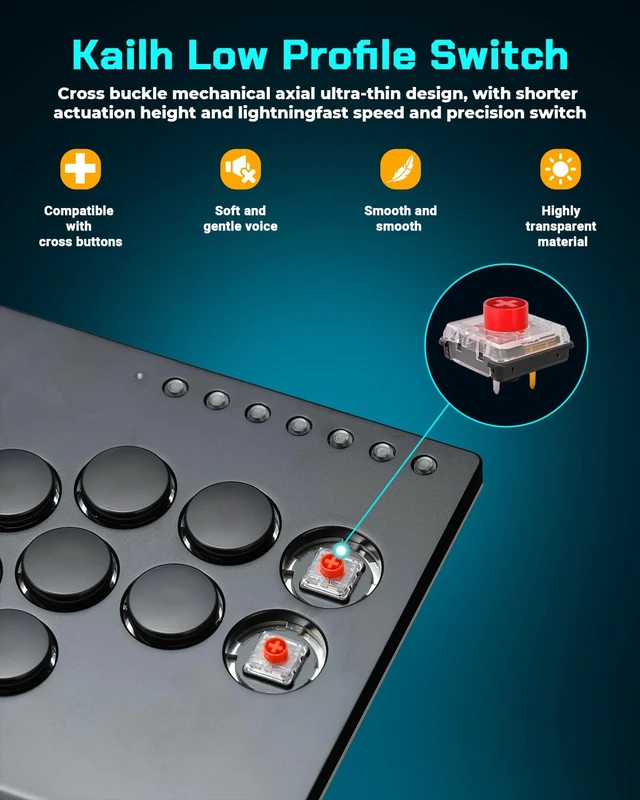
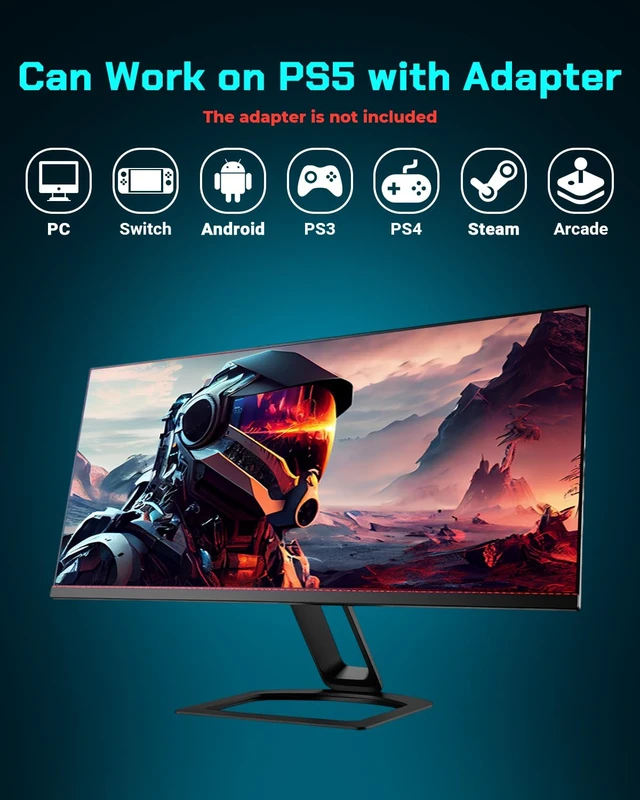
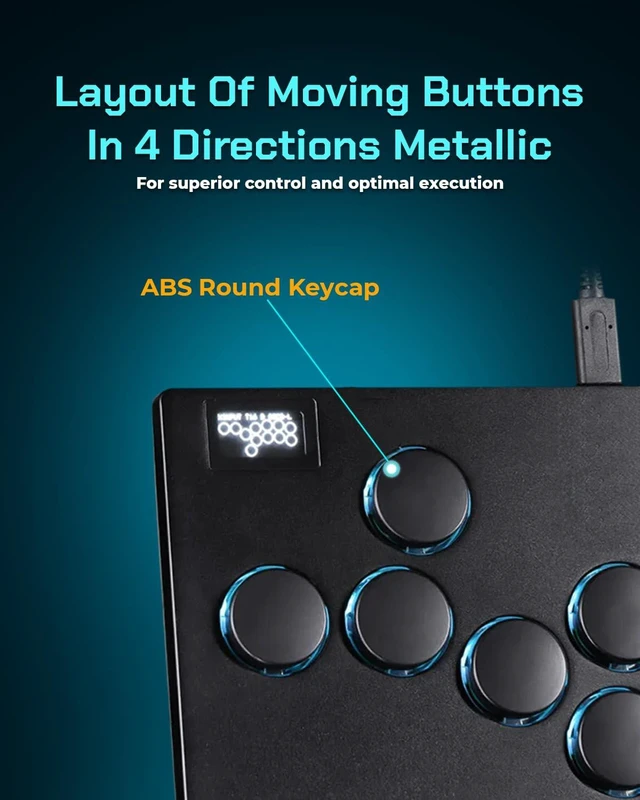



Any questions? Ask CelesteSM will help you find out quickly.
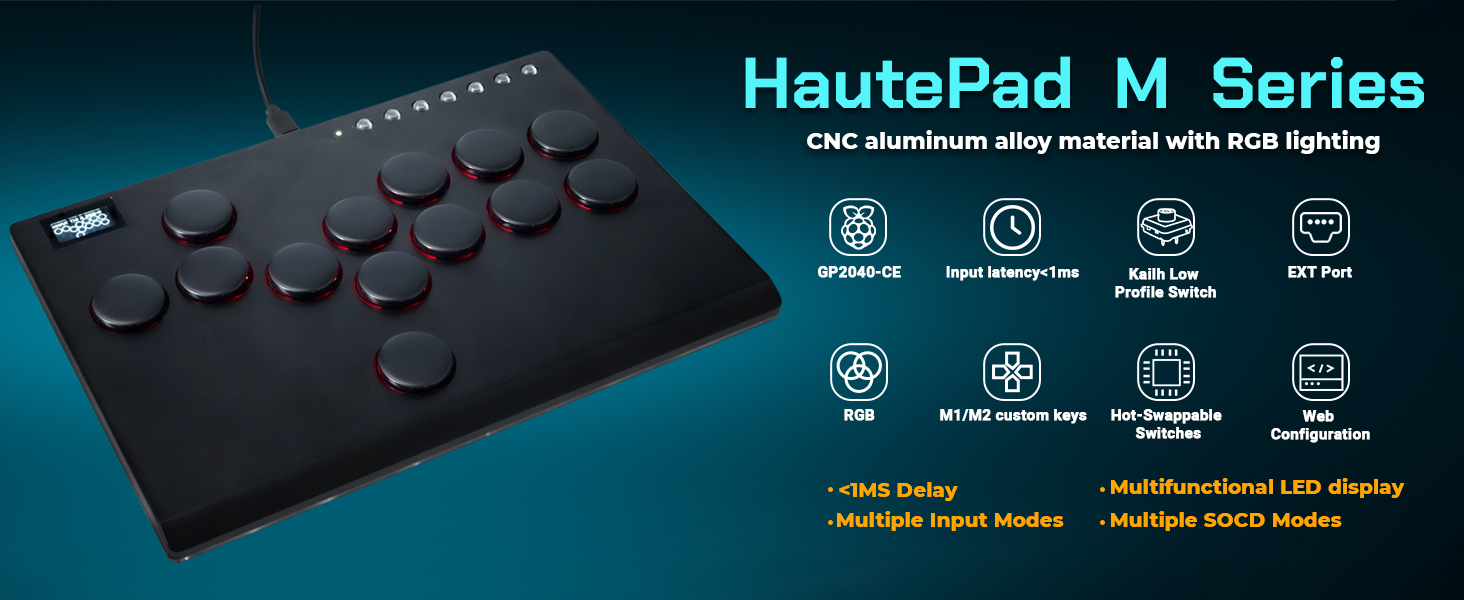
Can it play on PS5/Xbox Series console?
Sure, but you need to purchase an additional converter
How to perform connection settings?
You can press ‘start’ while inserting the keyboard into the PC,Or press and hold start+x+y for five seconds while inserting the keyboard to start the application. Then visit 192.168 . 7.1 Configure in a web browser
Unable to connect, how to upgrade version from 0.7.5 to 0.7.7?
You can go to huate42.com Official website to get help
Why does my controller stop responding after a while on PS4 or PS5?
PS4 and PS5 consoles use authentication to ensure only authorized controllers are used. Without this, controllers face an 8-minute timeout. When using a PS4 controller in PC mode, no timeout occurs, but Xinput is recommended for best compatibility.
How do I avoid the 8-MINUTE timeout?
The GP2040-CE firmware enables file uploads for device authentication via the PS4 Mode add-on, resolving the timeout issue. With an OLED display, the input mode switches from PS4 to PS4:AS upon successful authentication with the PS4/PS5 console.
Sehawei offers gaming enthusiasts a range of premium peripherals and accessories to elevate their gaming experience and enjoyment.


Can it play on PS5/Xbox Series console?
Sure, but you need to purchase an additional converter
How to perform connection settings?
You can press ‘start’ while inserting the keyboard into the PC,Or press and hold start+x+y for five seconds while inserting the keyboard to start the application. Then visit 192.168 . 7.1 Configure in a web browser
Unable to connect, how to upgrade version from 0.7.5 to 0.7.7?
You can go to huate42.com Official website to get help
Why does my controller stop responding after a while on PS4 or PS5?
PS4 and PS5 consoles use authentication to ensure only authorized controllers are used. Without this, controllers face an 8-minute timeout. When using a PS4 controller in PC mode, no timeout occurs, but Xinput is recommended for best compatibility.
How do I avoid the 8-MINUTE timeout?
The GP2040-CE firmware enables file uploads for device authentication via the PS4 Mode add-on, resolving the timeout issue. With an OLED display, the input mode switches from PS4 to PS4:AS upon successful authentication with the PS4/PS5 console.
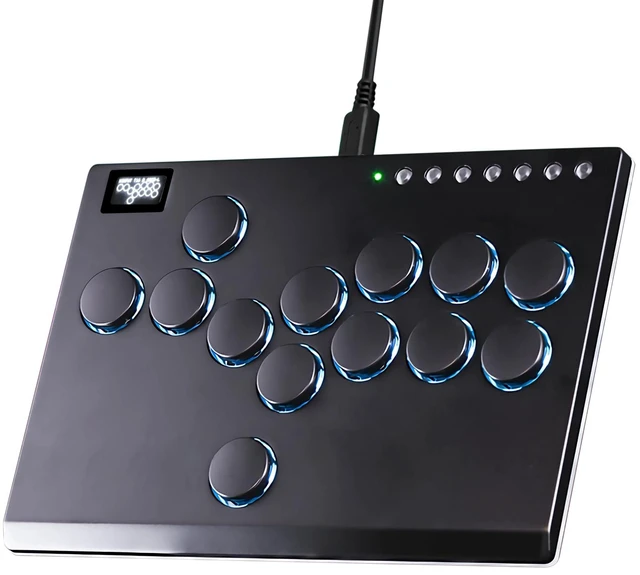
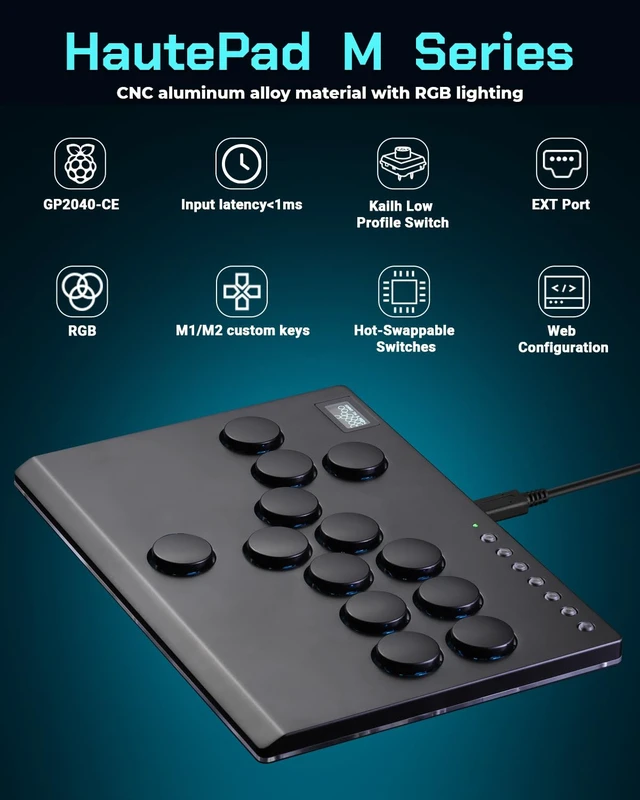
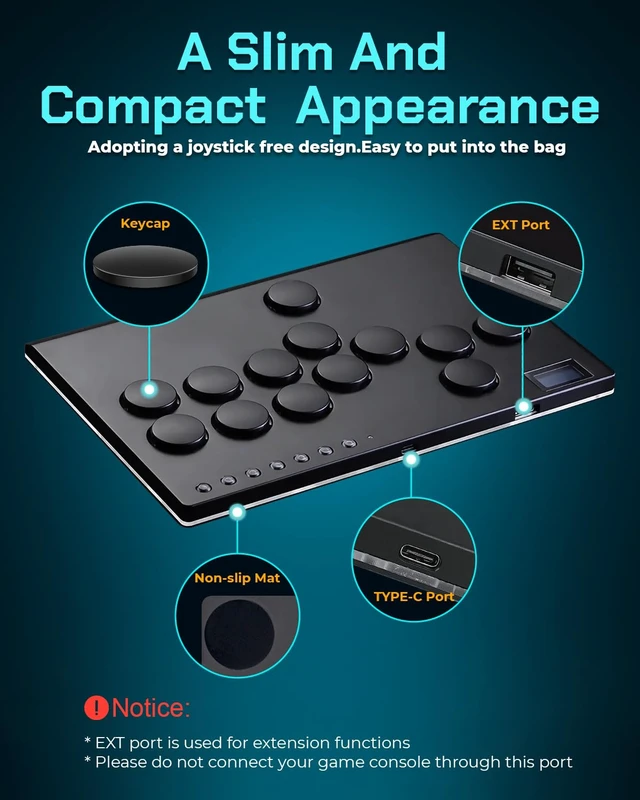
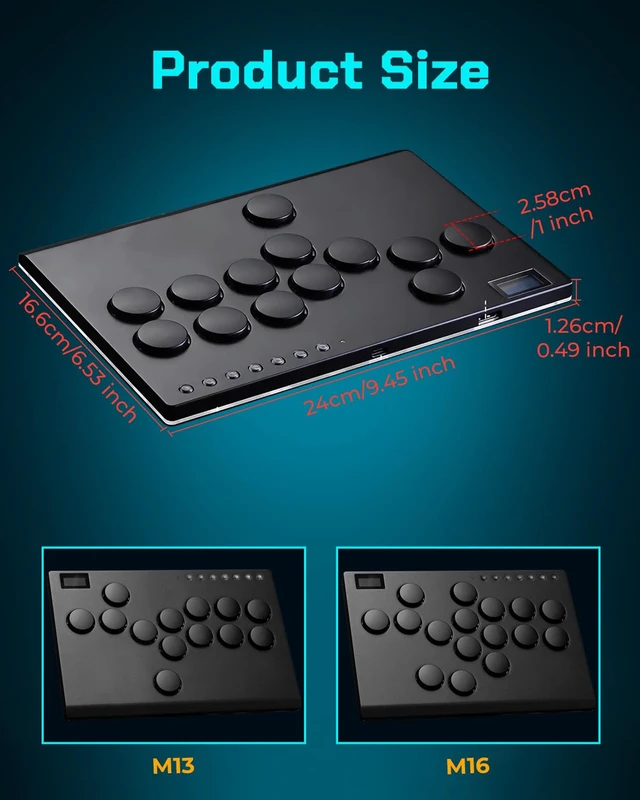
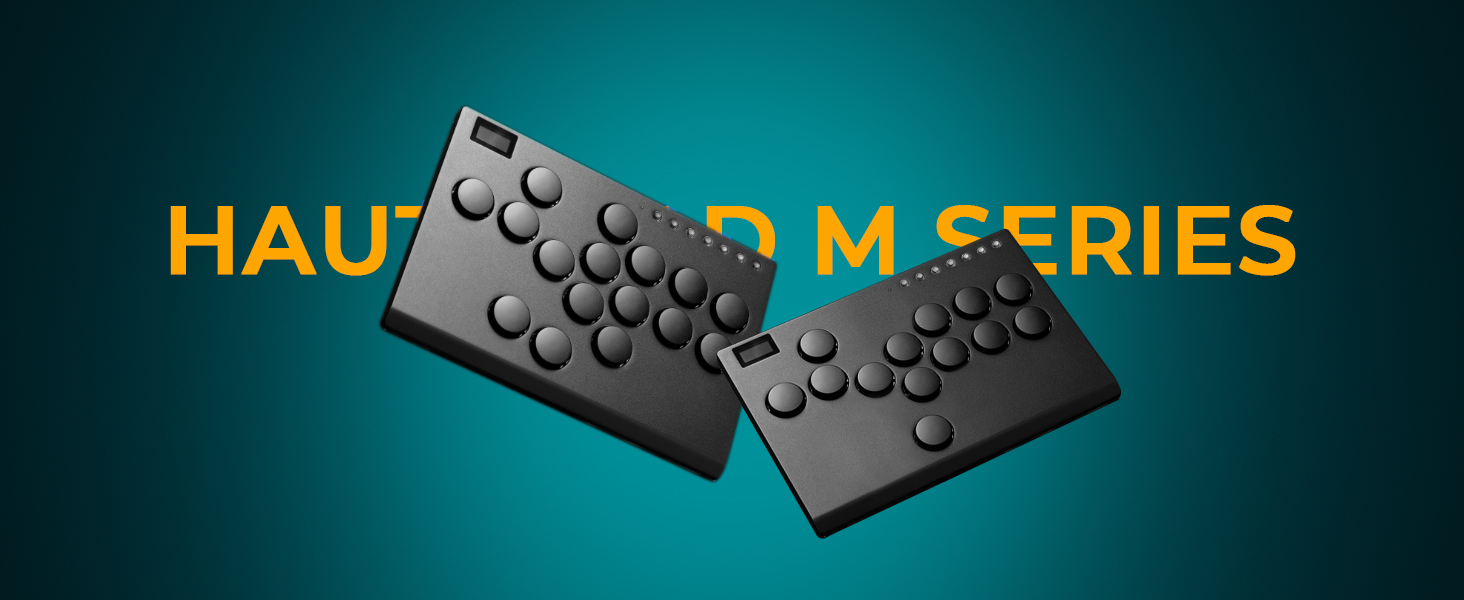
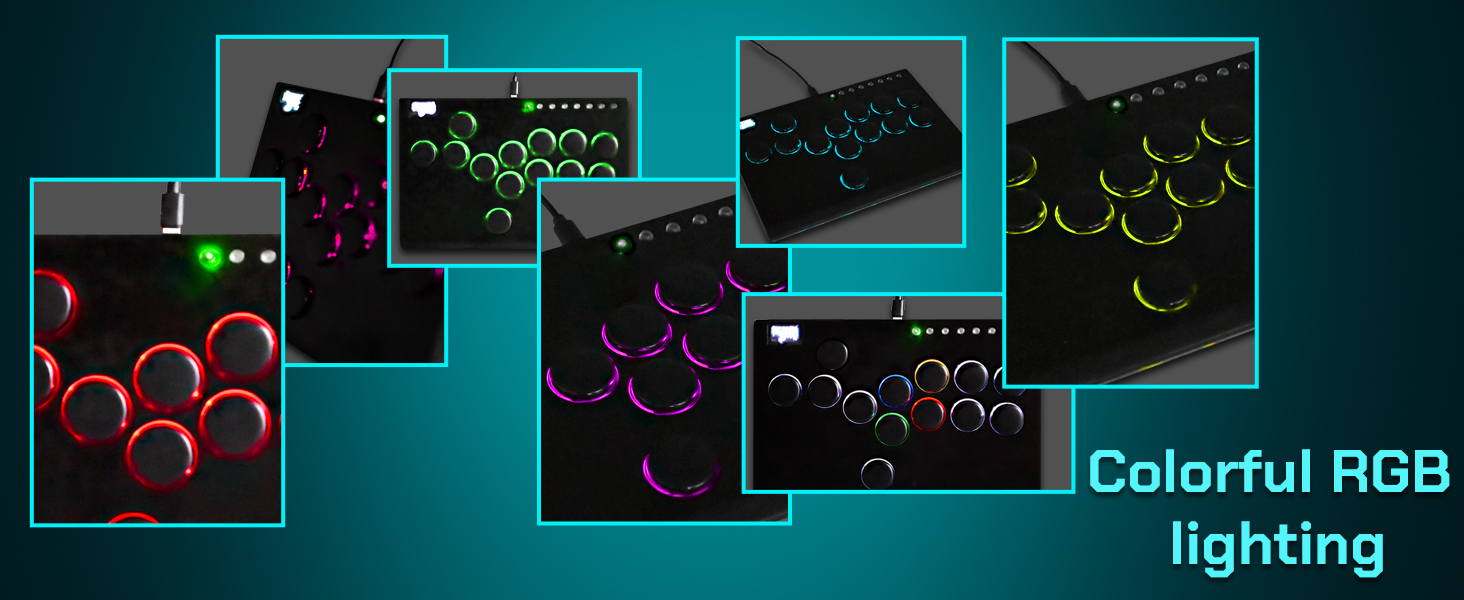
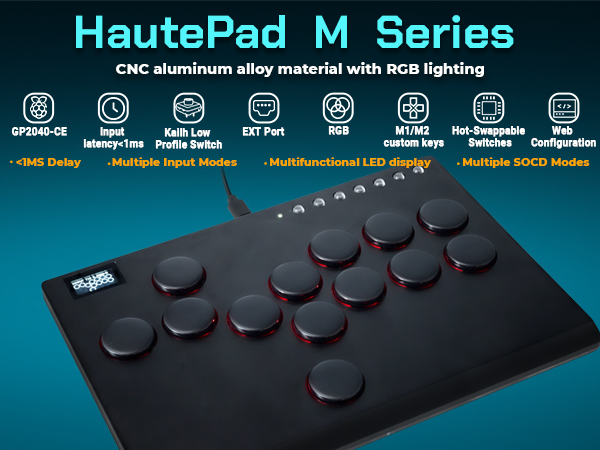
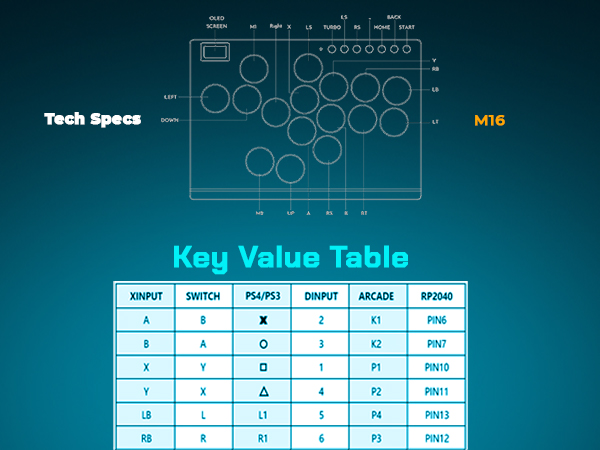
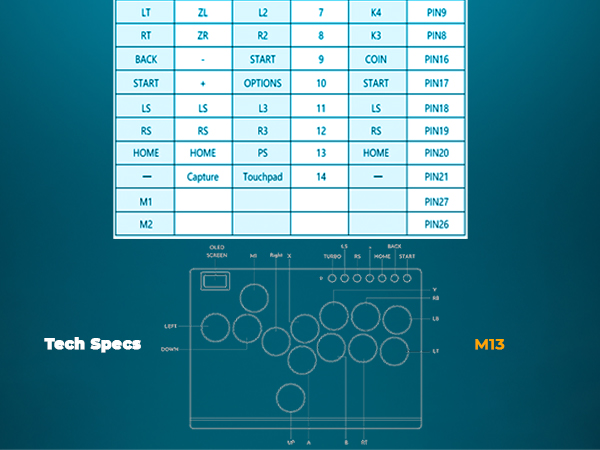
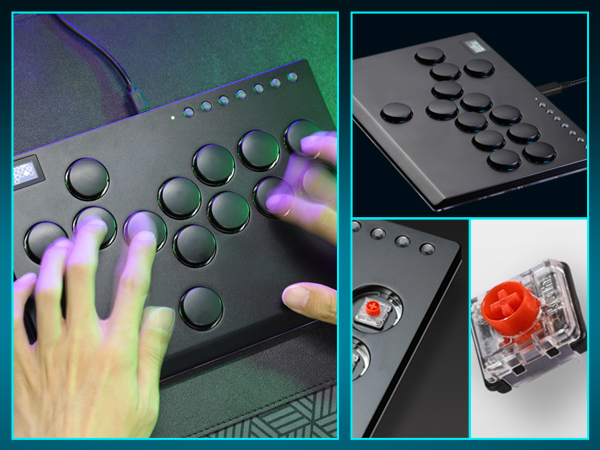
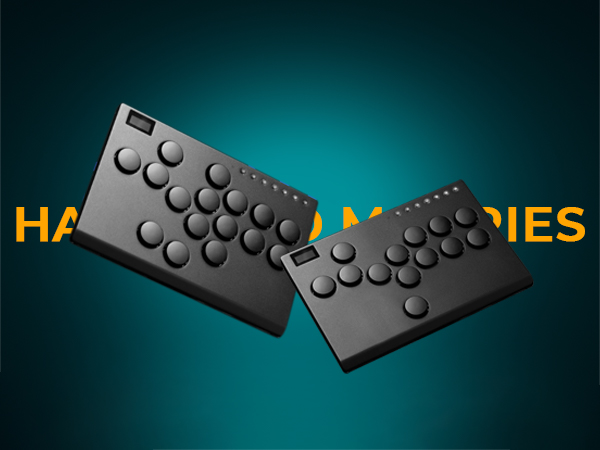
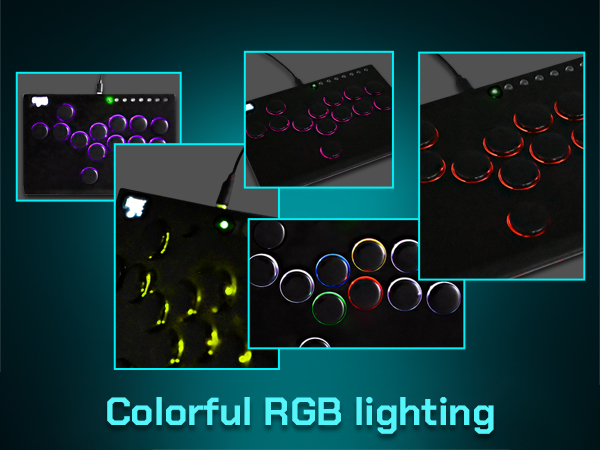
Sehawei Haute42 All Metal Arcade Stick 13Keys All-Button Controller with Custom RGB & Turbo Functions,Arcade Fighting Stick for PC/Ps3/Ps4/Switch/Steam-Supports SOCD


