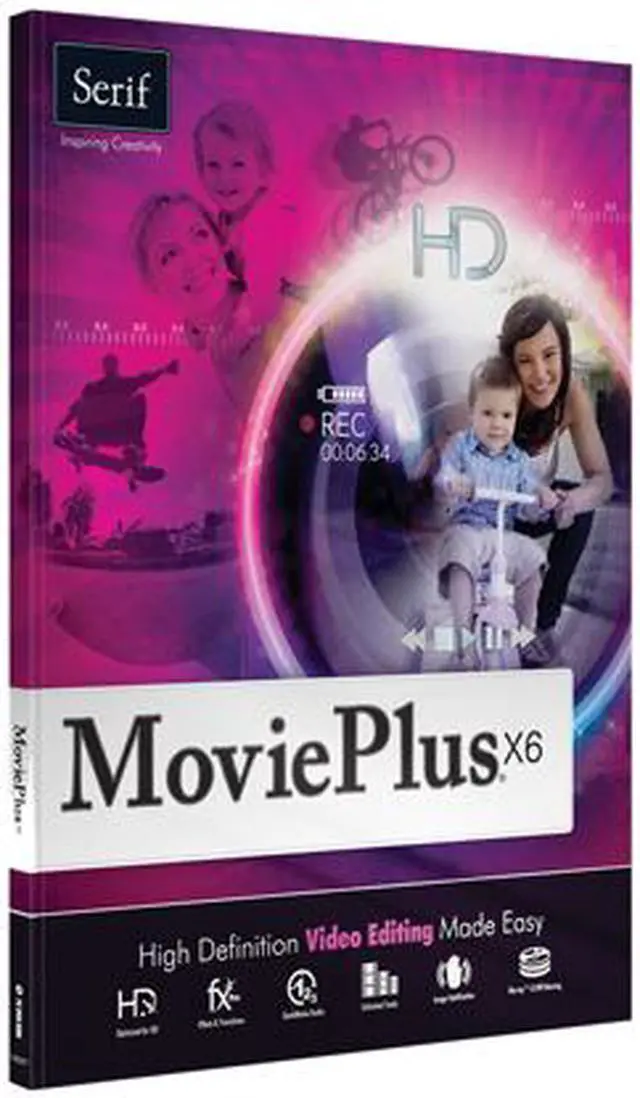
| Feature | QuickMovie Studio - Create movies quickly and easily in the QuickMovie Studio. Simply choose a professionally designed theme, which includes title sequences, backgrounds, transitions, effects and more, then import the video, audio, and images you want to include. You don't need to know how to edit videos to use QuickMovie, just select what you want from a list.
There are 20 themes that are perfect for weddings, Christmas, birthdays and loads more. All of the elements are customizable so, if you are feeling creative, you can make adjustments to the effects, transitions, and text to make something truly personalized and unique.
Color & Lighting Adjustments - Adjust color and lighten, including tints, vibrancy, exposure, shadows, and clarity on your movie segments and still images.
3D Adjustment - Flip, reverse, and spin your movies along any axis using the new 3D adjustment to create amazing effects.
Properties Pane - Use the redesigned Properties pane, which allows you to manage adjustments, to create complex projects more easily.
Video File Converter - Convert video files from one format to another easily without having to use the Timeline or Storyboard modes.
AVCHD Progressive Export - Export AVCHD at 1080p and 50fps - compressed enough to fit your movies on an SD card to play on your full HD TV.
Upload to Facebook & Vimeo - Share your movies with friends and family instantly! In one click, you can upload your finished video straight to Facebook or Vimeo. |
|---|