
Your Browsing History



Any questions? Our AI beta will help you find out quickly.
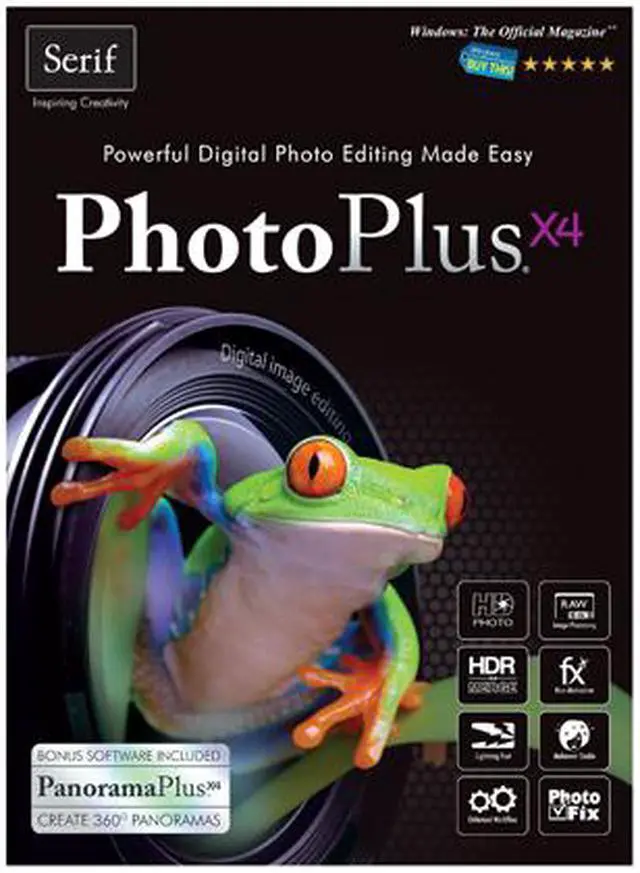
 Professional Tools and FeaturesImport and export HD photos and Adobe Photoshop files – with layers intact – and apply adjustments as individual layers. Edit RAW files from popular digital SLR cameras in PhotoPlus X4’s RAW Studio – it’s an absolute must for anyone who shoots RAW images. Easily change white balance, highlights, exposure and reduce noise and chromatic aberration, adjust bit depth and more. Using the HDR Merge feature, you can create jaw-dropping pictures with an amazing color range by merging photos with different exposure settings. You can always edit HDR images further in PhotoPlus X4.
 Edit Photos FastMake your pictures look fantastic by applying popular adjustments quickly within the PhotoFix studio. The intuitive tools make it easy to remove red eye, spots, and blemishes too, plus you can quickly correct wonky images or crop images to any size. Easily adjust white balance, curves, hue, saturation and more. All adjustments can be applied to the entire picture or specific areas of a photograph too with the easy-to-use mask brush.
 Get CreativeRemove people and objects from a photo with precision using the intuitive and easy-to-use Cutout Studio. There are also lots of practical filters and one-click effects to sharpen images, reduce noise, transform photos into art or add stylish effects. Choose from lots of brushes and textures or create your own. Calibrate your graphics tablet’s pressure-sensitivity in the built-in studio to paint or draw with lifelike brush and pen strokes or add text, complete with effects like drop shadow and reflection, to any image – perfect for adding captions and comments to photos.
 Be More ProductivePhotoPlus X4 uses multi-core technology that can access all the processing power in your PC to make photo editing faster than ever. Work faster by assigning your favorite tools and functions to any key on your keyboard and speed up your workflow by using macros to automate complex or frequent tasks.
 Manage and Share Your PhotosKeep on top of your growing photo collection and find your photos faster than ever before. Import and edit photos from anywhere and easily create categorized albums where you can tag and rate images for quick sorting and searching. Photos with geo-tags are automatically placed on the map at the location where they were taken but you can add pictures manually too.
 FREE! Bonus SoftwareIn addition to all the amazing tools and features in PhotoPlus X4, you’ll also be able to create panoramic images using the bonus PanoramaPlus X4 software that comes free with PhotoPlus X4. PanoramaPlus X4 is the easy-to-use photo stitching software that makes it simple for you to create and share stunning panoramic pictures and virtual reality movies.