




 here!
I’m your shopping assistant for PC builds, upgrades, and everything tech.
Got questions? Ask away!
Start a conversation
here!
I’m your shopping assistant for PC builds, upgrades, and everything tech.
Got questions? Ask away!
Start a conversation



Any questions? Ask CelesteSM will help you find out quickly.
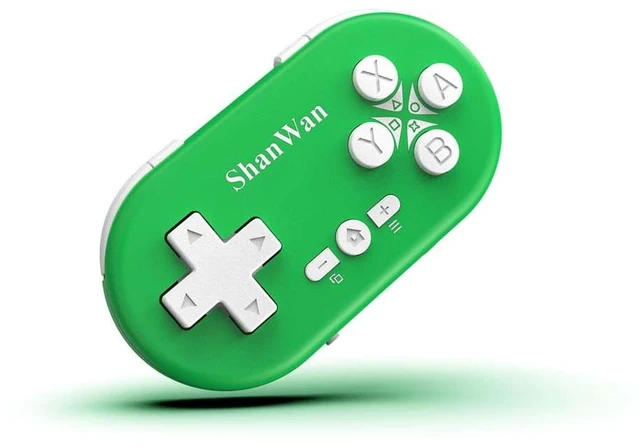
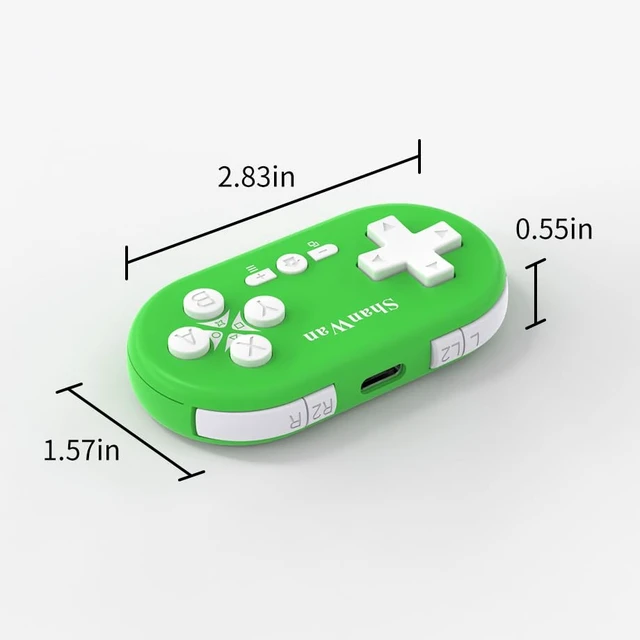
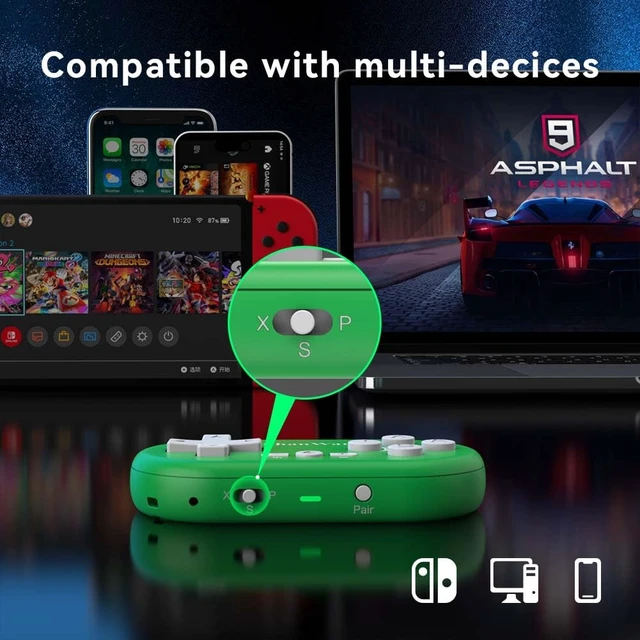
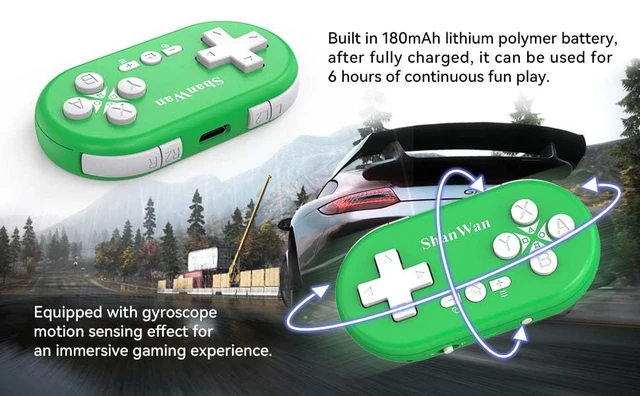
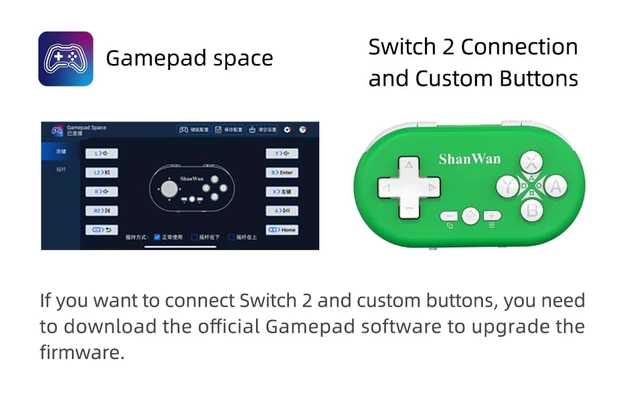
Product function description: Devices that can be connected to the controller: Mobile phone/Computer/Nintendo Switch 1,2 /PS4 Requirements for mobile phones/iPad/PC: Android 9.0 / iOS 13.0 / Windows 10 or Gyroscope calibration: With the controller turned off, place it flat and simultaneously press the (+) button and the Home () button. Connection method for mobile phone/iPad/computer/Mac: Switch to X-Mode (a) Press the Pair button for the first time to turn on the device for pairing. The LED blinks rapidly. (b) Search for the device named "XBOX Wireless Controller" in the system's Bluetooth settings and connect. (c) If the connection is successful, the LED lights up permanently in blue. Important: For reusing, simply hold the Home button to reconnect and wake up. Do not press the Pair button again (except when connecting to other devices). Connection method for Switch: Switch to S-mode (a) Press the Pair button for the first time to turn on the device for pairing. The LED flashes rapidly. (b) On the switch console, select "Controller" > "Change Grip/Order" to call up the pairing screen. (c) The LED lights up permanently green upon successful connection. Important: For reuse, simply hold down the Home button to reconnect and wake up. Do not press the Pair button again (unless connecting to other devices). Connection method for Switch (Joycon mode): (a) Switch to S-Mode. Press the L2 button to turn on the left Joycon controller for pairing. The LED blinks rapidly. Press the R2 button to turn on the right Joycon controller for pairing. The LED blinks rapidly. (b) On the Switch console, select "Controllers" > "Change Grip/Order" to open the pairing screen. (c) If the left Joycon connects successfully, the LED lights up white constantly; if the right Joycon connects successfully, the LED lights up turquoise constantly. Important: For reuse, simply hold the Home button to reconnect and wake up. Do not press the Pair button again (unless connecting to other devices). Connection method for PS4: Switch to P mode (a) For the first time, connect to the console with a TYPE-C USB cable. The LED flashes rapidly. (b) Press and hold the Home button to establish the connection. If the connection is successful, the LED will remain lit in red. Important: For reuse, simply hold the Home button to reconnect.


