







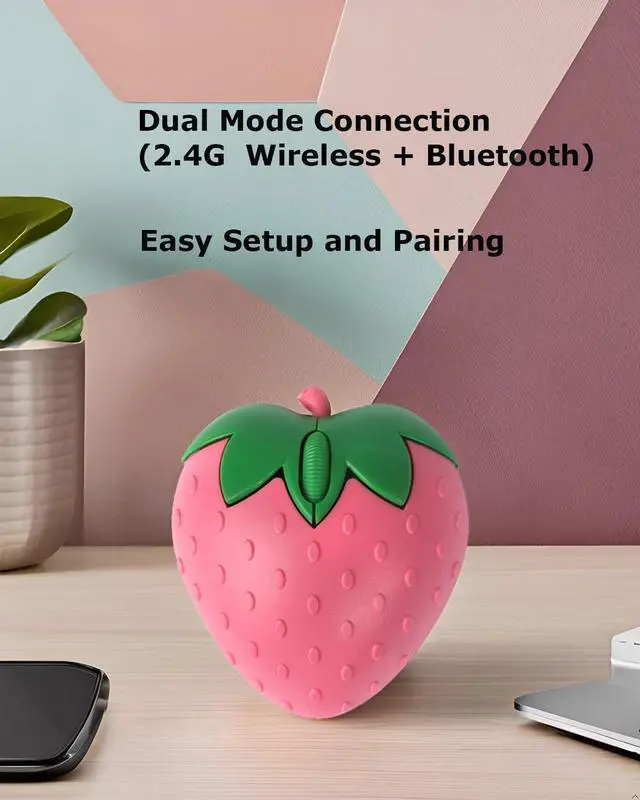



Bluetooth mode:
1. Long press the left and right mouse buttons at the same time for 6 seconds, the blue light flashes, switch to bluetooth mode;
2. Turn on Bluetooth on the device and search for nearby Bluetooth devices.
3. After a while, "BT5.1 Mouse" is displayed on the device and clicks to connect. Do not worry, we will try our best to help you.
Wireless Mode(default):
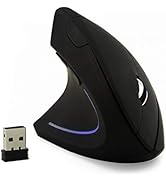
Plug the black USB receiver inside the battery cover at the bottom of the mouse into the computer,the green light flashes at the wheel in wireless mode. The green light will flash slowly when the battery is low in wireless mode
 2.4GHz Wireless Mouse Cute Hamster Shape Less Noice Portable Mobile Optical 1... |  2.4GHz Wireless Mouse Cute Hamster Shape Less Noice Portable Mobile Optical 1... |  Wireless Mouse Pink Cute Pig Design Bluetooth Dual Mode Portable Compact Ligh... |  Wireless Mouse Cute Pig Design Bluetooth Dual Mode Portable Compact Lightweig... |  Wireless Mouse Cute Pig Design Bluetooth Dual Mode Portable Compact Lightweig... |  Wireless Mouse Cute Pink Mouse Kawaii Bunny Shape Rabbit Design Portable Sile... | |
|---|---|---|---|---|---|---|
| Customer Reviews | — | — | — | — | — | — |
| Price | — | — | — | — | — | — |
| Bluetooth Connection | no data | no data | ? | ? | ? | no data |
| Cute Hamster Design | ? | ? | no data | no data | no data | no data |
| Cute Piggy Design | no data | no data | ? | ? | ? | no data |
| Cute Bunny Design | no data | no data | no data | no data | no data | ? |

To make the smart life easier
Starting with affordable, high-quality gear and ending with a commitment to 100% user satisfaction . After all, we're customers too









for Apple/Samsung Products



Cute Hamster Wireless Mouse




Cute Silent Wireless Mouse




Bluetooth Keyboard Mouse Combo
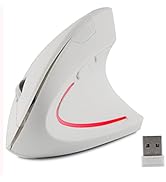
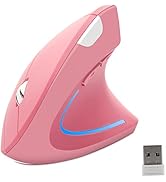
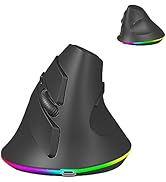

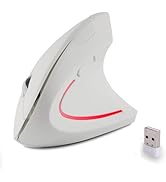
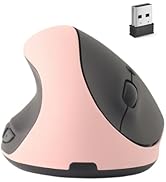
Large Vertical Ergonomic Mouse




Bluetooth Keyboard Mouse Combo
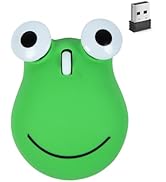
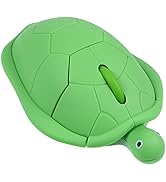
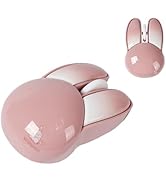

Cute Wireless Mouse


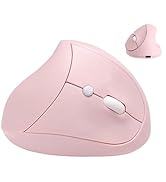

Vertical Ergonomic Mouse


Super Cute Mouse




Bluetooth Vertical Mouse
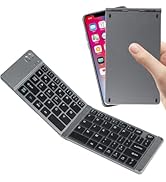
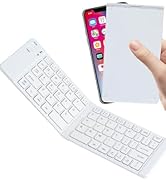
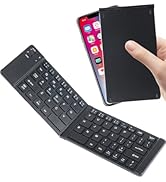
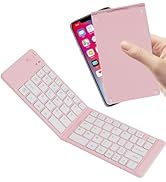
Foldable Bluetooth Keyboard
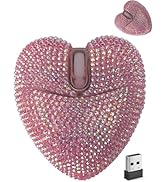



Cute Dual Mode Bluetooth Mouse
Left Handed Mouse



Cute Piggy/Hamster Mouse
Bluetooth mode:
1. Long press the left and right mouse buttons at the same time for 6 seconds, the blue light flashes, switch to bluetooth mode;
2. Turn on Bluetooth on the device and search for nearby Bluetooth devices.
3. After a while, "BT5.1 Mouse" is displayed on the device and clicks to connect. Do not worry, we will try our best to help you.
Wireless Mode(default):
Plug the black USB receiver inside the battery cover at the bottom of the mouse into the computer,the green light flashes at the wheel in wireless mode. The green light will flash slowly when the battery is low in wireless mode
2.4GHz Wireless Mouse Cute Hamster Shape Less Noice Portable Mobile Optical 1... | 2.4GHz Wireless Mouse Cute Hamster Shape Less Noice Portable Mobile Optical 1... | Wireless Mouse Pink Cute Pig Design Bluetooth Dual Mode Portable Compact Ligh... | Wireless Mouse Cute Pig Design Bluetooth Dual Mode Portable Compact Lightweig... | Wireless Mouse Cute Pig Design Bluetooth Dual Mode Portable Compact Lightweig... | Wireless Mouse Cute Pink Mouse Kawaii Bunny Shape Rabbit Design Portable Sile... | |
|---|---|---|---|---|---|---|
| Customer Reviews | — | — | — | — | — | — |
| Price | — | — | — | — | — | — |
| Bluetooth Connection | no data | no data | ? | ? | ? | no data |
| Cute Hamster Design | ? | ? | no data | no data | no data | no data |
| Cute Piggy Design | no data | no data | ? | ? | ? | no data |
| Cute Bunny Design | no data | no data | no data | no data | no data | ? |
To make the smart life easier
Starting with affordable, high-quality gear and ending with a commitment to 100% user satisfaction . After all, we're customers too
for Apple/Samsung Products
Cute Hamster Wireless Mouse
Cute Silent Wireless Mouse
Bluetooth Keyboard Mouse Combo
Large Vertical Ergonomic Mouse
Bluetooth Keyboard Mouse Combo
Cute Wireless Mouse
Vertical Ergonomic Mouse
Super Cute Mouse
Bluetooth Vertical Mouse
Foldable Bluetooth Keyboard
Cute Dual Mode Bluetooth Mouse
Left Handed Mouse
Cute Piggy/Hamster Mouse