
Your Browsing History

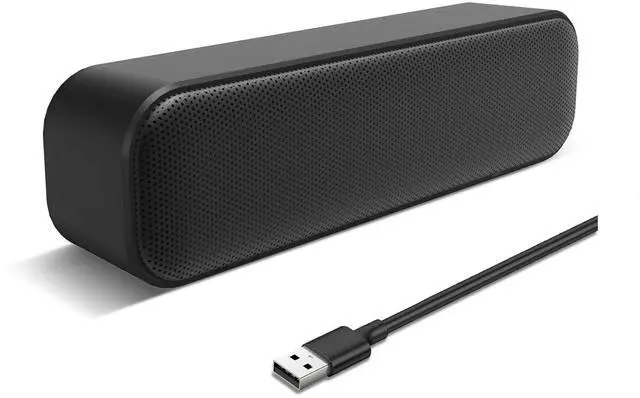



Any questions? Our AI beta will help you find out quickly.
Features:
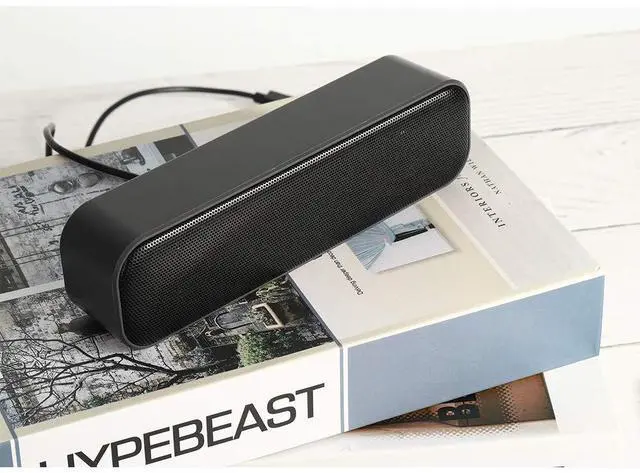
1. They are small and compact, so they can be brought virtually anywhere.
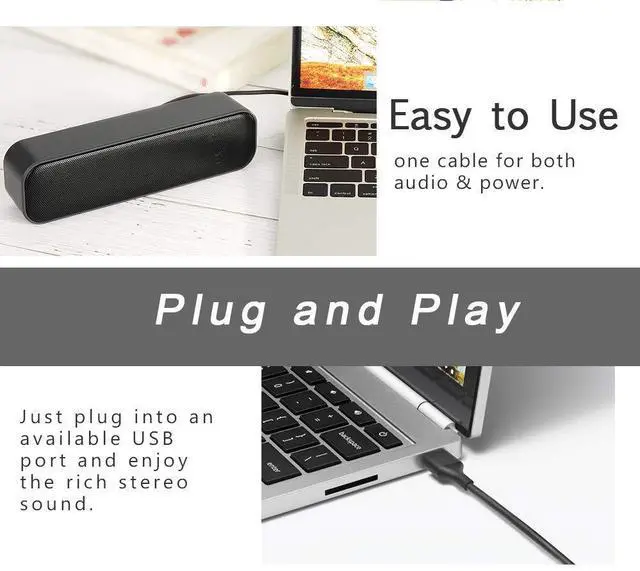
2. Powered by a single USB cable, have not volume control knob, easy to use.
3. Anti-interference and stereo sound.
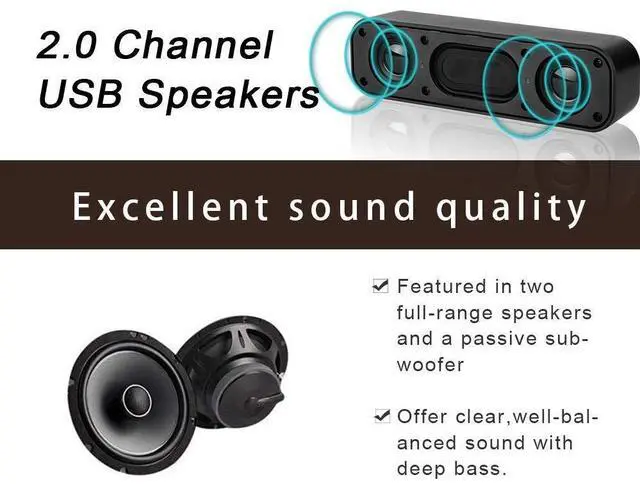
4. Deep bass and crystal-clear treble.
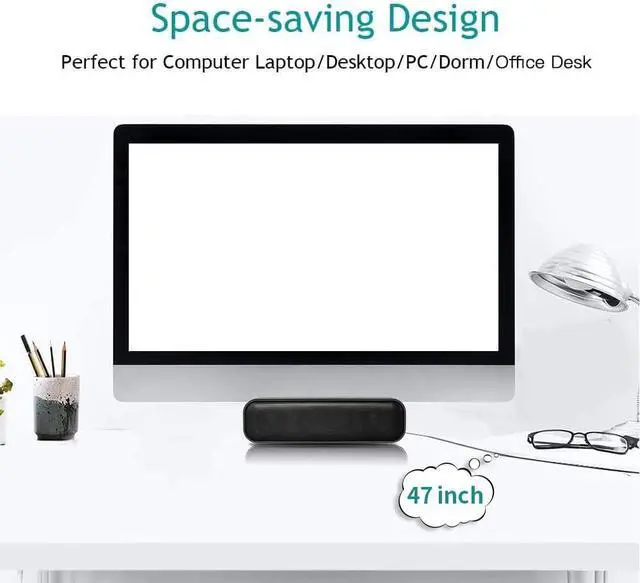
5. Space-saving design, they can be conveniently placed next to your PC monitors without compromising on valuable desk space.
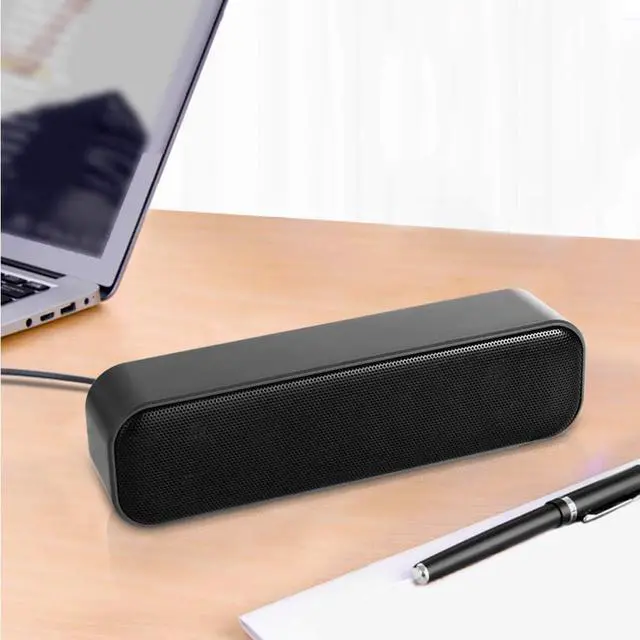
6. Built in 2 speakers, balance and enhance the sound of your Laptop, Notebook, Computer, PC, Tablets, good for work, music, movies, games, etc.
7. Acoustic quality stereo sound, let your room Filled with music, movies, or computer games and make you immersive.
Great for
·Enhance any media experience while at home, office, kitchen, basement or on the go.
·Upgrade to your computer's weakened or faint internal speakers. Perfect USB Speakers for Windows PCs, Desktop Computer, Laptop.
·Daily listening, static listening at home or office.
How to adjust the volume
1. Open the device you need to connect to the USB speaker.
2. Make sure the speaker body and plug are not damaged, insert USB plug into the USB jack of device to provide power.
3. Turn on the music on your device, make sure your device output sound is not muted.
4. Adjust the volume on your computer.
Use tips:if you plug it in and it doesn't play, check your settings first. When you plug it in, go up to the volume control and switch the audio output from internal speakers to USB.
Specification:
Connectivity:USB
Number of speakers: 2
USB Cable Length: 47 inches
Connection radius: direct connection
Package:
-1 x USB Speakers
| Brand | shuley |
| Speaker Maximum Output Power | 6 Watts |
| Connectivity Technology | USB |
| Audio Output Mode | Stereo |
| Material | Plastic |
| Enclosure Material | Plastic |
| Speaker Type | Soundbar |
| Additional Features | computer speaker |
| Antenna Location | For Computers |
| Subwoofer Diameter | 6 Centimeters |
| Color | Black |
| Battery Average Life | 3 years |
| Is Waterproof | FALSE |
| Warranty Type | Limited |
| Control Method | App |
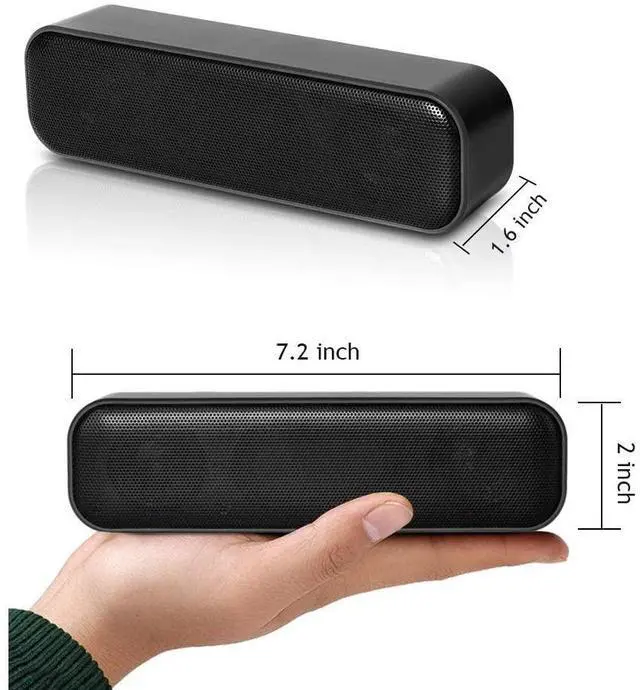
| Speaker Size | 7 Inches |
| MP3 player | No |
| Specific Uses For Product | Computer Use |
| Number of Audio Channels | 2.0 |
| Wireless Technology | USB |
| Connectivity Protocol | USB |
| Audio Driver Type | Dynamic Driver |
| Model Number | SL-HK-SPEAKER |
| Model Name | 5008 |
| Built-In Media | usb |
| Number of Items | 1 |
| Manufacturer | shuley |
| Item Type Name | USB Computer Speaker |
| Warranty Description | 1 year |
| Unit Count | 1.0 Count |