




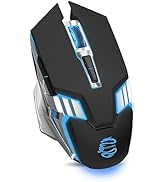
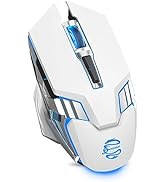
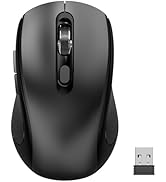
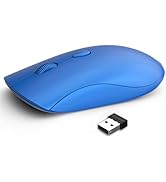
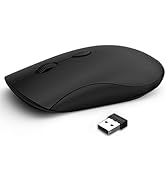
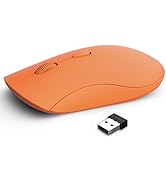

SJR343 Tri-mode Wireless Mouse (Bluetooth 3.0/5.0+2.4GHz) for PC Laptop Tablet iPad MacBook, Compatible with Android Windows Mac OS
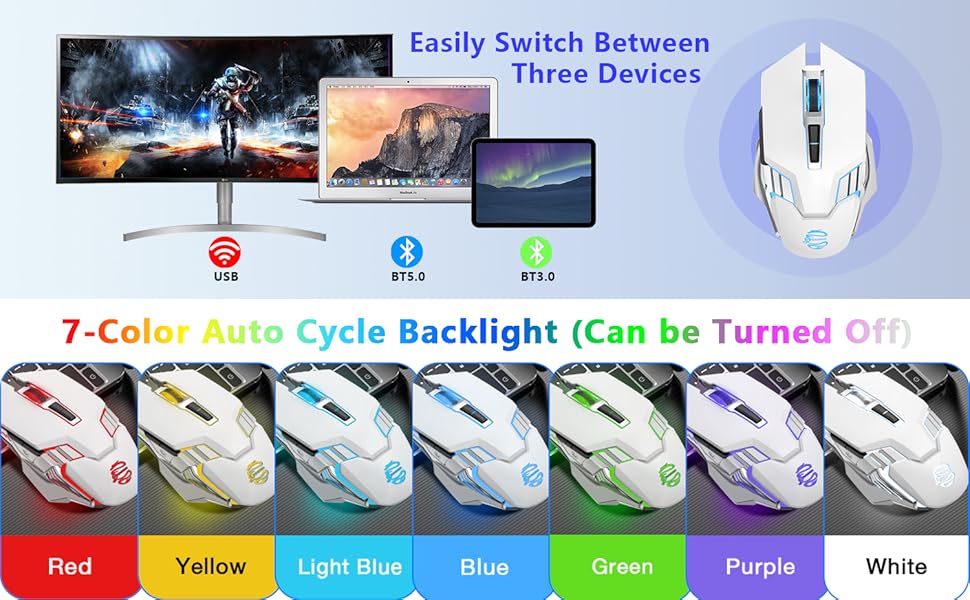

Three adjustable DPI up to 2400

Silent buttons with 5 million clicks

Ergonomic mouse with forward and backward button



Connection Method of SJR343 3-Mode Wireless Mouse

How to connect to Bluetooth mode?
1. Make sure your mouse is turned on
2. Click the Mode button to switch to BT3.0 or BT5.0 mode.
-BT3.0: The mouse wheel flashes green
-BT5.0: The mouse wheel flashes blue
3. Search for "M343-BT3.0" or "M343-BT5.0" through your devices, and then click to match.
System Requirement
- 2.4G wireless mode: Win XP / Win7 / Win8 / Win10 / Win 11
- Bluetooth 3.0 mode: Win XP / Win7 / Win8 / Win10 / Win 11, Mac OS, Chrome OS, Android System
- Bluetooth 5.0 mode: Win8 / Win10 / Win 11, Mac OS, Chrome OS, Android system (Bluetooth 5.0 does not support Win 7/ XP)
- Note: IOS (iPad/iPhone) is supported, but must be IOS 10.3 or above system.
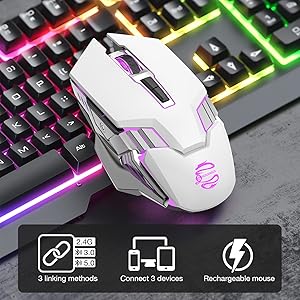
Package include
- 1 x Wireless mouse;
- 1 x charging cable;
- 1 x User Manual;
- 1 x USB receiver.(NOTE: The USB receiver is stored at the bottom of the mouse)
Product specifications
- Mouse Size: 4.92(L) x 2.8(W) x 1.61(H) in
- Mouse Weight: 4 ounces
- DPI: 1000-1600-2400
- Report rate(2.4G mode): 250Hz
- Report rate(Bluetooth mode): 90Hz
SMART MULTI-LEVEL POWER SAVING
- Mouse stop work for 3 second, enter the level 1 sleep mode;(It canbe wake up by moving).
- Mouse stop work for 3 minutes, enter the level 2 sleep mode.
- Mouse stop work for 30 minutes, enter the level 3 sleep mode, and the sensor LED is off.
- *In the 1 and 2 sleep mode, the mouse can be moved to wake up*
- After the sensor LED is turned off, you need to press the key or scroll wheel to wake up the mouse
Charging instructions
- If LED is flashing once every second, the batteryare is low. If LED is flashing four time every second, the battery is severely low. Mouse cursor at this moment can not be moved.
- lf the battery is low, there is a pause or un-smooth cursor movementduring use.Pls charge it. The charging indicator lights up in charging, (the red indicator light is always on), when the battery is fully charged, the indica-tor is off. (P.S. Don't charge it by fast charger 2A or above!)
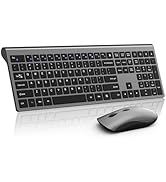
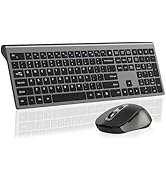
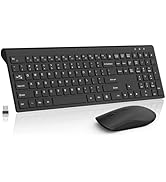
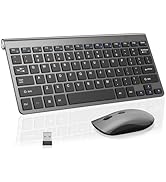
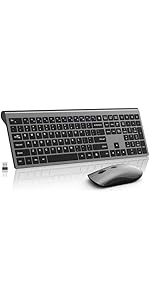 Wireless Mouse and Keyboard Combo, Silent Full-Size Computer Keyboard with Ca... | 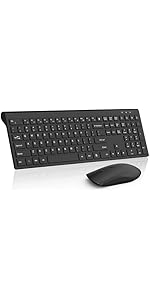 Wireless Keyboard and Mouse Combo, Silent Full-Size Computer Keyboard with Ca... | 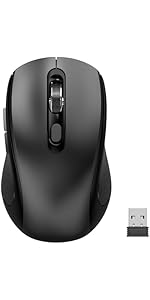 Wireless Mouse with Side Buttons for Laptop, PC, Chromebook, Mac, MacBook, Si... | 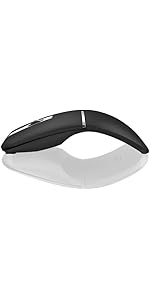 Bluetooth Curved Mouse Wireless Silent Mouse Rechargeable Bluetooth&2.4G Dual... | 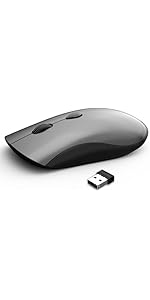 Wireless Mouse for Chromebook, Laptop, PC, Macbook, Slim Portable Optical Com... | 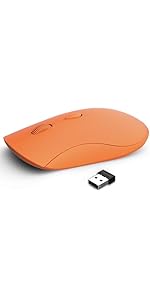 SHUNJINRUN Wireless Mouse for Chromebook, Laptop, PC, MacBook, Slim Portable ... | |
|---|---|---|---|---|---|---|
| Customer Reviews | — | — | — | — | — | — |
| Price | — | — | — | — no data | — | — no data |
| Connection | USB Wireless | USB Wireless | 1 USB Wireless + 2 Bluetooth | 1 USB Wireless + 2 Bluetooth | 1 USB Wireless + 2 Bluetooth | 1 USB Wireless + 2 Bluetooth |
| Charging Port | USB-C | no data | USB-C | USB-C | USB-C | USB-C |
SJR343 Tri-mode Wireless Mouse (Bluetooth 3.0/5.0+2.4GHz) for PC Laptop Tablet iPad MacBook, Compatible with Android Windows Mac OS
Three adjustable DPI up to 2400
Silent buttons with 5 million clicks
Ergonomic mouse with forward and backward button
Connection Method of SJR343 3-Mode Wireless Mouse
How to connect to Bluetooth mode?
1. Make sure your mouse is turned on
2. Click the Mode button to switch to BT3.0 or BT5.0 mode.
-BT3.0: The mouse wheel flashes green
-BT5.0: The mouse wheel flashes blue
3. Search for "M343-BT3.0" or "M343-BT5.0" through your devices, and then click to match.
System Requirement
- 2.4G wireless mode: Win XP / Win7 / Win8 / Win10 / Win 11
- Bluetooth 3.0 mode: Win XP / Win7 / Win8 / Win10 / Win 11, Mac OS, Chrome OS, Android System
- Bluetooth 5.0 mode: Win8 / Win10 / Win 11, Mac OS, Chrome OS, Android system (Bluetooth 5.0 does not support Win 7/ XP)
- Note: IOS (iPad/iPhone) is supported, but must be IOS 10.3 or above system.
Package include
- 1 x Wireless mouse;
- 1 x charging cable;
- 1 x User Manual;
- 1 x USB receiver.(NOTE: The USB receiver is stored at the bottom of the mouse)
Product specifications
- Mouse Size: 4.92(L) x 2.8(W) x 1.61(H) in
- Mouse Weight: 4 ounces
- DPI: 1000-1600-2400
- Report rate(2.4G mode): 250Hz
- Report rate(Bluetooth mode): 90Hz
SMART MULTI-LEVEL POWER SAVING
- Mouse stop work for 3 second, enter the level 1 sleep mode;(It canbe wake up by moving).
- Mouse stop work for 3 minutes, enter the level 2 sleep mode.
- Mouse stop work for 30 minutes, enter the level 3 sleep mode, and the sensor LED is off.
- *In the 1 and 2 sleep mode, the mouse can be moved to wake up*
- After the sensor LED is turned off, you need to press the key or scroll wheel to wake up the mouse
Charging instructions
- If LED is flashing once every second, the batteryare is low. If LED is flashing four time every second, the battery is severely low. Mouse cursor at this moment can not be moved.
- lf the battery is low, there is a pause or un-smooth cursor movementduring use.Pls charge it. The charging indicator lights up in charging, (the red indicator light is always on), when the battery is fully charged, the indica-tor is off. (P.S. Don't charge it by fast charger 2A or above!)
Wireless Mouse and Keyboard Combo, Silent Full-Size Computer Keyboard with Ca... | Wireless Keyboard and Mouse Combo, Silent Full-Size Computer Keyboard with Ca... | Wireless Mouse with Side Buttons for Laptop, PC, Chromebook, Mac, MacBook, Si... | Bluetooth Curved Mouse Wireless Silent Mouse Rechargeable Bluetooth&2.4G Dual... | Wireless Mouse for Chromebook, Laptop, PC, Macbook, Slim Portable Optical Com... | SHUNJINRUN Wireless Mouse for Chromebook, Laptop, PC, MacBook, Slim Portable ... | |
|---|---|---|---|---|---|---|
| Customer Reviews | — | — | — | — | — | — |
| Price | — | — | — | — no data | — | — no data |
| Connection | USB Wireless | USB Wireless | 1 USB Wireless + 2 Bluetooth | 1 USB Wireless + 2 Bluetooth | 1 USB Wireless + 2 Bluetooth | 1 USB Wireless + 2 Bluetooth |
| Charging Port | USB-C | no data | USB-C | USB-C | USB-C | USB-C |
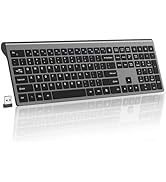
Wireless Keyboard Mouse Combo
Wireless Mouse
Wireless Mouse
Mouse