



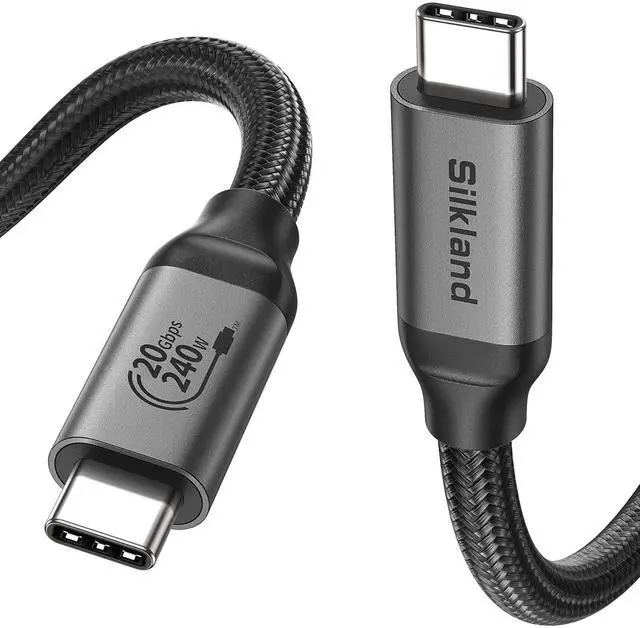
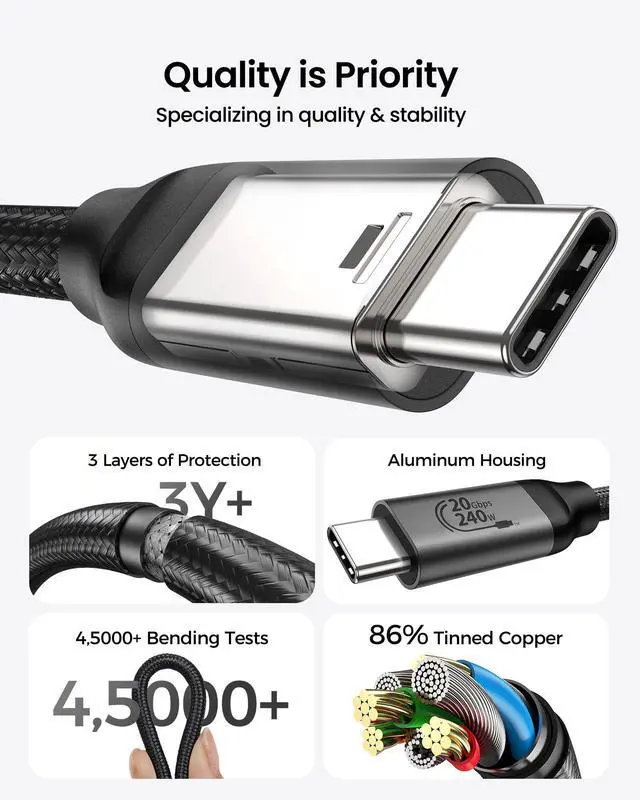



- Focusing on high-end cable development, we offer a complete range of first-class certified cables for home and office.
- We have obtained official certification for various products, including the latest DP80 Cable, DP54 Cable, USB4 80Gbps Cable, Thunderbolt 5 Cable, HDMI 2.1 Cable, etc.


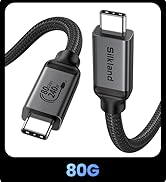
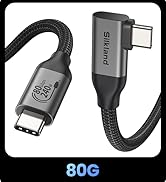
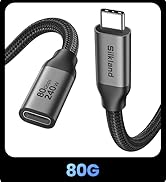
USB C to USB C 80Gbps
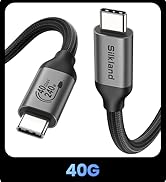
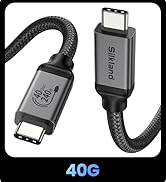
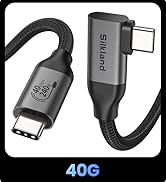
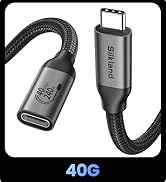
USB C to USB C 40Gbps
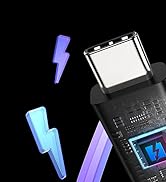

Certified Thunderbolt 5 Cable


Why isn’t my USB-C cable working with my monitor?
First, if your device does not support DP Alt mode, it will not work properly. Second, check that the drivers for your monitor and device are up to date.
How do I check if my device supports DP Alt Mode?
Windows: Open Device Manager ? Display adapters ? Right-click GPU ? Check Driver Details for "DisplayPort" or "DP Alt Mode"
Mac: Apple Menu ? System Report ? Hardware/Graphics ? Look for DP Alt Mode
Monitor: Check specs/manual for USB-C (DP Alt Mode)
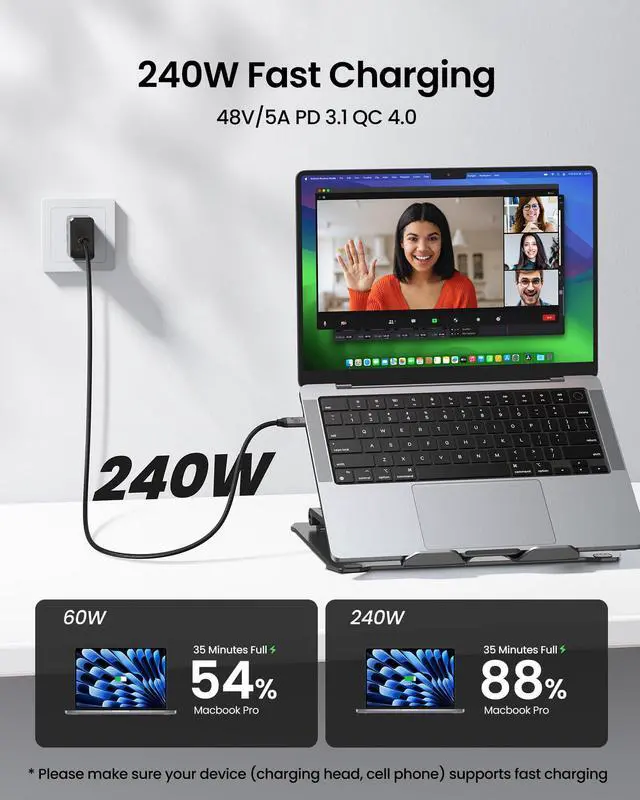
What is required to achieve 240W charging with this cable?
To get 240W, your charger and laptop must both support the USB PD 3.1 EPR standard, and the charger must be capable of supplying 240W (e.g., 48V/5A). Using a standard 100W charger or a device without EPR support will limit the power.
How can I get the full 20Gbps (USB 3.2 Gen 2x2) data speed?
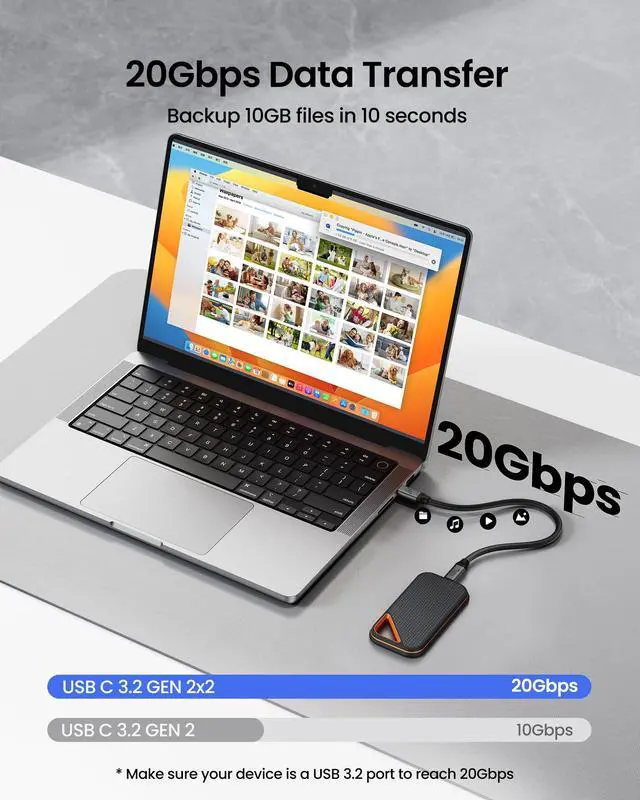
For 20Gbps, both your computer and the connected device (like an SSD) must support the USB 3.2 Gen 2x2 standard. If either device only supports 10Gbps (USB 3.2 Gen 2) or 5Gbps (USB 3.2 Gen 1), the speed will drop to the lower rate.
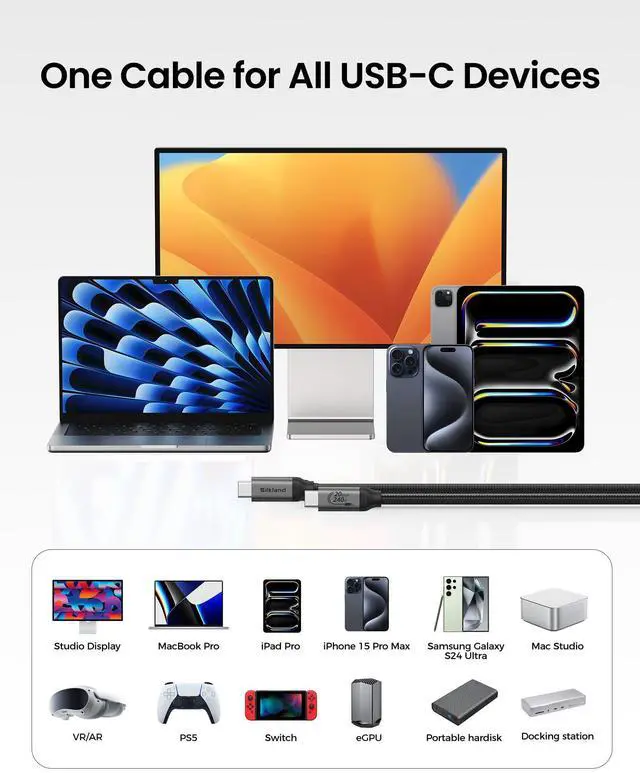
What conditions are needed for 4K or 8K video output to a monitor?
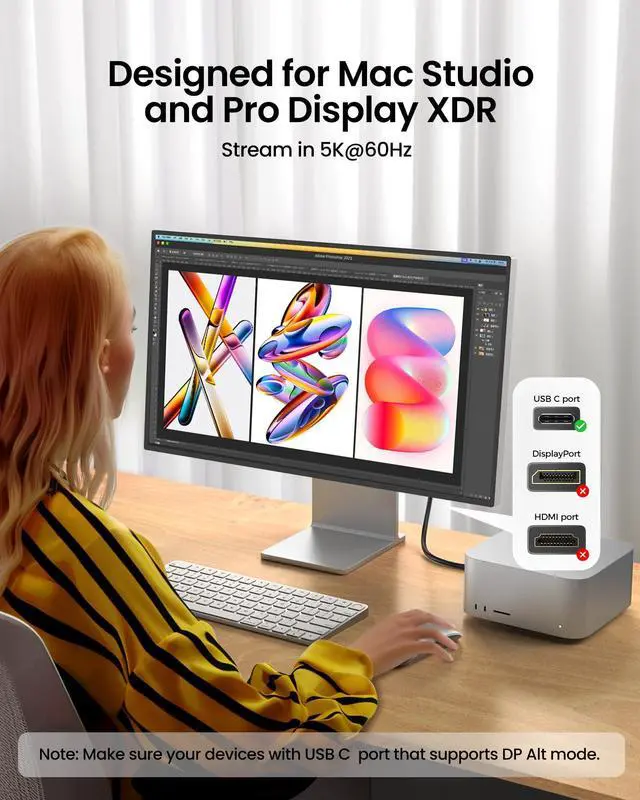
The USB C port of your devices must support DisplayPort Alt Mode. 4K@60Hz is widely supported. For 8K, both your laptop and monitor need DP 1.4 with DSC compression. The cable is capable, but the devices set the limit.


Why isn’t my USB-C cable working with my monitor?
First, if your device does not support DP Alt mode, it will not work properly. Second, check that the drivers for your monitor and device are up to date.
How do I check if my device supports DP Alt Mode?
Windows: Open Device Manager ? Display adapters ? Right-click GPU ? Check Driver Details for "DisplayPort" or "DP Alt Mode"
Mac: Apple Menu ? System Report ? Hardware/Graphics ? Look for DP Alt Mode
Monitor: Check specs/manual for USB-C (DP Alt Mode)
What is required to achieve 240W charging with this cable?
To get 240W, your charger and laptop must both support the USB PD 3.1 EPR standard, and the charger must be capable of supplying 240W (e.g., 48V/5A). Using a standard 100W charger or a device without EPR support will limit the power.
How can I get the full 20Gbps (USB 3.2 Gen 2x2) data speed?
For 20Gbps, both your computer and the connected device (like an SSD) must support the USB 3.2 Gen 2x2 standard. If either device only supports 10Gbps (USB 3.2 Gen 2) or 5Gbps (USB 3.2 Gen 1), the speed will drop to the lower rate.
What conditions are needed for 4K or 8K video output to a monitor?
The USB C port of your devices must support DisplayPort Alt Mode. 4K@60Hz is widely supported. For 8K, both your laptop and monitor need DP 1.4 with DSC compression. The cable is capable, but the devices set the limit.
- Focusing on high-end cable development, we offer a complete range of first-class certified cables for home and office.
- We have obtained official certification for various products, including the latest DP80 Cable, DP54 Cable, USB4 80Gbps Cable, Thunderbolt 5 Cable, HDMI 2.1 Cable, etc.
USB C to USB C 80Gbps
USB C to USB C 40Gbps
Certified Thunderbolt 5 Cable