





Quick and Effortless Installation
Set up the camera wirelessly in minutes, eliminating the need for complicated wiring or professional installation
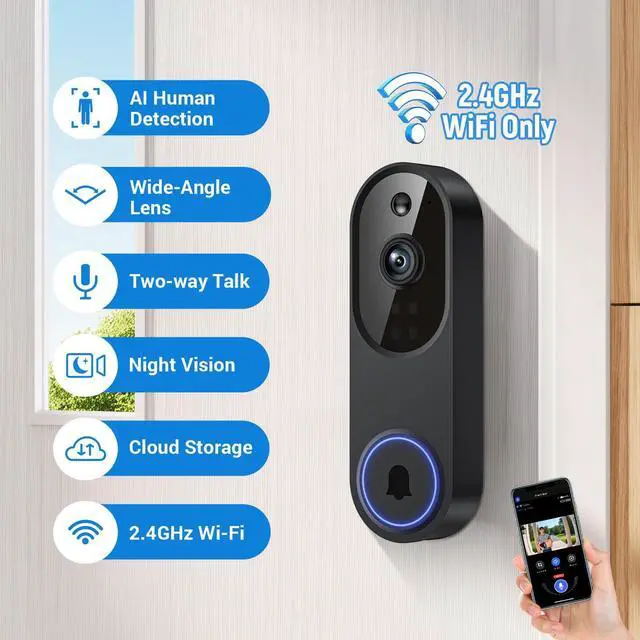
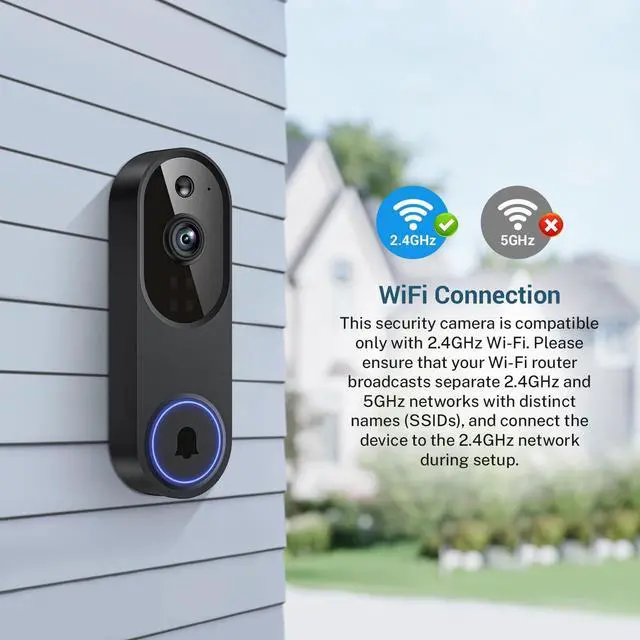
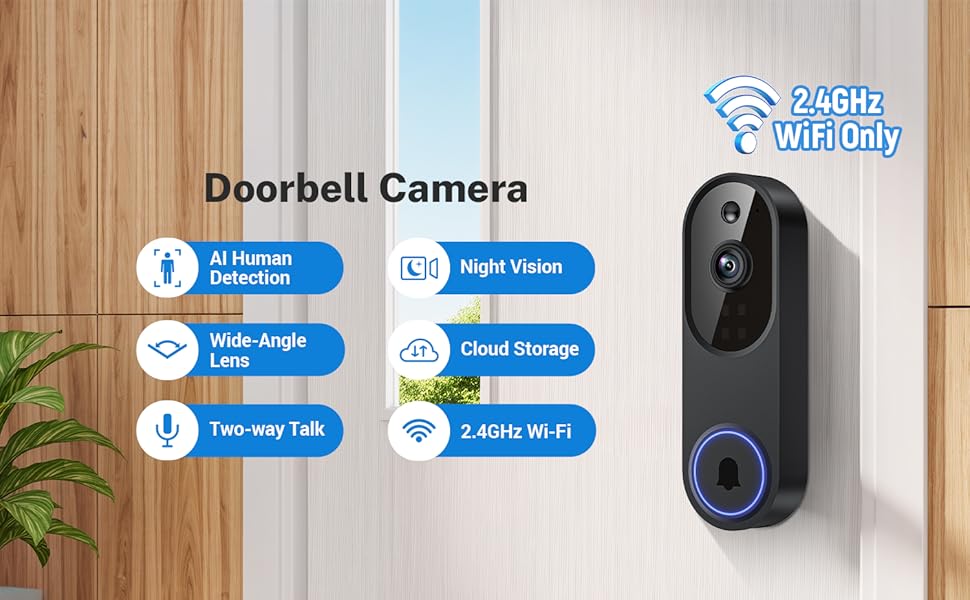
2.4GHz Wi-Fi Compatibility: Only compatible with 2.4GHz Wi-Fi to provide a reliable and quick wireless connection (does not support 5GHz Wi-Fi).
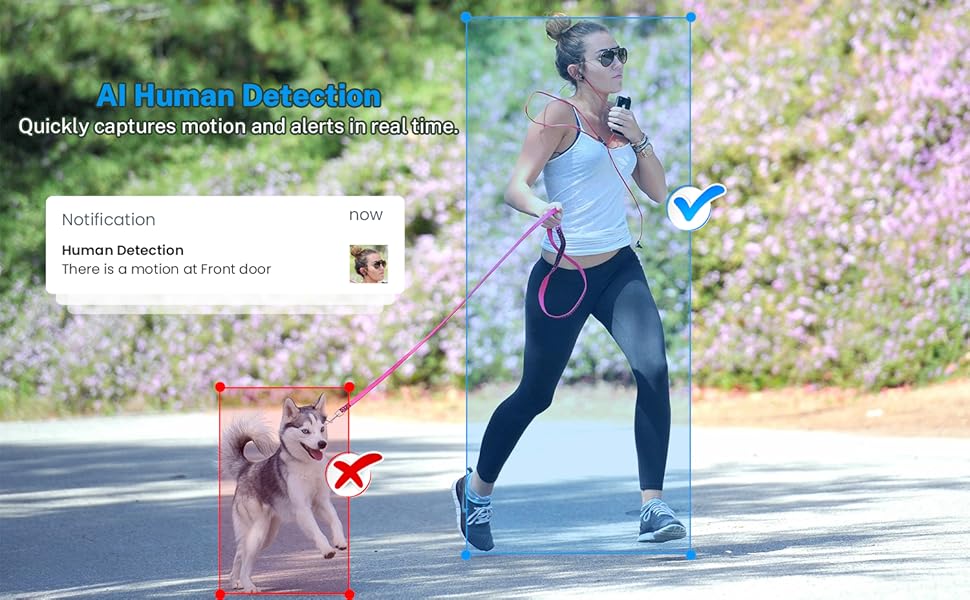
Smart Human Sensing
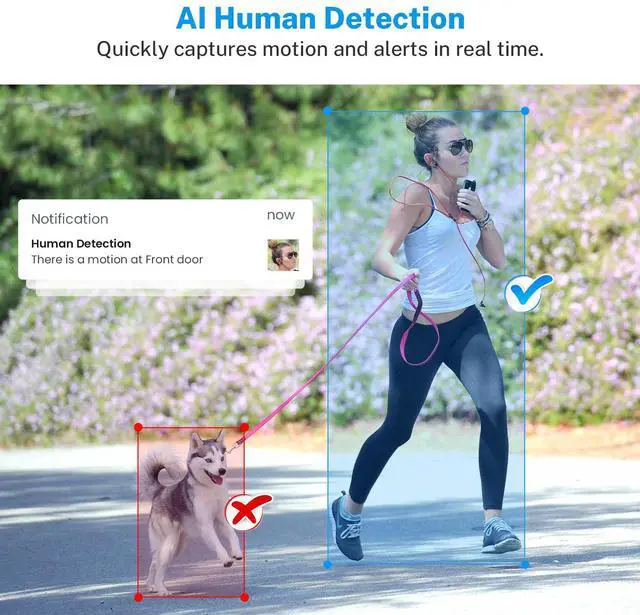
Detects only human motion, preventing distractions from animals and moving objects.
Note: Setting the human detection accuracy: Among the three options of low, medium, and high, we recommend selecting medium. The high option has the strictest detection level, which means that the device wil only be triggered when it is 100% sure that the moving object is a human being. However, here is a chance that the device may fail to identify the human figure, resulting in a failure to notify you.
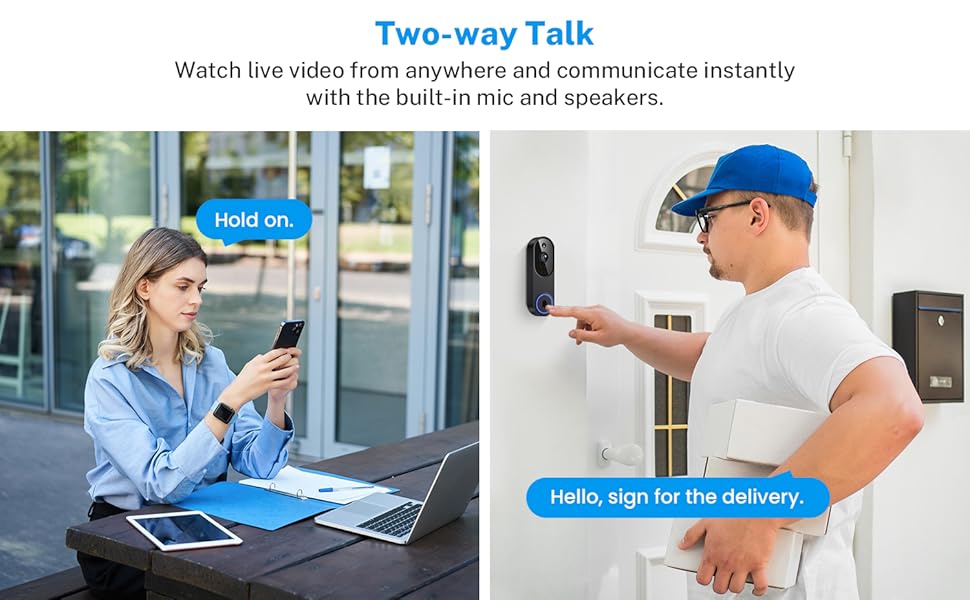
Talk with Visitors from Anywhere
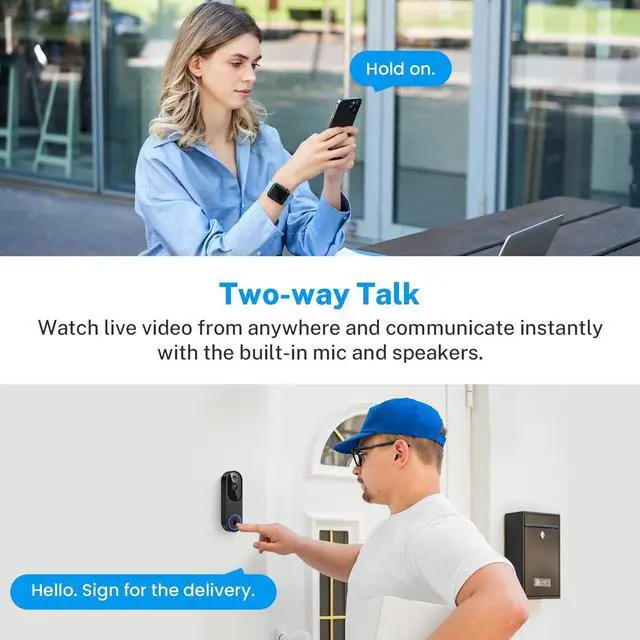
Whether you’re upstairs or away from home, engage with visitors using the two-way talk feature.
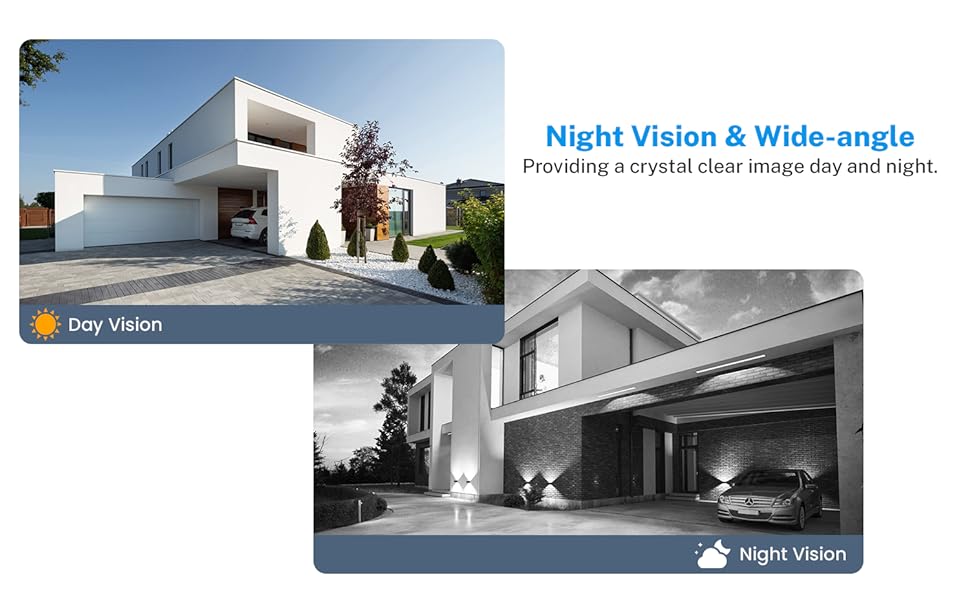
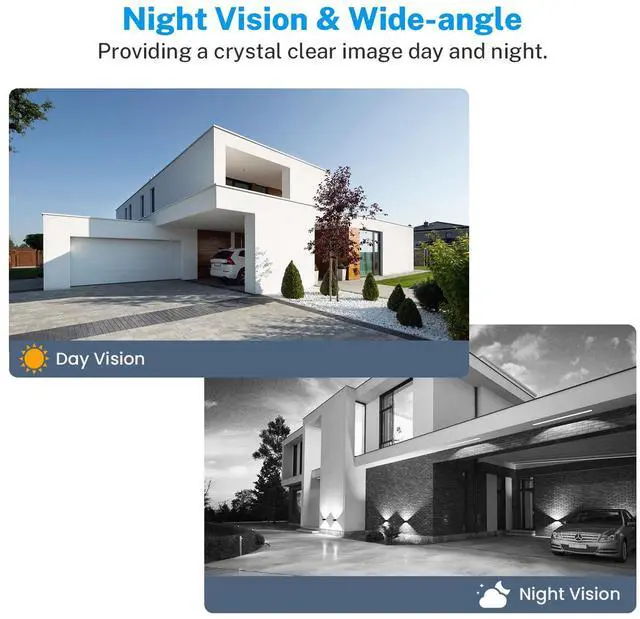
Enhanced Night Vision
Get a crystal-clear view of your property both during the day and at night, thanks to powerful infrared night vision technology.
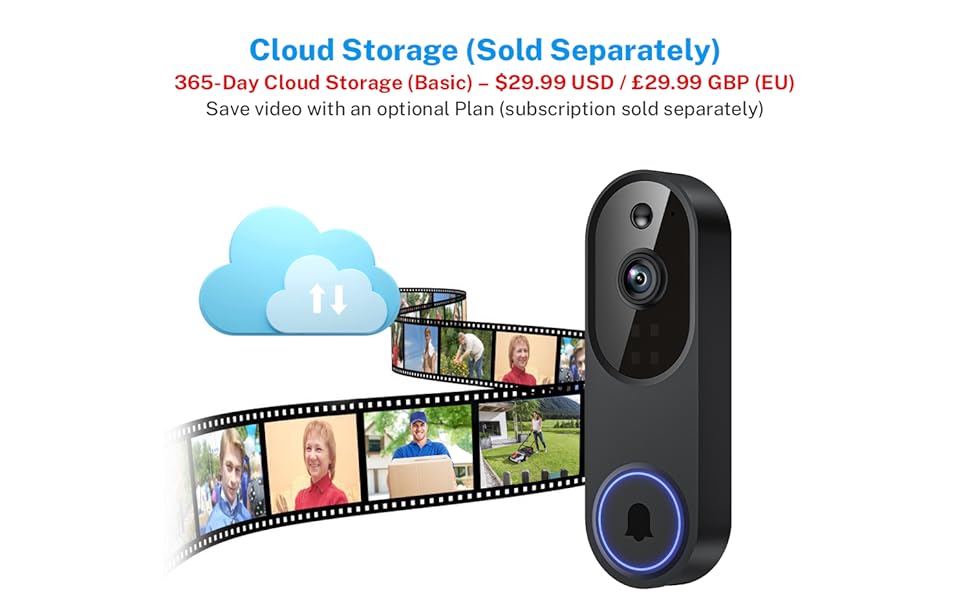
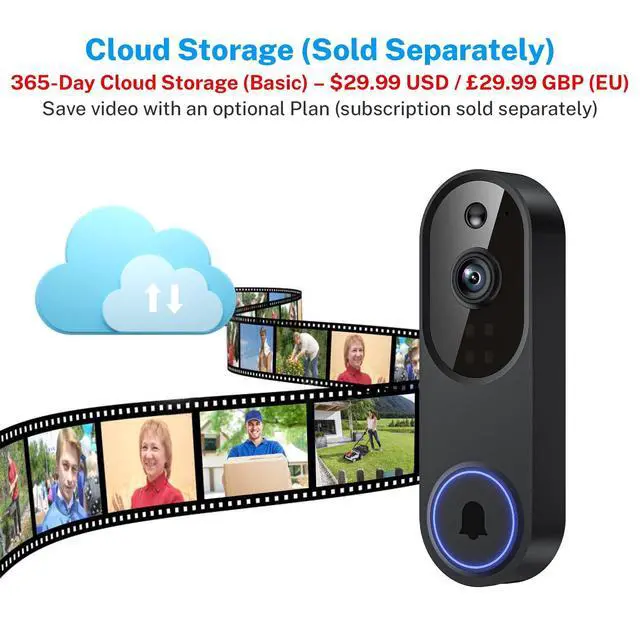
Encrypted Cloud Storage for Ultimate Privacy
Your security footage is protected with AES 128-bit encryption (subscription required), ensuring that only you can access and review your videos.
Note: Cloud storage subscription is not mandatory. With a subscription, you can save and replay recordings, without a subscription, you can still use features like two-way audio, human detection,and real-time notifications.
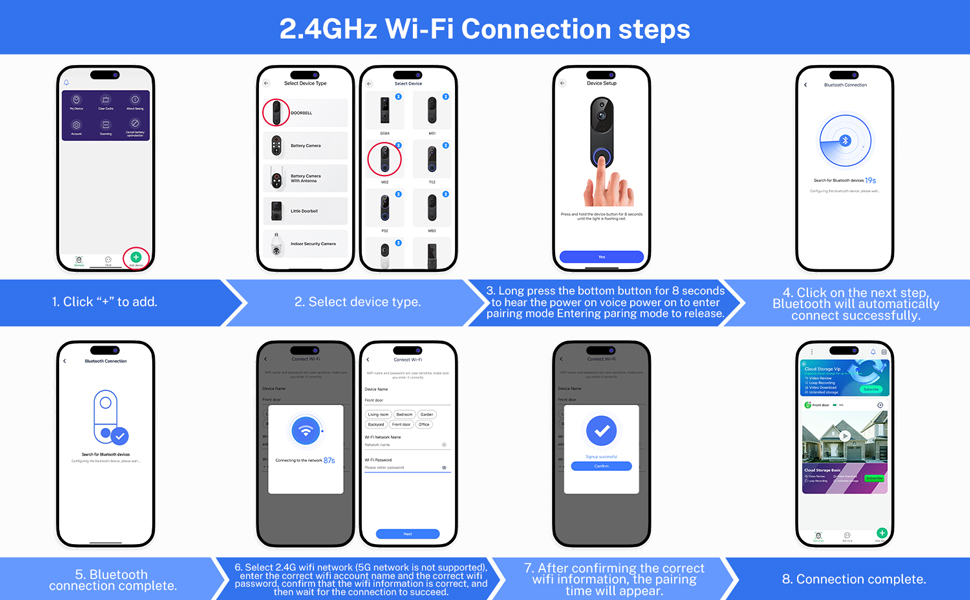
Troubleshooting network connection issues
(1) The doorbell camera only works with 2.4GHz Wi-fi. Please connect it to a 2.4GHz network.
(2) Double-check that you are entering the correct Wi-Fi name and password.
(3) Verify the distance between the camera and the Wi-fi router; the camera should be within 33 feet (10 meters) of the router
(4) Please enable Bluetooth on your phone, but you don't need to connect Bluetooth with the device, just ensure the Bluetooth is on.
(5) If you changed your Wi-Fi password, or your camera got disconnected, please reset the Wi-fi connection with the camera:
Press and hold the ring button until the camera was reset, and then add the camera again back to the same App account.
Quick and Effortless Installation
Set up the camera wirelessly in minutes, eliminating the need for complicated wiring or professional installation
2.4GHz Wi-Fi Compatibility: Only compatible with 2.4GHz Wi-Fi to provide a reliable and quick wireless connection (does not support 5GHz Wi-Fi).
Smart Human Sensing
Detects only human motion, preventing distractions from animals and moving objects.
Note: Setting the human detection accuracy: Among the three options of low, medium, and high, we recommend selecting medium. The high option has the strictest detection level, which means that the device wil only be triggered when it is 100% sure that the moving object is a human being. However, here is a chance that the device may fail to identify the human figure, resulting in a failure to notify you.
Talk with Visitors from Anywhere
Whether you’re upstairs or away from home, engage with visitors using the two-way talk feature.
Enhanced Night Vision
Get a crystal-clear view of your property both during the day and at night, thanks to powerful infrared night vision technology.
Encrypted Cloud Storage for Ultimate Privacy
Your security footage is protected with AES 128-bit encryption (subscription required), ensuring that only you can access and review your videos.
Note: Cloud storage subscription is not mandatory. With a subscription, you can save and replay recordings, without a subscription, you can still use features like two-way audio, human detection,and real-time notifications.
Troubleshooting network connection issues
(1) The doorbell camera only works with 2.4GHz Wi-fi. Please connect it to a 2.4GHz network.
(2) Double-check that you are entering the correct Wi-Fi name and password.
(3) Verify the distance between the camera and the Wi-fi router; the camera should be within 33 feet (10 meters) of the router
(4) Please enable Bluetooth on your phone, but you don't need to connect Bluetooth with the device, just ensure the Bluetooth is on.
(5) If you changed your Wi-Fi password, or your camera got disconnected, please reset the Wi-fi connection with the camera:
Press and hold the ring button until the camera was reset, and then add the camera again back to the same App account.