• $39.99
  • Free 30-day Returns
  • Sold by ModMyMods
    Top Rated
    4.8 (1,107 seller ratings)

    Shipped by ModMyMods

    Price alert
    Shop it at NeweggBusiness.

    Meet Your Seller

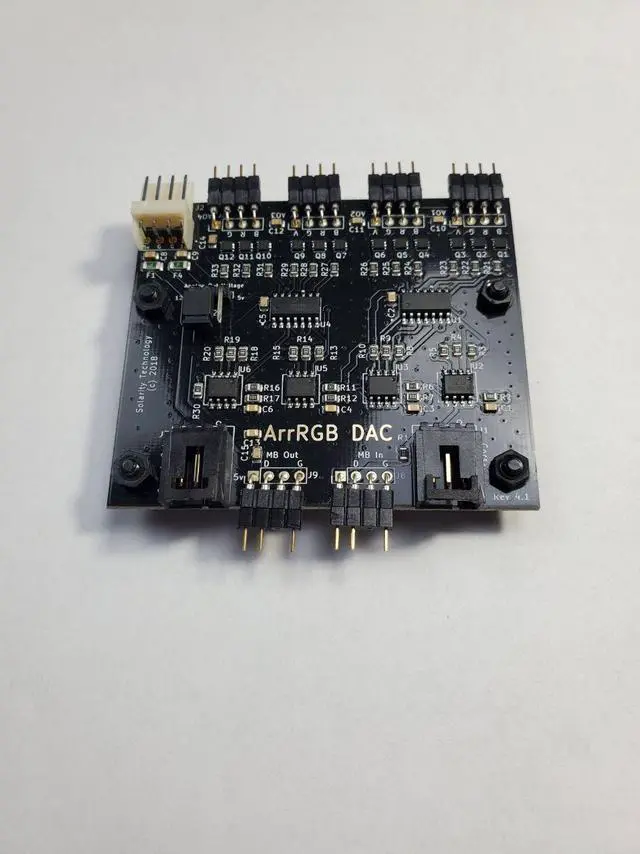
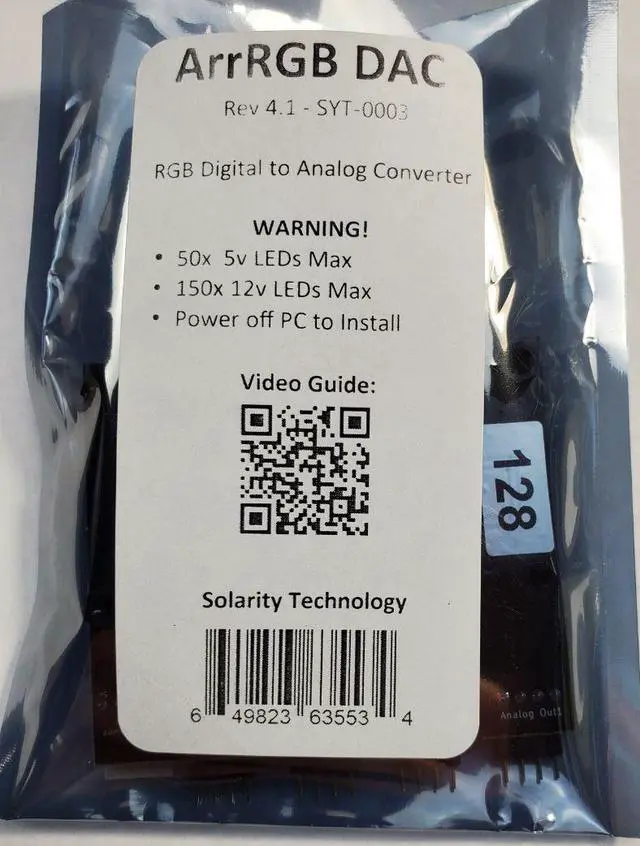
    Solarity ArrRGB DAC Rev. 4.1 - Digital RGB to Analog RGB Converter (SYT-0003)

    • Solarity Technology presents the "ArrRGB DAC"! The ArrRGB DAC Rev. 4.1 is a 4 channel RGB device that allows you to use a Digital/Addressable signal from a motherboard header or RGB controller and control Analog RGB devices on 4 different channels vi
    • Instructions:
    • Power off Computer!
    • Fasten the ArrRGB DAC to a removable 2.5 or 3.5 hard drive caddy. Please use M3 screws, which is the standard screw size used to attach hard drives.
    • Connect a Corsair controller or Motherboard header to the input. The board can only take one input. These cables can come with 3rd party devices or can be purchased separately.
    • Plug in a standard floppy drive power connector. Most PSUs come with one; Molex or SATA adapters can be purchased separately.
    +
    +
    Overview
    Specs
    Reviews
    avatar

    Any questions? Our AI beta will help you find out quickly.

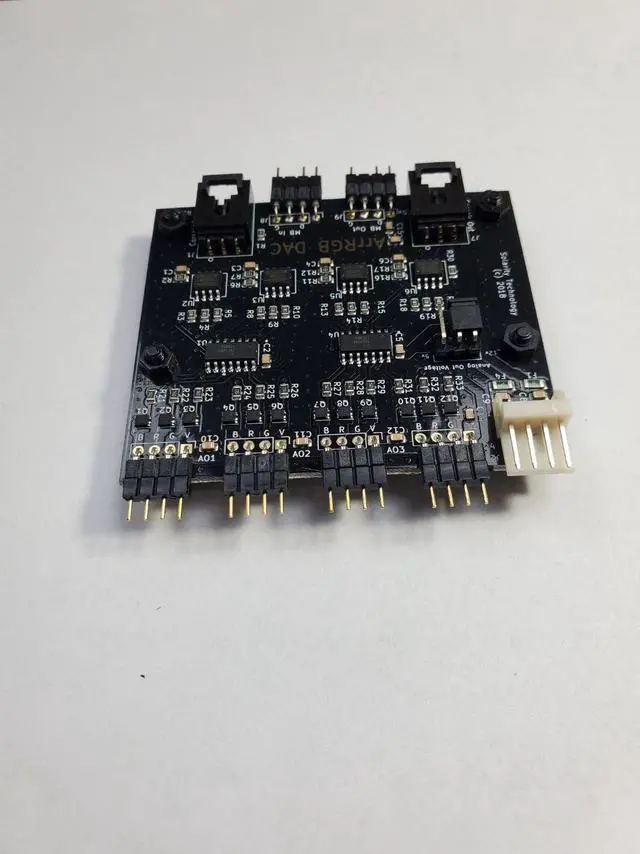
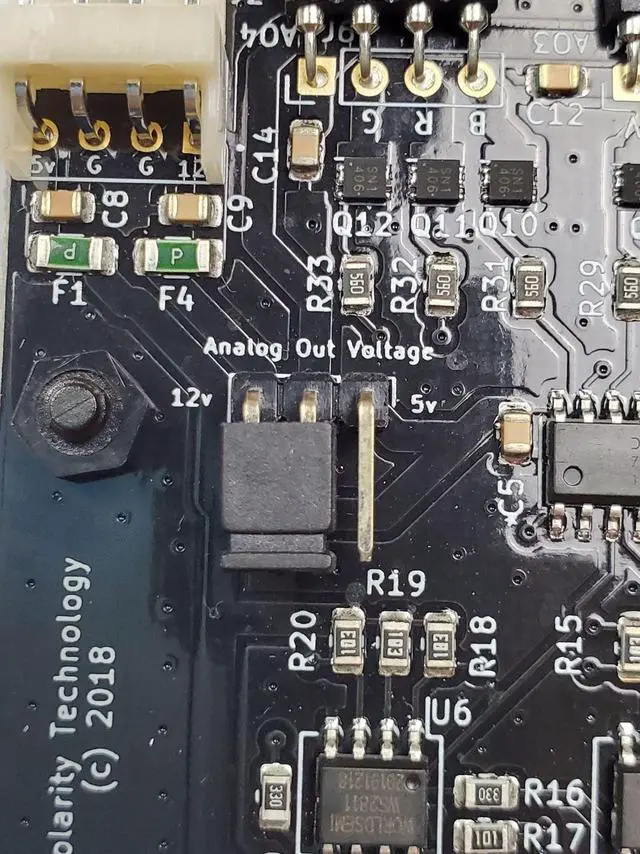
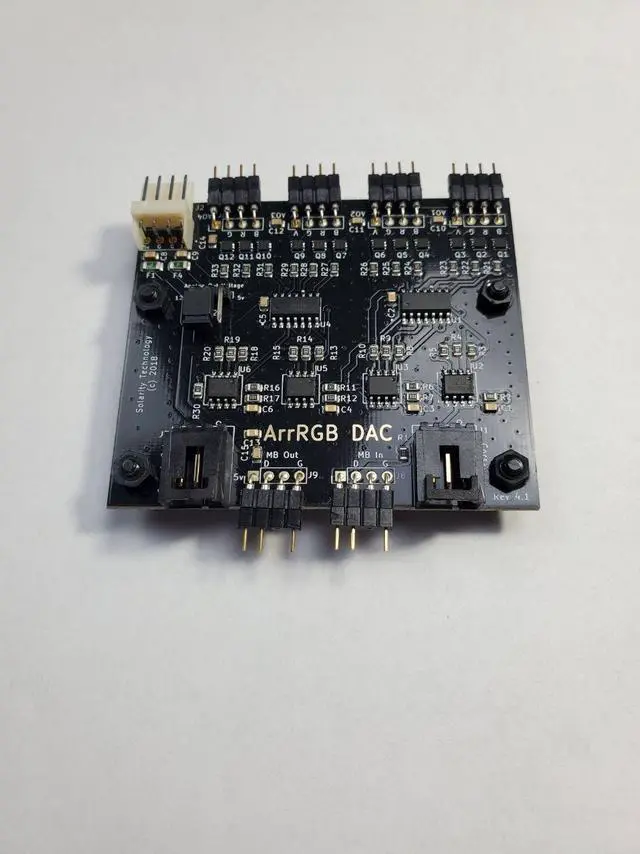
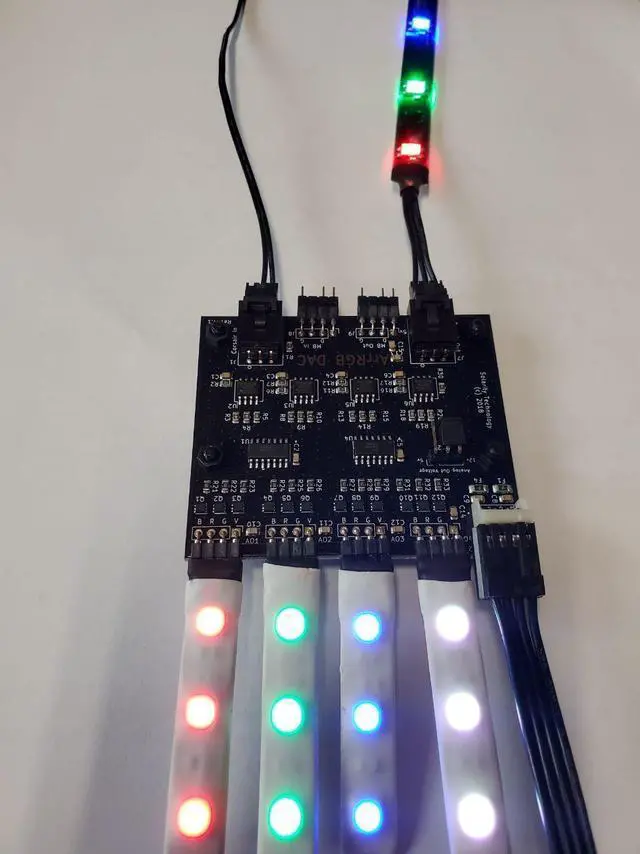
    Solarity Technology presents the "ArrRGB DAC"! The ArrRGB DAC Rev. 4.1 is a 4 channel RGB device that allows you to use a Digital/Addressable signal from a motherboard header or RGB controller and control Analog RGB devices on 4 different channels via the digital signal. This device requires an addressable signal to work; it will not function without a controller/MB header. You can daisy-chain additional RGB DACs or other RGB devices from the digital output. Unlike the input, both Corsair Out and MB Out can be used at the same time. Just please keep the LED limits in mind. This new model has a 2 pin jumper to change between using 5v or 12v for the analog RGB output.


    Instructions:


    1. Power off Computer!

    2. Fasten the ArrRGB DAC to a removable 2.5 or 3.5 hard drive caddy. Please use M3 screws, which is the standard screw size used to attach hard drives.

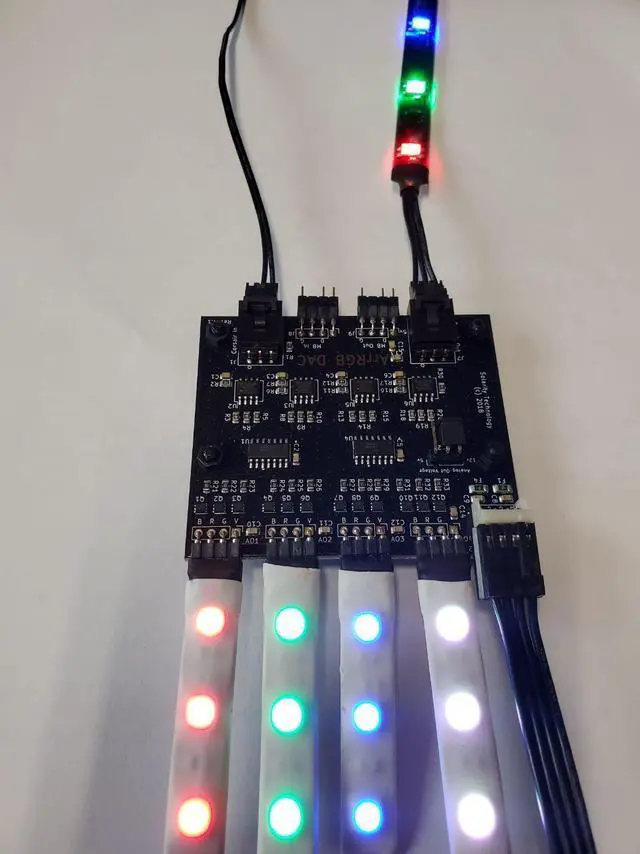
    3. Connect a Corsair controller or Motherboard header to the input. The board can only take one input. These cables can come with 3rd party devices or can be purchased separately.

    4. Plug in a standard floppy drive power connector. Most PSUs come with one; Molex or SATA adapters can be purchased separately.

    5. Connect up to four analog RGB devices to the 4 headers to allow separate control of the devices that are connected to them. Splitters may be used, though please do not exceed the amount of LEDs mentioned in the warning.

    6. Configure your controller. Note: Each of the analog channels is addressed as a single LED.


    Compatible Devices:


      • Corsair Commander Pro

      • Motherboard headers that have addressable RGB headers that match the header of the ArrRGB DAC


    - Compatible with ASUS, AS Rock, MSI, and newer Gigabyte motherboards


      • Corsair Lighting Node Pro


    Note: This device requires a Corsair RGB strip in between the DAC and the controller in many cases. This is most likely due to a timing settings in the LNPs firmware.


      • Many other Addressable RGB controllers can be used, as long as they have a matching connector and are used for controlling 5v WS2812B Addressable RGB LEDs. As there are so many, we cant test every device, though most should work.


    Warning!


    Please read these warnings so you wont damage the product or the device(s) you are using:


    1. Only attach devices when the ArrRGB DAC is powered off. This will reduce the chances of reversing the polarity, which may damage your devices.

    2. There are two power modes for this board, please make sure you choose the correct one!


      • 12v Mode 12v Analog ArrRGB DAC

      • Supplies 12v to the Analog devices, standard connector


    - Do not exceed 150x 12v LEDS that are powered by each board!


    - Do not exceed 50x 5v addressable LEDs that are powered by each board!


      • 5v Mode 5v Analog ArrRGB DAC

      • Supplies 5v to the Analog devices, non-standard RGB connector


    - Do not exceed 50x LEDs that are powered by each board!


    Manufacturer Links

    Solarity Technologies: YouTube


    Solarity Technologies: Discord

    Warranty & Returns

    Warranty, Returns, And Additional Information

    Warranty

    • Please contact the Seller directly for warranty information. Warranty information may also be found on the Manufacturer's website.
    • CONTACT

    Return Policies

    • Return for refund within: 30 days
    • Return for replacement within: 30 days
    • This item is covered by ModMyMods Return Policy

    Manufacturer Contact Info

    LOADING...