



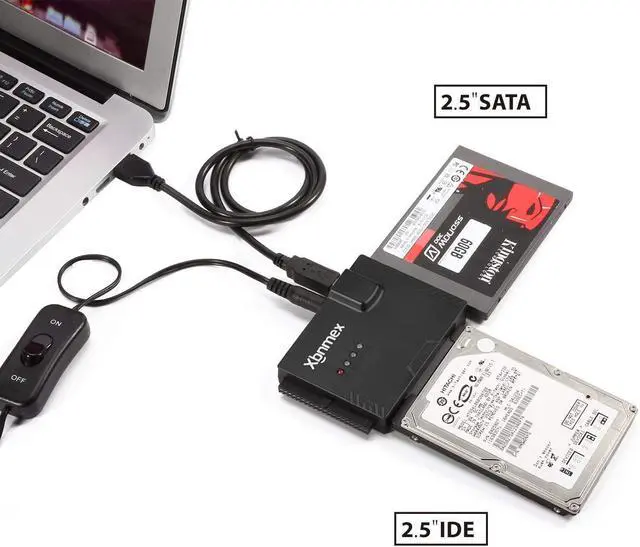
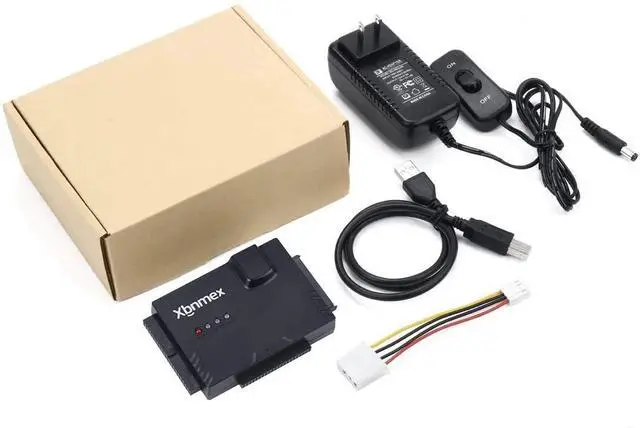




Xbnmex Technology has specialized in computer accessories for almost 10 years. We possess the ability to design & develop variousSATA/IDE adapters, M.2 SSD enclosures, etc. We believe you can always get one favorite from our store. What we offer is not only the premium item, but also the best service ever.
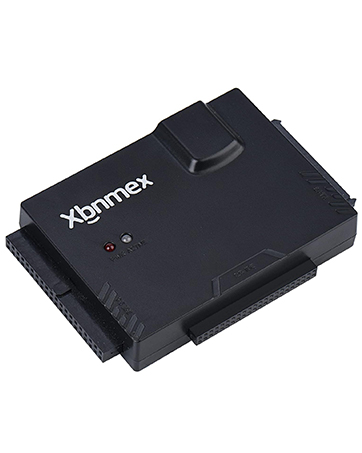
USB 2.0 Cable Hard Drive Reader
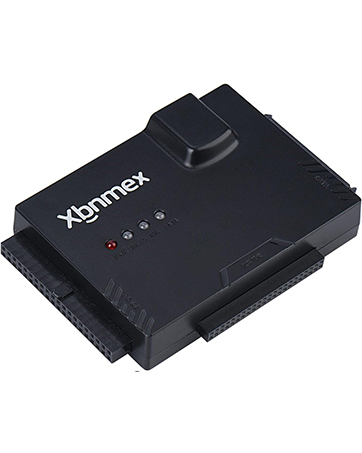
USB 3.0 Cable Hard Drive Reader
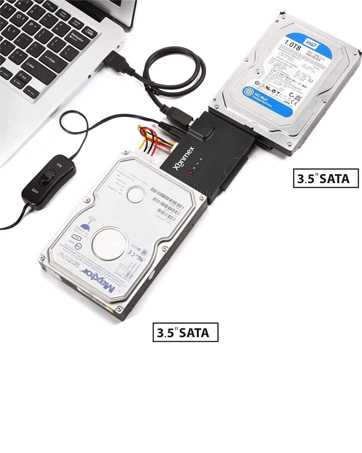
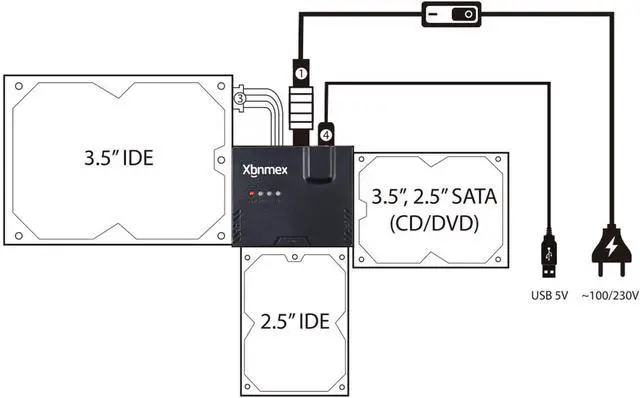
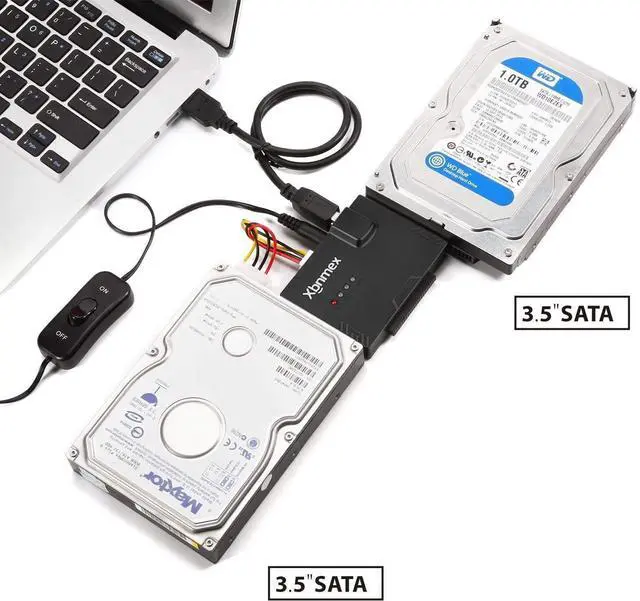
Enables to operate up to three drives simultaneously.
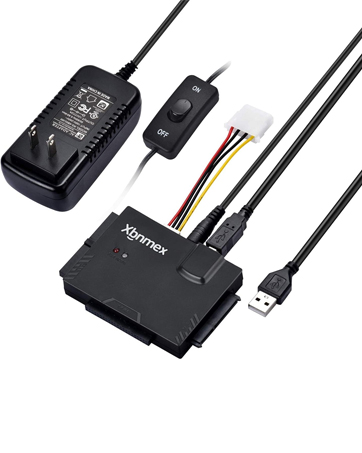
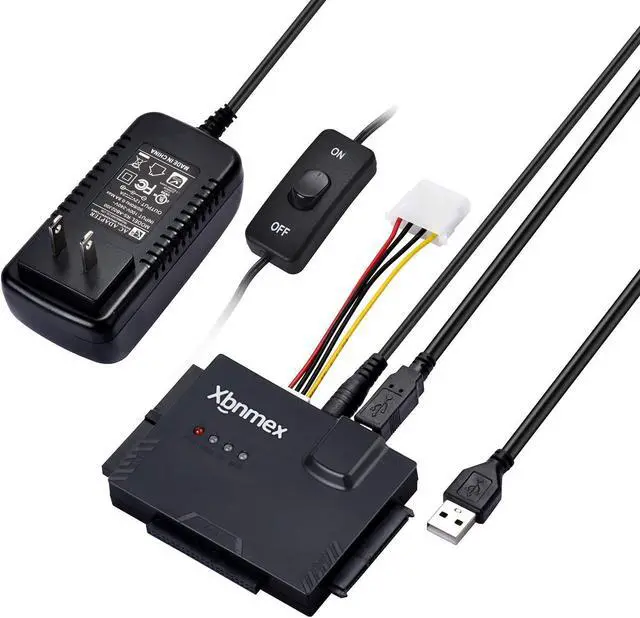
On/off switch for HDD protection.
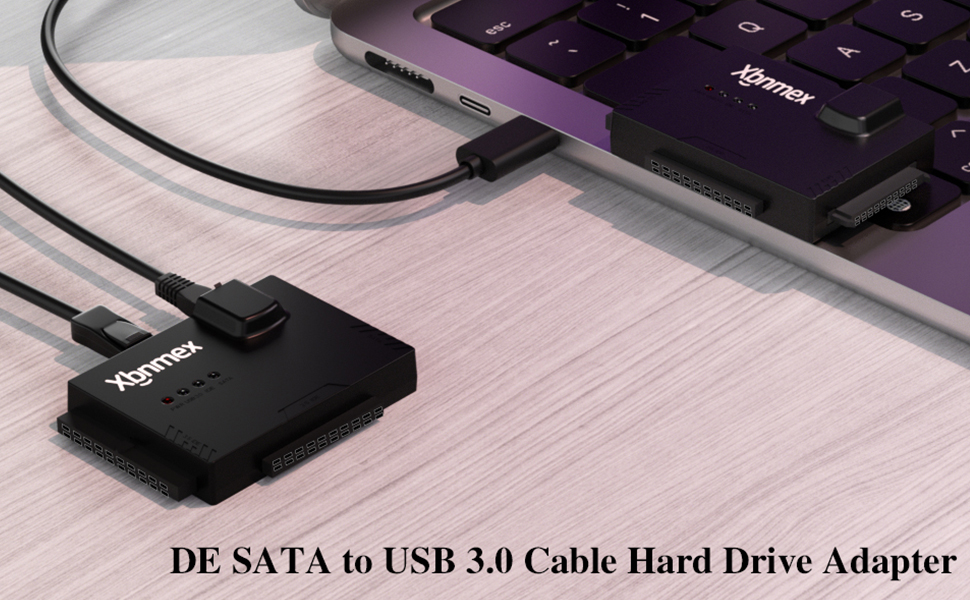
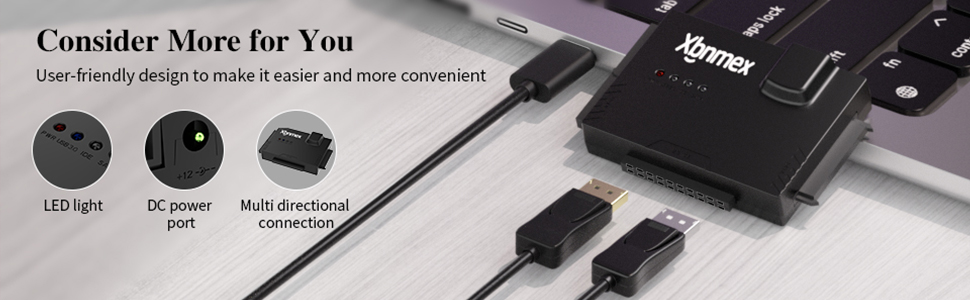
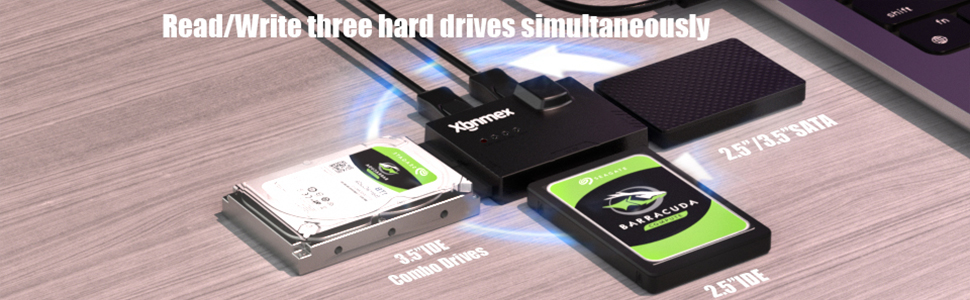
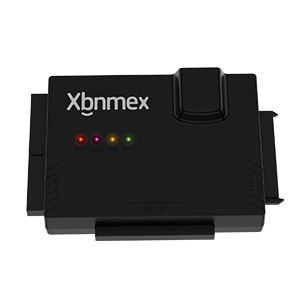
Xbnmex IDE SATA to USB 3.0 Cable Hard Drive Reader
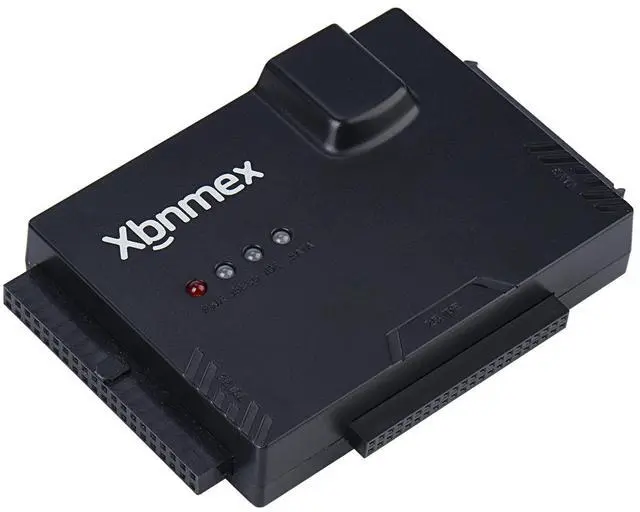
The USB to SATA IDE adapter has 3 different ports for 2 different IDE pin configurations (40pin and 44pin) and 1 SATA, The pins line up. The SATA and IDE fit fine.
Tips: For some old hard drive, you need to set the jumper to turn on the disk(set the master disk and the slave disk)
Why the adapter does not work with my Drives ( The SSD/HDD is not recognized on the PC)?
1) If you are using a new SSD drive or an HDD, you need to initialize it first and then format it. You can search for "how to initialize an external tier hard drive" for directions on this. Instructions vary between tween Windows 10, 7, and Vista.
2) If it is an old hard disk or disassembled hard disk, first confirm whether the hard disk is good.
3) If it is an Apple OS mac system, set up the hard disk format
4) wrong hard drive type - this cable will not work with 3.5" SSD/HDD
5) bad USB port on the computer;
Upgrade USB 3.0 to Sata /IDE Converter All in one solution to connect to a different type of interface's hard drive!
- Supported Drives: 2.5"/3.5" SATA HDD/SSD; 2.5"/3.5" IDE HDD; DVD-ROM, CD-ROM, CD-RW, DVD-RW, DVD+RW.
- Compatible with Windows 10/8/8.1/7/Vista/XP and Mac OS, Linux, and Chrome OS etc.
- Data Transfer Rate: up to 5Gb/s (10 times faster than USB 2.0).
- Supports drives with a capacity of up to 6TB.
- Pluy & Play, reliable and stable.
Xbnmex IDE SATA to USB 3.0 Cable Hard Drive Reader
The USB to SATA IDE adapter has 3 different ports for 2 different IDE pin configurations (40pin and 44pin) and 1 SATA, The pins line up. The SATA and IDE fit fine.
Tips: For some old hard drive, you need to set the jumper to turn on the disk(set the master disk and the slave disk)
Why the adapter does not work with my Drives ( The SSD/HDD is not recognized on the PC)?
1) If you are using a new SSD drive or an HDD, you need to initialize it first and then format it. You can search for "how to initialize an external tier hard drive" for directions on this. Instructions vary between tween Windows 10, 7, and Vista.
2) If it is an old hard disk or disassembled hard disk, first confirm whether the hard disk is good.
3) If it is an Apple OS mac system, set up the hard disk format
4) wrong hard drive type - this cable will not work with 3.5" SSD/HDD
5) bad USB port on the computer;
Upgrade USB 3.0 to Sata /IDE Converter All in one solution to connect to a different type of interface's hard drive!
- Supported Drives: 2.5"/3.5" SATA HDD/SSD; 2.5"/3.5" IDE HDD; DVD-ROM, CD-ROM, CD-RW, DVD-RW, DVD+RW.
- Compatible with Windows 10/8/8.1/7/Vista/XP and Mac OS, Linux, and Chrome OS etc.
- Data Transfer Rate: up to 5Gb/s (10 times faster than USB 2.0).
- Supports drives with a capacity of up to 6TB.
- Pluy & Play, reliable and stable.
Xbnmex Technology has specialized in computer accessories for almost 10 years. We possess the ability to design & develop variousSATA/IDE adapters, M.2 SSD enclosures, etc. We believe you can always get one favorite from our store. What we offer is not only the premium item, but also the best service ever.
USB 2.0 Cable Hard Drive Reader
USB 3.0 Cable Hard Drive Reader
Enables to operate up to three drives simultaneously.
On/off switch for HDD protection.