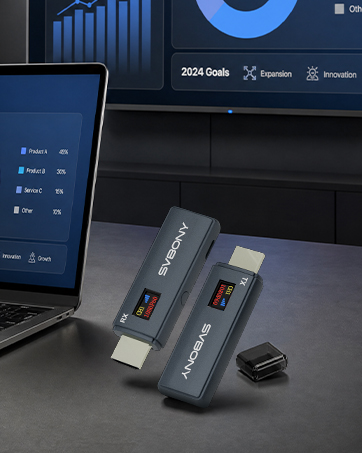
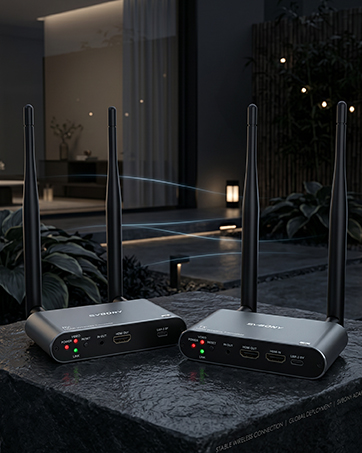
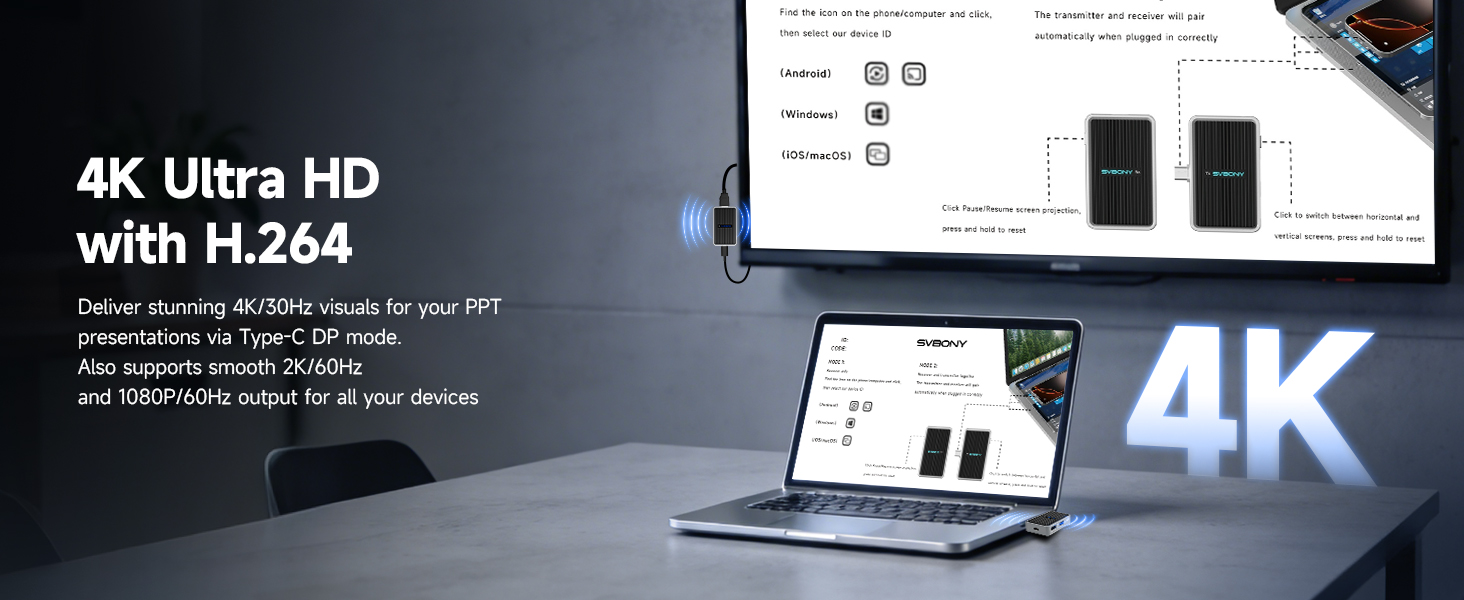
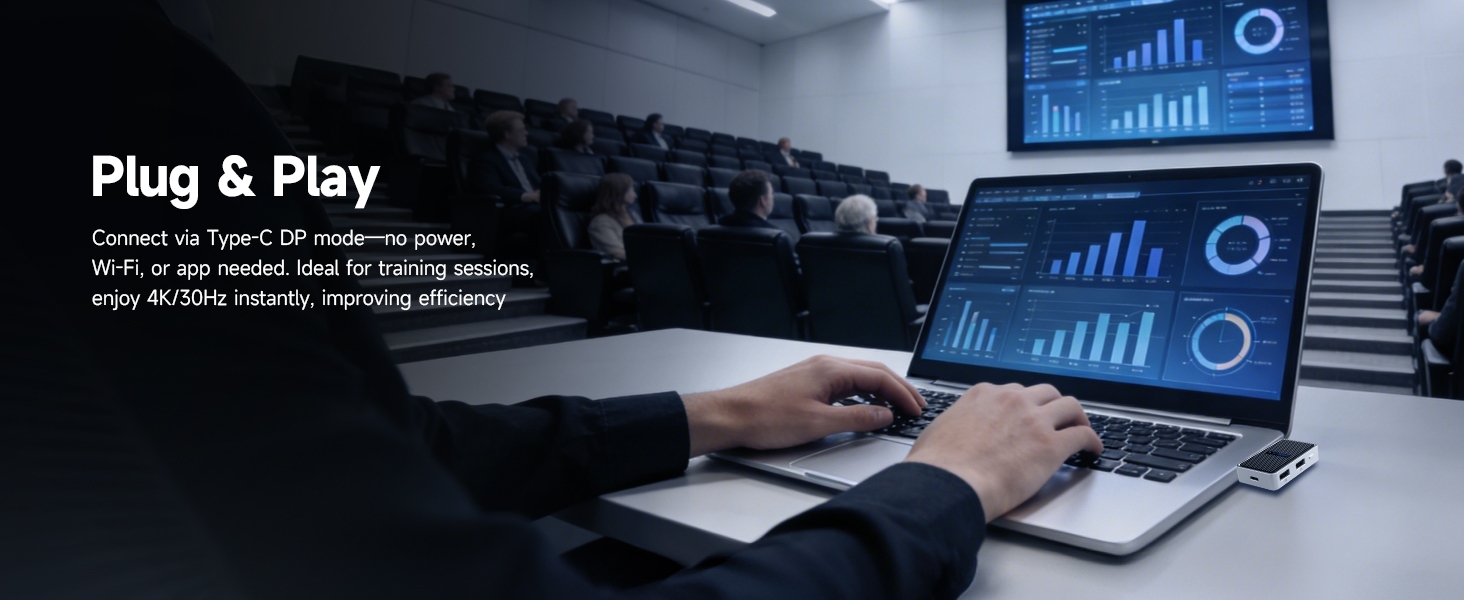
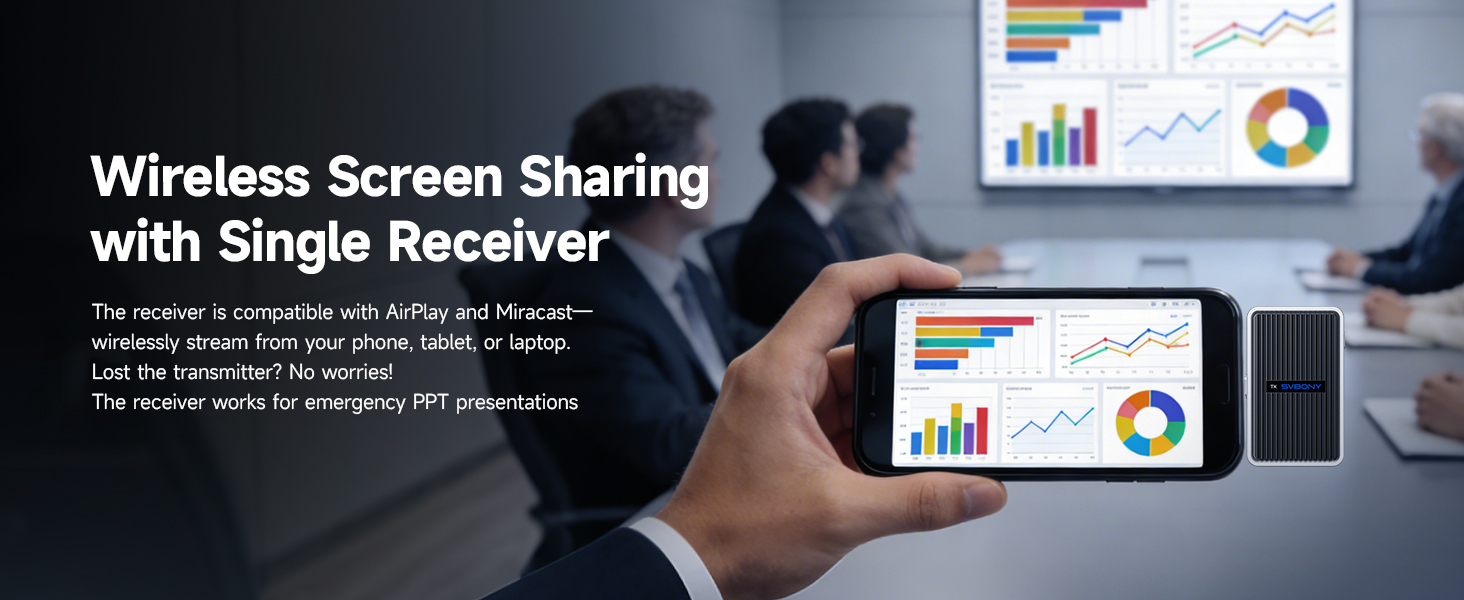
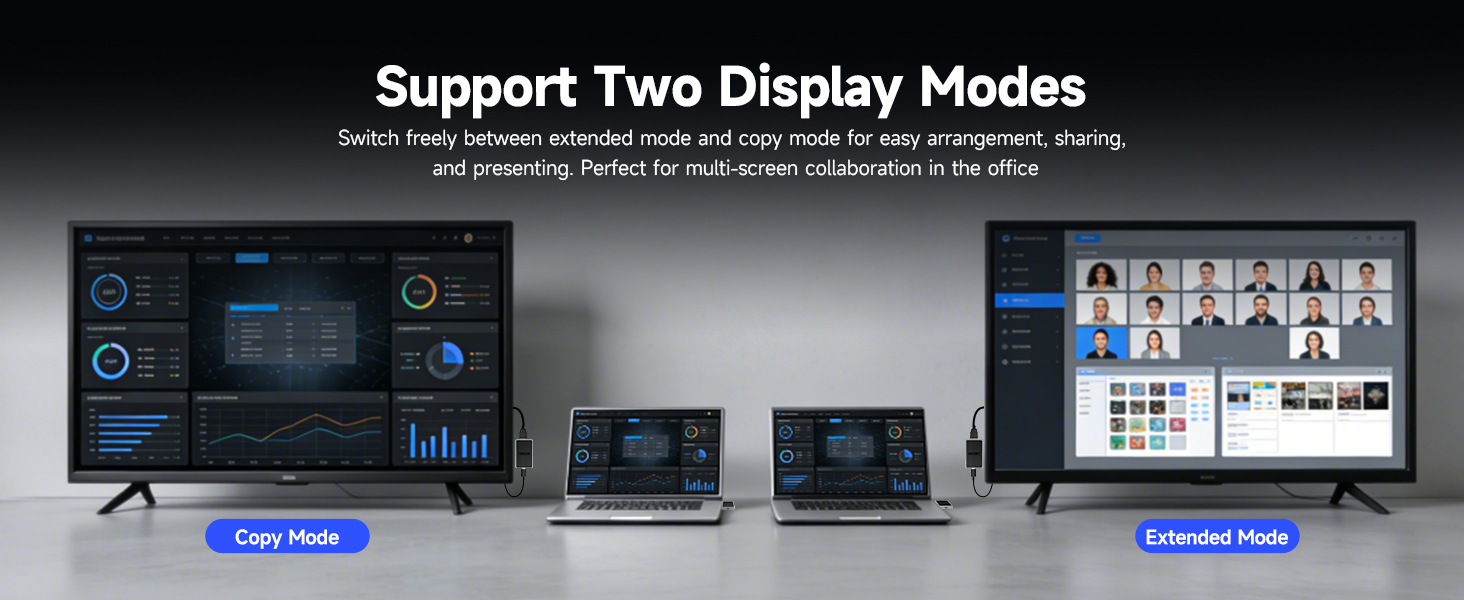
here!
here!
I’m your shopping assistant for PC builds, upgrades, and everything tech.
Got questions? Ask away!
Start a conversation
here!
I’m your shopping assistant for PC builds, upgrades, and everything tech.
Got questions? Ask away!
Start a conversation



Any questions? Ask CelesteSM will help you find out quickly.
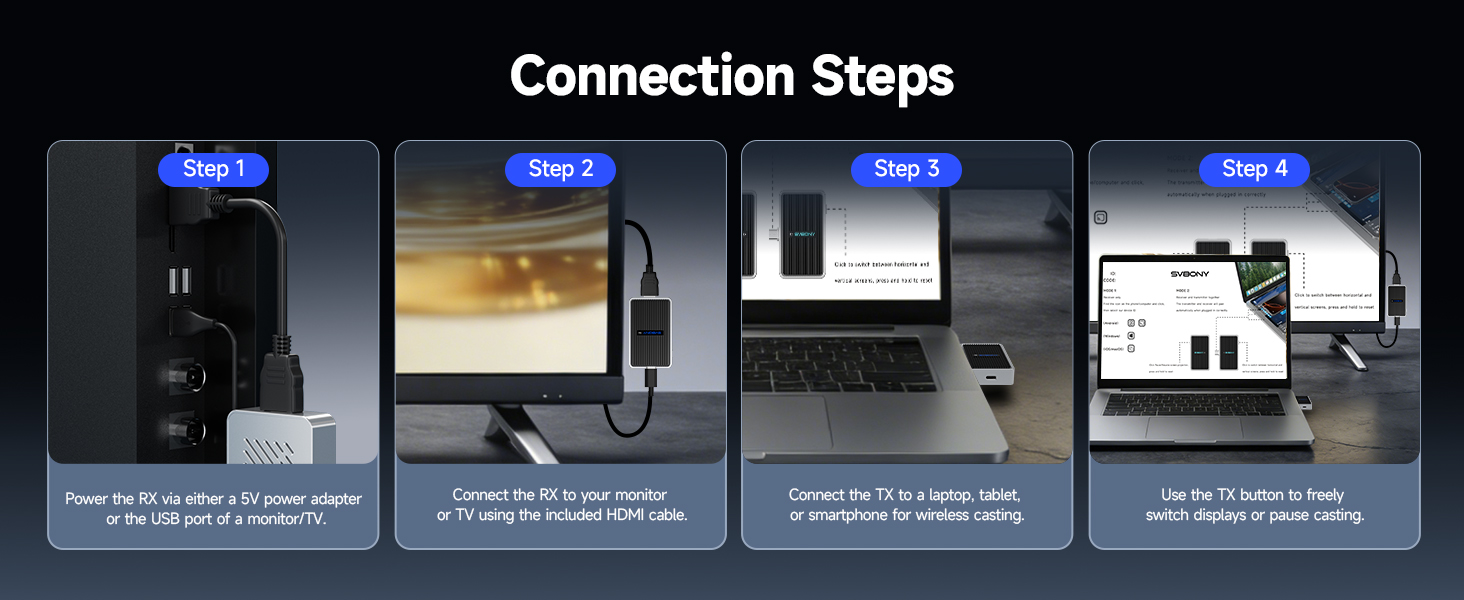
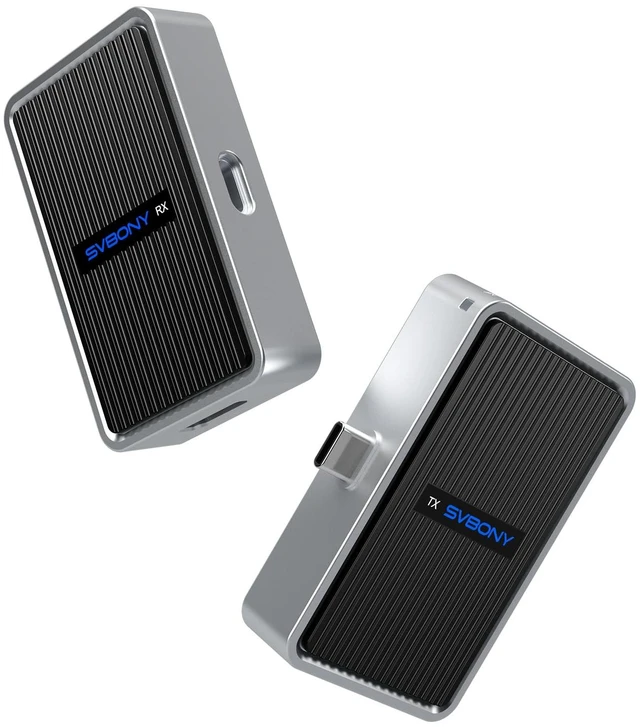
What should I do if the transmitter and receiver cannot connect?
Press and hold the receiver button for 5 seconds (or 10+ seconds to reset) until the screen shows a re-pairing prompt. Then press and hold the transmitter button for 5 seconds until its light blinks. Wait for auto-pairing
No display on the screen after connecting the device.
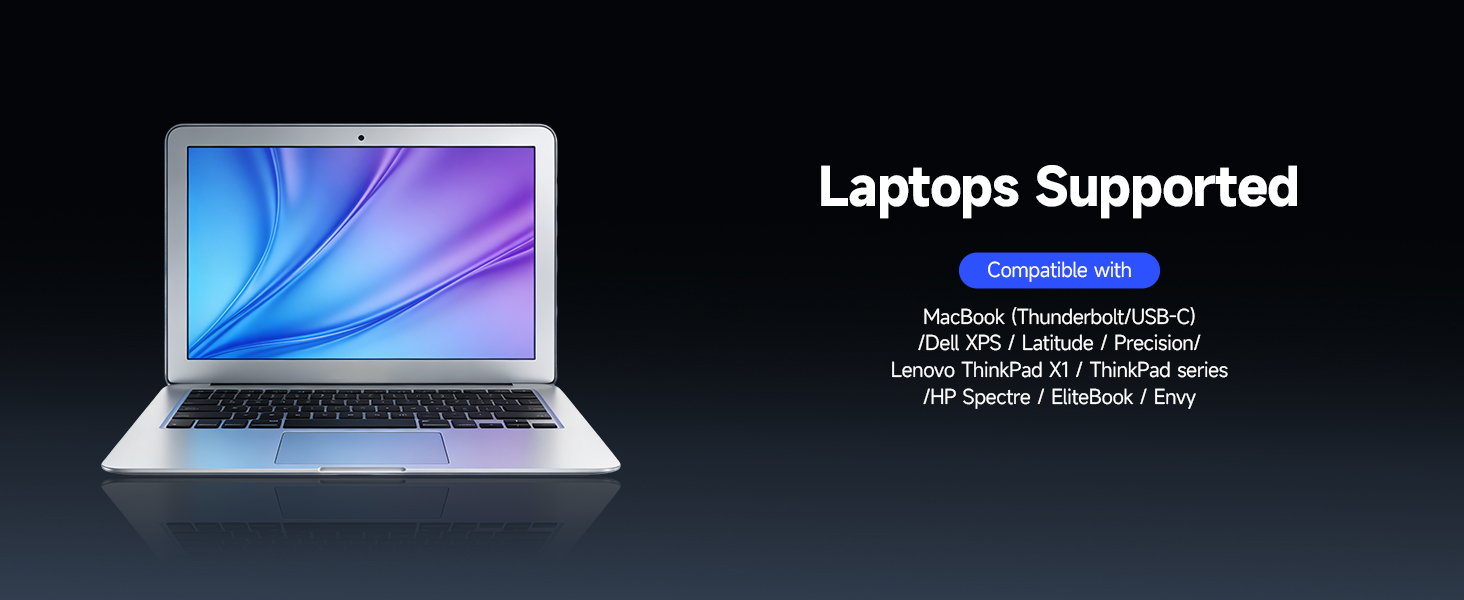
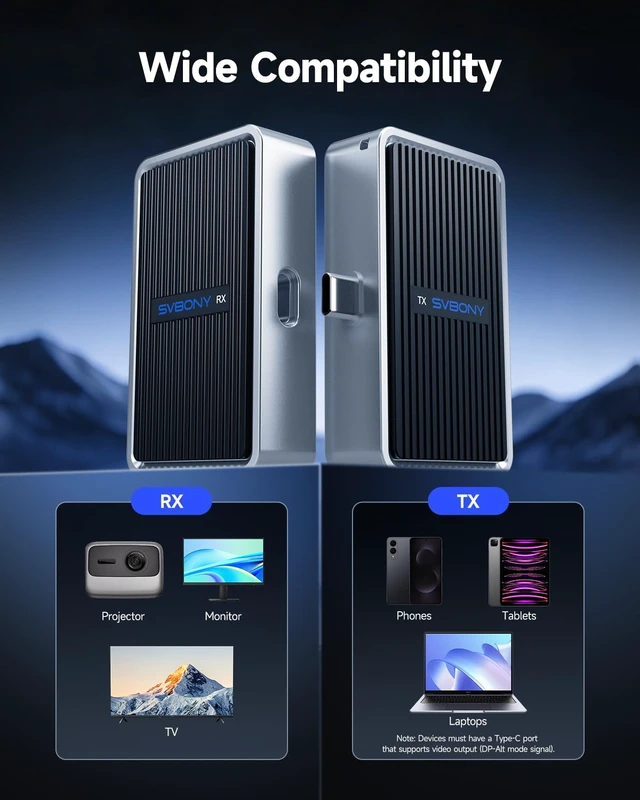
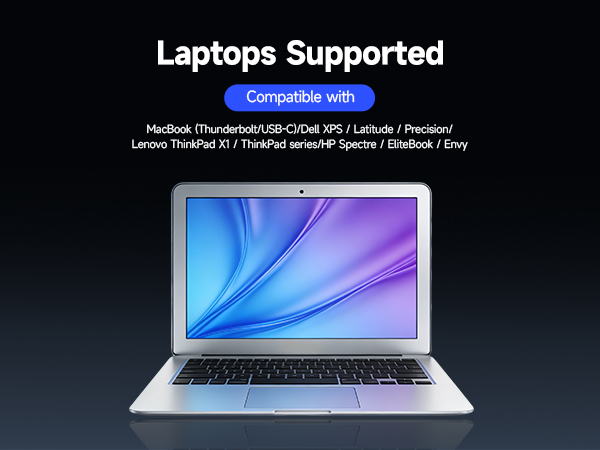
Ensure receiver is powered on (LED on), connected via HDMI, and set to correct input. Try another HDMI port. Confirm source device's USB-C supports DP-Alt mode. See compatible models below.
Why does the transmitter device screen turn off, or why is the receiver screen different?
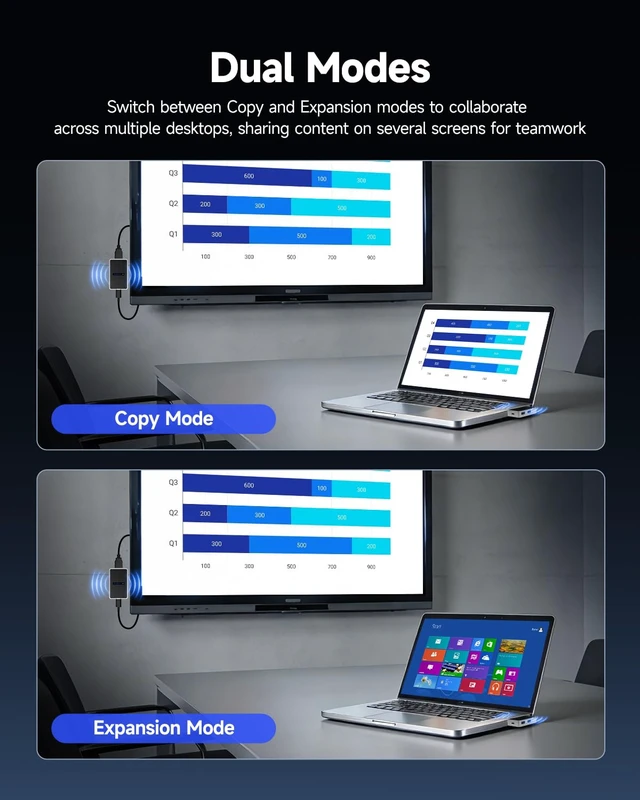
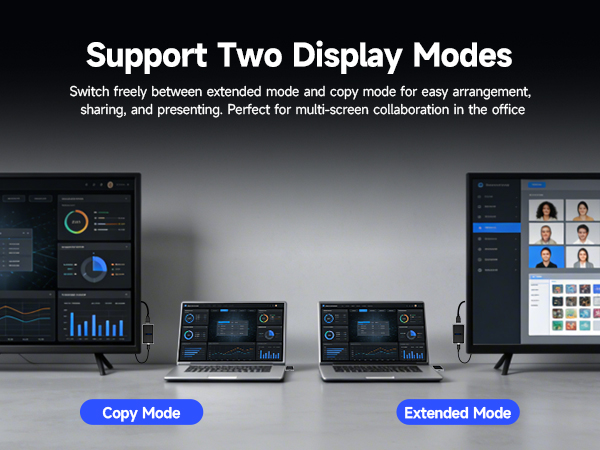
Your device supports two projection modes:Mirror Mode: Shows the same screen on both displays; Extend Mode: Uses the receiver as a second screen; Check and switch the projection mode in your device settings
What devices can be connected to the transmitter’s USB port, and why is data transfer slow?
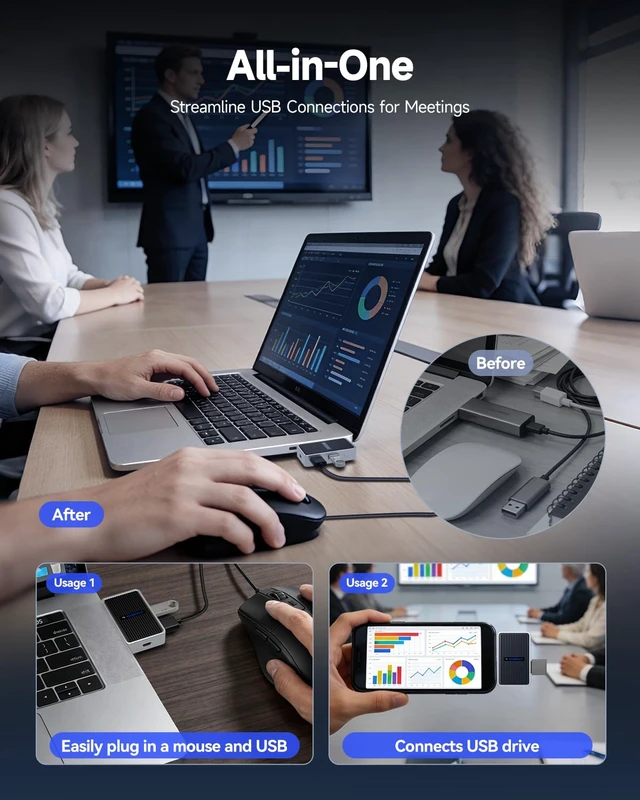
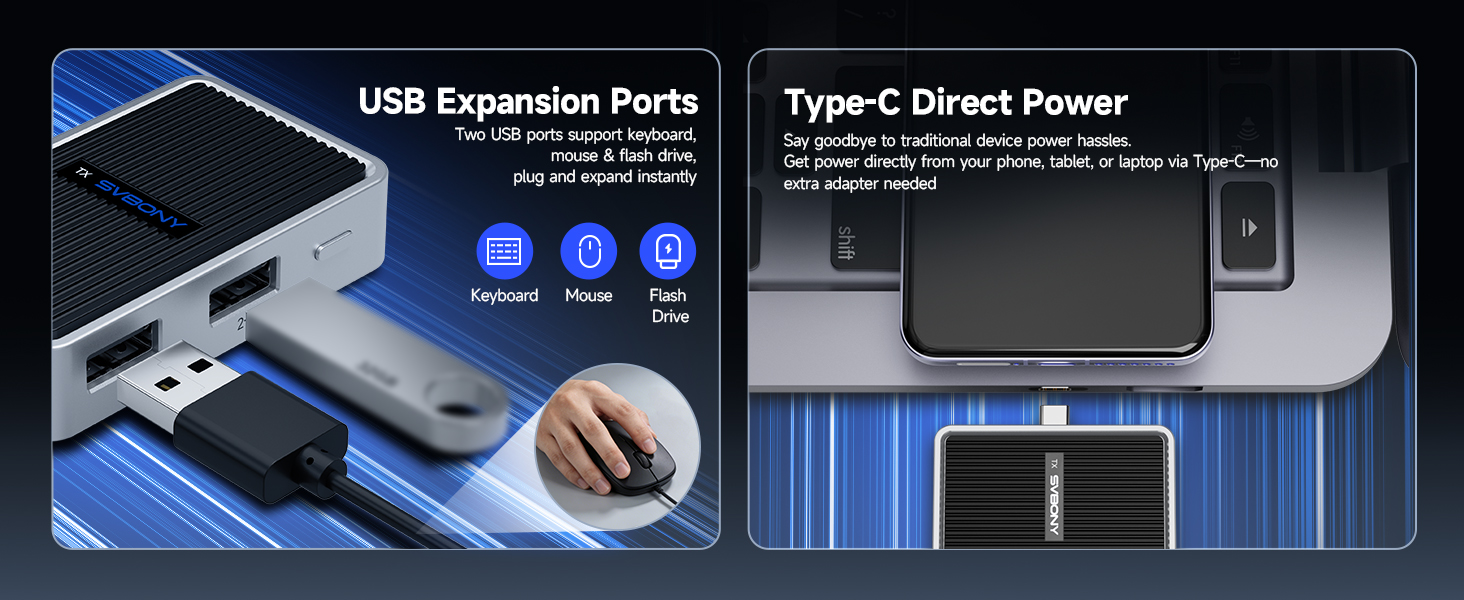
The USB port supports USB 2.0, compatible with mice, keyboards, and U disks.Max data transfer speed is 480 Mbps. For details, refer to standard specifications.
What is the Type-C port spec? Why can it charge my phone? Does it have a battery?
No built-in battery.It acts as a power bridge when powered externally.Total output =10W for phone + transmitter.Some laptops don’t support low-power Type-C.
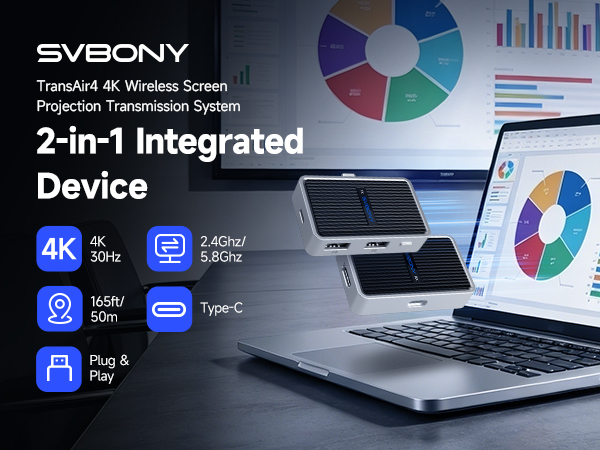
What should I do if the transmitter and receiver cannot connect?
Press and hold the receiver button for 5 seconds (or 10+ seconds to reset) until the screen shows a re-pairing prompt. Then press and hold the transmitter button for 5 seconds until its light blinks. Wait for auto-pairing
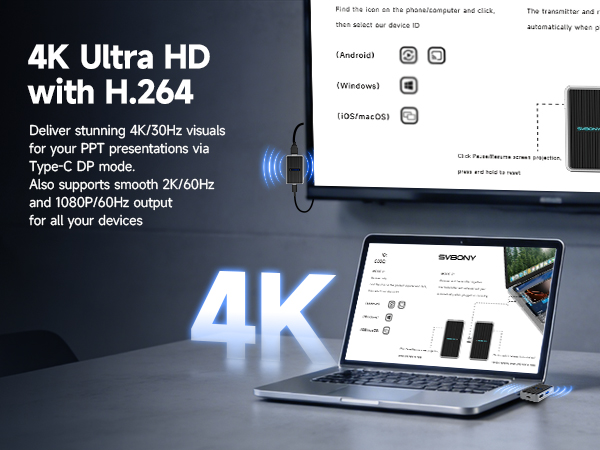
No display on the screen after connecting the device.
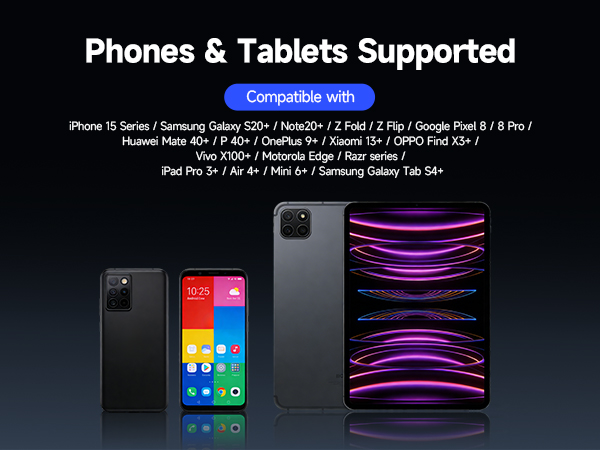
Ensure receiver is powered on (LED on), connected via HDMI, and set to correct input. Try another HDMI port. Confirm source device's USB-C supports DP-Alt mode. See compatible models below.
Why does the transmitter device screen turn off, or why is the receiver screen different?
Your device supports two projection modes:Mirror Mode: Shows the same screen on both displays; Extend Mode: Uses the receiver as a second screen; Check and switch the projection mode in your device settings
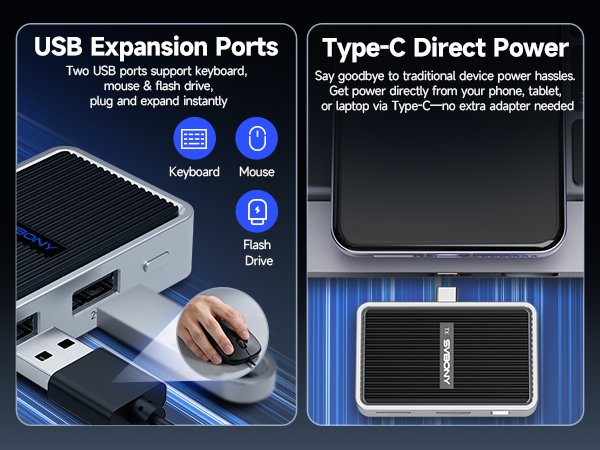
What devices can be connected to the transmitter’s USB port, and why is data transfer slow?
The USB port supports USB 2.0, compatible with mice, keyboards, and U disks.Max data transfer speed is 480 Mbps. For details, refer to standard specifications.
What is the Type-C port spec? Why can it charge my phone? Does it have a battery?
No built-in battery.It acts as a power bridge when powered externally.Total output =10W for phone + transmitter.Some laptops don’t support low-power Type-C.