





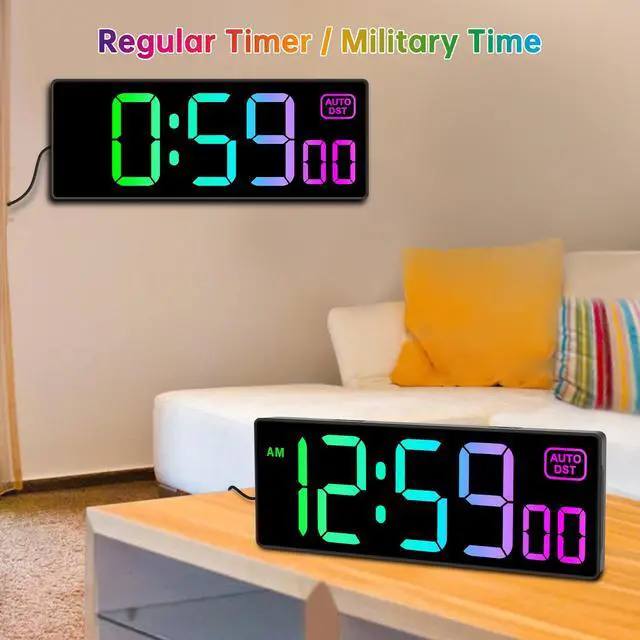

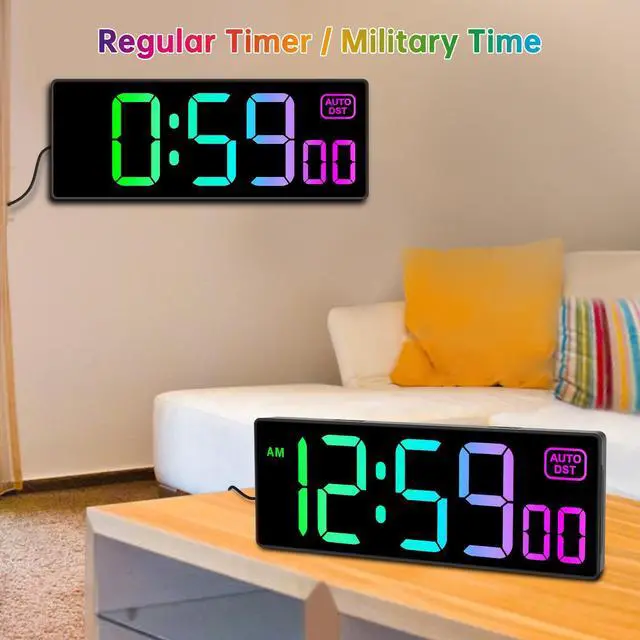



How to shift between clock mode and timer mode?
Please press “TIMER SET " button to enter timer mode, press “TIMER SET " again to show clock mode.
The display is flickering or not showing at all.
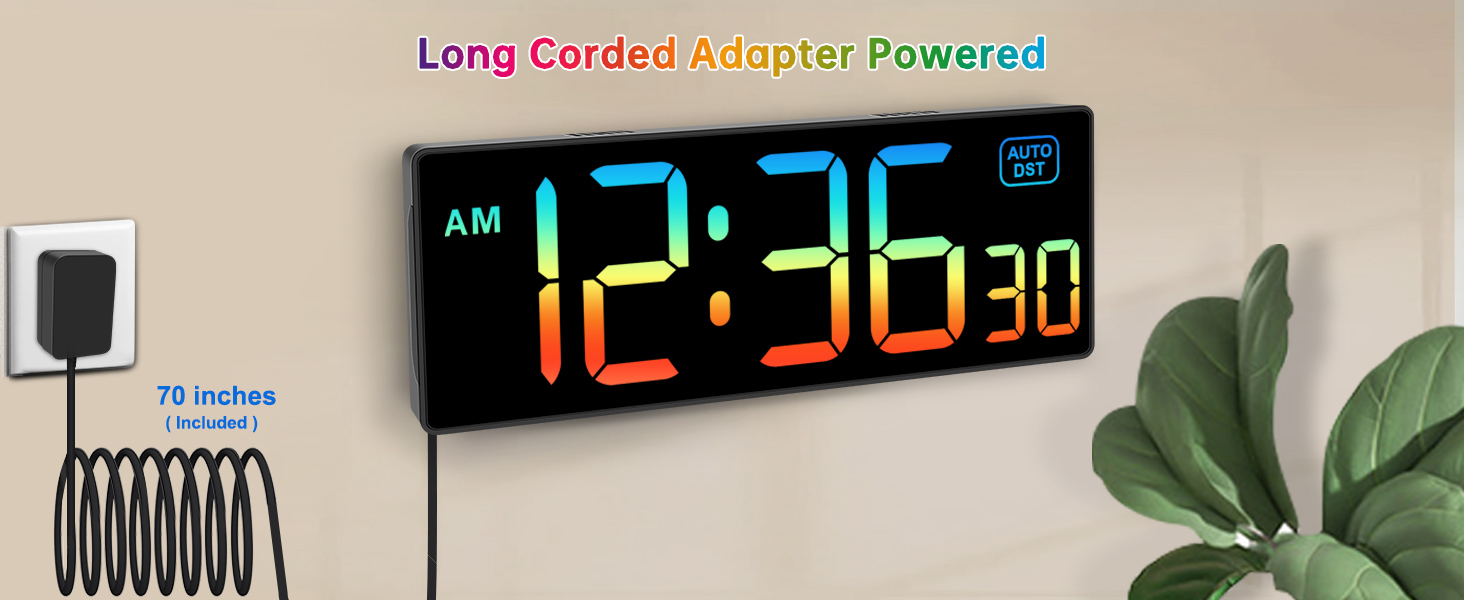
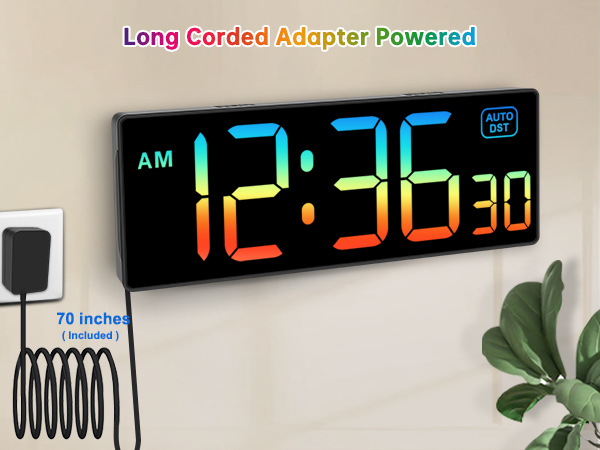
Please check if the adapter is loosely connected or malfunctioning. Try replacing it with a compatible power adapter/cable to rule out the issue.
Why is the day of the week incorrect?
This is usually caused by an incorrect year setting. Please check and confirm the year first.
The remote control isn't working / is unresponsive.
Please do not press the buttons repeatedly or rapidly. Allow time for the clock to receive the signal.
Why is the time not accurate?
The clock may have a monthly deviation of about 15-20 seconds. For initial setup, set the seconds until 59 before exiting to minimize deviation.

How to shift between clock mode and timer mode?
Please press “TIMER SET " button to enter timer mode, press “TIMER SET " again to show clock mode.
The display is flickering or not showing at all.
Please check if the adapter is loosely connected or malfunctioning. Try replacing it with a compatible power adapter/cable to rule out the issue.
Why is the day of the week incorrect?
This is usually caused by an incorrect year setting. Please check and confirm the year first.
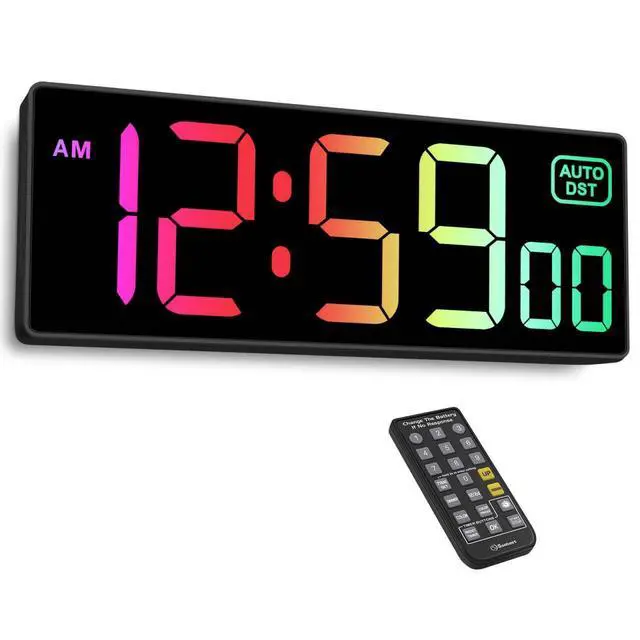
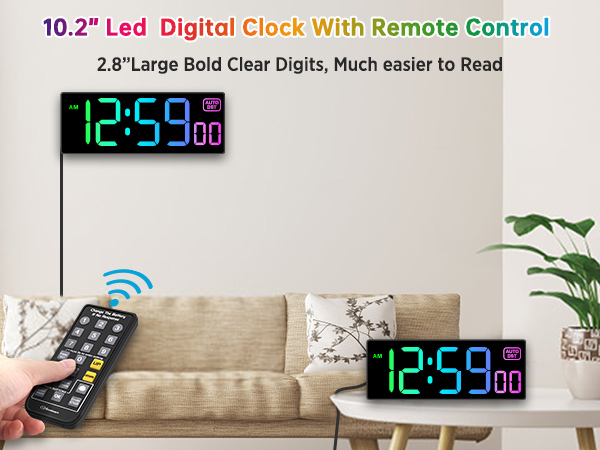
The remote control isn't working / is unresponsive.
Please do not press the buttons repeatedly or rapidly. Allow time for the clock to receive the signal.
Why is the time not accurate?
The clock may have a monthly deviation of about 15-20 seconds. For initial setup, set the seconds until 59 before exiting to minimize deviation.