




 here!
I’m your shopping assistant for PC builds, upgrades, and everything tech.
Got questions? Ask away!
Start a conversation
here!
I’m your shopping assistant for PC builds, upgrades, and everything tech.
Got questions? Ask away!
Start a conversation




Any questions? Ask CelesteSM will help you find out quickly.

? 24-Hour Support
? Hassle-free Replace/Return
? Support Extended Term of Service

Just play, Have fun!
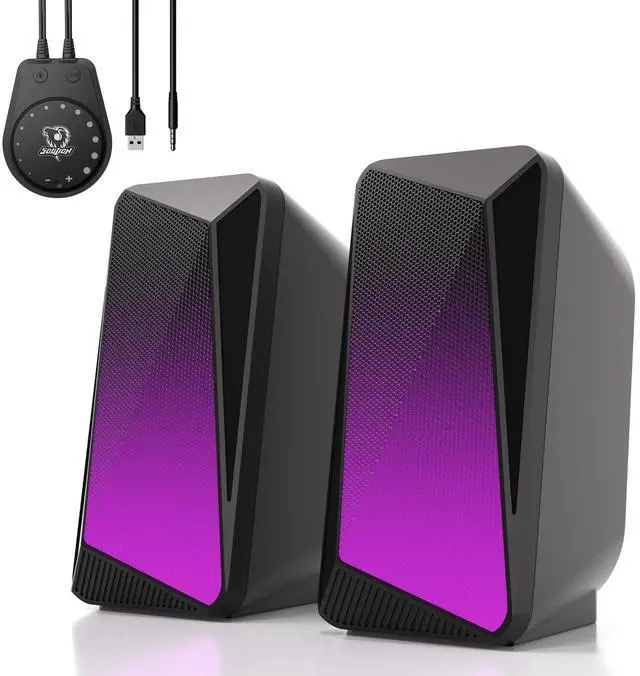
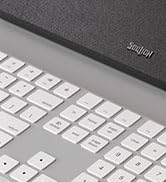
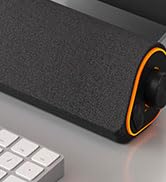
Fabric, as one of the prominent features of SOULION speakers, endows the product with a warm and comfortable touch. SOULION not only satisfies users' pursuit of audio quality, but also integrates fabric with LED lighting elements. Whether placed in an office or at home, SOULION speakers can become a beautiful scenery, adding a unique color to users' lives.



contact seller support for product issue!
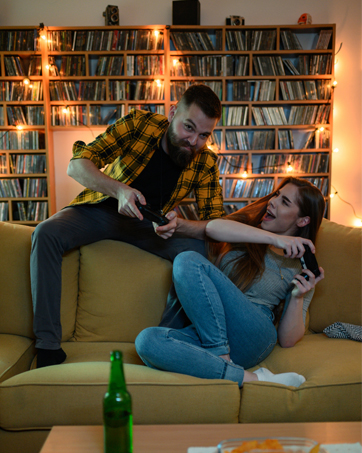
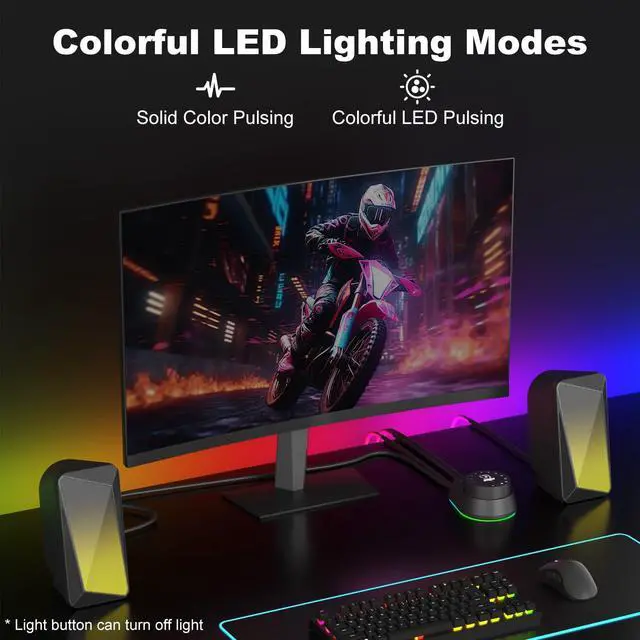
We wish bring a exciting game atmosphere.

We wish bring a mesmerizing sound.


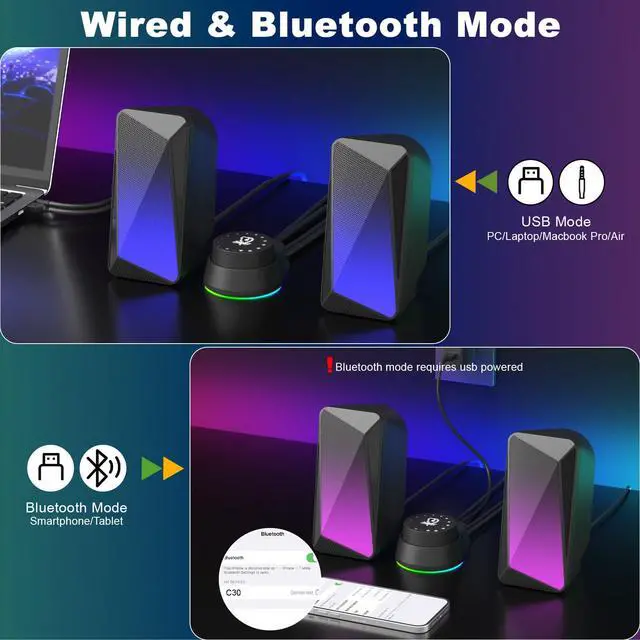
Tips: For desktop computers, insert 3.5 mm jack into the back end of the host to reduce the current sound.

Tips: The Bluetooth connection must be within a certain range (10 meters / 33 feet) to remain stable.


Tips: For desktop computers, insert 3.5 mm jack into the back end of the host to reduce the current sound.
Tips: The Bluetooth connection must be within a certain range (10 meters / 33 feet) to remain stable.


? 24-Hour Support
? Hassle-free Replace/Return
? Support Extended Term of Service
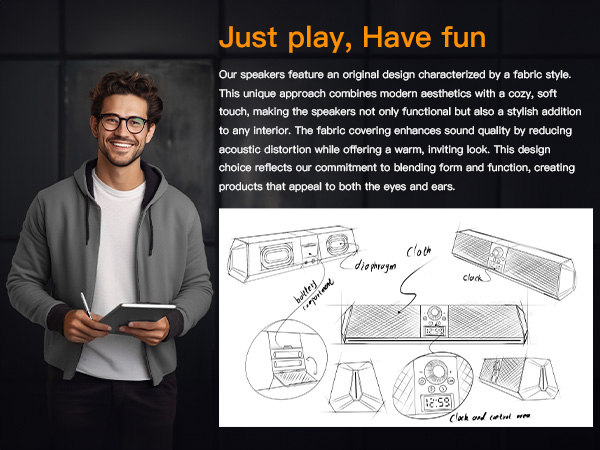
Just play, Have fun!
Fabric, as one of the prominent features of SOULION speakers, endows the product with a warm and comfortable touch. SOULION not only satisfies users' pursuit of audio quality, but also integrates fabric with LED lighting elements. Whether placed in an office or at home, SOULION speakers can become a beautiful scenery, adding a unique color to users' lives.
contact seller support for product issue!
We wish bring a exciting game atmosphere.
We wish bring a mesmerizing sound.





