




 here!
here!
I’m your shopping assistant for PC builds, upgrades, and everything tech.
Got questions? Ask away!
Start a conversation
here!
I’m your shopping assistant for PC builds, upgrades, and everything tech.
Got questions? Ask away!
Start a conversation



Any questions? Ask CelesteSM will help you find out quickly.


Simplify Your Travel Setup with Extended Reach
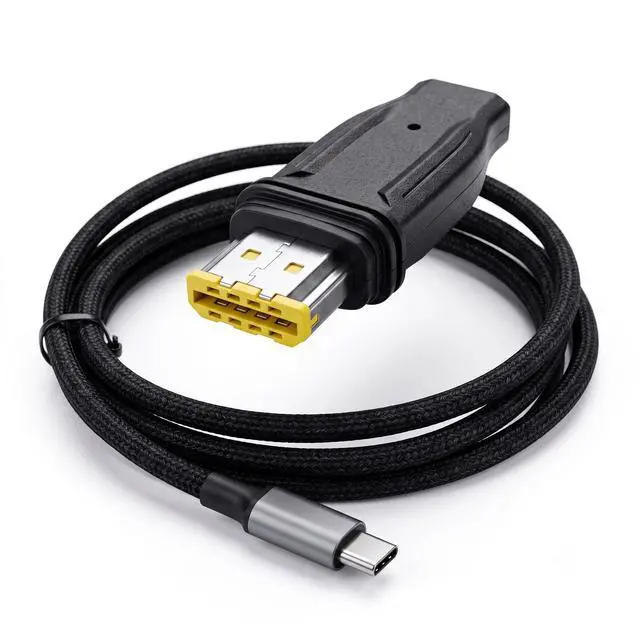
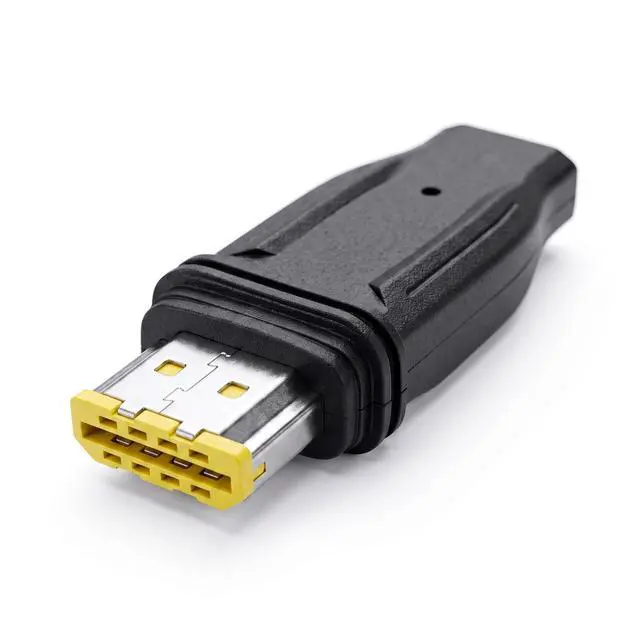
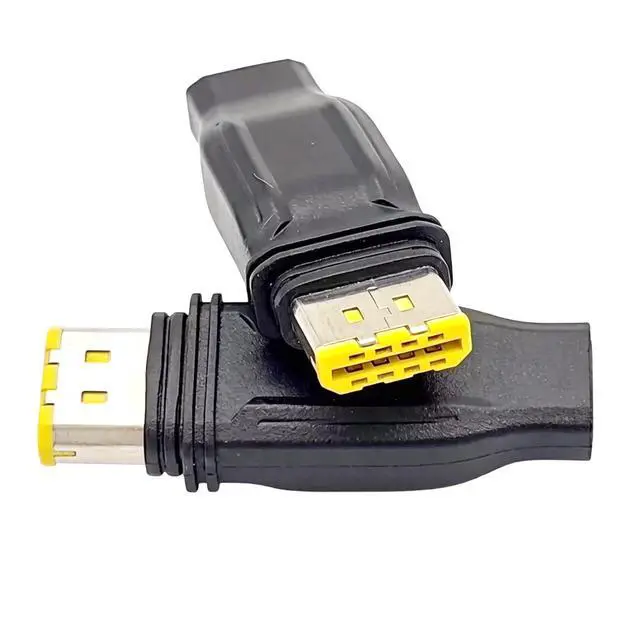
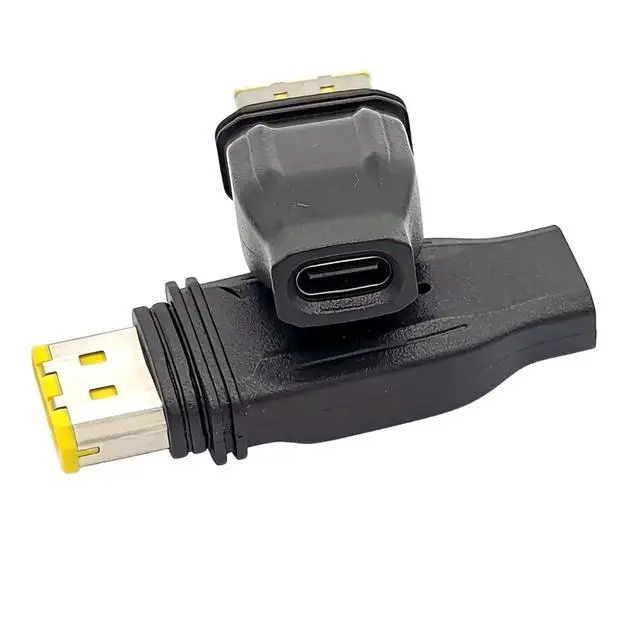
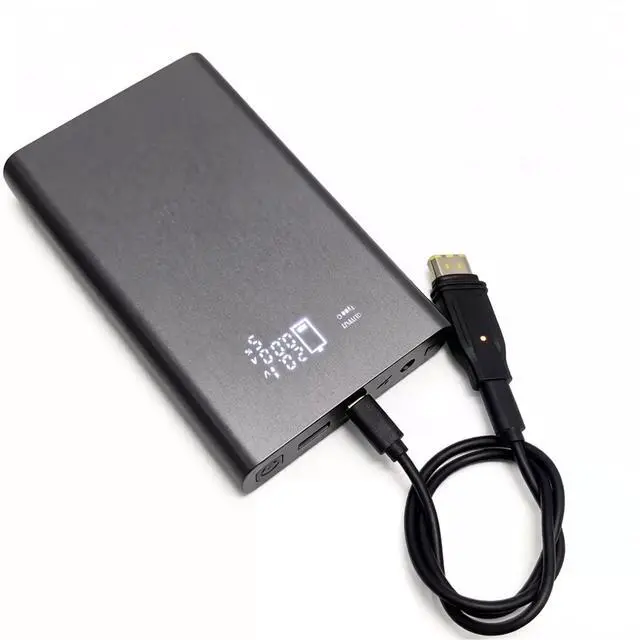
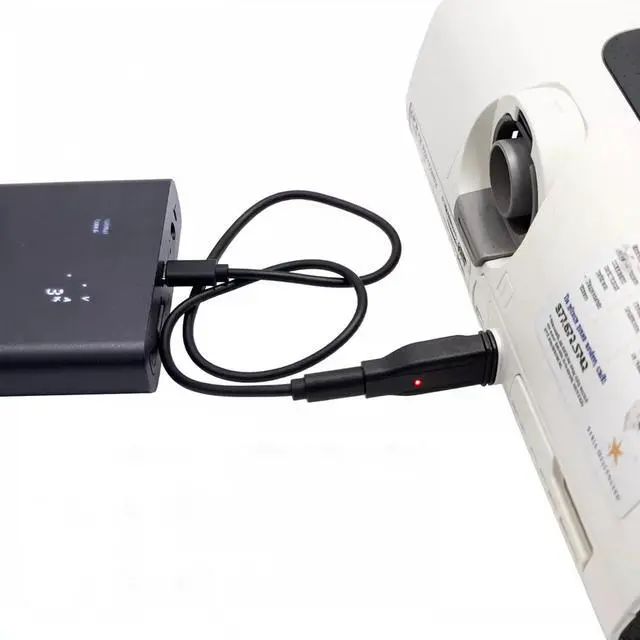
Traveling with your AirMini or S11 machine shouldn't mean sacrificing valuable luggage space for heavy, cumbersome power bricks. The Sourcingbay Type-C Power Adapter Converter transforms how you power your device on the go. By bridging the gap between your machine and standard high-power USB-C PD chargers, it gives you the ultimate convenience when sleeping away from home. Plus, with the included 1-meter (3.3ft) Type-C extension cable, you get the flexibility to place your power bank safely on the floor or a nearby table without straining the connection.
Step-by-Step Connection Guide (Read Before Use)
To ensure safe and consistent power delivery, please follow this connection sequence:
Connect the included 1m Type-C cable to your PD power bank or PD wall charger.
Plug the other end of the cable into this adapter converter.
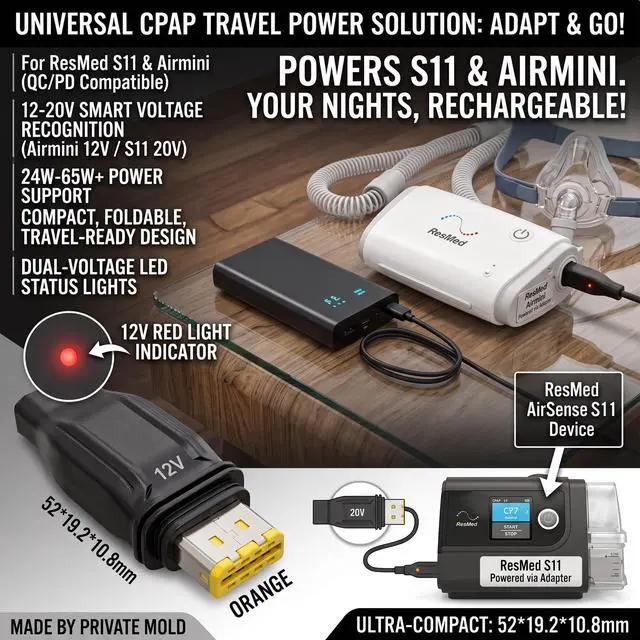
Check the LED Light: Look at the adapter to confirm the light is on (Dim Red for 12V, Bright Orange for 20V).
Once the light is confirmed, plug the adapter into your AirMini or S11 machine.
What is Included:
1 x Type-C Power Adapter Converter
1 x 1-Meter (3.3ft) USB-C to USB-C Extension Cable
Troubleshooting FAQ
Q: I plugged it in, but the LED light is off and my machine won't turn on. Is it broken?
A: If the LED light does not turn on, the adapter is not receiving enough voltage from your power source. This is a built-in safety feature, not a defect. Please ensure your power bank or wall charger meets the minimum requirements: 24W+ (12-20V) for AirMini, or 65W+ (20V) for S11. Standard low-wattage phone chargers will not work.
Q: What do the different light colors mean?
A: The smart indicator reads the voltage output from your power bank.
Dim Red Light: The adapter is receiving 12V power.
Bright Orange Light: The adapter is receiving 20V power.
| Item Highlight | USB-C adapter & 1m cable for AirMini & S11. Requires 24W+ (AirMini) or 65W+ (S11) PD power bank. Not an original ResMed part. |
| Color | Black |
| Manufacturer | Sourcingbay |
| Connector Type | USB Type C |
| Model Number | resmed airmini |
| Brand | Sourcingbay |
| Number of Items | 1 |
| Compatible Devices | AirMini, S11 |
| Size | 3.3 FT |
| Unit Count Type | Count |
| Unit Count | 1 |


