



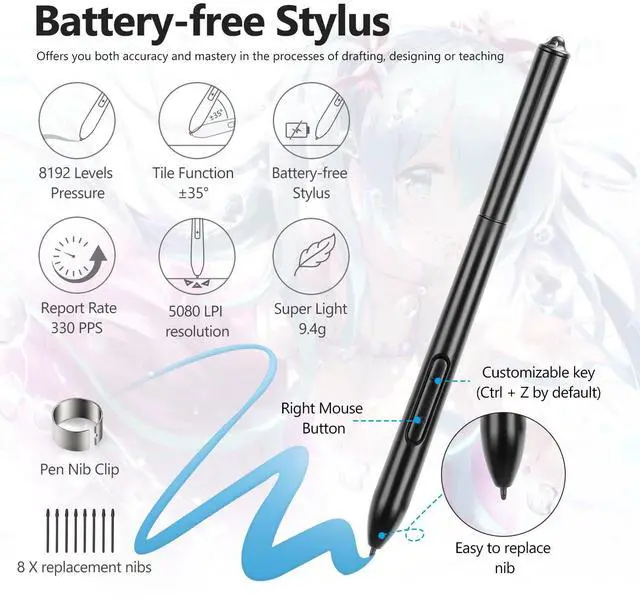

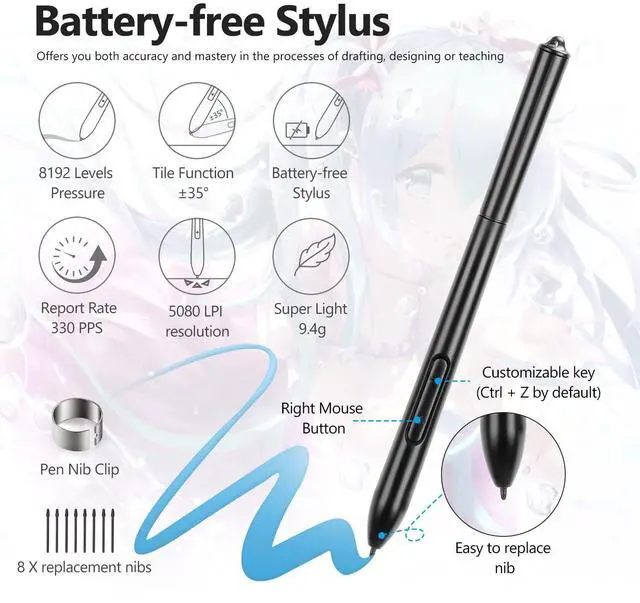
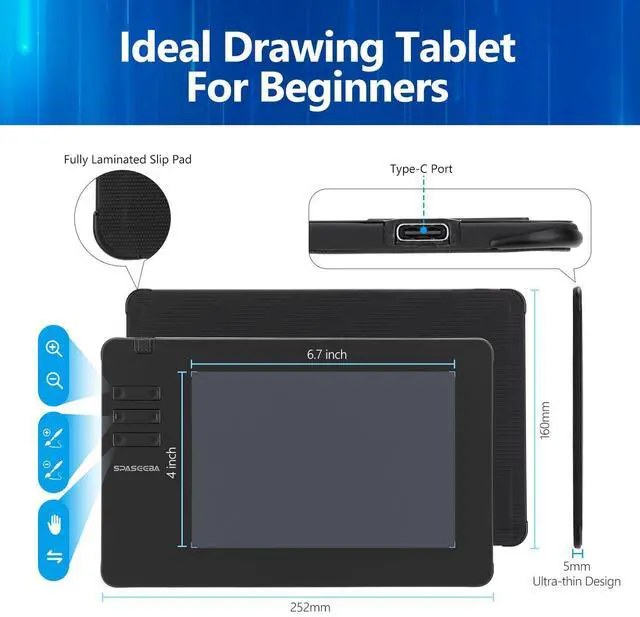






- Upgraded Passive Pen
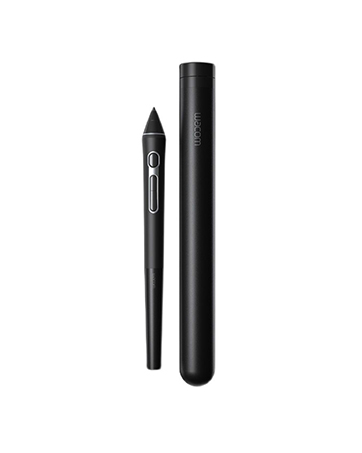
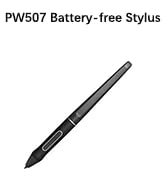
Battery-free design offers uninterrupted usage and convenience
- 35°Tilt Recognition & 8192 Levels Pen pressure
This digital drawing pad with 35° tilt recognition and 8192 levels of pen pressure offer unprecedented precision and flexibility, helps you inspire your inspiration and enjoy your drawing time
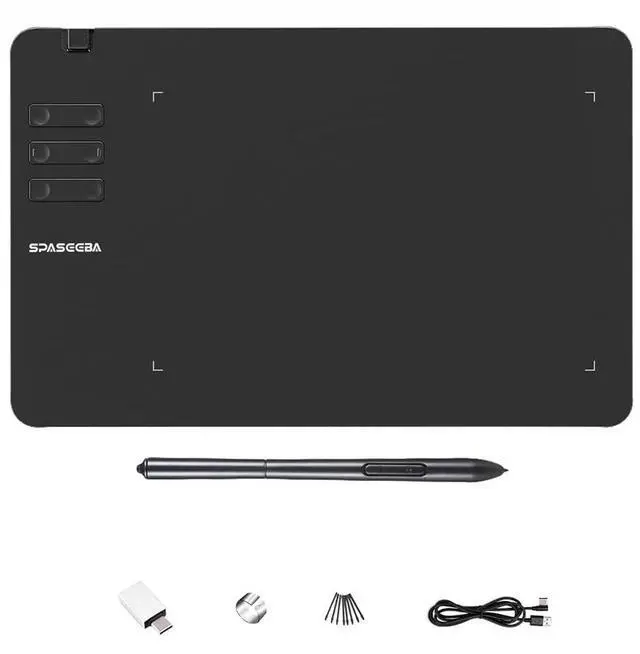
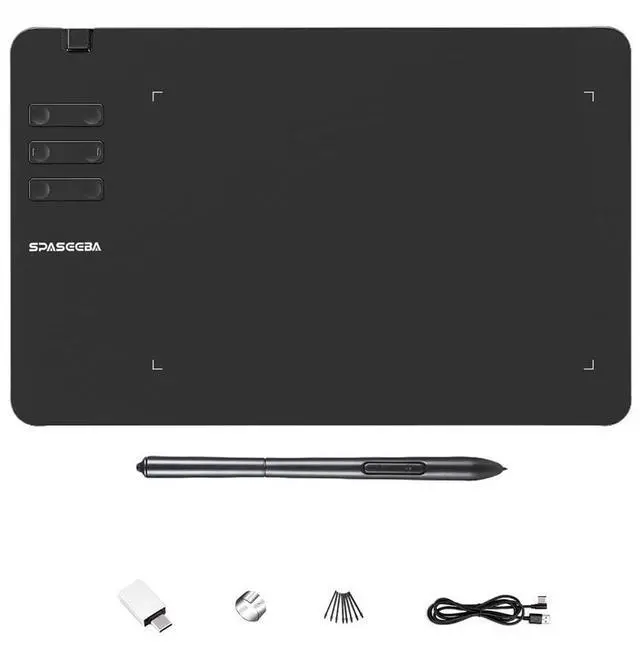
- 6 Customizable Shortcut Keys
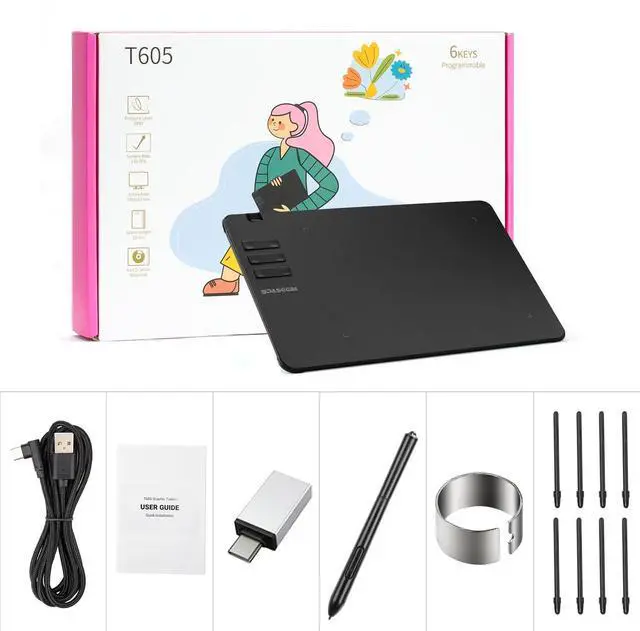
You can set express keys combinations of this digital art tablet according to your preferences.
- Black Matte Material
We use a matte design for this computer drawing tablet, allowing you to experience the smooth feeling of drawing and the real feeling of drawing on paper

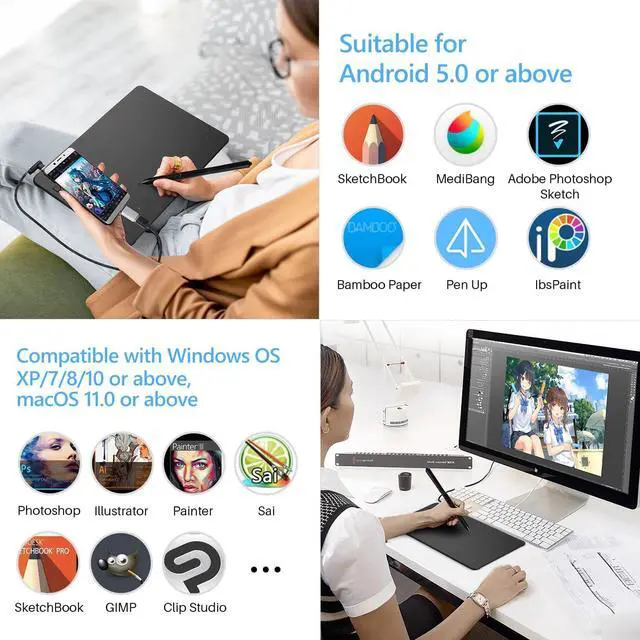
Compatible with Multiple Softwares&Systems
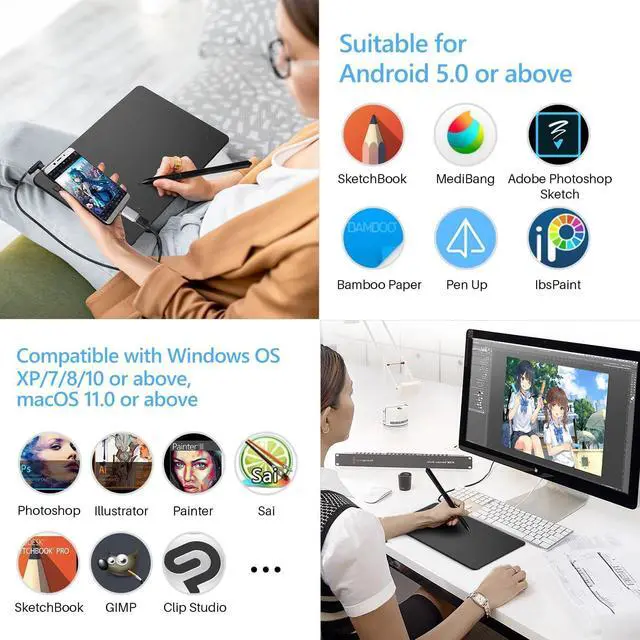
- The drawing tablet for pc works seamlessly with popular art programs like Adobe Photoshop, Illustrator, Clip Studio, Lightroom, Manga Studio, CorelPainter, FireAlpaca, OpenCanvas, Paint Tool Sai2, and more. It is an ideal entry-level drawing tool for beginners
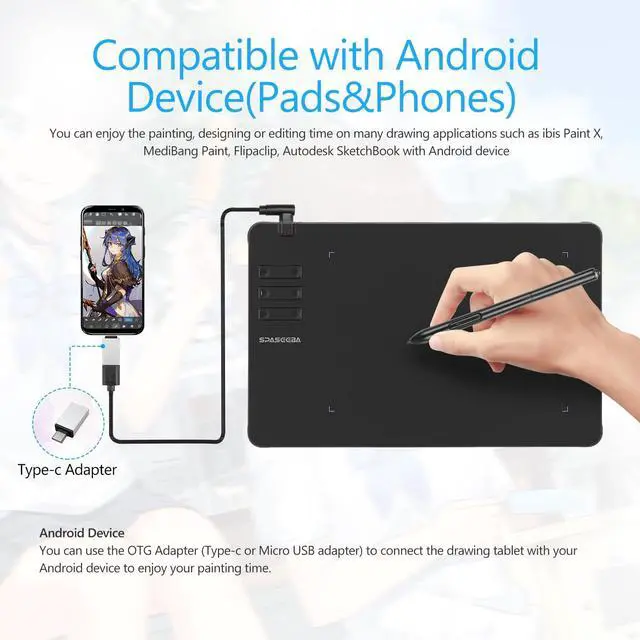
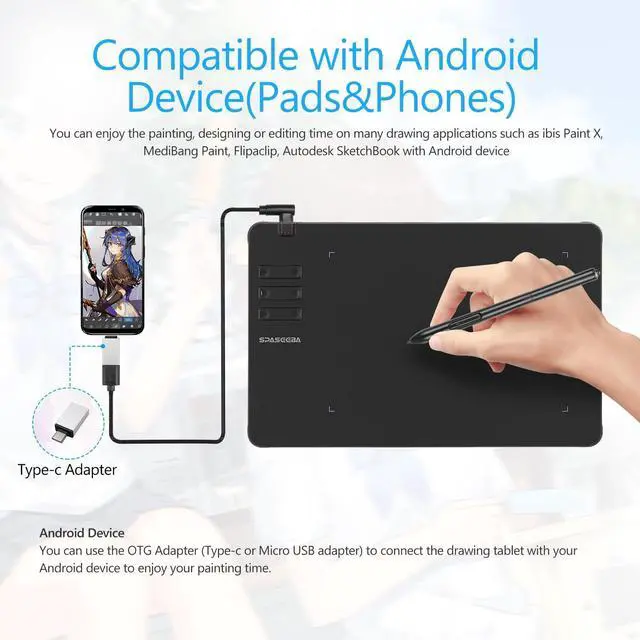
- Compatible with Windows OS XP/7/8/10 or above &macOS 11.0 or above& Android 5.0 or above(support OTG function)
- Note: Graphics drawing tablet does NOT compatible with iPhone,iPad and Chromebook.


- Available In Left
The digital art tablet is also available for left-handed users. Simply change the rotate setting in driver and filp the tablet, then you’re ready to go.
- Wide Use
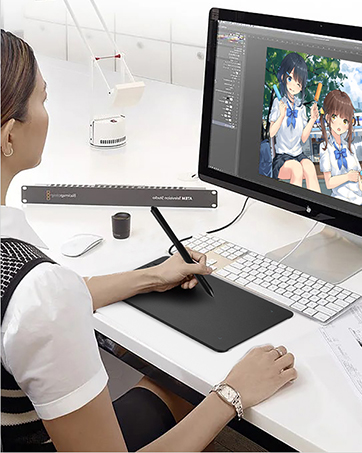
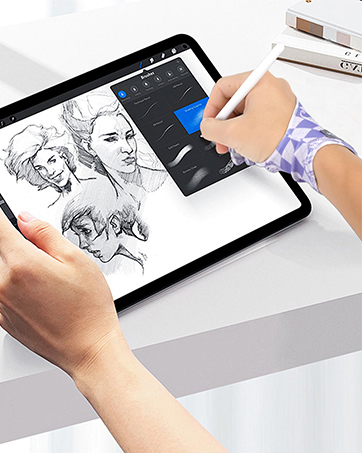
With this digital drawing pad you can sign document, freehand draw, take digital note and do all of the functions of a mouse but better. It helps do precise work and save your wrist from strain
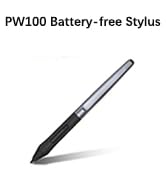
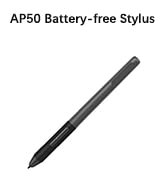
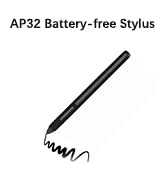
 Drawing Tablet T605 |  Drawing Tablet T906 |  Battery-Free Pen PW507 |  Battery-Free Pen PW100 |  Battery-Free Pen AP50 |  Battery-Free Pen AP32 | |
|---|---|---|---|---|---|---|
| Customer Reviews | — | — | — | — | — | — |
| Price | — | — | — | — | — | — |
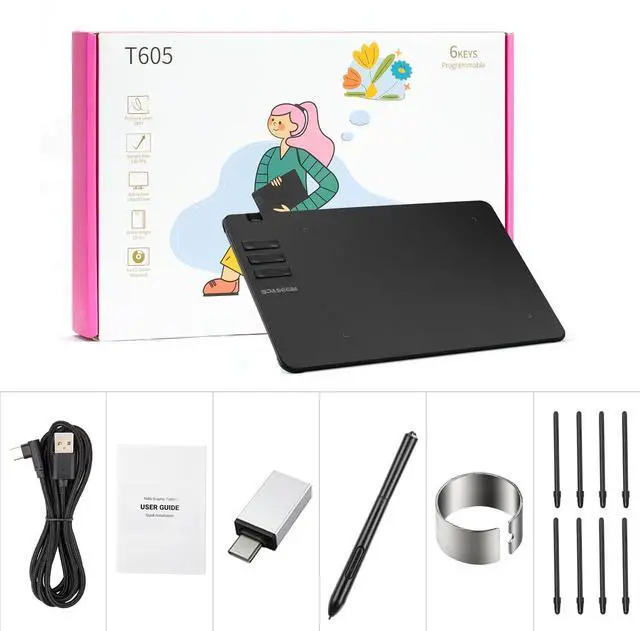
| Expresskeys | 6 Expresskeys | 10 Expresskeys | 2 Shortcut Keys | 2 Shortcut Keys | 2 Shortcut Keys | 2 Shortcut Keys |
| Compatible Devices | Windows OS XP/7/8/10 or above &macOS 11.0 or above& Android 5.0 or above(with OTG support) | Windows OS XP/7/8/10 or above &macOS 11.0 or above& Android 5.0 or above(with OTG support) | Kamvas Pro 12 / Pro 13 / Pro 16 / Kamvas 16 / Pro 20 (2019) / Kamvas 20/ GT-191 V2 (700K) | H640P / H950P / H1060P / H1161 / H610 Pro V2 / HS64 / HS610 / Inspiroy Ink H320M | PD1161 / PD1561 / PD156Pro / PD1220 / PD1320 | S620 / S630 / M106K Pro / M10K Pro / M1220 / M1230 / PD2200 |
| Digital Pen | Battery-free Pen | Battery-free Pen | Battery-free Pen | Battery-free Pen | Battery-free Pen | Battery-free Pen |
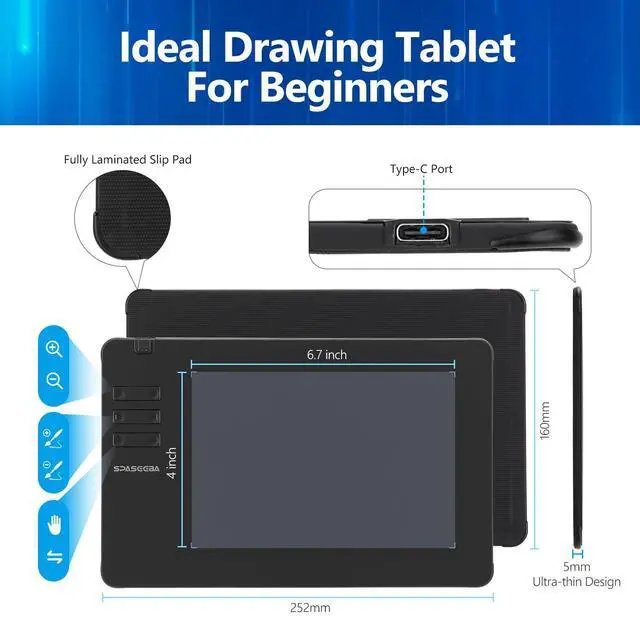
| Working Area | 6.7*4 inch | 10*6 inches | 163.7 × f14.3mm | 163 × f10.8mm | 160 × f10.8mm | 160 × f10.8mm |
| Tilt Support | ? | ? | ? | ? | ? | ? |
| Net Weight | 195g | 311g | 14g | 13g | 12.7g | 12.7g |
| Pen Pressure | 8192 Levels | 8192 Levels | 8192 Levels | 8192 Levels | 8192 Levels | 8192 Levels |
- Upgraded Passive Pen
Battery-free design offers uninterrupted usage and convenience
- 35°Tilt Recognition & 8192 Levels Pen pressure
This digital drawing pad with 35° tilt recognition and 8192 levels of pen pressure offer unprecedented precision and flexibility, helps you inspire your inspiration and enjoy your drawing time
- 6 Customizable Shortcut Keys
You can set express keys combinations of this digital art tablet according to your preferences.
- Black Matte Material
We use a matte design for this computer drawing tablet, allowing you to experience the smooth feeling of drawing and the real feeling of drawing on paper
Compatible with Multiple Softwares&Systems
- The drawing tablet for pc works seamlessly with popular art programs like Adobe Photoshop, Illustrator, Clip Studio, Lightroom, Manga Studio, CorelPainter, FireAlpaca, OpenCanvas, Paint Tool Sai2, and more. It is an ideal entry-level drawing tool for beginners
- Compatible with Windows OS XP/7/8/10 or above &macOS 11.0 or above& Android 5.0 or above(support OTG function)
- Note: Graphics drawing tablet does NOT compatible with iPhone,iPad and Chromebook.
- Available In Left
The digital art tablet is also available for left-handed users. Simply change the rotate setting in driver and filp the tablet, then you’re ready to go.
- Wide Use
With this digital drawing pad you can sign document, freehand draw, take digital note and do all of the functions of a mouse but better. It helps do precise work and save your wrist from strain
Drawing Tablet T605 | Drawing Tablet T906 | Battery-Free Pen PW507 | Battery-Free Pen PW100 | Battery-Free Pen AP50 | Battery-Free Pen AP32 | |
|---|---|---|---|---|---|---|
| Customer Reviews | — | — | — | — | — | — |
| Price | — | — | — | — | — | — |
| Expresskeys | 6 Expresskeys | 10 Expresskeys | 2 Shortcut Keys | 2 Shortcut Keys | 2 Shortcut Keys | 2 Shortcut Keys |
| Compatible Devices | Windows OS XP/7/8/10 or above &macOS 11.0 or above& Android 5.0 or above(with OTG support) | Windows OS XP/7/8/10 or above &macOS 11.0 or above& Android 5.0 or above(with OTG support) | Kamvas Pro 12 / Pro 13 / Pro 16 / Kamvas 16 / Pro 20 (2019) / Kamvas 20/ GT-191 V2 (700K) | H640P / H950P / H1060P / H1161 / H610 Pro V2 / HS64 / HS610 / Inspiroy Ink H320M | PD1161 / PD1561 / PD156Pro / PD1220 / PD1320 | S620 / S630 / M106K Pro / M10K Pro / M1220 / M1230 / PD2200 |
| Digital Pen | Battery-free Pen | Battery-free Pen | Battery-free Pen | Battery-free Pen | Battery-free Pen | Battery-free Pen |
| Working Area | 6.7*4 inch | 10*6 inches | 163.7 × f14.3mm | 163 × f10.8mm | 160 × f10.8mm | 160 × f10.8mm |
| Tilt Support | ? | ? | ? | ? | ? | ? |
| Net Weight | 195g | 311g | 14g | 13g | 12.7g | 12.7g |
| Pen Pressure | 8192 Levels | 8192 Levels | 8192 Levels | 8192 Levels | 8192 Levels | 8192 Levels |
SPASEEBA T605 Drawing Tablet
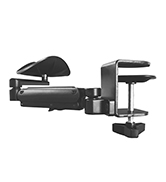
SPASEEBA Arm Support for Desk
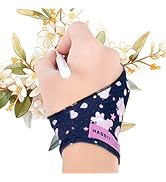
SPASEEBA Artist Drawing Glove
KP-505 for Intuos Pro PTH-460
SPASEEBA Hot Sales!
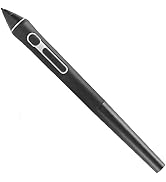
Digital Pen for Graphic Tablet
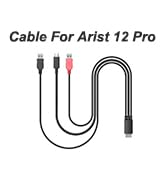
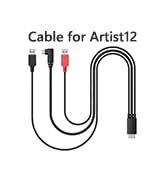
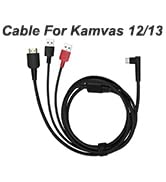
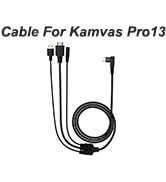
3-in-1 Cable for Pen Display