Your Browsing History
Best Sellers
- $155.07
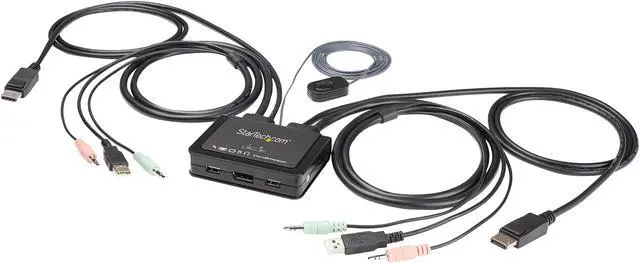
StarTech.com SV211DPUA4K 2 Port DisplayPort KVM Switch - 4K 60Hz - Compact Dual Port UHD DP 1.2 USB Desktop KVM Switch with 4ft Cables & Audio - Bus Powered & Remote Switching - MacBook ThinkPad
- 2 Ports Computer Connections
- 1 Port Monitor Connections
- AutoScan Interval 10, 20, 30, 40, 50, and 60 seconds
- Video Resolution 3840 x 2160 (Ultra HD 4K) @ 60hz
+
+
Overview
Specs
Reviews
See all Q & A
Any questions? Ask CelesteSM will help you find out quickly.
Try me now
Warranty & Returns
Warranty, Returns, And Additional Information
Warranty
- Limited Warranty period (parts): 1 year
- Limited Warranty period (labor): 1 year
- Read full details
Return Policies
- Return for refund within: 30 days
- Return for replacement within: 30 days
- This item is covered by Newegg.com's 30-Day Return Policy.
- Read full return policy for details.
Manufacturer Contact Info
- Manufacturer Product Page
- Manufacturer Website
- Support Phone: 1-800-265-1844
- Support Email: support@startech.com
- Support Website
- View other products from STARTECH
LOADING...
LOADING...
The StarTech.com SV211DPUA4K is a compact, bus-powered DisplayPort KVM switch for users who want to control two computers with one setup and share a single monitor at up to 4K 60Hz; it supports push-button, hotkey, and software switching.
Recommended For
- People who regularly switch between a work computer and a personal computer at one desk and want to share one DisplayPort monitor, keyboard, and mouse.
- Single-monitor home-office users with two DisplayPort-equipped computers who want to switch keyboard, mouse, and optional analog audio without adding a second set of desk peripherals.
- Users with a 4K DisplayPort monitor who need up to 4K at 60 Hz for office work, browsing, or other single-display tasks, and whose computers provide DisplayPort and USB-A connections.
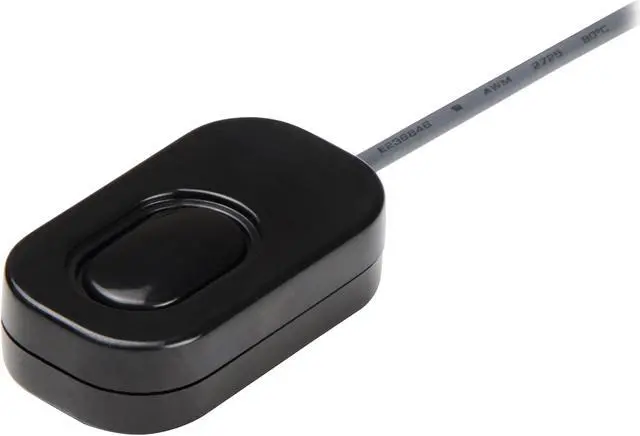
- Desk setups where the switch button should be within easy reach: the wired remote, keyboard hotkeys, and switching software offer different ways to change computers.
Real-World Use Scenarios
- At a home-office desk, switch one DisplayPort monitor, keyboard, and mouse between a work computer and a personal computer instead of reconnecting peripherals each time; the selected computer uses the shared setup.
- When alternating between a DisplayPort desktop and a compatible laptop, use the remote push button to change which computer controls the monitor and USB peripherals; both computers need suitable DisplayPort and USB connections.
- In a compact desk setup, use the switch to avoid keeping a second keyboard-and-mouse set on the desk; its small form factor is intended for sharing one console between two computers.
- For a single-monitor workstation used with two computers, switch the display and USB controls together rather than unplugging and reconnecting the monitor, keyboard, and mouse when changing systems.
- If both computers use compatible 3.5 mm audio connections, share an audio peripheral through the KVM and switch it along with the computer; this can keep audio connected to the active system.
Spec Summary
| Attribute | Value |
|---|---|
| Best For | Sharing one DisplayPort monitor and USB peripherals between two PCs, Macs, laptops, or desktops |
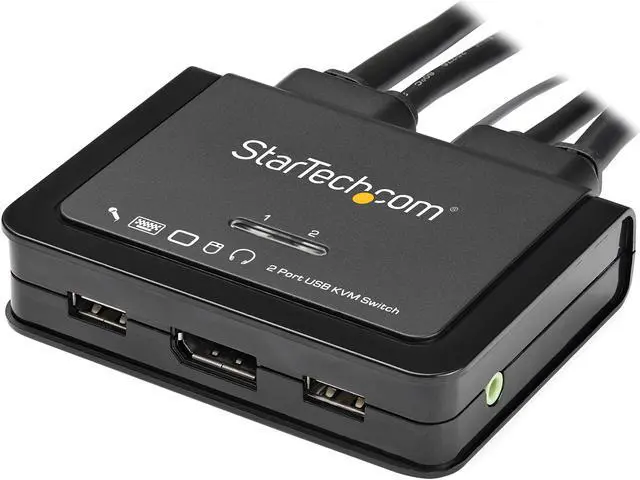
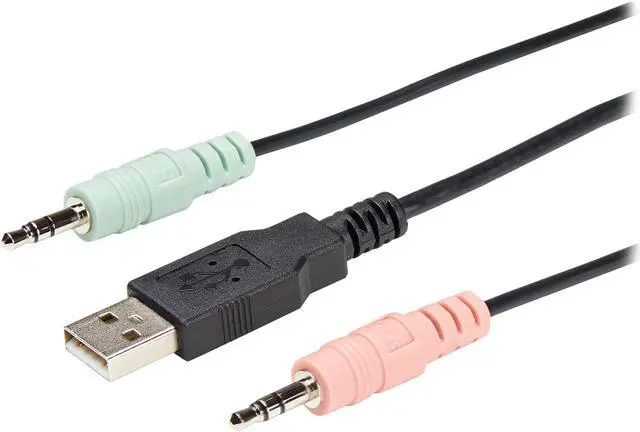
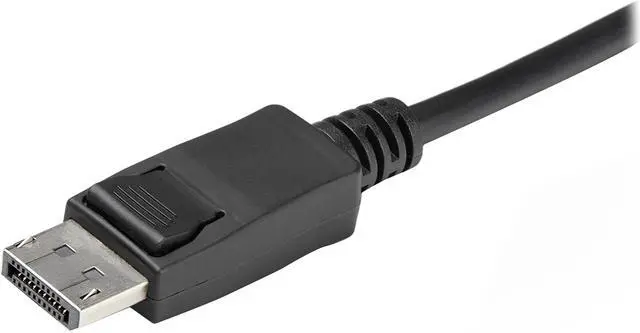
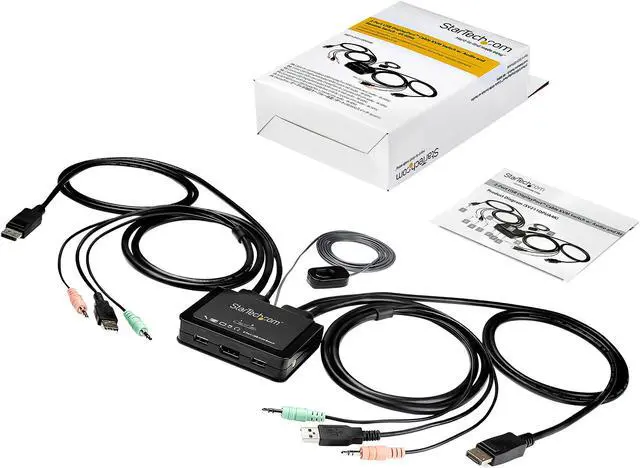
| Ports And Connectivity | Connects two computers through USB 2.0 and DisplayPort; console connections include one DisplayPort, two USB 2.0 ports, and two 3.5 mm audio jacks |
| Video And Switching | Supports up to 3840 × 2160 at 60 Hz; switch between computers using the push button, hotkeys, or software, with AutoScan intervals of 10–60 seconds |
| Power | Bus-powered; 5 V operating voltage |
| Compatibility | Supports Windows 2000–10, Windows Server 2003–2019, and Mac OS 10.6–10.9; hotkey and software access requires a compatible host OS |
| Operating Environment | Operating temperature: 0–40 °C; humidity: 0–90% RH, non-condensing |
| Physical Design And Included Items | Compact tabletop unit measuring 3.8 × 3.2 × 0.4 inches and weighing 12.4 oz; includes built-in 4 ft cables and a quick-start guide |
| Model Identifiers | StarTech.com SV211DPUA4K |