


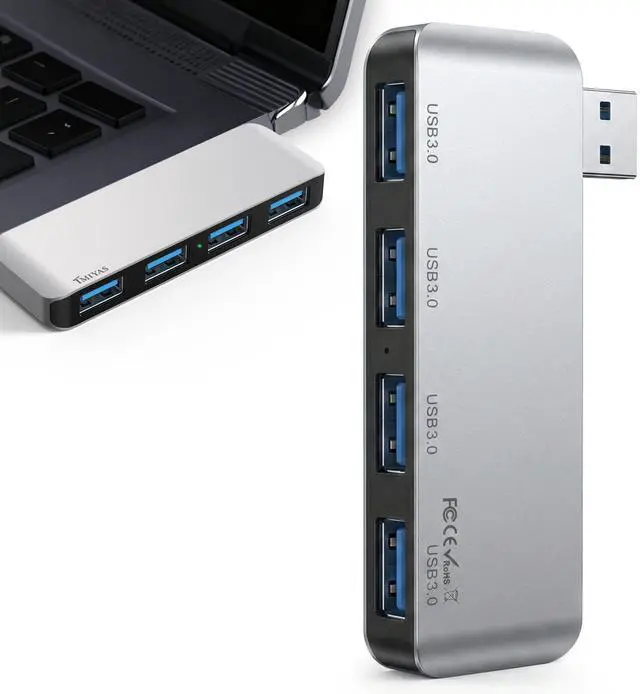
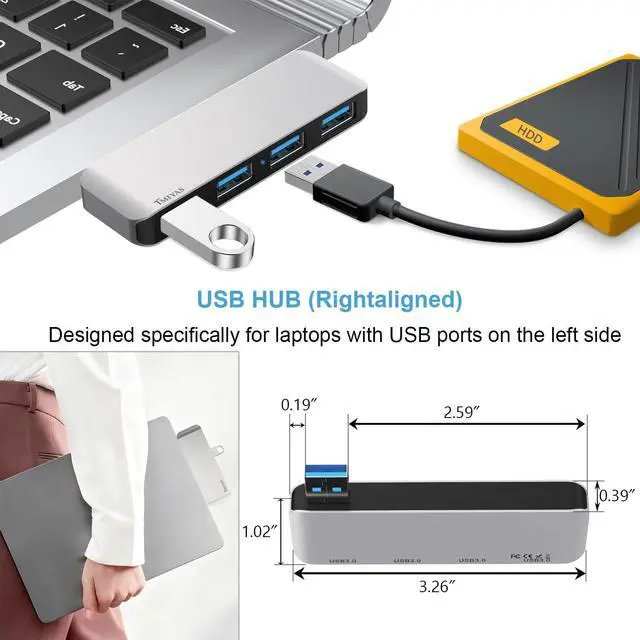
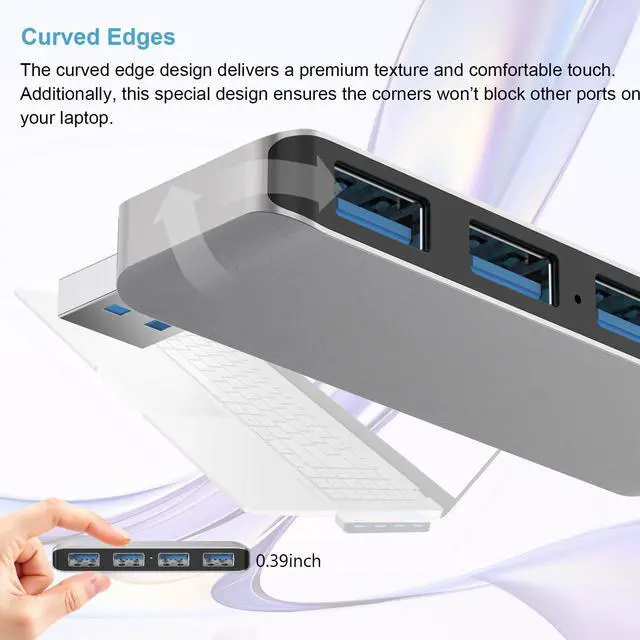



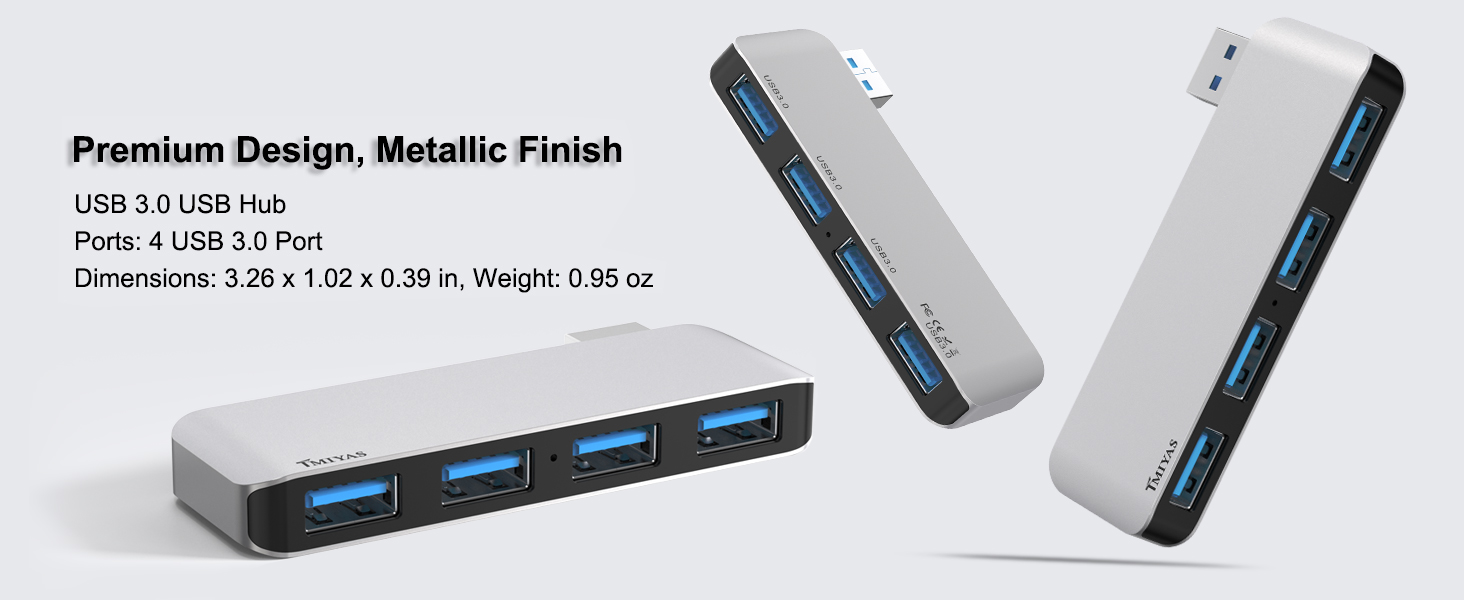
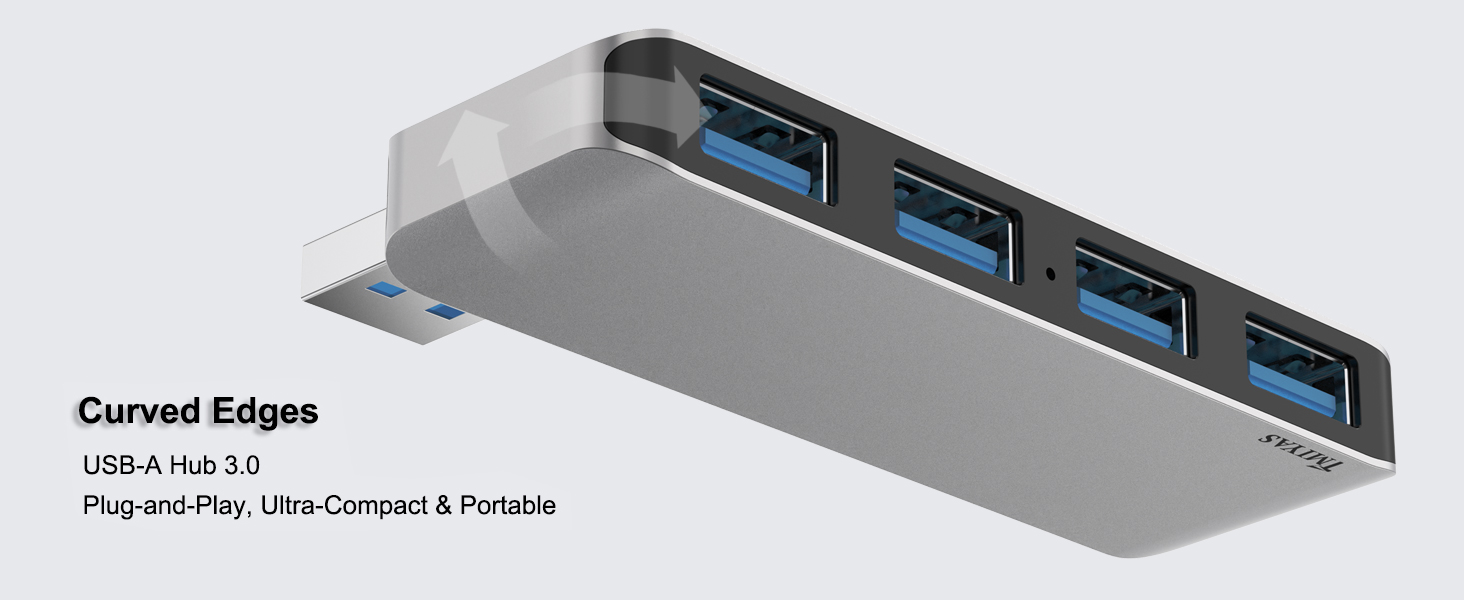
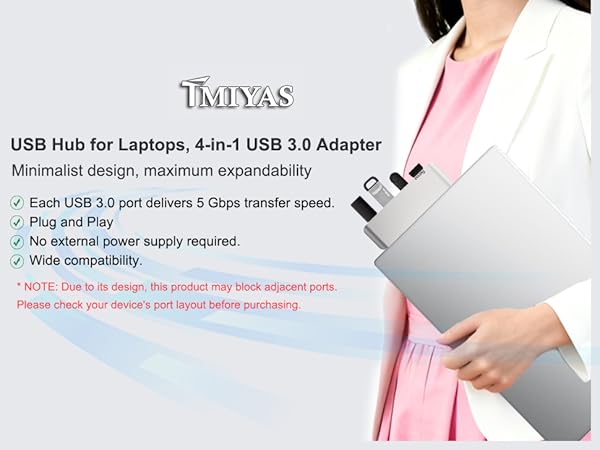
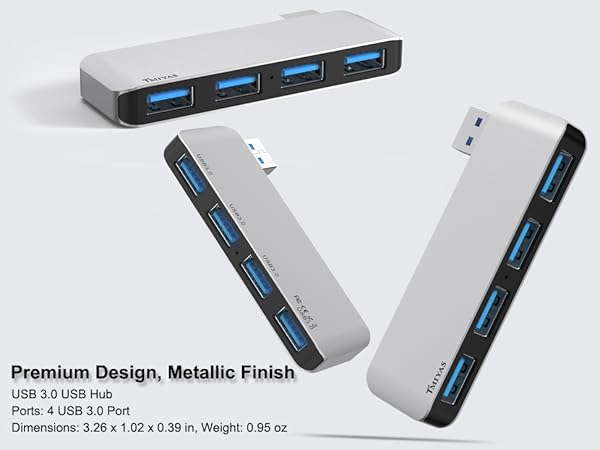
If your laptop's USB ports are on the right side, this hub is made specifically for you—designed exclusively for seamless right-side connectivity.
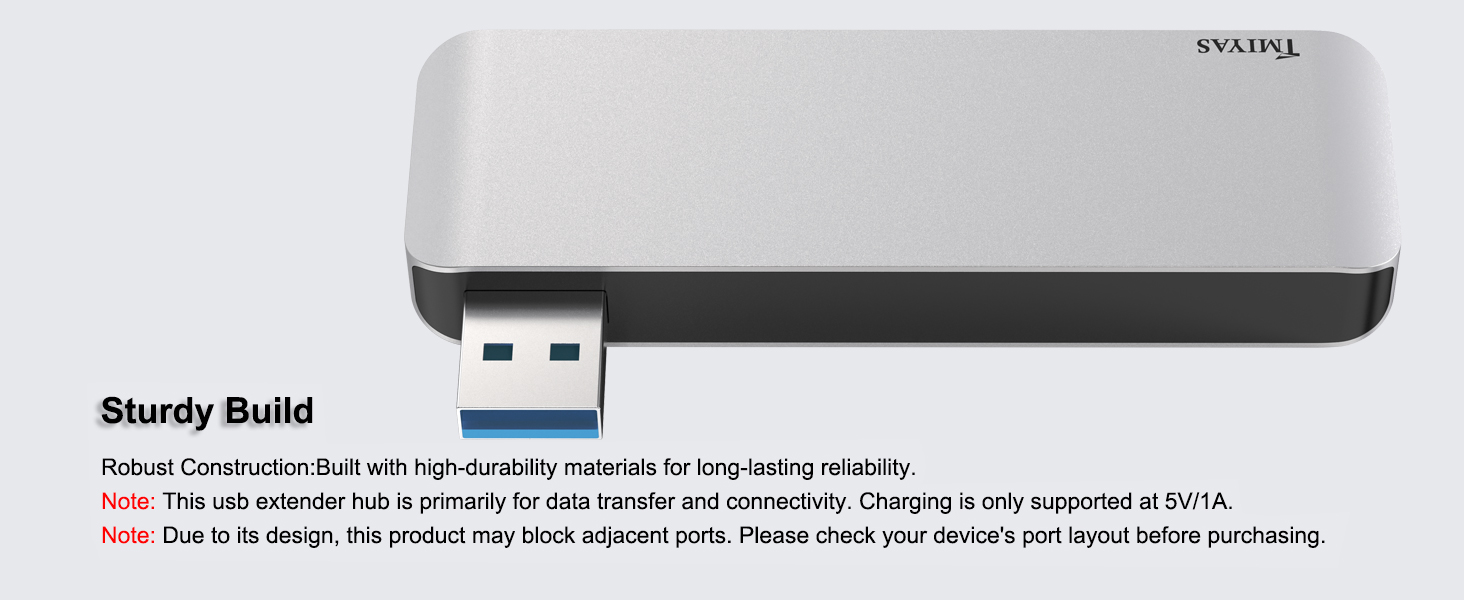
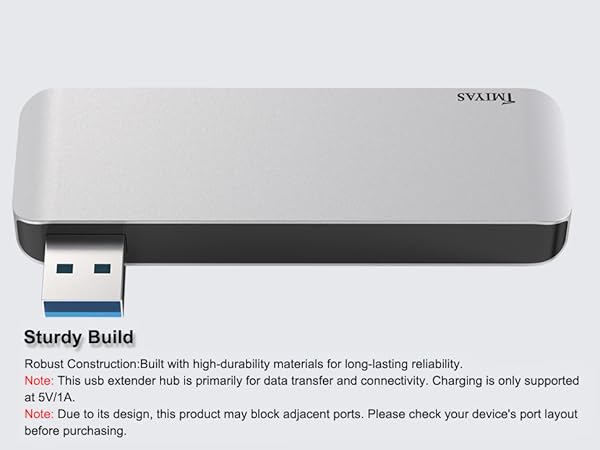
Note: Due to its design, this product may block adjacent ports. Please check your device's port layout before purchasing.
Why is this USB hub specifically recommended for "right-side" laptop use?
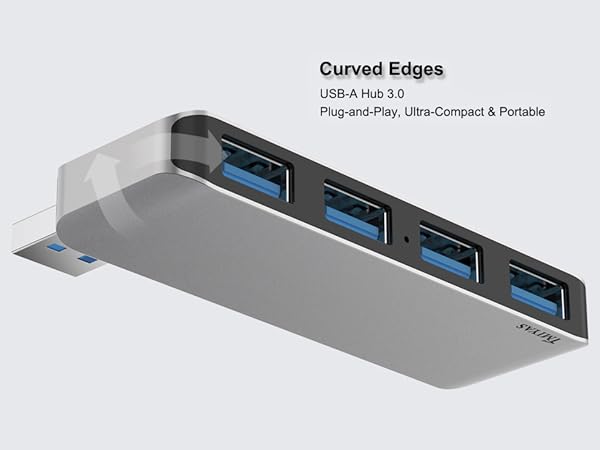
Most hubs’ cables clutter your workspace, especially when your ports are on the right. This hub has a specialized orientation, so its cable runs naturally away from your mouse area, keeping your desk tidy and your movements unobstructed.
Can I use this USB splitter to transfer large 4K video files quickly?
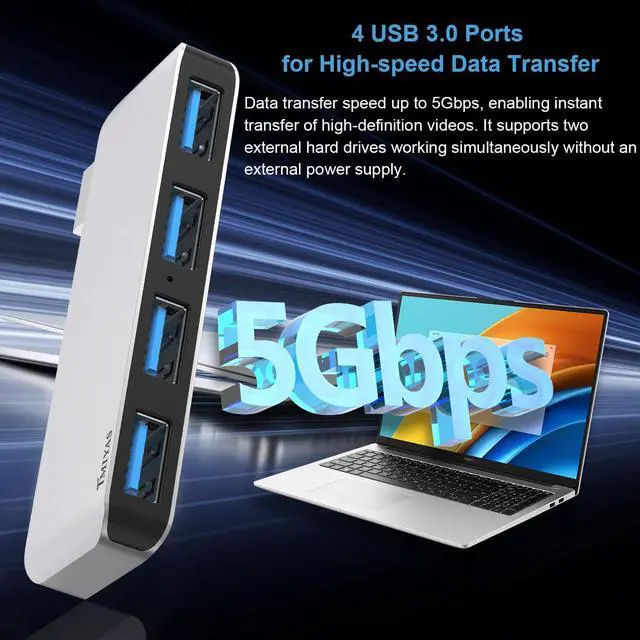
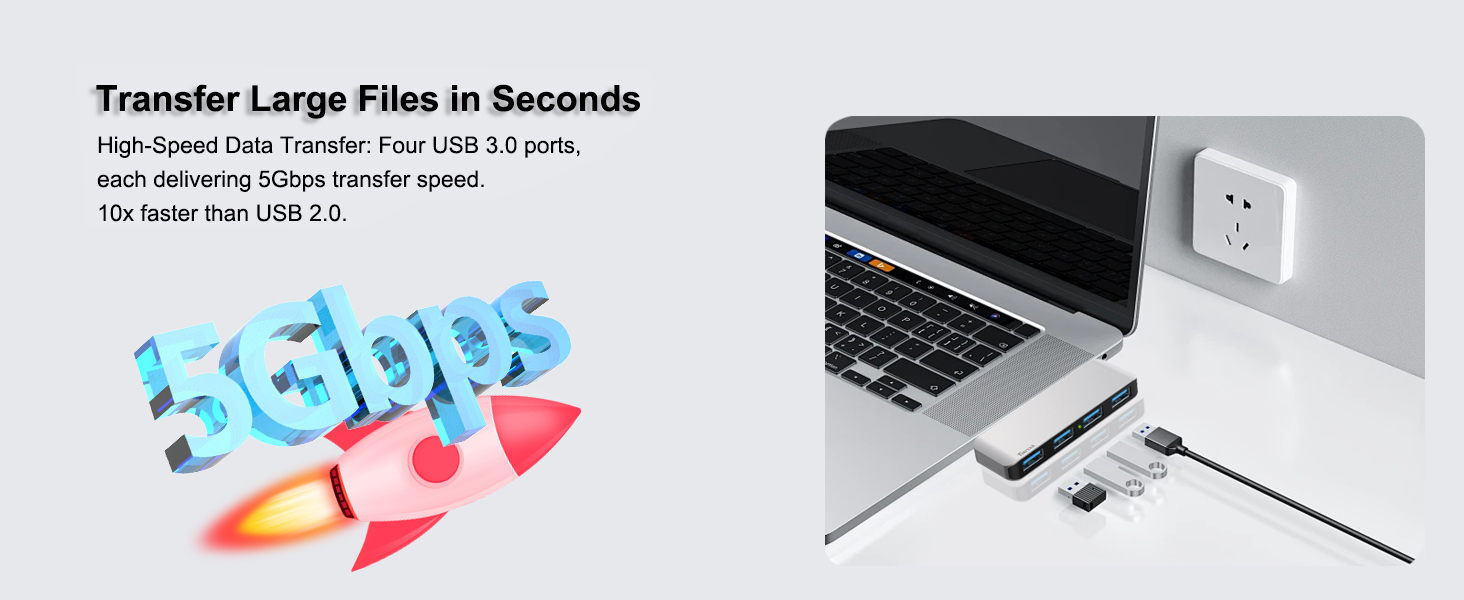
This hub supports USB 3.0 technology with data transfer speeds up to 5Gbps. That’s 10x faster than USB 2.0! You can sync an entire HD movie or large backups in seconds, making it ideal for photographers and office professionals who value efficiency.
Does this 4-port hub work with Windows 11 and the latest MacBook models?
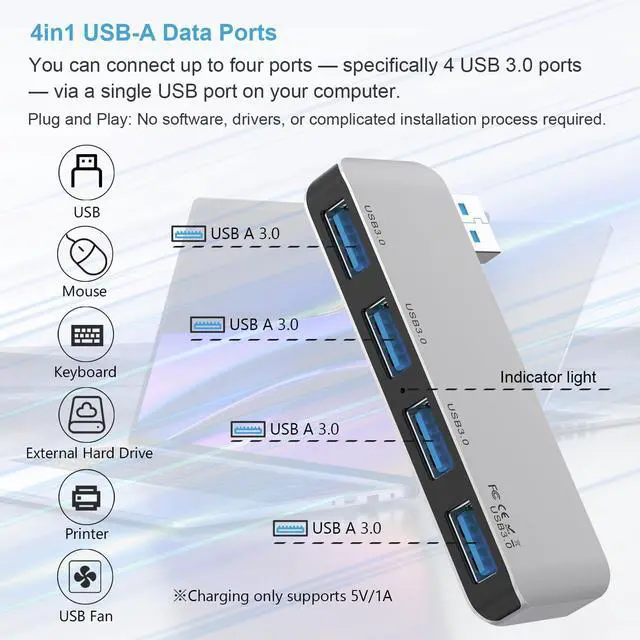
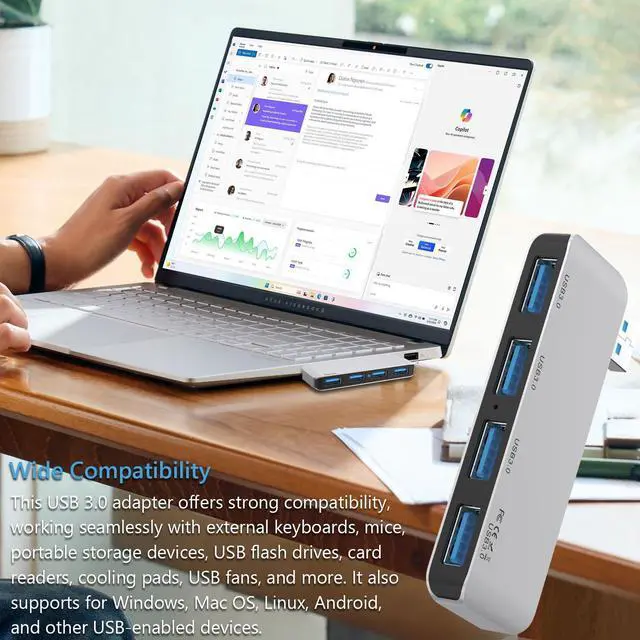
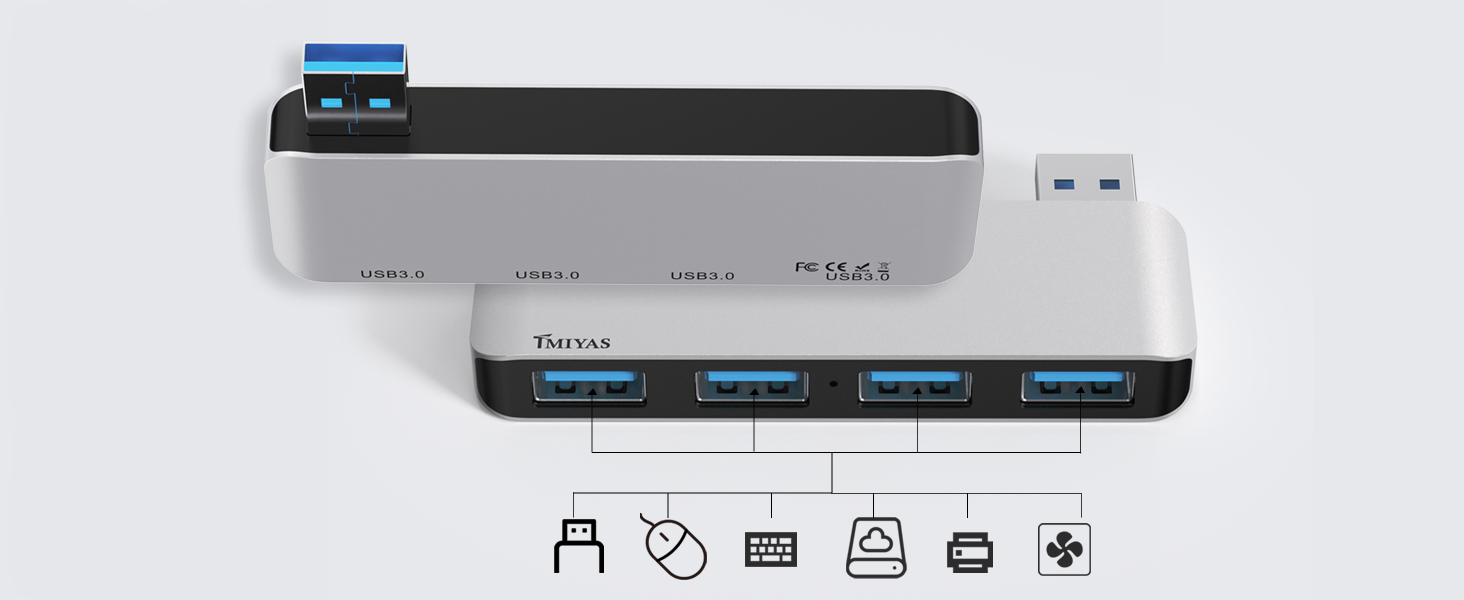
it’s designed for broad compatibility. It is Plug-and-Play for Windows 11/10/8, macOS, Linux, and Chrome OS. No drivers or software installation required—just plug it in, and you’re ready to connect your keyboard, mouse, or flash drive instantly.
Is this USB hub durable enough to be carried in a laptop bag for daily travel?
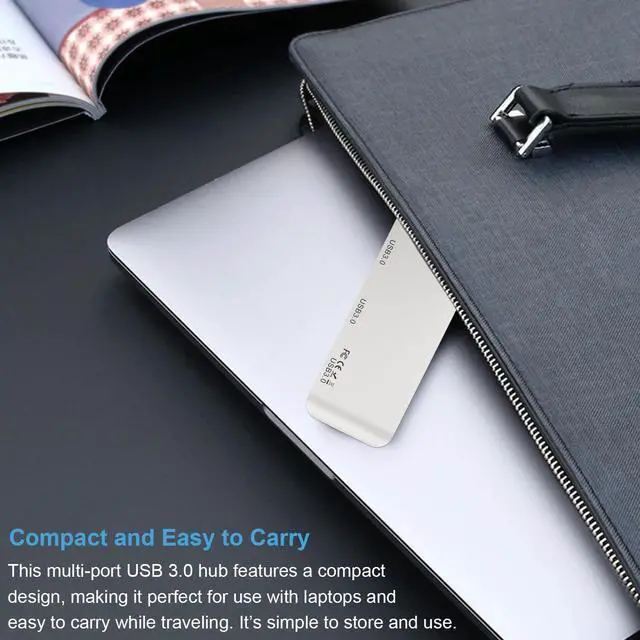
It features an ultra-slim and lightweight design. The high-quality casing is robust enough to handle the bumps of daily commutes or business trips, fitting easily into your pocket or laptop sleeve without adding bulk.
Can I charge my smartphone and use a wireless mouse at the same time with this expander?
Yes! Each port provides a 5V/1A power output, which is perfect for charging small gadgets like smartphones, wireless earbuds, or powering desk fans. It also ensures a stable connection and without any lag.
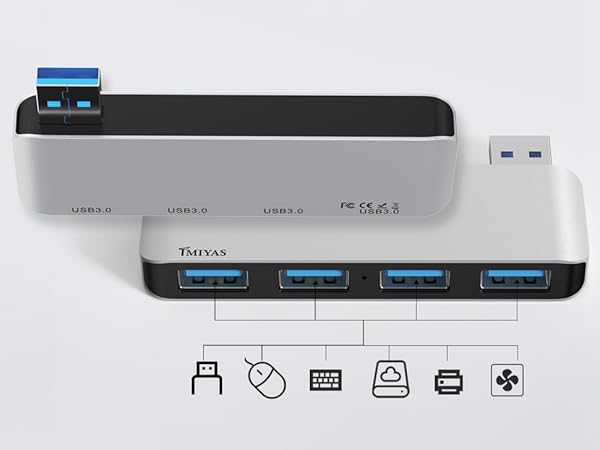
If your laptop's USB ports are on the right side, this hub is made specifically for you—designed exclusively for seamless right-side connectivity.
Note: Due to its design, this product may block adjacent ports. Please check your device's port layout before purchasing.
Why is this USB hub specifically recommended for "right-side" laptop use?
Most hubs’ cables clutter your workspace, especially when your ports are on the right. This hub has a specialized orientation, so its cable runs naturally away from your mouse area, keeping your desk tidy and your movements unobstructed.
Can I use this USB splitter to transfer large 4K video files quickly?
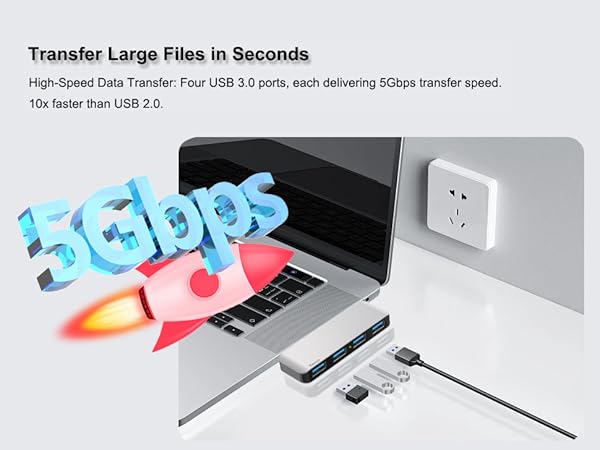
This hub supports USB 3.0 technology with data transfer speeds up to 5Gbps. That’s 10x faster than USB 2.0! You can sync an entire HD movie or large backups in seconds, making it ideal for photographers and office professionals who value efficiency.
Does this 4-port hub work with Windows 11 and the latest MacBook models?
it’s designed for broad compatibility. It is Plug-and-Play for Windows 11/10/8, macOS, Linux, and Chrome OS. No drivers or software installation required—just plug it in, and you’re ready to connect your keyboard, mouse, or flash drive instantly.
Is this USB hub durable enough to be carried in a laptop bag for daily travel?
It features an ultra-slim and lightweight design. The high-quality casing is robust enough to handle the bumps of daily commutes or business trips, fitting easily into your pocket or laptop sleeve without adding bulk.
Can I charge my smartphone and use a wireless mouse at the same time with this expander?
Yes! Each port provides a 5V/1A power output, which is perfect for charging small gadgets like smartphones, wireless earbuds, or powering desk fans. It also ensures a stable connection and without any lag.