here!
I’m your shopping assistant for PC builds, upgrades, and everything tech.
Got questions? Ask away!
Start a conversation
here!
I’m your shopping assistant for PC builds, upgrades, and everything tech.
Got questions? Ask away!
Start a conversation





Any questions? Ask CelesteSM will help you find out quickly.
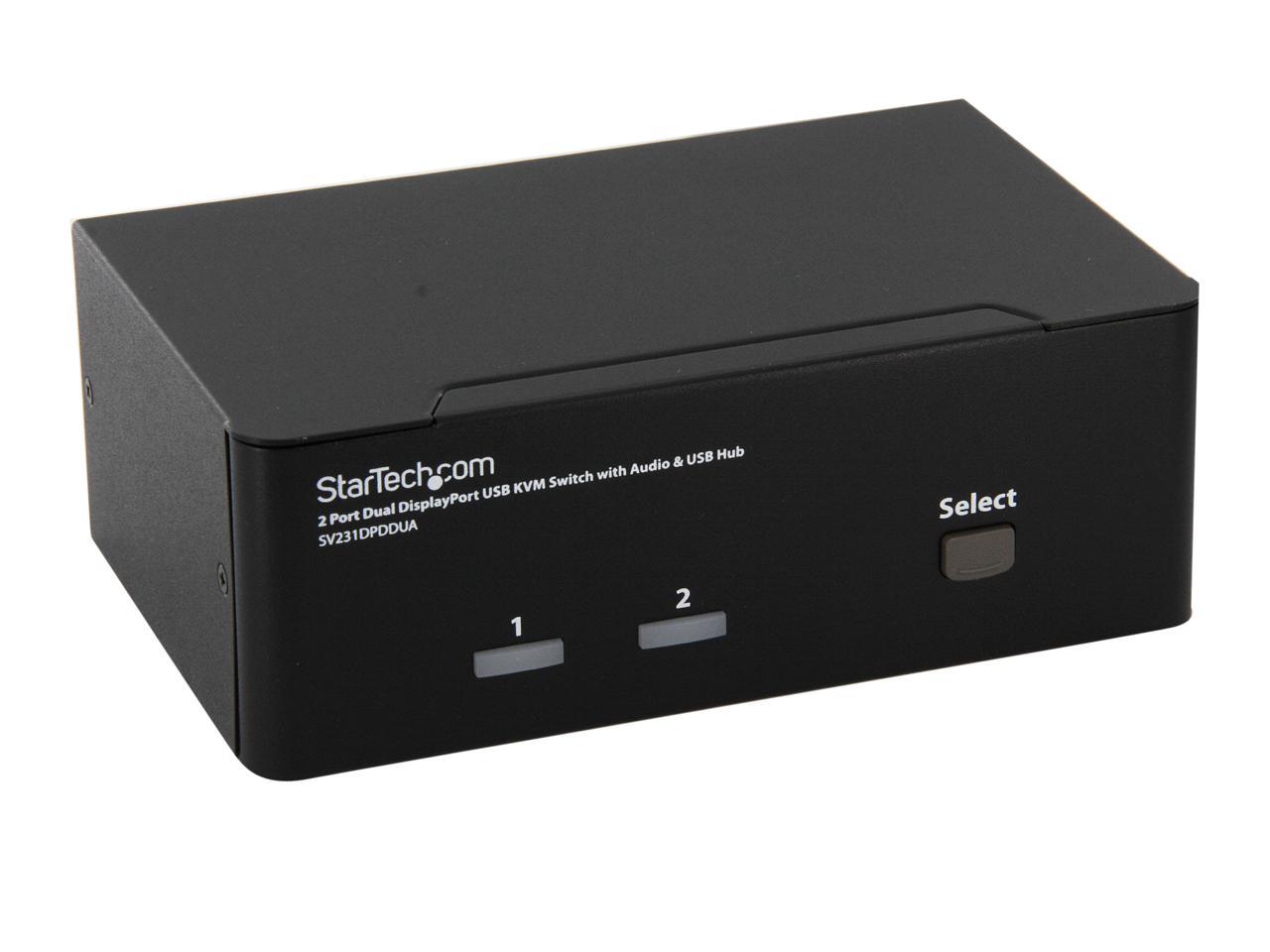
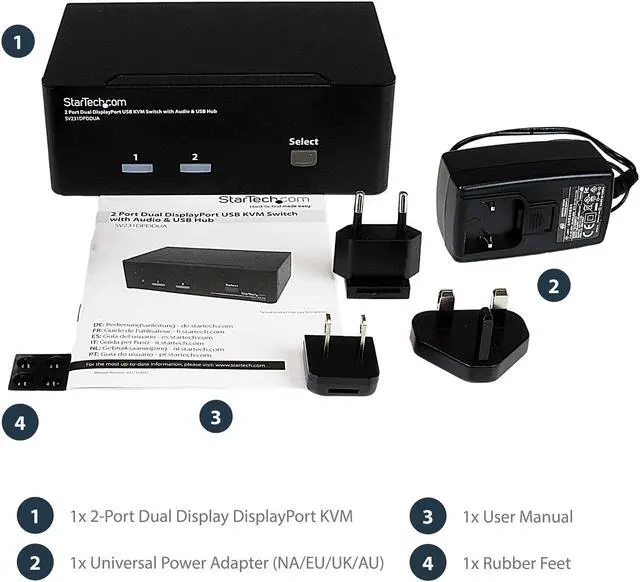
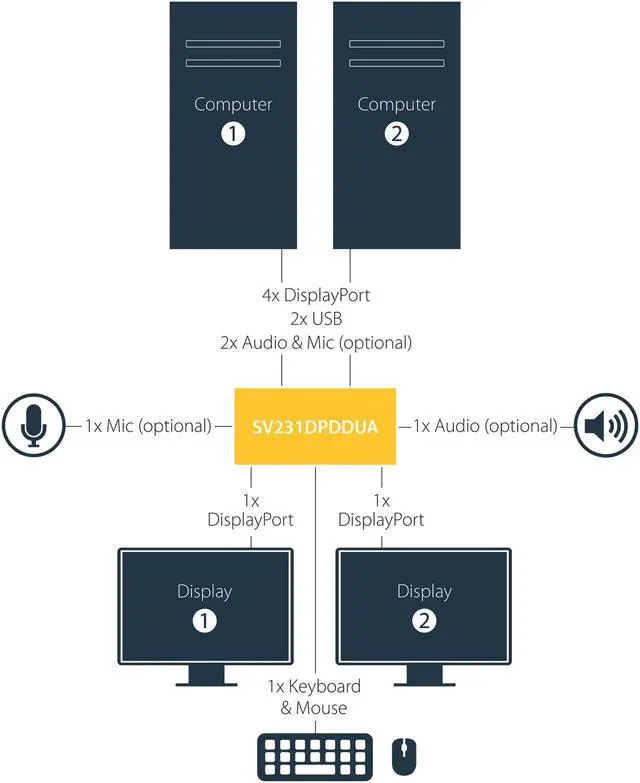
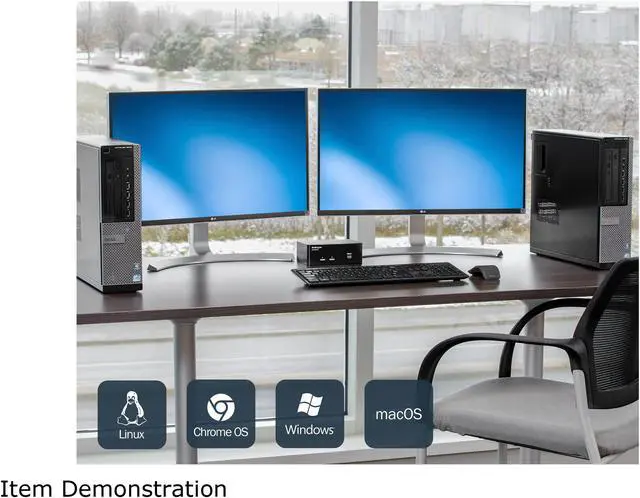
The StarTech.com SV231DPDDUA is a two-computer KVM switch that lets you share two DisplayPort monitors, a USB keyboard and mouse, audio, and USB peripherals, making it suitable for users who need one workstation setup for two Mac or PC computers.
| Attribute | Value |
|---|---|
| Best For | Sharing a dual-DisplayPort workstation setup between two computers for multimedia design, post-production, or video editing |
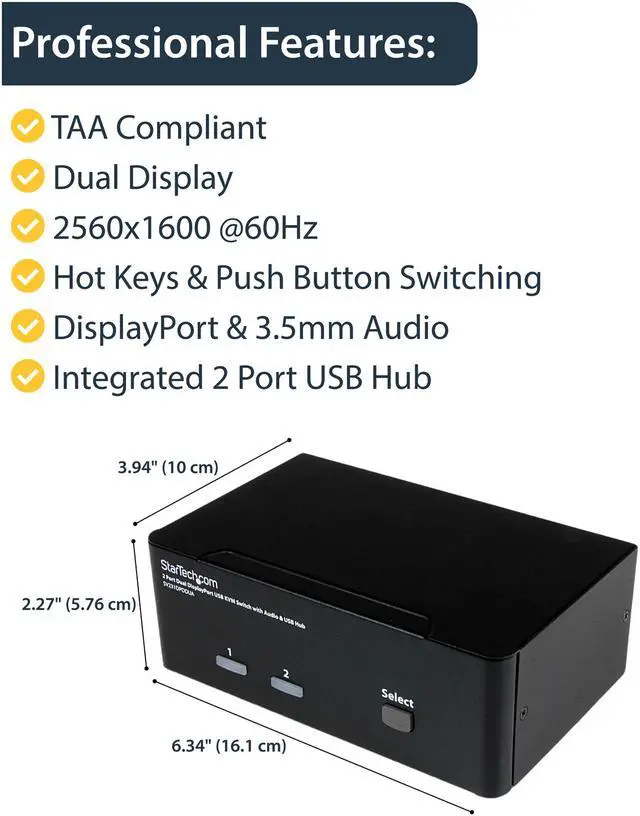
| Computer And Display Support | Connects two computers to a dual-monitor DisplayPort setup; supports 2560 × 1600 at 60 Hz on each monitor and up to 3840 × 2400 per monitor at lower refresh rates. Compatible with Mac and PC systems |
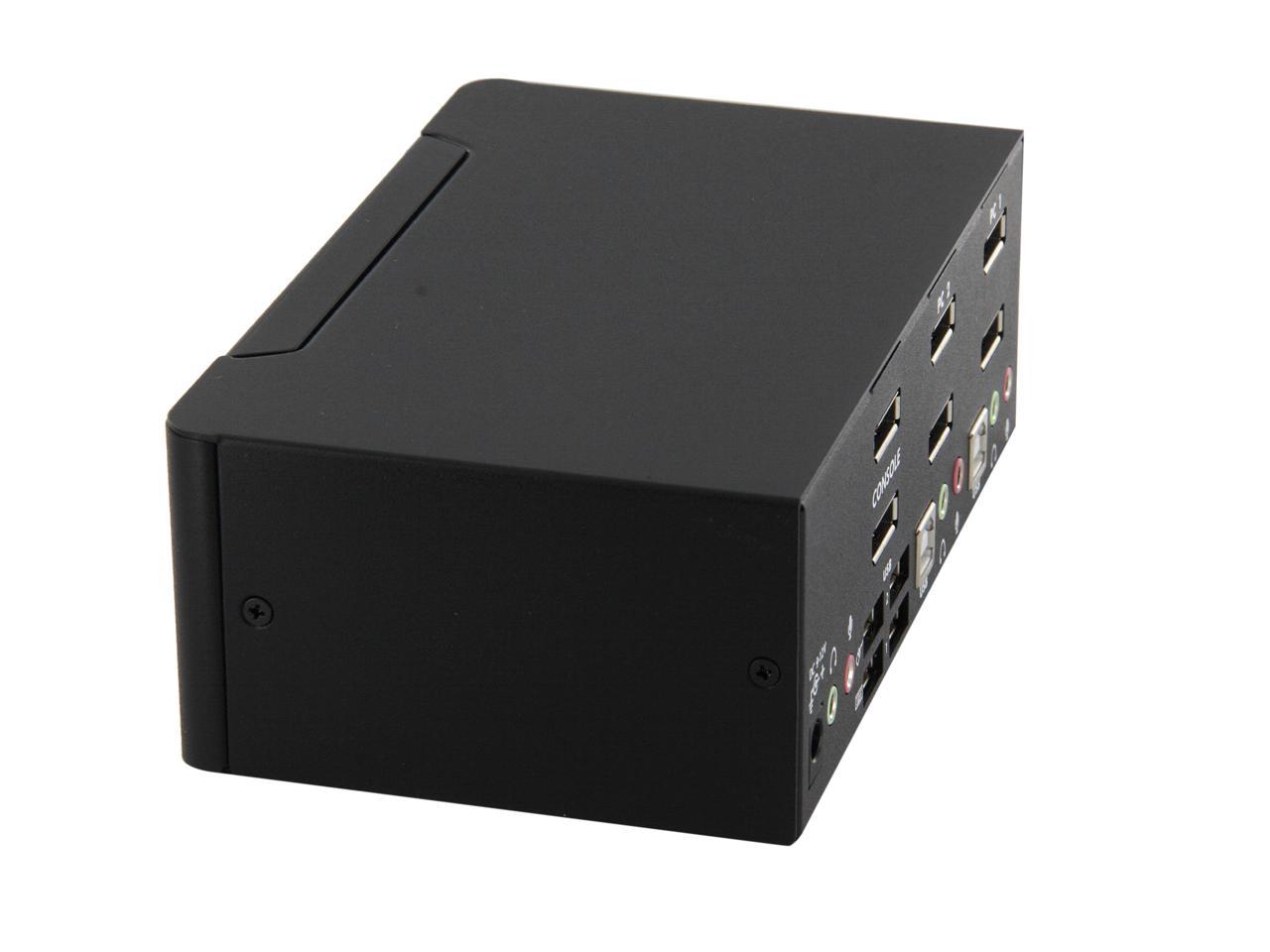
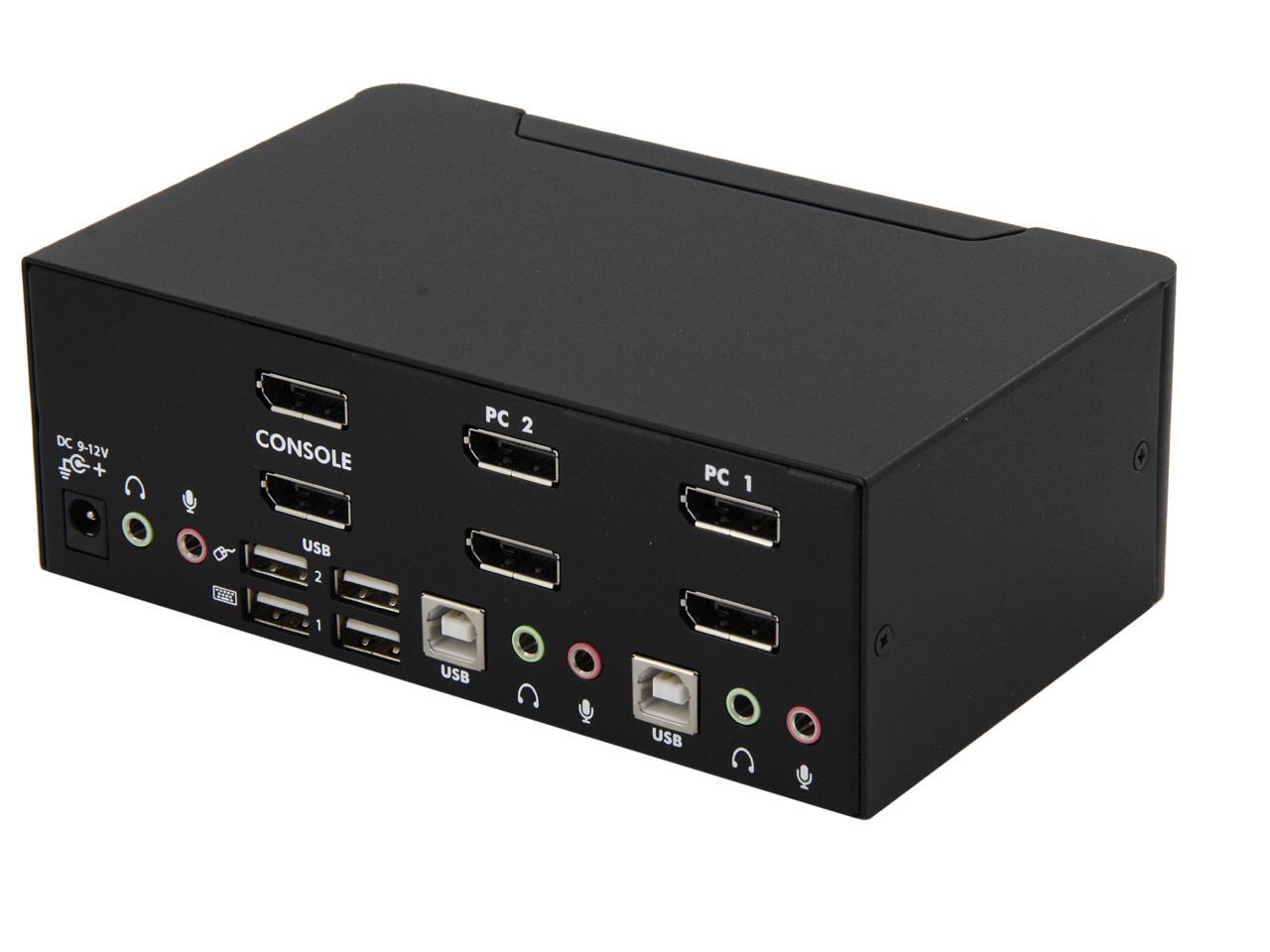
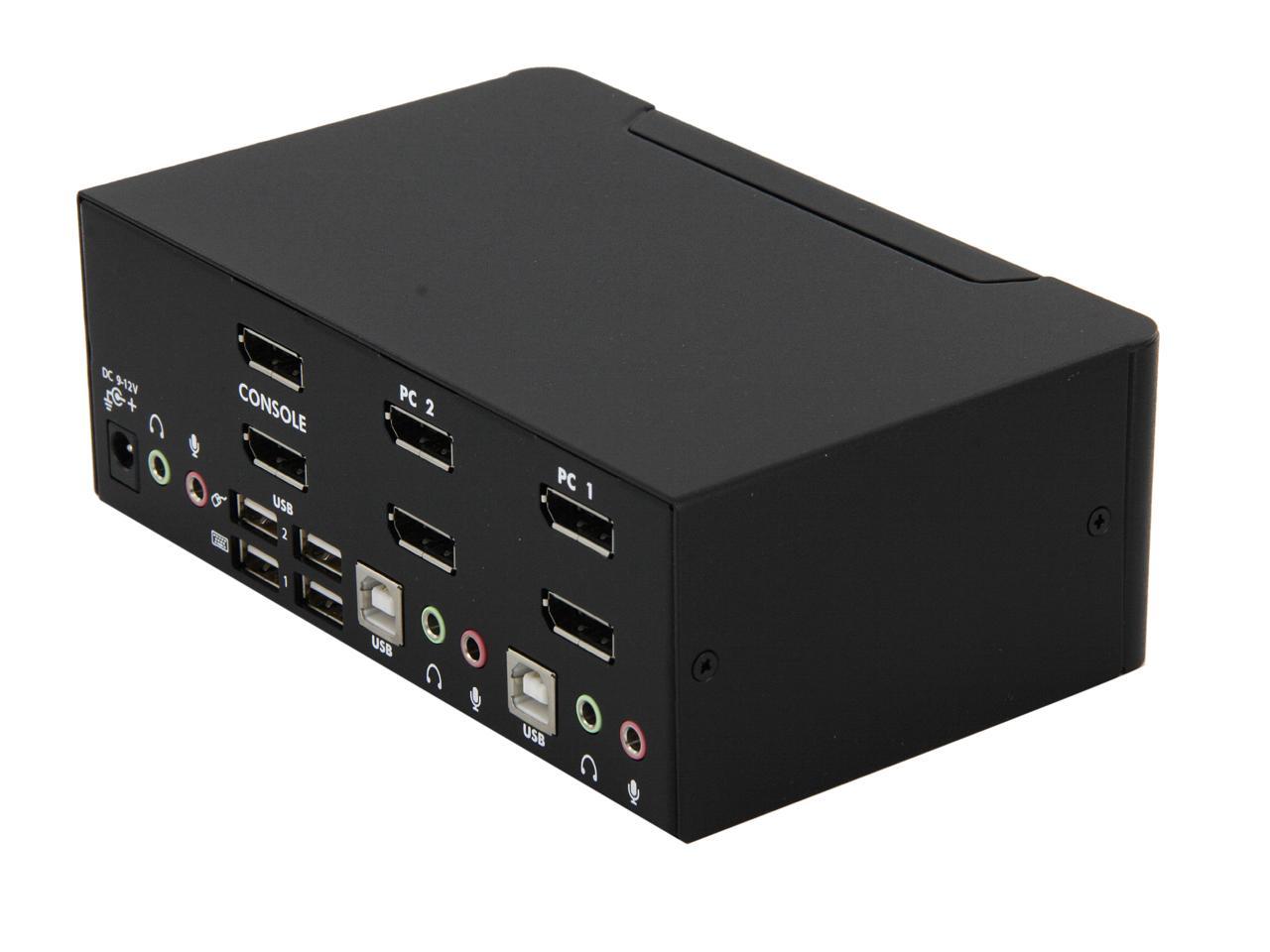
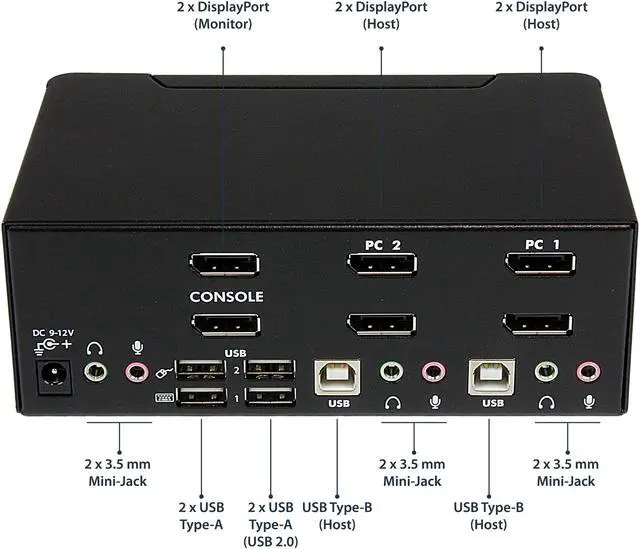
| Ports And Connectivity | Computer side: 2 USB-B, 4 DisplayPort, and 4 3.5 mm audio connectors. Console side: 2 DisplayPort, 4 USB-A, and 2 3.5 mm audio connectors |
| Switching And Peripheral Features | Switch between computers using front-panel buttons or keyboard hotkeys; USB 2.0 hub ports and audio can switch independently. Includes four plug-and-play USB console ports, with dedicated keyboard and mouse ports plus two hub ports. Supports user-defined scan intervals, hot-plug detection, and monitor detection via DDC2B; no driver installation required |
| Audio Support | Supports analog 2-channel audio and microphone over 3.5 mm connections, plus 7.1-channel high-definition digital audio over DisplayPort |
| Status Indicators | Two green online indicators and two red selected-PC indicators |
| Physical Design | Small-form-factor design with rear-panel connections; weighs 2.55 lb |
| Environmental Specifications | Operating temperature: 0°C to 40°C (32°F to 104°F); storage temperature: 20°C to 60°C (-4°F to 140°F); humidity: 0–80% RH |
| Model Identifiers | StarTech.com SV231DPDDUA; USB KVM switch |