





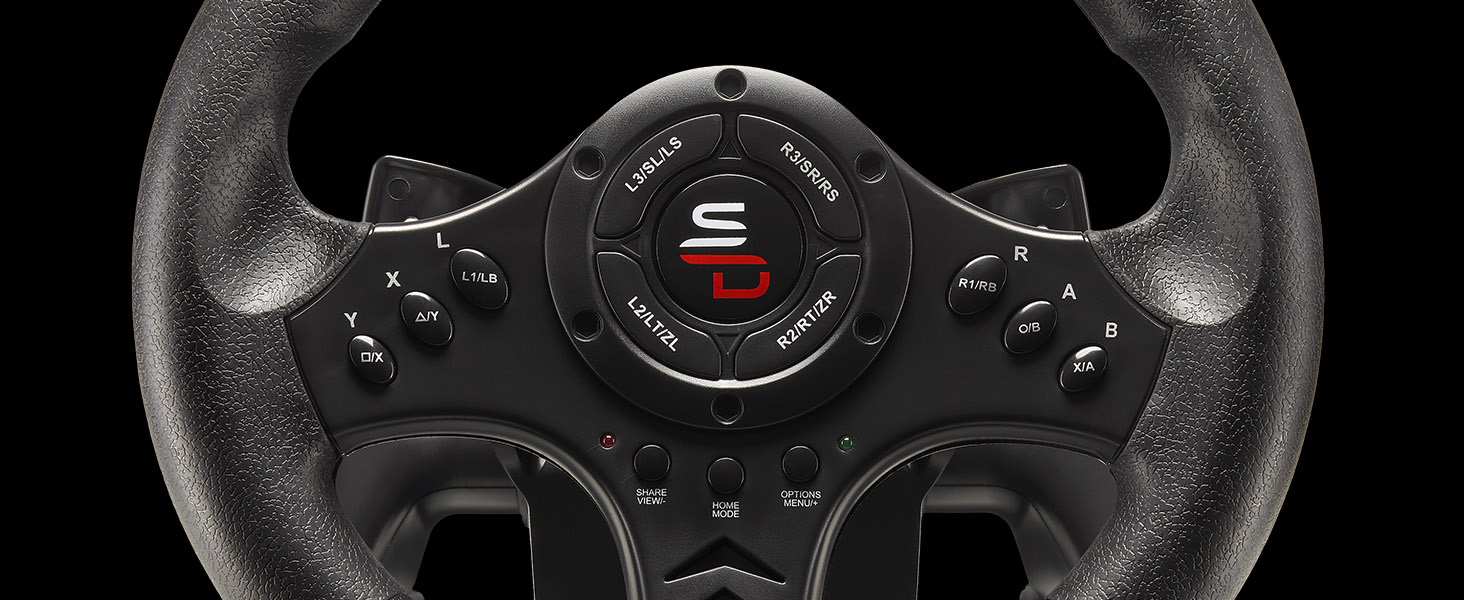
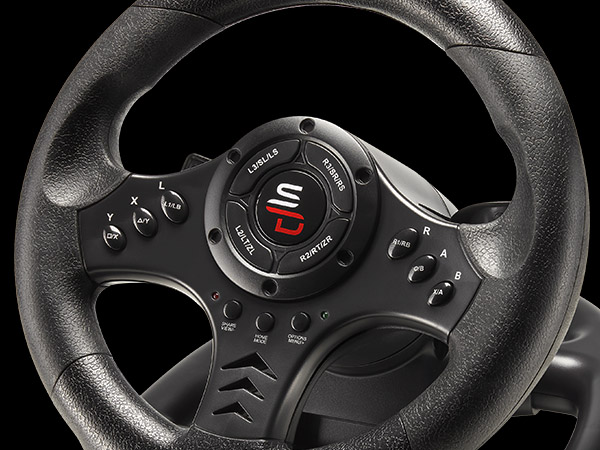
Programmable
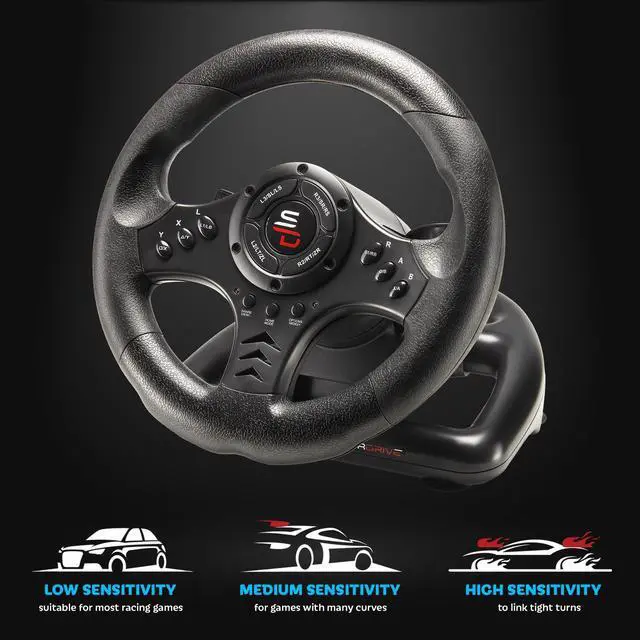
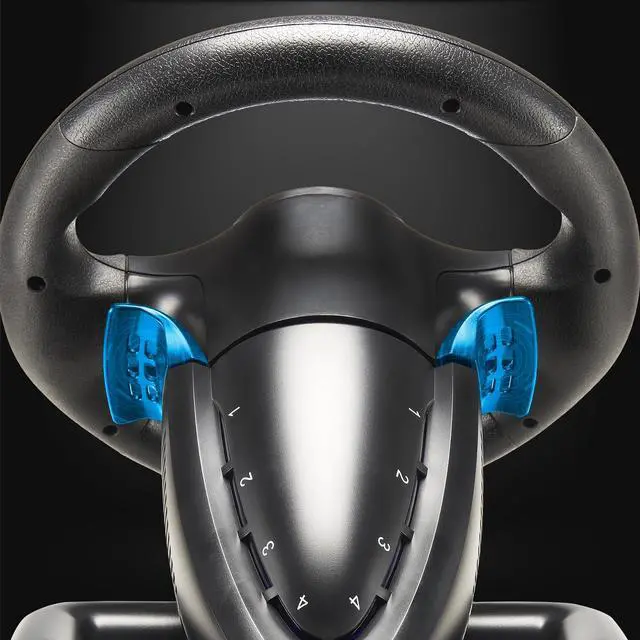
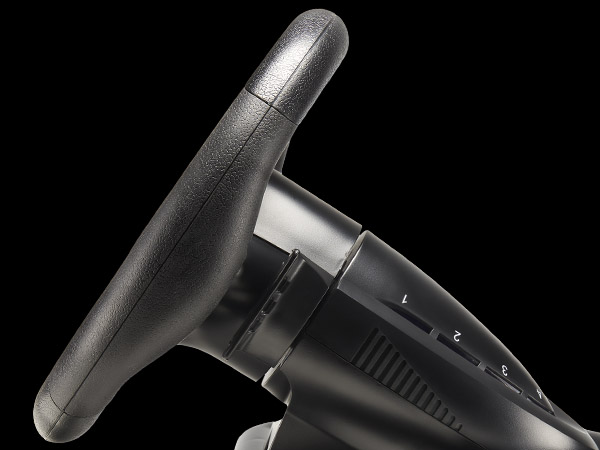
Programmable buttons to suit all driving styles and 3 sensitivity modes, tailord to the type of track
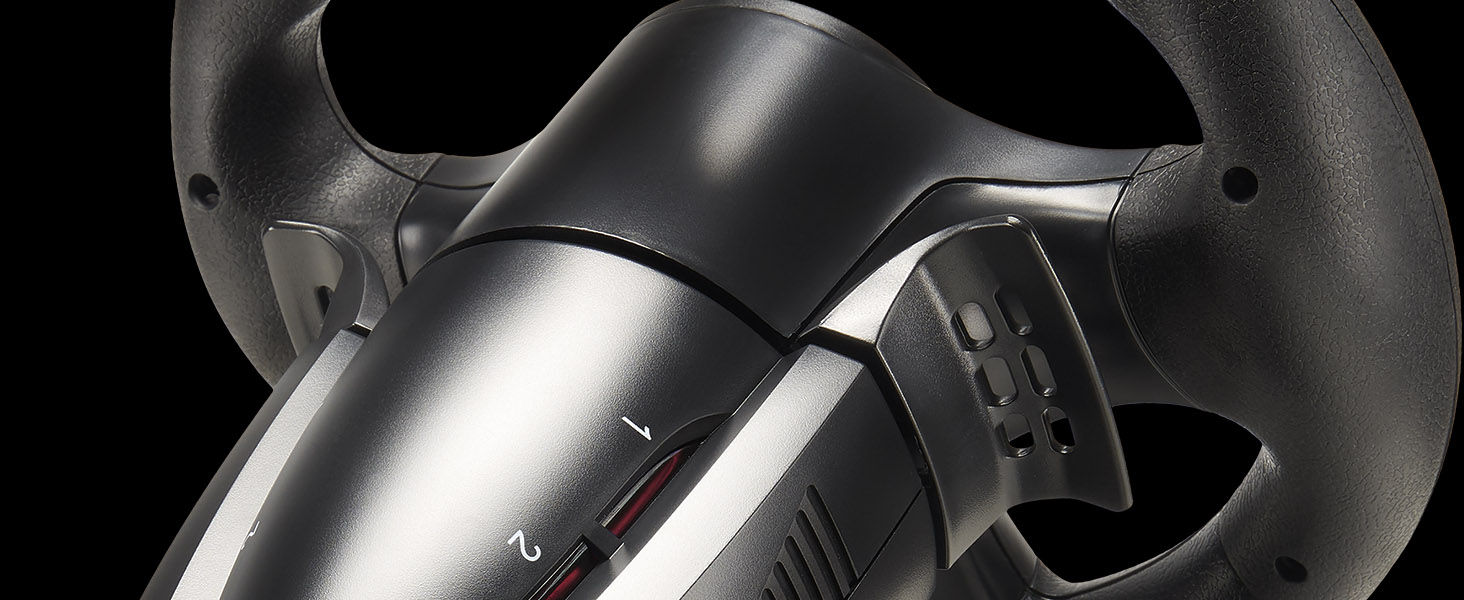
Drive like a Pro
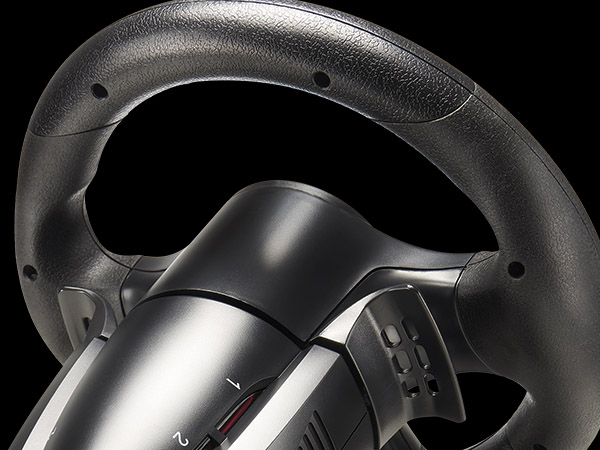
Steering wheel paddles for smooth and quick shifting
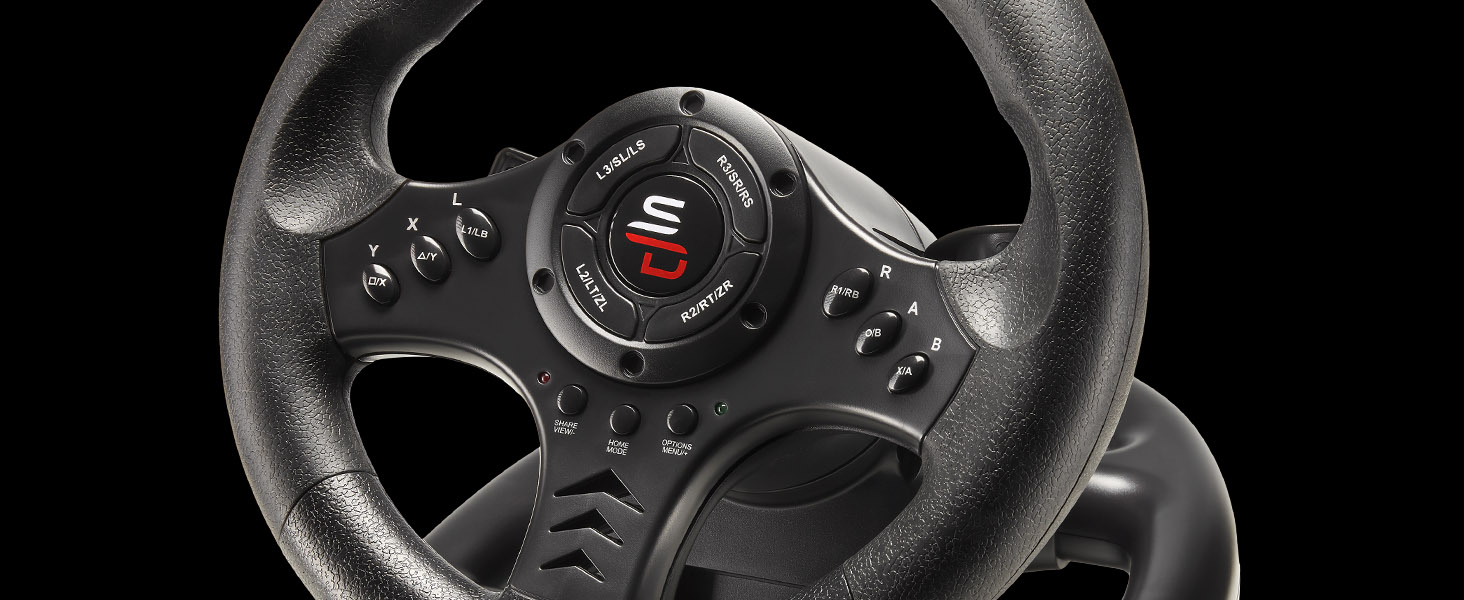
Ergonomics & Precision
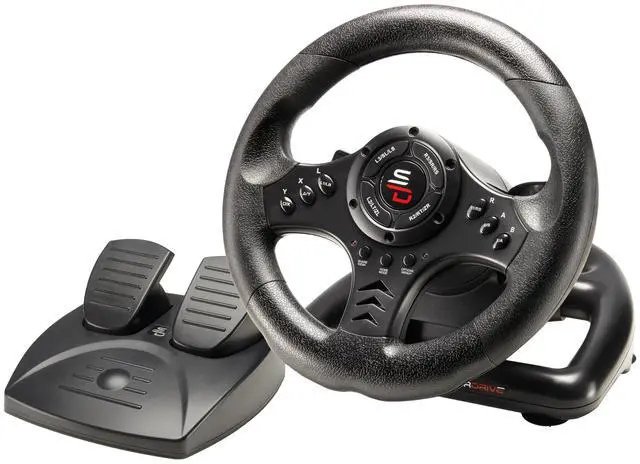
Compact, contoured design for driving comfort and an optimal grip
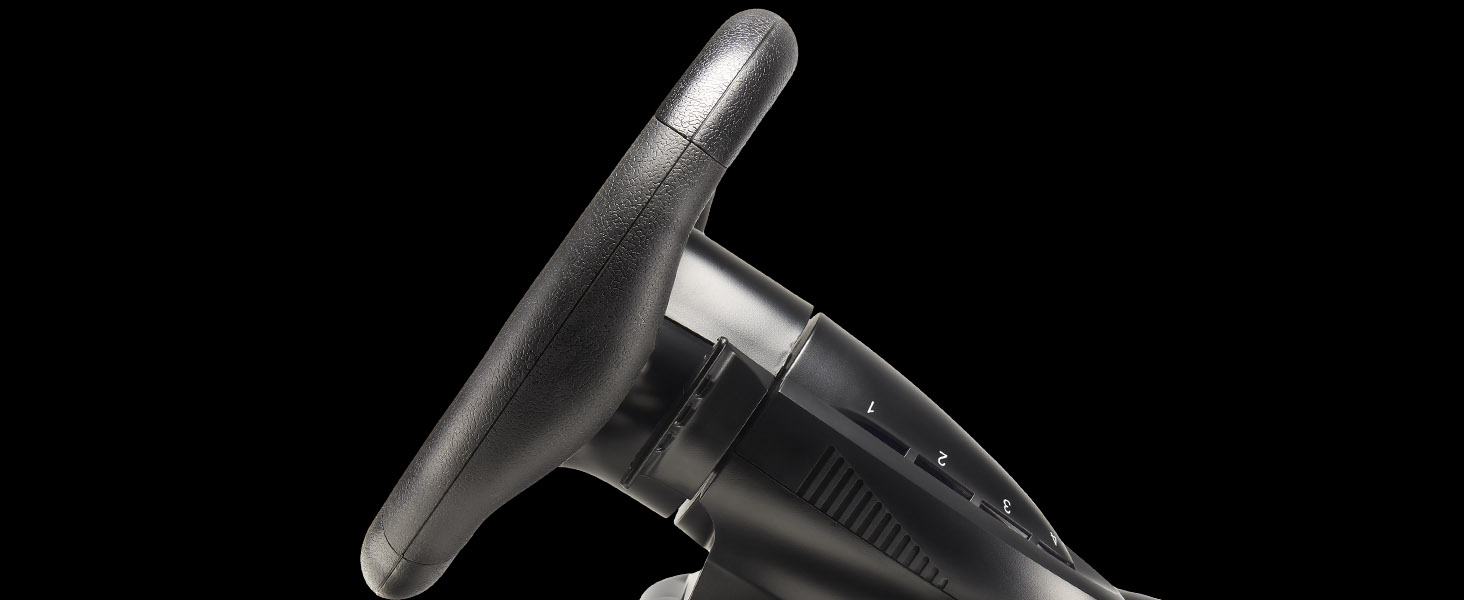
Sporty & Sleek Design
Lines inspired by racing wheels: the S450 looks like a true competition wheel
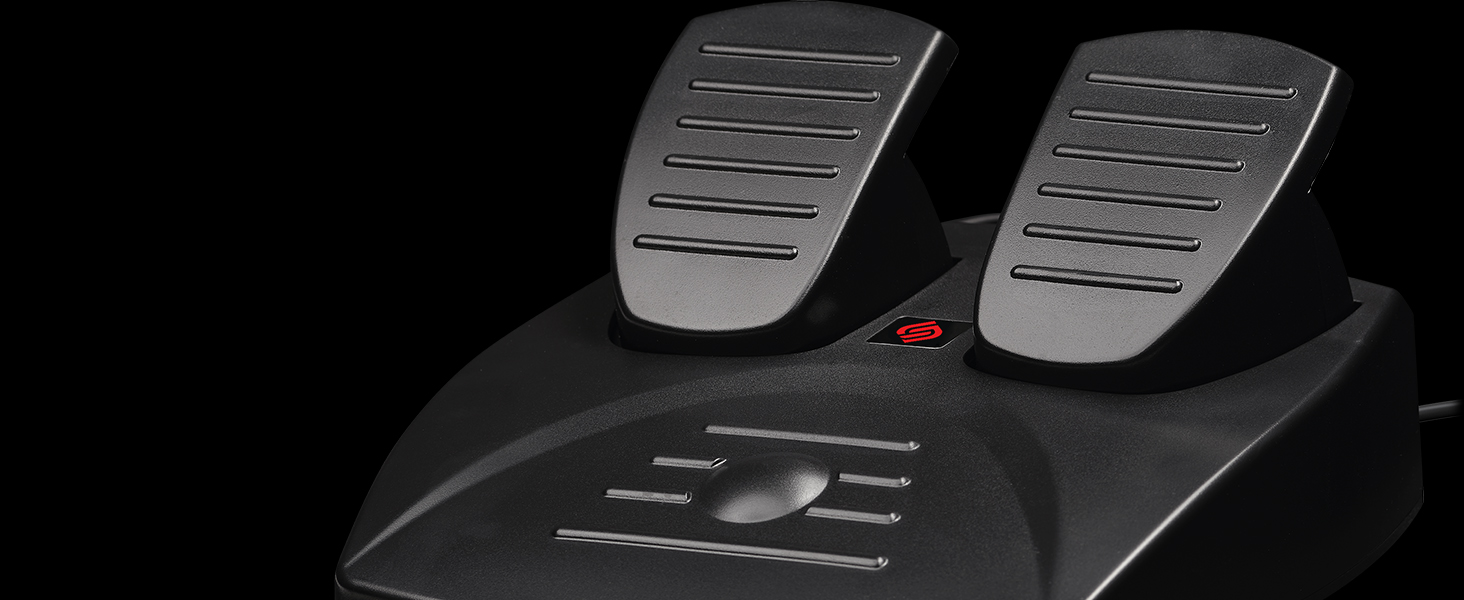
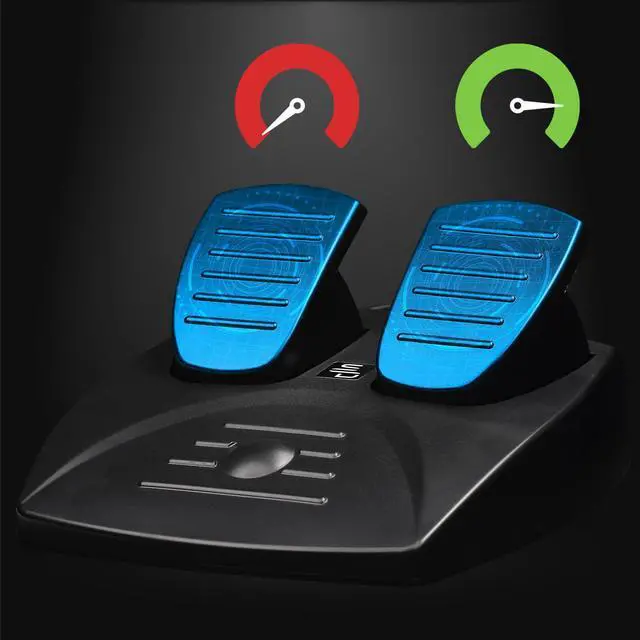
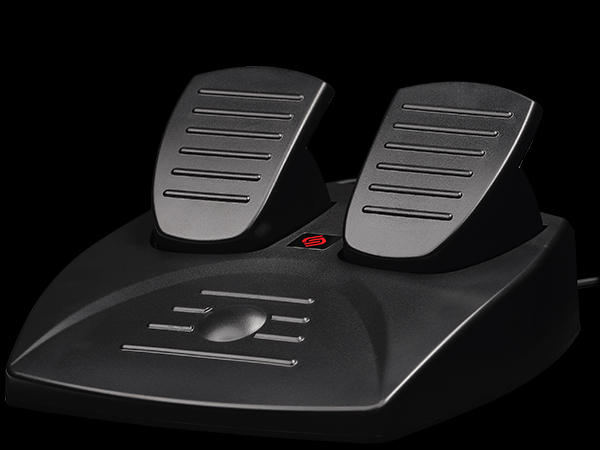
Pedal Set
Accelerator and brake pedals
How to connect the steering wheel to a PS4 or Xbox ?
Leave your console turned off > Plug your steering wheel into the console's USB port and the controller's micro-USB port > Turn on your console using the Power button > Press the “Home” button on the steering wheel
How to connect the steering wheel to a Nintendo Switch or Switch 2 ?
In the console settings, go to the “Controllers and Sensors” menu > enable the “Wired connection to the Pro Controller” option > Plug the steering wheel into the USB port on the console dock > Press the Home button on the steering wheel
How can I get help or contact technical support ?
Visit our website, where you can find manuals and helpful files on the corresponding product page under the “Manuals and Instructions” tab, or use our chatbot to open a support ticket; you’ll receive a response within 48 hours
Can I use an unofficial controller to connect the steering wheel ?
The steering wheel works ONLY with an official controller. Make sure the controller is turned off during the connection procedure
Which games is the Superdrive SV450 compatible with ?
The Superdrive SV450 steering wheel is compatible with most simulation and arcade games, such as Farming Simulator, Forza Horizon, Gran Turismo, Mario Kart, and many others. Please note that some games require configuration.
Programmable
Drive like a Pro
Ergonomics & Precision
Sporty & Sleek Design
Pedal Set
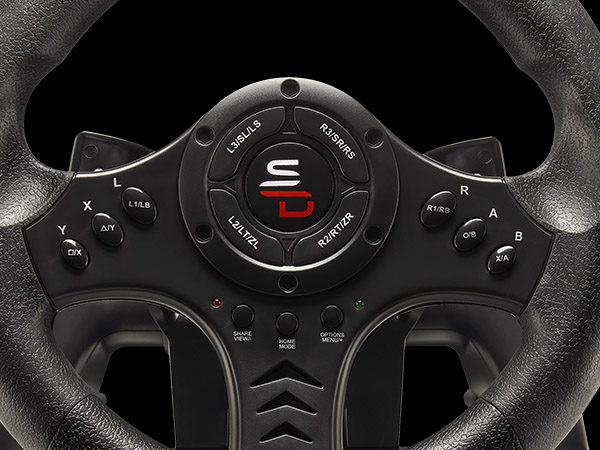

Programmable buttons to suit all driving styles and 3 sensitivity modes, tailord to the type of track
Steering wheel paddles for smooth and quick shifting
Compact, contoured design for driving comfort and an optimal grip
Lines inspired by racing wheels: the S450 looks like a true competition wheel
Accelerator and brake pedals
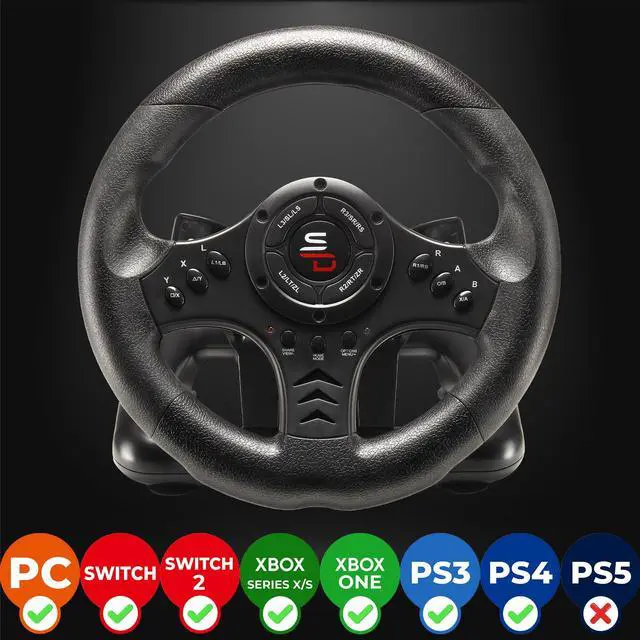
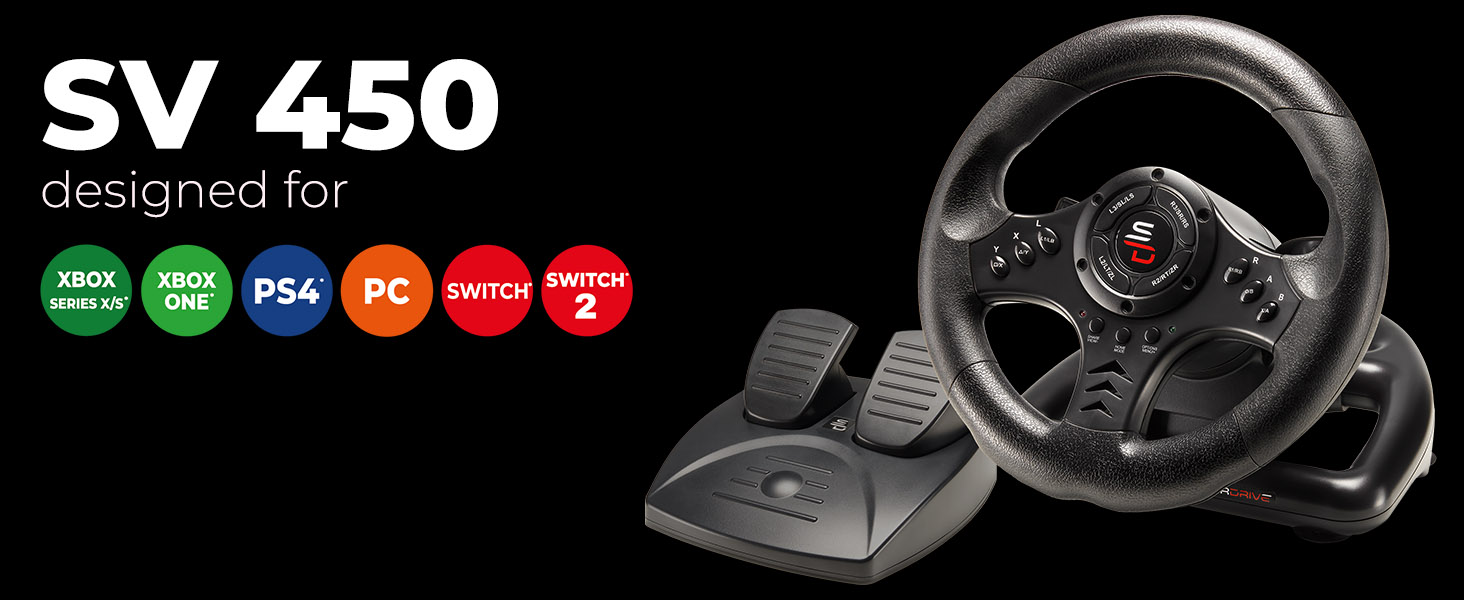
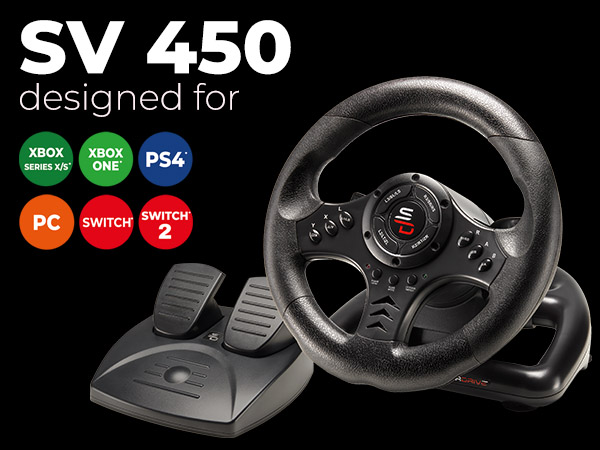
| Compatibility | PS4, Nintendo Switch and Switch 2, Xbox series, Xbox One, and PC |
|---|---|
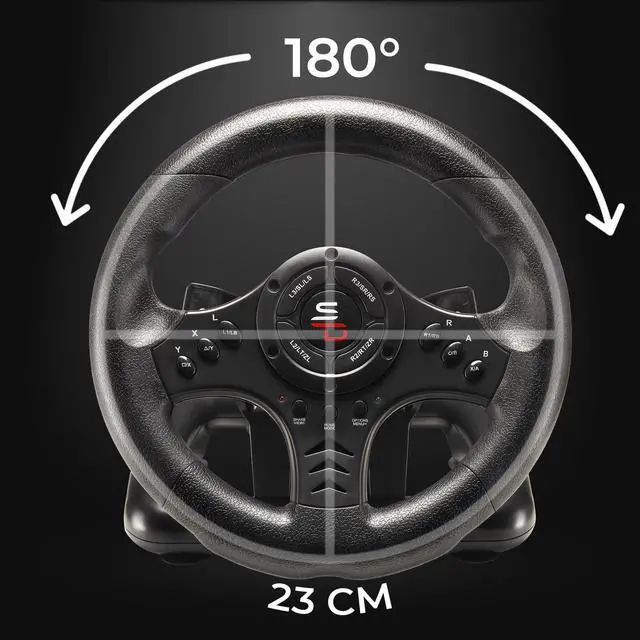
| Steering Wheel Diameter | 9.44 in / 24 cm |
| Rotation Angle | 180° |
| Gear Shifting | Sequential shift paddles on the steering wheel (+/-) |
| Sensitivity | 3 sensitivity modes for a more or less sporty driving experience |
| Pedals | Analog pedals (accelerator and brake) |
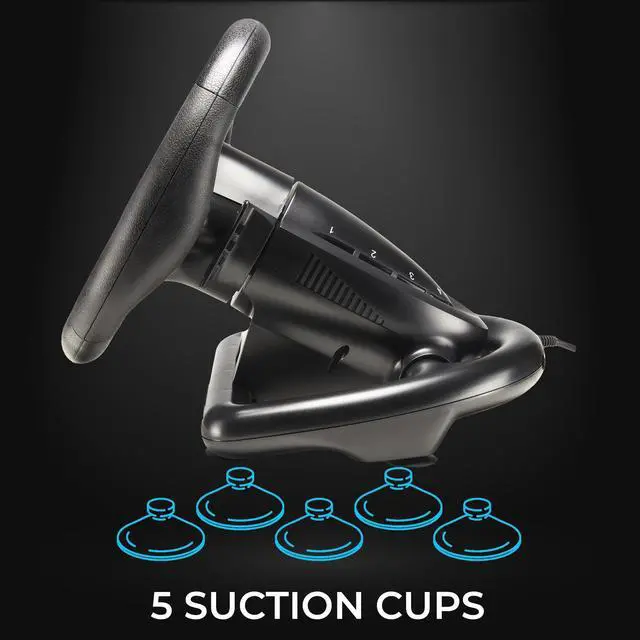
| Mounting | Suction cup mount for flat surfaces |
| Compatible Games | Top simulation and arcade games such as Farming Simulator, Forza Horizon, Gran Turismo, Mario Kart, and many others |
How to connect the steering wheel to a PS4 or Xbox ?
Leave your console turned off > Plug your steering wheel into the console's USB port and the controller's micro-USB port > Turn on your console using the Power button > Press the “Home” button on the steering wheel
How to connect the steering wheel to a Nintendo Switch or Switch 2 ?
In the console settings, go to the “Controllers and Sensors” menu > enable the “Wired connection to the Pro Controller” option > Plug the steering wheel into the USB port on the console dock > Press the Home button on the steering wheel
How can I get help or contact technical support ?
Visit our website, where you can find manuals and helpful files on the corresponding product page under the “Manuals and Instructions” tab, or use our chatbot to open a support ticket; you’ll receive a response within 48 hours
Can I use an unofficial controller to connect the steering wheel ?
The steering wheel works ONLY with an official controller. Make sure the controller is turned off during the connection procedure
Which games is the Superdrive SV450 compatible with ?
The Superdrive SV450 steering wheel is compatible with most simulation and arcade games, such as Farming Simulator, Forza Horizon, Gran Turismo, Mario Kart, and many others. Please note that some games require configuration.