

how to use
Adjustable Brightness & Night Mode
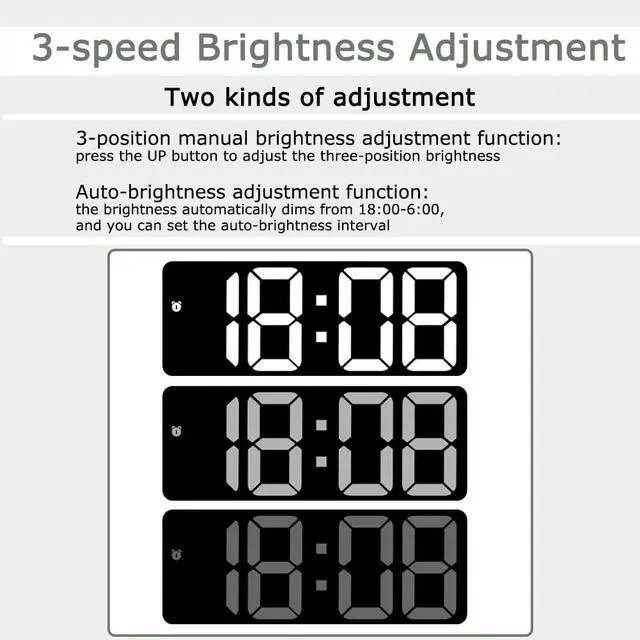
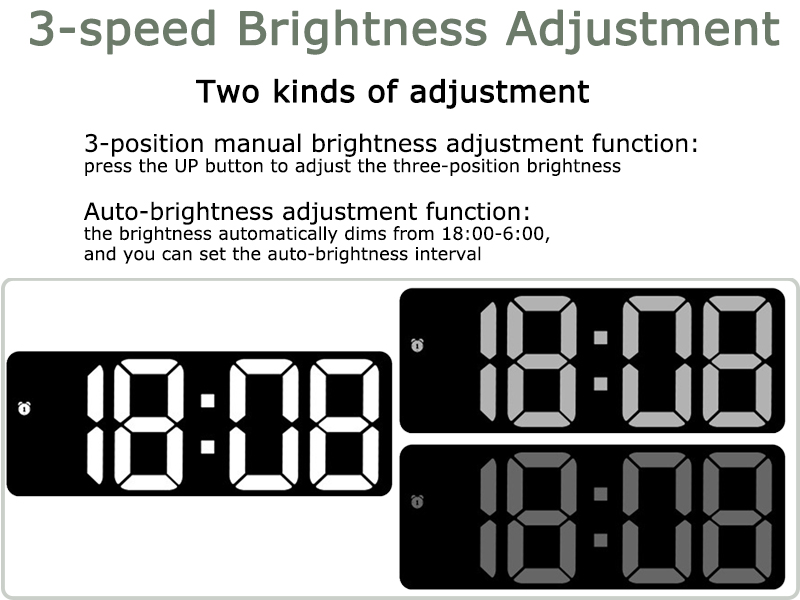
Adjusts the 3 brightness levels (Bright/Medium/Low) by simply pressing the UP/DOWN key.The LED Clock has a Night Mode and will automatically dim between 18:00-6:00.
Workday Mode & Snooze
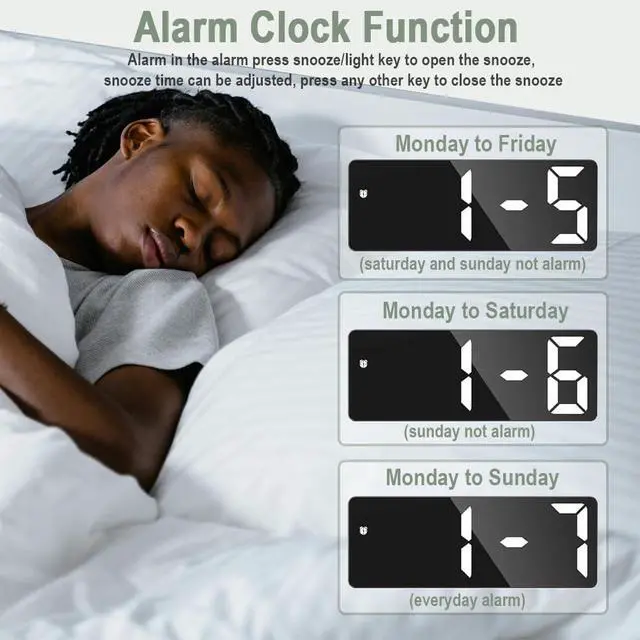
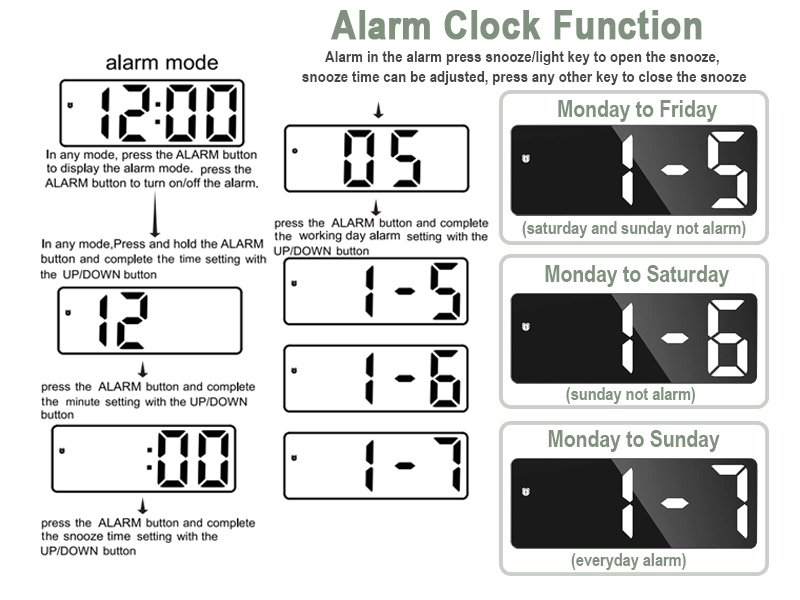
When you want to wake up at a fixed time: Mon-Fri / Mon-Sat / Mon-Sun. Simply press and hold “ALARM”, then use the ‘UP’ and “DOWN” key to adjust the hour/minute/snooze time/working day mode. If you are too sleepy to wake up when the alarm goes off, you can press the “SNOOZE/LIGHT” button at the top to enable the snooze function and get an extra 1 ~ 60 minutes of sleep.


About SwlatUtokf
All processes are carried out in full accordance with the designer's design ideas and concepts, perfectly showing the designer's creativity and inspiration. Without sacrificing function and quality, we provide consumers with highly competitive and cost-effective quality products and provide a better user experience.
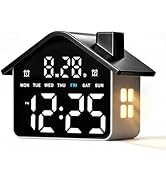
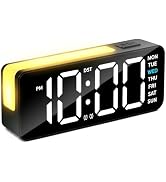
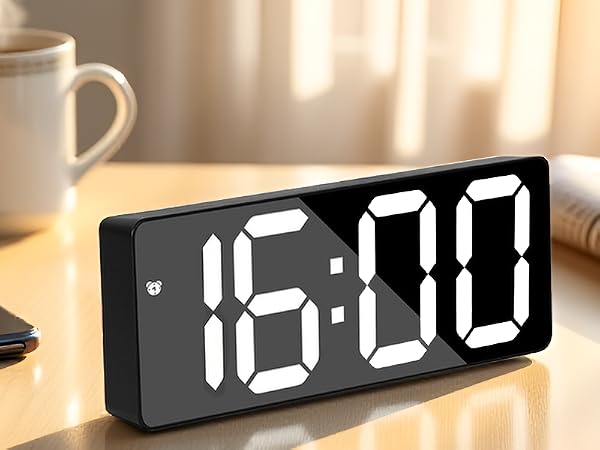
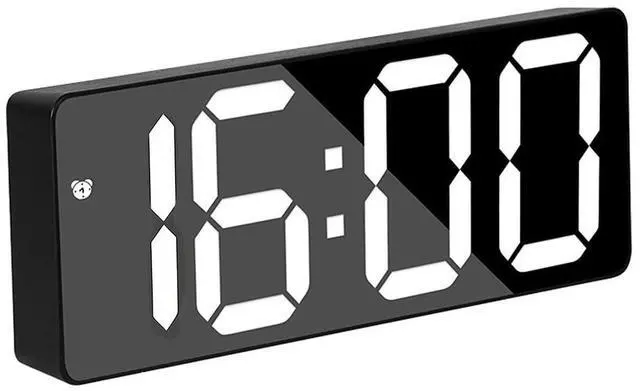
Large Digital Alarm Clock
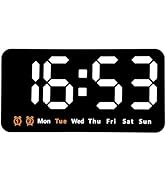
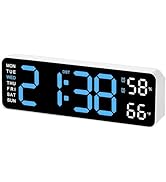
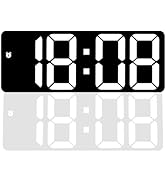
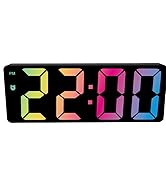
Large Digital Alarm Clock
About SwlatUtokf
All processes are carried out in full accordance with the designer's design ideas and concepts, perfectly showing the designer's creativity and inspiration. Without sacrificing function and quality, we provide consumers with highly competitive and cost-effective quality products and provide a better user experience.
Large Digital Alarm Clock
Large Digital Alarm Clock
how to use
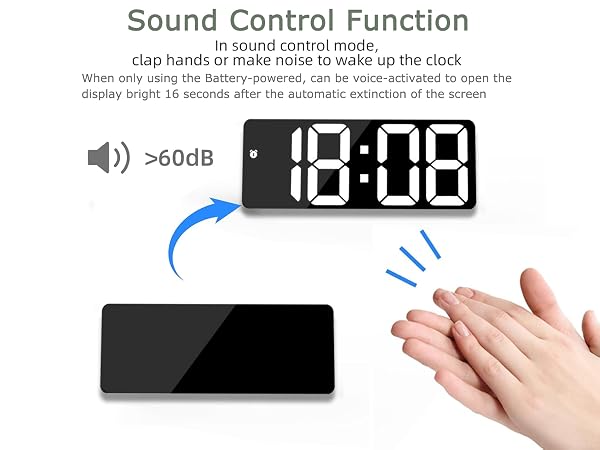
Adjustable Brightness & Night Mode
Adjusts the 3 brightness levels (Bright/Medium/Low) by simply pressing the UP/DOWN key.The LED Clock has a Night Mode and will automatically dim between 18:00-6:00.
Workday Mode & Snooze
When you want to wake up at a fixed time: Mon-Fri / Mon-Sat / Mon-Sun. Simply press and hold “ALARM”, then use the ‘UP’ and “DOWN” key to adjust the hour/minute/snooze time/working day mode. If you are too sleepy to wake up when the alarm goes off, you can press the “SNOOZE/LIGHT” button at the top to enable the snooze function and get an extra 1 ~ 60 minutes of sleep.
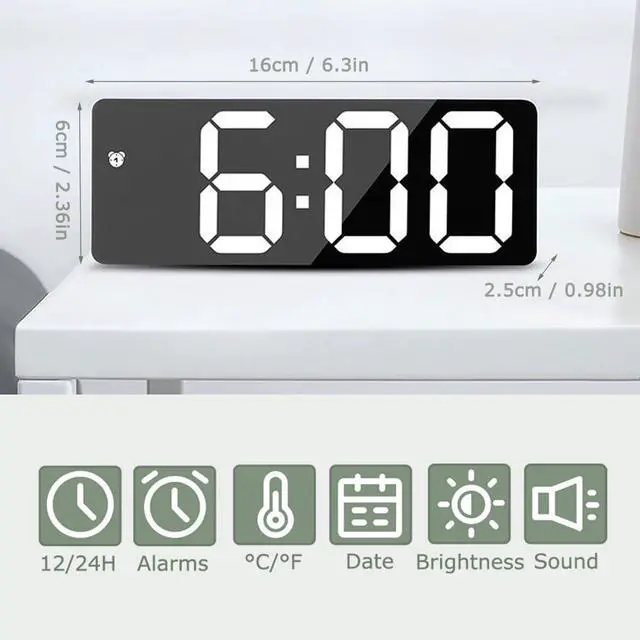
| Package Size: | 16*6*2.5cm/6.3*2.36*0.98in |
|---|---|
| Product List: | 1 Clock ; 1 USB cable (without battery);1 Manual |
| Material: | ABS |
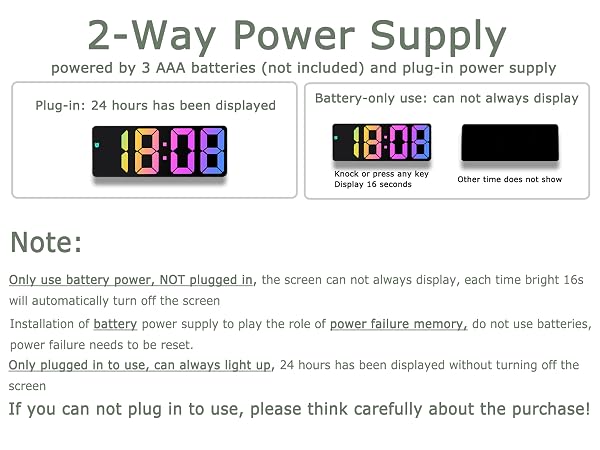
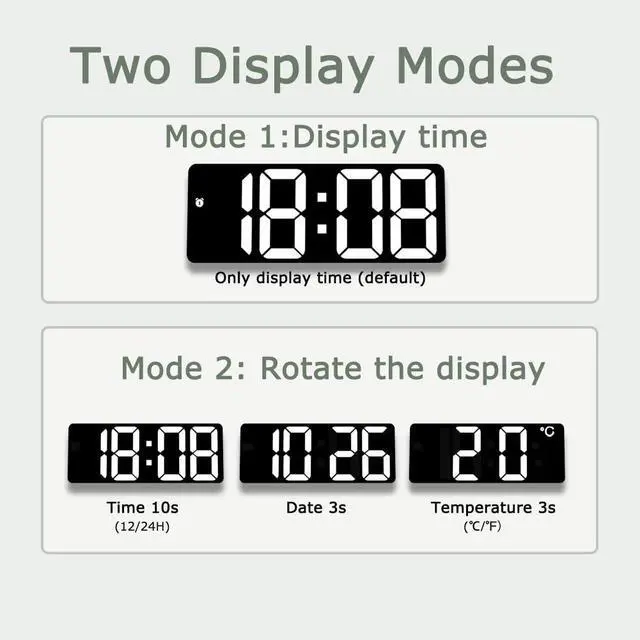
| Function: | Time / Date / Temperature / Mute / Brightness / Tap wake up / Snooze function / Power saving mode(Only batteries powered) |
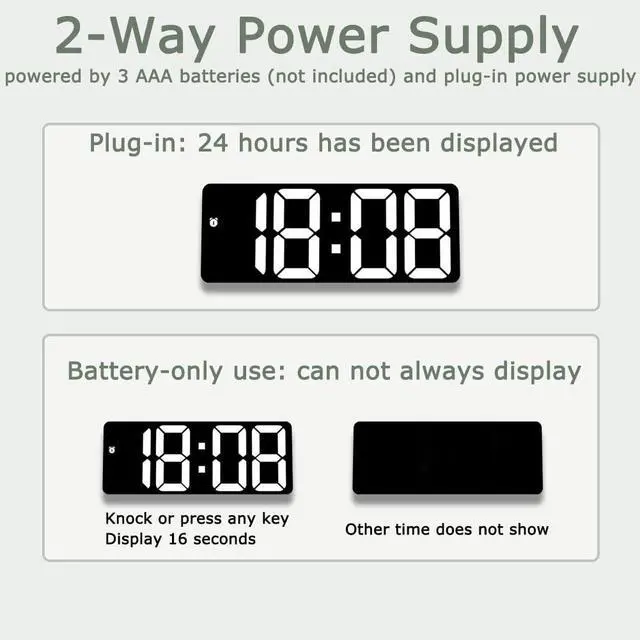
| Power supply mode: | 3pcs AAA batteries(without) and USB plug-in |
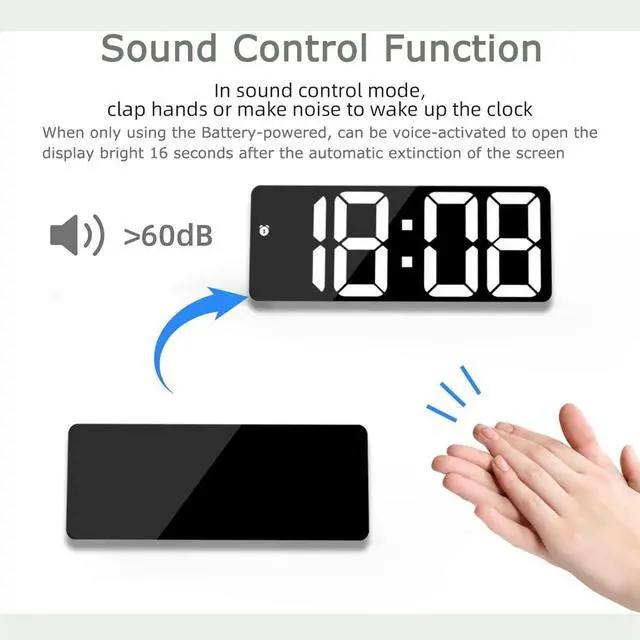
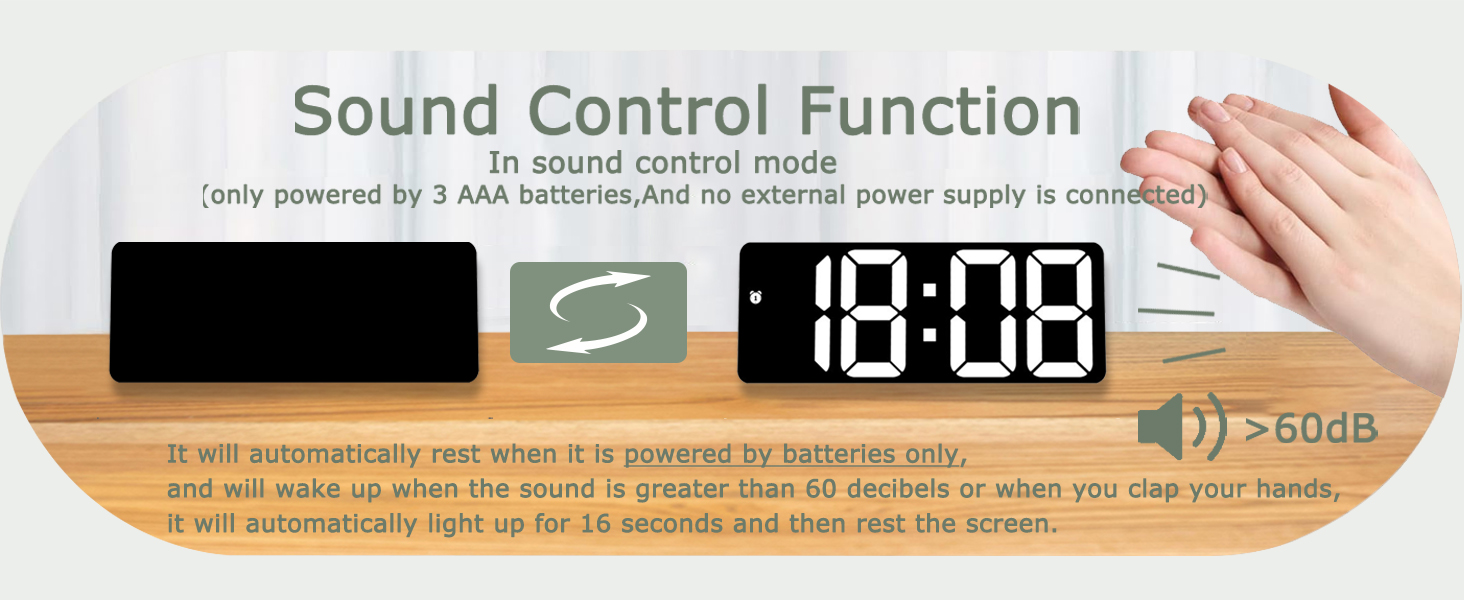
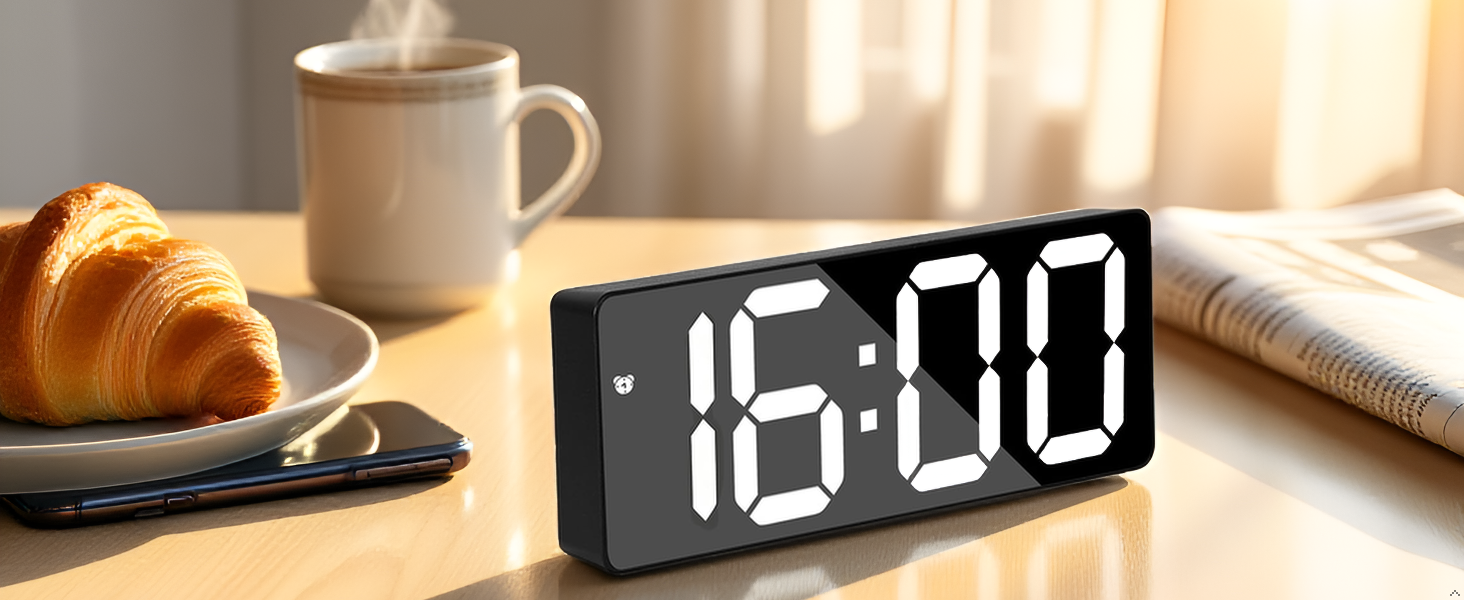
| Note: | When using battery power, the screen can be turned on by tap wake up, and automatically turn off after 16 seconds; when the USB is plugged in, the screen can be always on. |