here!
here!
I’m your shopping assistant for PC builds, upgrades, and everything tech.
Got questions? Ask away!
Start a conversation
here!
I’m your shopping assistant for PC builds, upgrades, and everything tech.
Got questions? Ask away!
Start a conversation






Any questions? Ask CelesteSM will help you find out quickly.


Let's Enjoy The Happy Moment!





Enjoy The Legit Good Sound Quality





Enjoy The Delightful Game







Description:
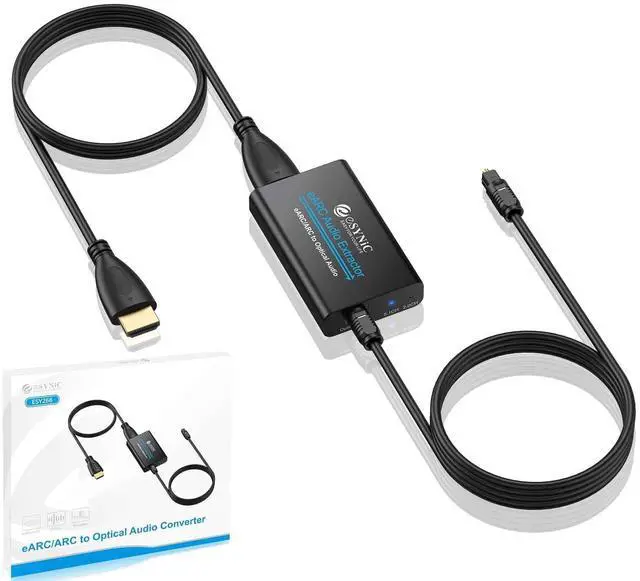
eARC Audio Extractor Input interface: eARC/ARC
ARC Audio Extractor Output interface: Optical
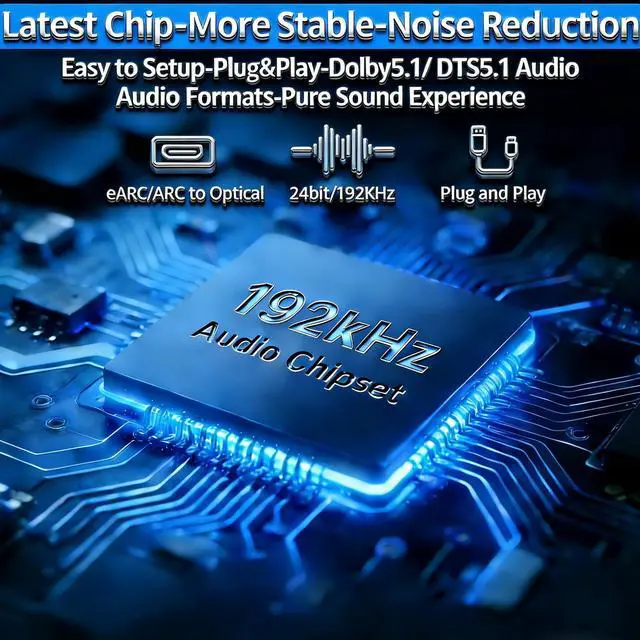
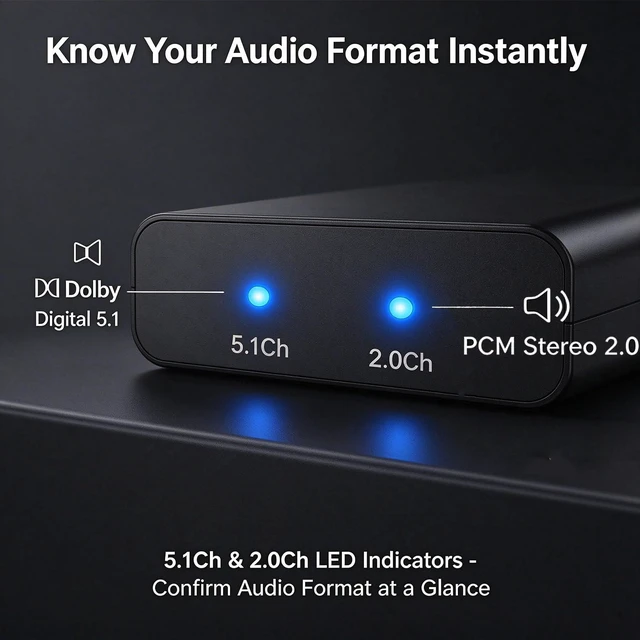
eARC/ARC Audio Extractor Supported audio formats: PCM2.0 ,Dolby, DTS5.1
eARC/ARC Audio Extractor to Optical Outputs interface Supports up to 5.1 channels.
eARC/ARC to Optical Auido Converter Supports transmission of 24bit/192KHz audio sampling rate.
Note:
1. When there is no sound output from the device after turning on the power, please check the following problems:
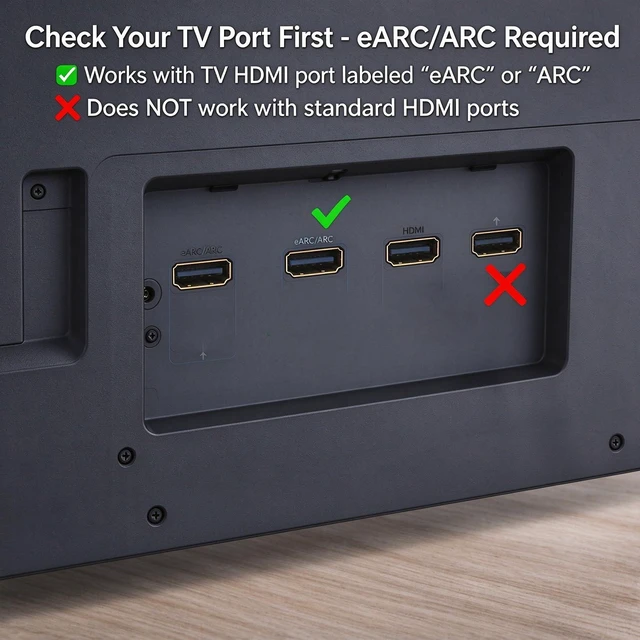
1) Confirm Does the TV support eARC/ARC function
2) Whether the adapter is powered on
3) Whether the HDMI cable is connected to the TV support HDMI eARC/ARC interface
4) Whether the TV is in HDMI eARC/ARC audio output (use the TV's remote control to turn it on).
2. Please connect the HDMI port with the eARC/ARC mark and make sure the eARC/ARC function is enabled on your TV, otherwise it cannot be used.
3.Make sure to use an HDMI 2.0/2.1 cable for eARC support.
4.Please be aware that CEC (Volume control) is NOT supported on optical ports using the TV remote.
5.Is not compatible with soundbars that only have HDMI input.
Package:
1 x eARC Audio Extractor
1 x Optical Cable
1 x HDMI Cable
1 x USB Power Cable
1 x User Manual