







Tccmebius dedicated to crafting computer peripherals such, as HDD/SSD docking stations (Enclosure), USB Hub, Card reader, Ethernet adapter, etc.
Since our foundation in 2013, we have continuously learned, innovated, and always listened to the opinions of our customers. Tccmebius is committed to providing customers with high-quality products, friendly designs, and excellent services.
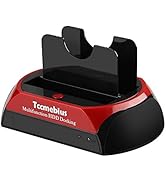
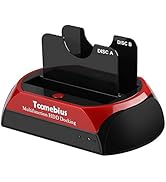
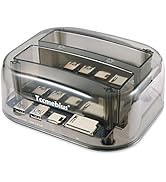
HDD DOCKING STATION
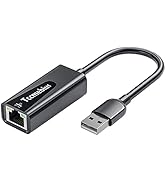
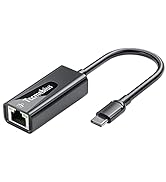
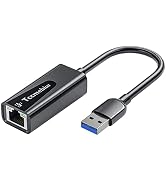
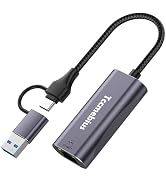
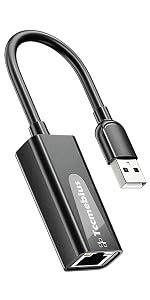
USB A/C Ethernet Adapter
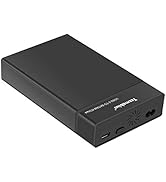
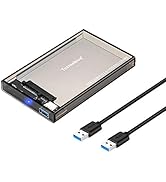
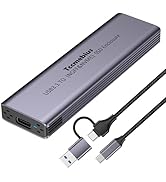
HDD / SSD ENCLOSURE
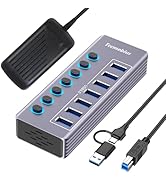
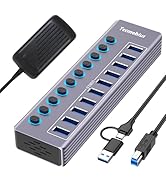
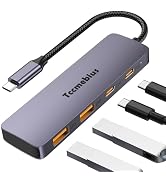
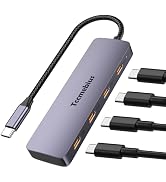
Multi-functional USB Hub

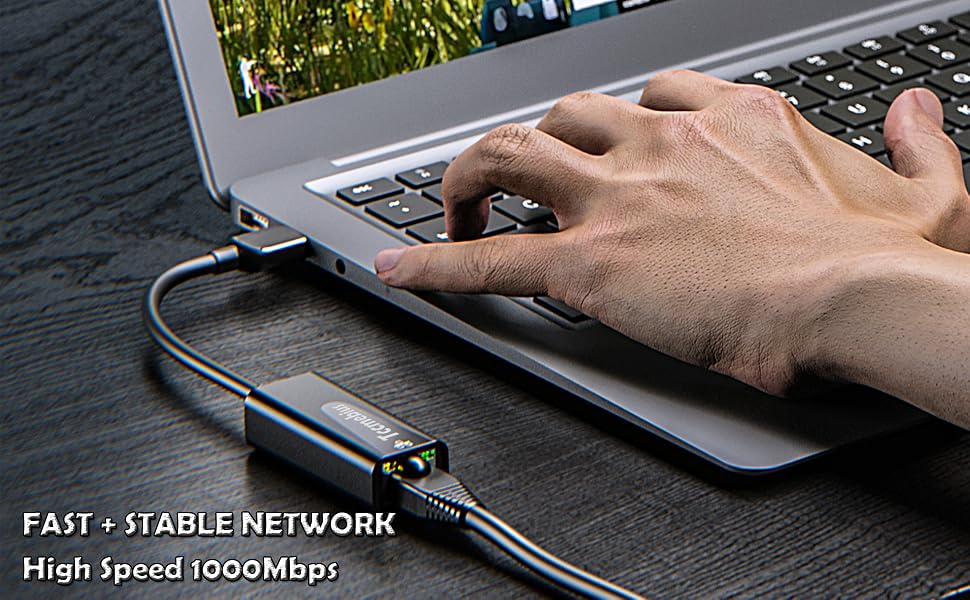
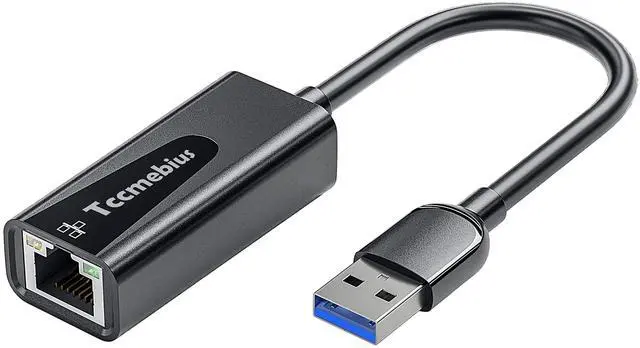
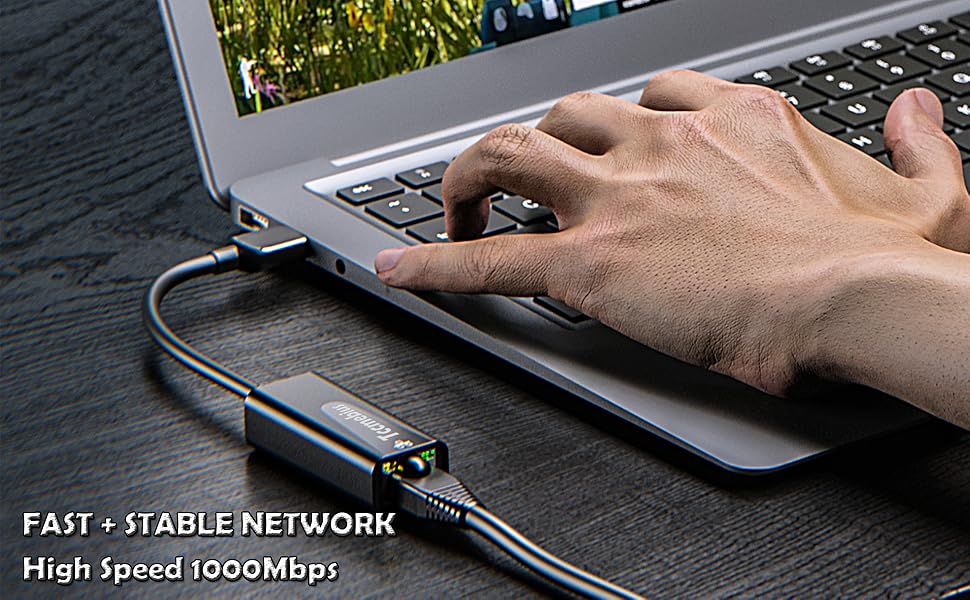
Tccmebius USB 3.0 Gigabit Ethernet Adapter
- USB C to RJ45, data transfer speed up to 1000Mbps.
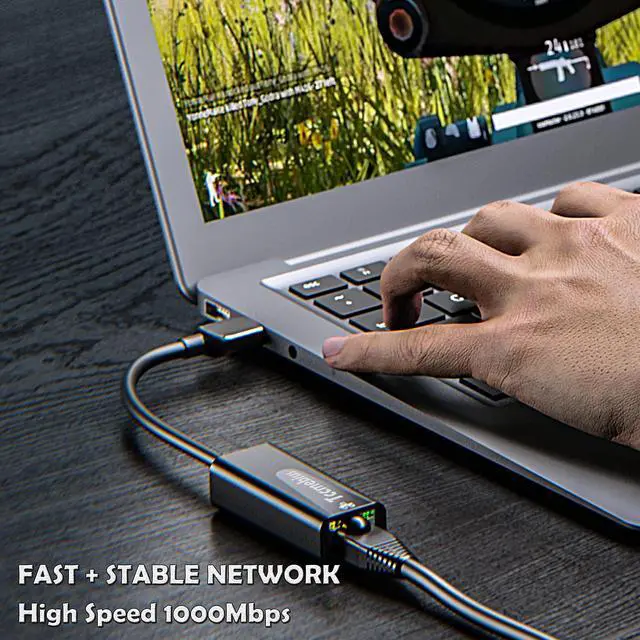
- A wired network that is faster and more stable than Wi-Fi.
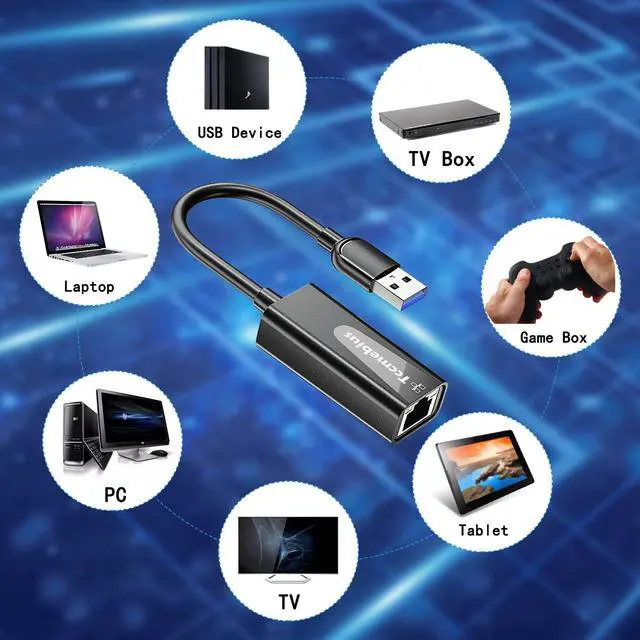
- Widely compatible with desktop computers, laptops, smart phones, Nintendo Switch, MacBook, Surface Pro, TV boxes, and some devices with USB 3.0/2.0 ports.
- Driver-Free Installation, Compact & Portable.
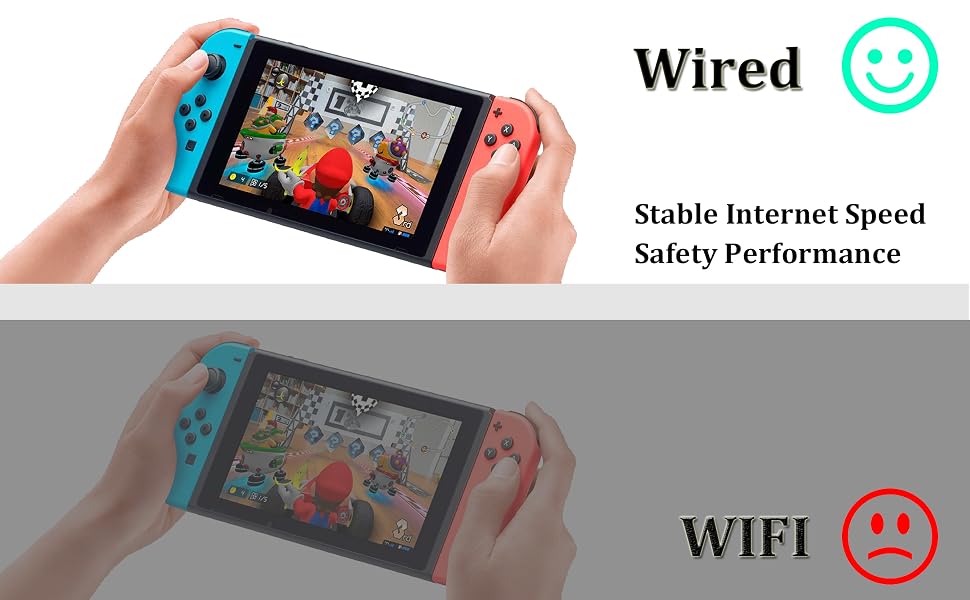
Playing Games more smoothly, and the network is more stable.
1 Gbps high-speed internet: make sure to use CAT 6 and above Ethernet cables.
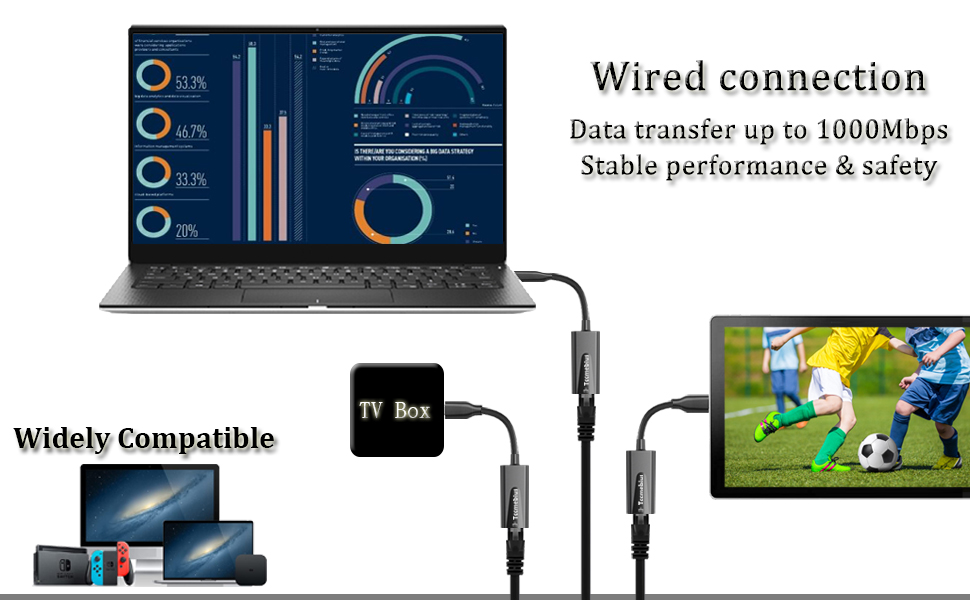
Product Features
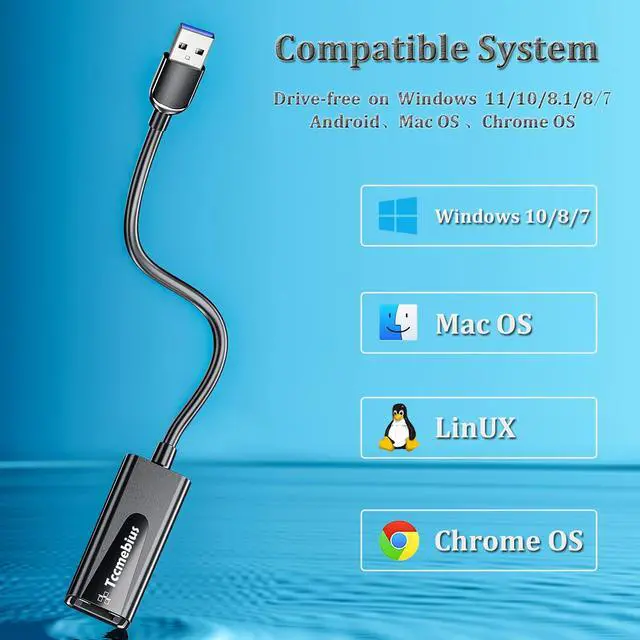
- Easy to Use, Plug and Play - No need to install drivers manually. Compatible with Windows 11/10/8.1/8/7/Vista/XP, Android, Mac OSX 10.6/10.7/10.8/10.9/10.10/10.11/10.12, Chrome OS, Linux.
- Wired Connection, Stable and Efficient - Connect the RJ45 network port through the USB 3.0 port, and you will enjoy a faster and more stable network environment than WiFi connection. You can watch high-definition videos and operate online games smoothly.
- Convenient Operation, Easy to Carry - Small and light appearance, so that there is no trouble when going out. The simple USB 3.0 port adapter design allows many devices without a network connection port or devices with a damaged network port to still be easily connected to a more stable network through the RJ45 network cable.
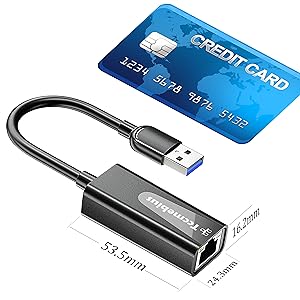
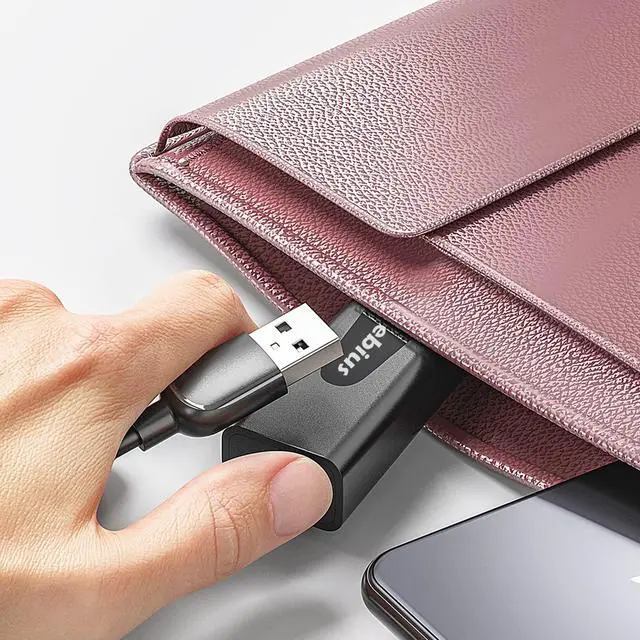
Small & Portable
Tccmeius USB 3.0 to Ethernet adapter has a compact design. You can easily carry it in your briefcase or pocket, which is very suitable for business people.
- Weight: 25 g/0.88 oz
- Cable Length: 18cm
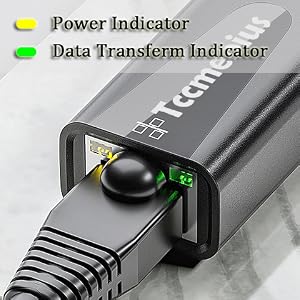
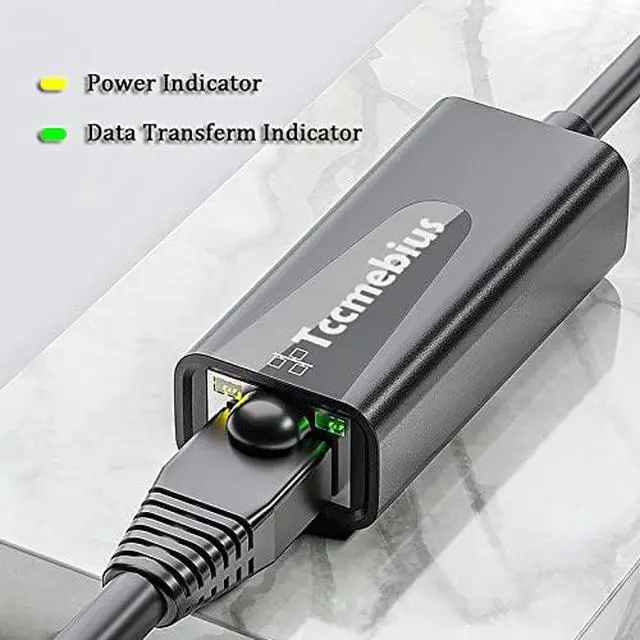
LED Indicator
Tccmeius USB 3.0 network adapter is equipped with LED indicators, allowing you to clearly understand the working status of the network card at any time.
- Yellow Light always on: power on,
- Green Light flashing: data transmission.
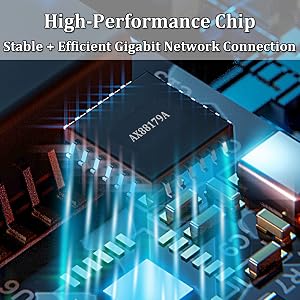
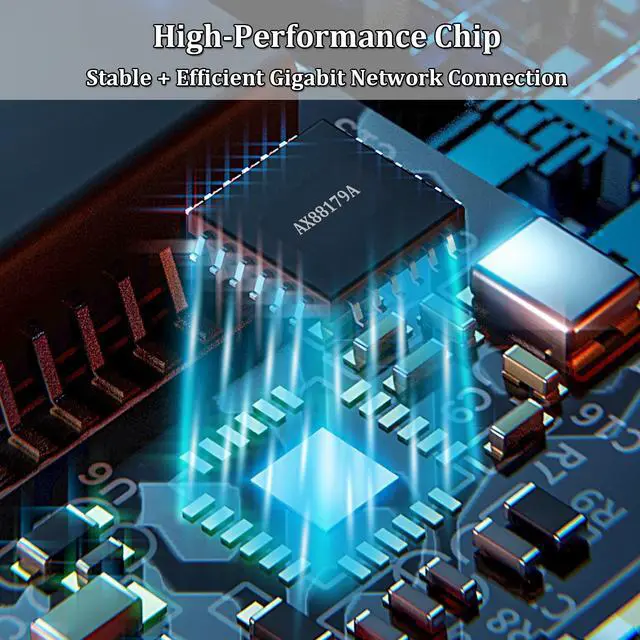
High-Performance Chip
Tccmebius USB 3.0 Ethernet adapter uses a high-performance smart chip with excellent compatibility and performance. The wired connection method ensures that the network is always stable and fast.
--------------------------------------------------------------------------------------------------------------------------------------------------------------------------------------
Common problems and solutions:
1. What should we do if we cannot make a wired connection with the computer through this USB 3.0 Ethernet adapter?
(1) First check whether the Ethernet adapter has been detected in the device manager. If the Ethernet adapter cannot be detected, please use another computer to test.
(2) If the Ethernet adapter can be detected in the device manager,
-Check if you have selected "Auto DHCP" under "Edit IP Settings"
-Make sure that the Ethernet cable and router are working properly.
2. When using the computer, the internet speed is slower than expected, how to troubleshoot?
(1) The data transmission speed of the USB 3.0 port connected to the Ethernet adapter must reach the USB 3.0 standard.
(2) Set the Ethernet adapter to 1Gbps full duplex.
(3) Ensure that the home broadband is at least 1000Mbps, and the network cable is above 5e.
(4) Try using different tools to test the network speed.
3. What should I do if the USB 3.0 network card cannot be used on the Switch?
(1) First check the network cable and router and make sure they are working properly.
(2) Then turn off the WiFi function of the Switch, and connect the Ethernet cable to the Switch through the USB Ethernet adapter.
(3) Test the network card with a computer to see if the network card is faulty.
4. What should I do if the network is disconnected?
(1) Plug and unplug the device again to ensure that all parts are connected correctly.
(2) Check whether the network cable and the router itself are working properly.
(3) Use another USB port to test this adapter.
5. What should I do if it prompts to install the driver or does not work?
(1) This product is compatible with most systems and requires no driver installation.
(2) Please leave a message on the platform, and we will help you solve the problem after understanding the specific situation.
--------------------------------------------------------------------------------------------------------------------------------------------------------------------------------------
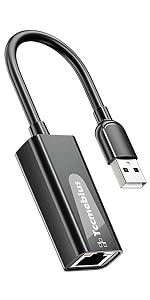
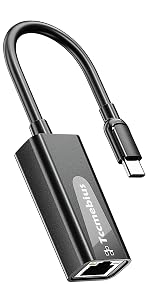
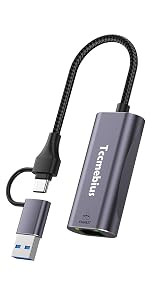
Tccmebius USB 3.0 Gigabit Ethernet Adapter
- USB C to RJ45, data transfer speed up to 1000Mbps.
- A wired network that is faster and more stable than Wi-Fi.
- Widely compatible with desktop computers, laptops, smart phones, Nintendo Switch, MacBook, Surface Pro, TV boxes, and some devices with USB 3.0/2.0 ports.
- Driver-Free Installation, Compact & Portable.
Playing Games more smoothly, and the network is more stable.
1 Gbps high-speed internet: make sure to use CAT 6 and above Ethernet cables.
Product Features
- Easy to Use, Plug and Play - No need to install drivers manually. Compatible with Windows 11/10/8.1/8/7/Vista/XP, Android, Mac OSX 10.6/10.7/10.8/10.9/10.10/10.11/10.12, Chrome OS, Linux.
- Wired Connection, Stable and Efficient - Connect the RJ45 network port through the USB 3.0 port, and you will enjoy a faster and more stable network environment than WiFi connection. You can watch high-definition videos and operate online games smoothly.
- Convenient Operation, Easy to Carry - Small and light appearance, so that there is no trouble when going out. The simple USB 3.0 port adapter design allows many devices without a network connection port or devices with a damaged network port to still be easily connected to a more stable network through the RJ45 network cable.
Small & Portable
Tccmeius USB 3.0 to Ethernet adapter has a compact design. You can easily carry it in your briefcase or pocket, which is very suitable for business people.
- Weight: 25 g/0.88 oz
- Cable Length: 18cm
LED Indicator
Tccmeius USB 3.0 network adapter is equipped with LED indicators, allowing you to clearly understand the working status of the network card at any time.
- Yellow Light always on: power on,
- Green Light flashing: data transmission.
High-Performance Chip
Tccmebius USB 3.0 Ethernet adapter uses a high-performance smart chip with excellent compatibility and performance. The wired connection method ensures that the network is always stable and fast.
--------------------------------------------------------------------------------------------------------------------------------------------------------------------------------------
Common problems and solutions:
1. What should we do if we cannot make a wired connection with the computer through this USB 3.0 Ethernet adapter?
(1) First check whether the Ethernet adapter has been detected in the device manager. If the Ethernet adapter cannot be detected, please use another computer to test.
(2) If the Ethernet adapter can be detected in the device manager,
-Check if you have selected "Auto DHCP" under "Edit IP Settings"
-Make sure that the Ethernet cable and router are working properly.
2. When using the computer, the internet speed is slower than expected, how to troubleshoot?
(1) The data transmission speed of the USB 3.0 port connected to the Ethernet adapter must reach the USB 3.0 standard.
(2) Set the Ethernet adapter to 1Gbps full duplex.
(3) Ensure that the home broadband is at least 1000Mbps, and the network cable is above 5e.
(4) Try using different tools to test the network speed.
3. What should I do if the USB 3.0 network card cannot be used on the Switch?
(1) First check the network cable and router and make sure they are working properly.
(2) Then turn off the WiFi function of the Switch, and connect the Ethernet cable to the Switch through the USB Ethernet adapter.
(3) Test the network card with a computer to see if the network card is faulty.
4. What should I do if the network is disconnected?
(1) Plug and unplug the device again to ensure that all parts are connected correctly.
(2) Check whether the network cable and the router itself are working properly.
(3) Use another USB port to test this adapter.
5. What should I do if it prompts to install the driver or does not work?
(1) This product is compatible with most systems and requires no driver installation.
(2) Please leave a message on the platform, and we will help you solve the problem after understanding the specific situation.
--------------------------------------------------------------------------------------------------------------------------------------------------------------------------------------

Tccmebius dedicated to crafting computer peripherals such, as HDD/SSD docking stations (Enclosure), USB Hub, Card reader, Ethernet adapter, etc.
Since our foundation in 2013, we have continuously learned, innovated, and always listened to the opinions of our customers. Tccmebius is committed to providing customers with high-quality products, friendly designs, and excellent services.
HDD DOCKING STATION
USB A/C Ethernet Adapter
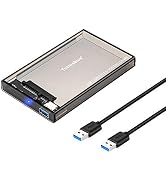
HDD / SSD ENCLOSURE
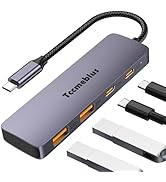
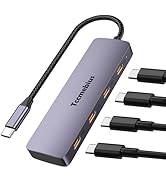
Multi-functional USB Hub
