


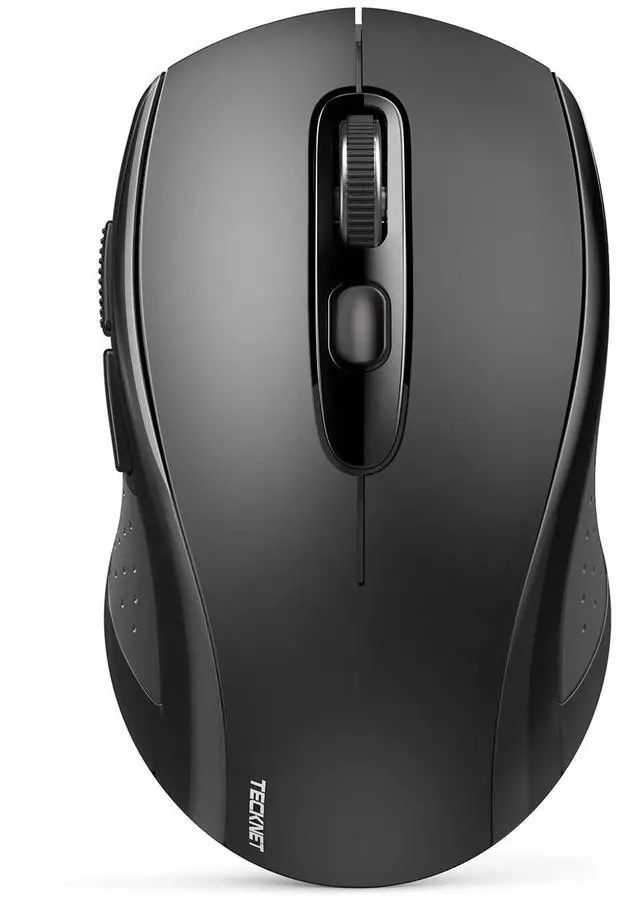


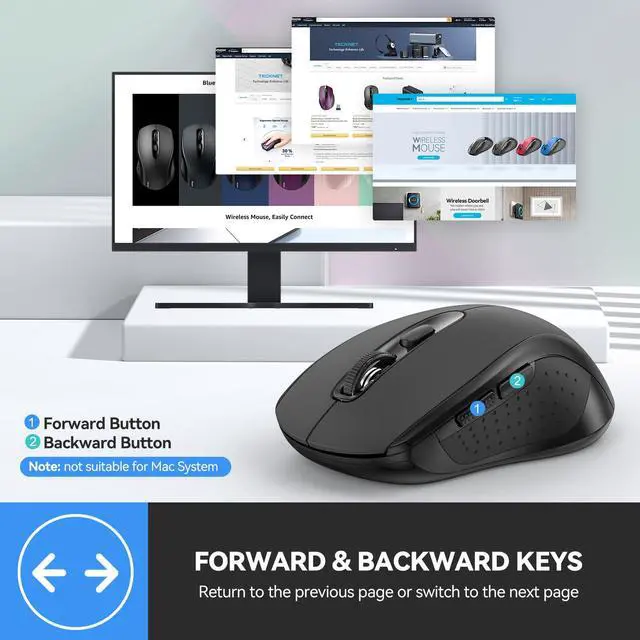
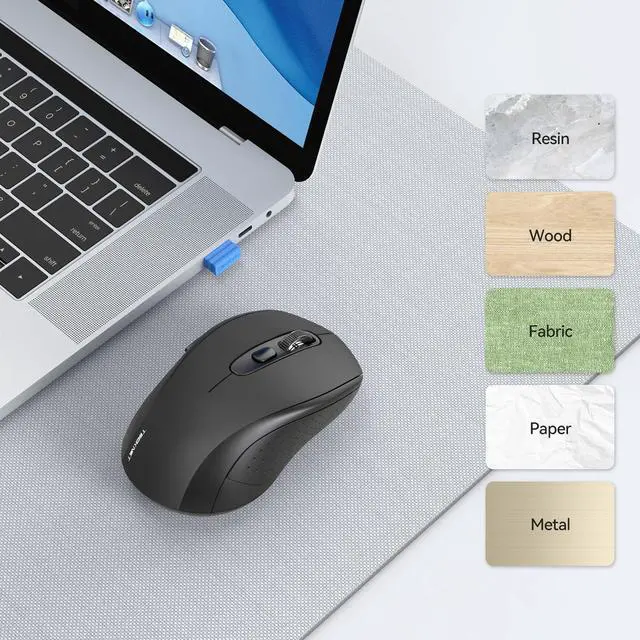


Computer Wireless Mouse Compatible with Laptop Macbook Air Pro
Computer Wireless Mouse
Merchant Video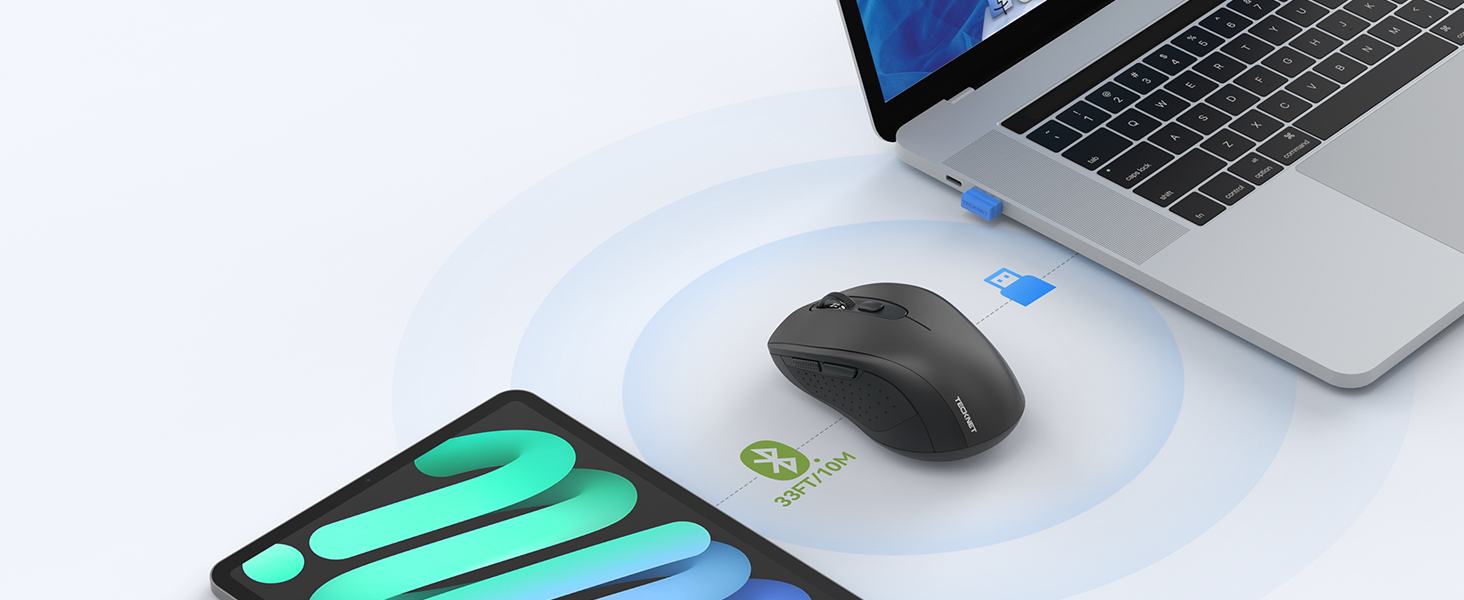
Not support two BT device
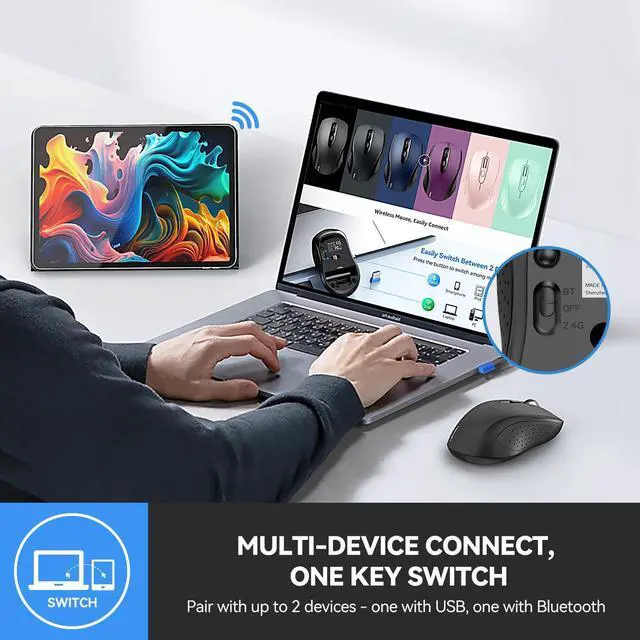
One Key Switch
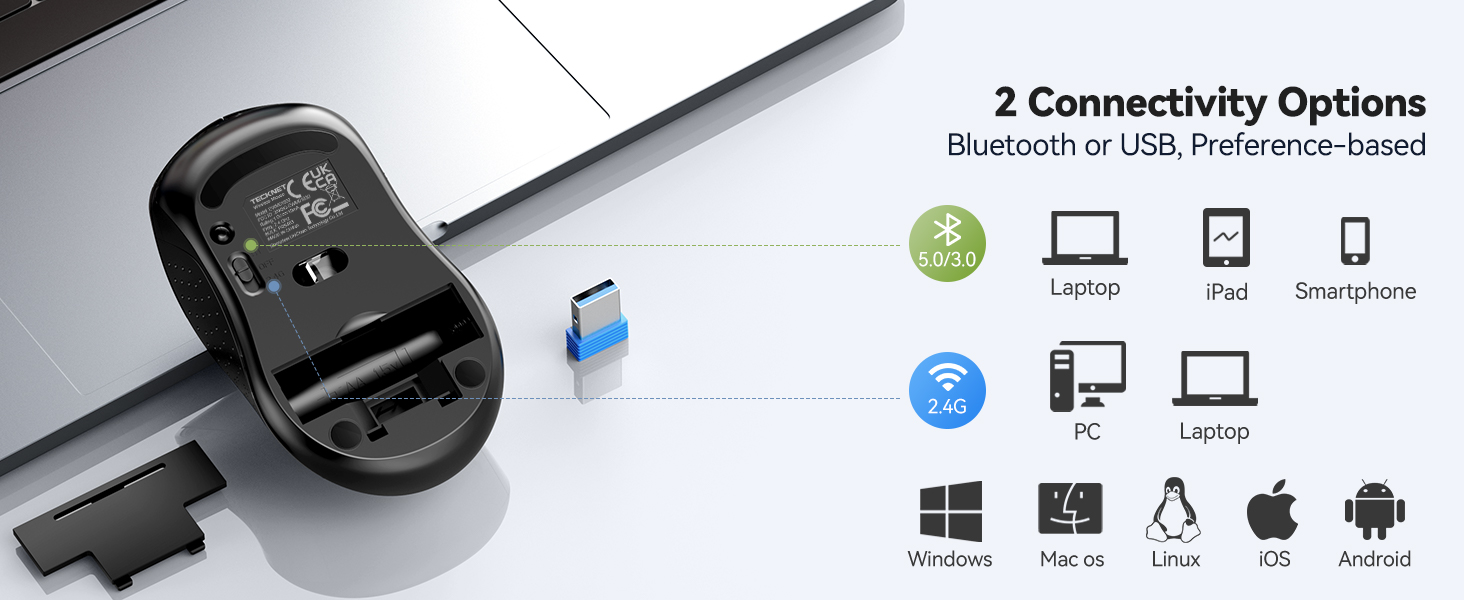
- One device with bluetooth function, one with USB-A; NOTE: simultaneous use is not supported
Easy to Carry, Use on-the-go
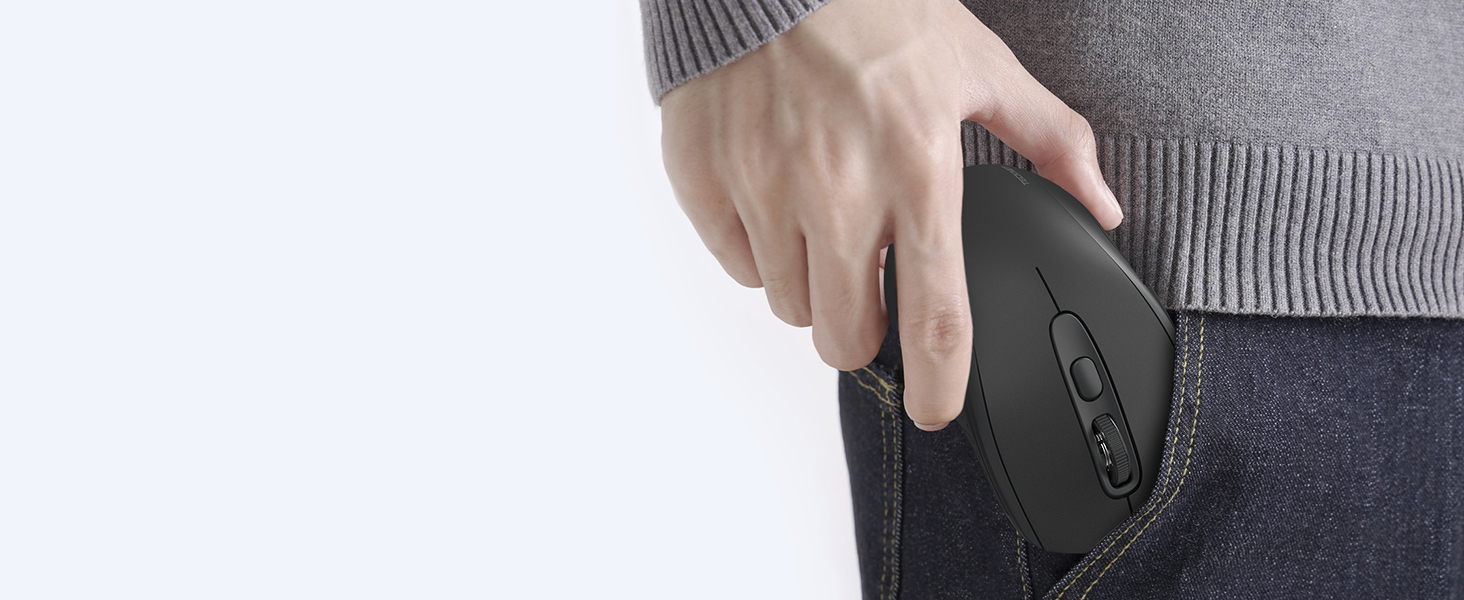
- Wireless mouse for laptop tossed in pocket or laptop bag,brought anywhere for on-the-go productivity
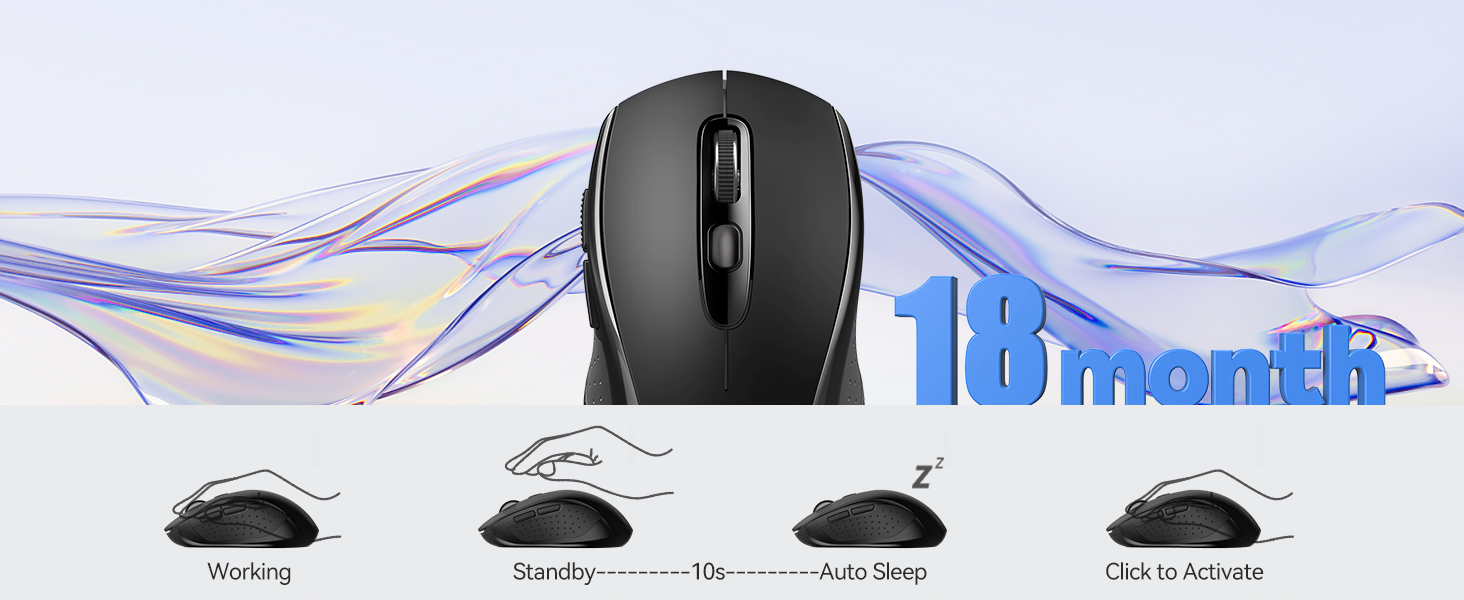
Mouse will enter sleep mode after 10mins of inactivity, mouse won't work, press 2 times to wake up
How to Connect Device Correctly - troubleshooting & connect steps
How to Connect Device Correctly
Merchant Video





















Computer Wireless Mouse Compatible with Laptop Macbook Air Pro
Computer Wireless Mouse
Merchant VideoNot support two BT device
One Key Switch
- One device with bluetooth function, one with USB-A; NOTE: simultaneous use is not supported
Easy to Carry, Use on-the-go
- Wireless mouse for laptop tossed in pocket or laptop bag,brought anywhere for on-the-go productivity
Mouse will enter sleep mode after 10mins of inactivity, mouse won't work, press 2 times to wake up


How to Connect Device Correctly - troubleshooting & connect steps
How to Connect Device Correctly
Merchant Video


Let's guess who will win?
TECKNET vs.
Let's guess who will win?
Transparent Mouse vs. Standard Mouse
Let's guess who will win?
Regular Mouse vs. Ergonomic Mouse
Recommended by the blogger.
Comfortable and Versatile Ergonomic Mouse.
Recommended by the blogger.
High-Sensitivity 4000 DPI Mouse.
| Q1 | Is it rechargeable or need a battery ?Does this compatible with 2021 MacBook Air/Pro M1? |
|---|---|
| Answer | This non-rechargeable wireless mouse needs AA batteries (NOT INCLUDED). If still need to purchase a rechargeable mouse. You can choose other styles of TECKNET rechargeable mice, or express your needs to us.Yes, it’s compatible with the 2021 MacBook Air/Pro M1. Exclusively connects via Bluetooth and doesn’t support USB-A receiver connection, these models only have USB-C ports unless you have ethernet adapter, which can provide USB-A port. |
| Q2 | The package came with an adapter, but the link mentions a Bluetooth mouse. Is this a USB mouse then? |
| Answer | This 2-in-1 wireless mouse offers USB-A and Bluetooth connection. BT mode supports Mac Book/Chrome Book, USB-A mode supports desktops/laptops and devices with USB-A port, cannot connect though WiFi. |
| Q3 | What should I do if the device cannot connect or is disconnected after connecting? |
| Answer | If the device cannot be connected, please check the accompanying manual or the multiple videos/step diagrams on our homepage and follow the above steps; The reason for disconnection after connection is this mouse will enter sleep mode after 10 minutes of inactivity. Press any key to wake, then click a second time can be used normally. NOTE: this is not a disconnect, just going into power-saving sleep mode |
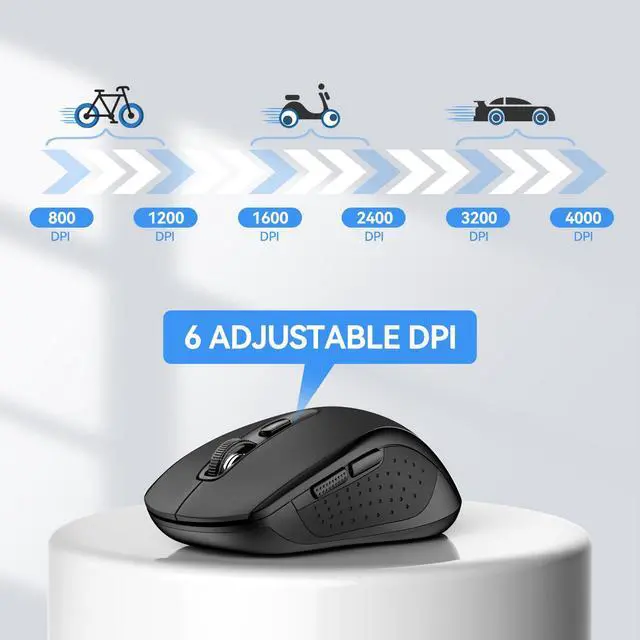
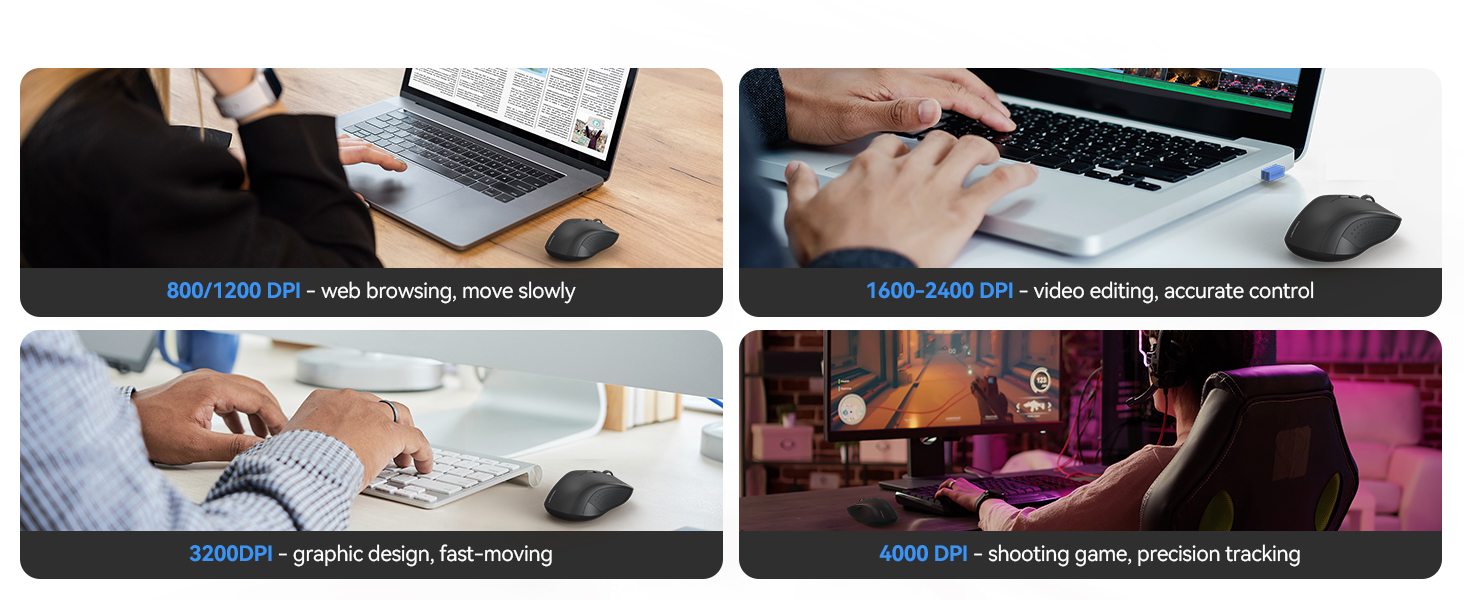
| Q4 | What is DPI? Can the wireless mouse pointer speed be adjusted if it's too slow or too fast, and how can it be adjusted? |
| Answer | DPI (Dots Per Inch) measures mouse sensitivity. Wireless mouse has 6 levels DPI to adjust: 800-4000DPI. Recommend 800/1200 for browsing, 1600/2400 for precision, and 3200/4000 for gaming. Adjust DPI with the button located under the scroll wheel. |
| Q5 | Does this wireless mouse for laptop have a sleep mode, and how do you wake the mouse from sleep? What is the size? |
| Answer | Yes, the laptop's wireless mouse features an auto-sleep mode for power conservation (if idle for over 10 seconds). It wakes up instantly upon pressing any key. The computer mouse's dimensions are 4.21 x 2.48 x 1.54 inches, akin to the size of a pear. |
| Q6 | The bluetooth mouse cursor bounces around on the screen, not stable, how to solve it? |
| Answer | For USB connection, unplug the USB from the device, switch the mouse to OFF, then back to USB, and plug in the USB again. For Bluetooth connection, turn off the device's Bluetooth, switch the mouse to OFF, then to BT, turn on the device's Bluetooth again, long-press the mouse for Bluetooth pairing mode, and re-pair the devices |
| Q7 | The Bluetooth mouse comes with a USB adapter, providing an alternative to Bluetooth connection. However, the package received does not include the adapter. How can this issue be resolved? |
| Answer | Through buyer support, we will handle it within 24 hours |
| Q8 | When connecting to a Windows 7/XP system, does the driver installation require manual operation? |
| Answer | Yes. When connecting to a Windows 7 or XP system, the system may pop up a driver installation prompt, requiring the user to manually allow the installation. Other operating systems (such as Windows 10/11, macOS, or Linux) usually complete the driver installation automatically without manual operation. |
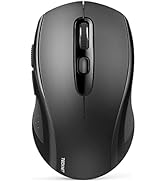
Wireless Mouse by TECKNET
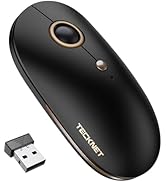
2-in-1 Bluetooth & USB Mouse
Silent Portable Wireless Mouse
On-ear Bluetooth Headphones
Headset with Charging Base
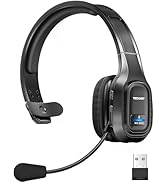
Single and Dual Ear Headset