




Compare With TECKNET Mouse
 Ergo Rechargeable Mouse |  USB Slient Wireless Mouse |  2.4G USB Wired Mouse |  Ambidextrous Silent Mouse | |
|---|---|---|---|---|
Customer Reviews | — | — | — | — |
Price | — | — | — | — |
Connectivity Technology | 2.4Ghz USB-A Wireless | 2.4Ghz USB-A Wireless | USB-A Wired | 2.4Ghz USB-A Wireless |
Silent Click | ? | ? | ? | ? |
Back/Forward Button | ? | ? | ? | ? |
Appearance Design | Ture Ergonomic | Comfortable | Comfortable | Slim & Ambidextrous |
Battery Type | Rechargeable,No Battery Needed | 1 AA Battery(NOT included) | No Battery Needed | 1 AA Battery(NOT included) |
Main Advantage | Ergonomic & Rechargeable | Basic Mouse, Economical | Stable Connection | Slim, Economical |
DPI Level | 4800/3200/2400/1600/800 | 4800/2000/1600/1200/800 | 3600/2400/1800/1200 | 4800/3200/2400/1600/1200 |
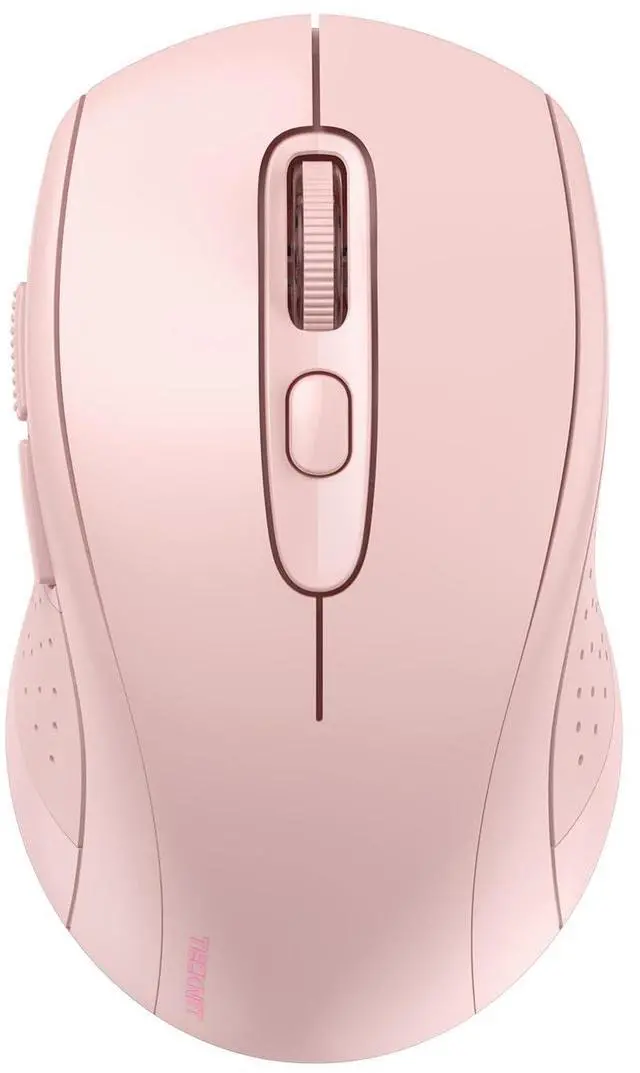
Wireless Mouse Compatible with Laptop Macbook Air Pro
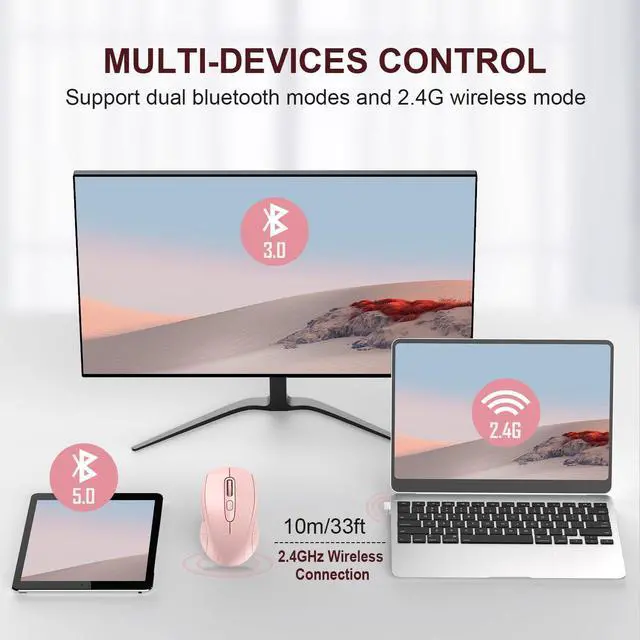
NOTE: If you have two devices with bluetooth function, one with Bluetooth 3.0 and the other with Bluetooth 5.0, the bluetooth wireless mouse only supports connecting to one device and CAN NOT connect to both 3.0 and 5.0 simultaneously


This wireless mouse support charging?
No. Wireless mouse needs 1 AA battery. It has auto shut off, battery last forever. (NOT INCLUDED BATTERY)
Why does the wireless mouse always disconnects from my computer in bluetooth mode ?
Please check whether the Bluetooth pairing of your computer has reached the upper limit. If it is still disconnected after cleaning, please contact our service department. We will give you satisfactory service.
Does this work on a m1 MacBook Pro 2020? What is the size of the item itself?
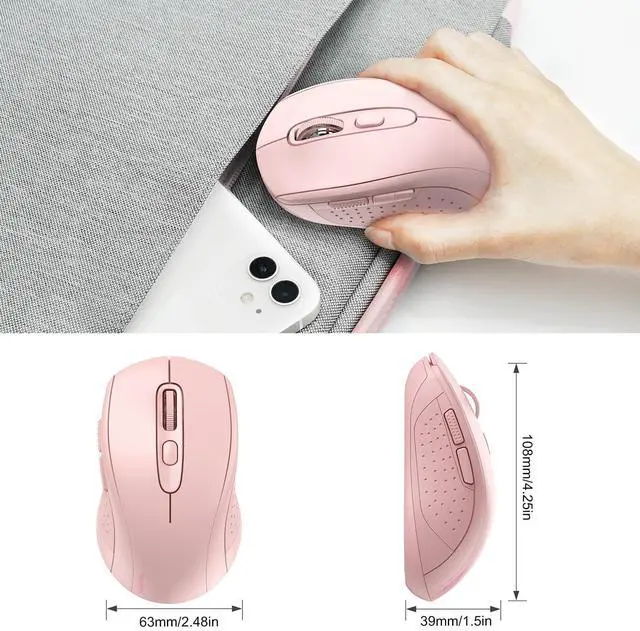
Yes, the bluetooth wireless mouse will work with your MacBook Pro and any device with Bluetooth or a USB port. It's 4.25" long and 2.5" wide at its widest point. Portable.
Is this a USB mouse or a Bluetooth mouse?
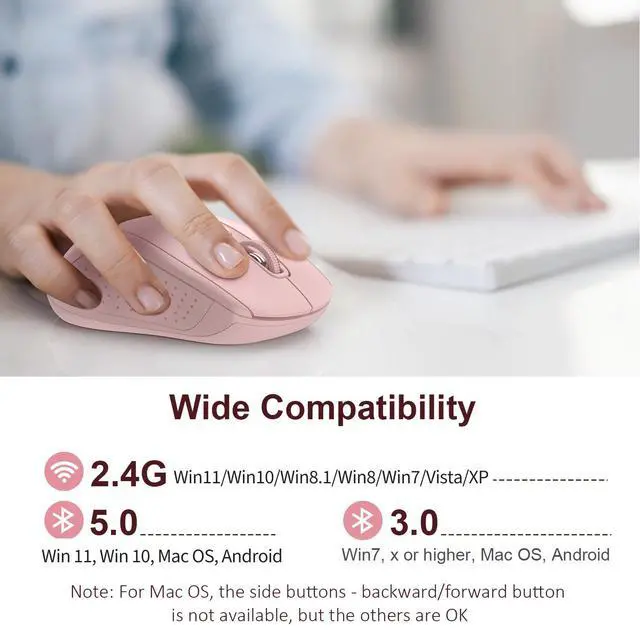
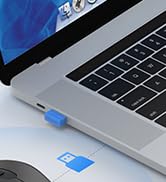
This 2-in-1 wireless mouse offers USB-A and Bluetooth connection with stability and wide compatibility. BT mode supports Mac Book/Chrome Book, USB-A mode supports desktops/laptops and devices with USB-A port, cannot connect though WiFi.
Does this wireless mouse have a sleep mode, and how do you wake the wireless mouse from sleep?
Yes, it has smart auto-sleep mode to save power. Wake up is instant as soon as you move it.








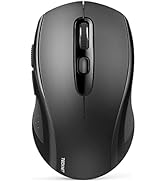



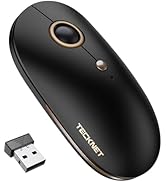









Compare With TECKNET Mouse
Ergo Rechargeable Mouse | USB Slient Wireless Mouse | 2.4G USB Wired Mouse | Ambidextrous Silent Mouse |
|---|---|---|---|
| Customer Reviews | |||
| — | — | — | — |
| Price | |||
| — | — | — | — |
| Connectivity Technology | |||
| 2.4Ghz USB-A Wireless | 2.4Ghz USB-A Wireless | USB-A Wired | 2.4Ghz USB-A Wireless |
| Silent Click | |||
| ? | ? | ? | ? |
| Back/Forward Button | |||
| ? | ? | ? | ? |
| Appearance Design | |||
| Ture Ergonomic | Comfortable | Comfortable | Slim & Ambidextrous |
| Battery Type | |||
| Rechargeable,No Battery Needed | 1 AA Battery(NOT included) | No Battery Needed | 1 AA Battery(NOT included) |
| Main Advantage | |||
| Ergonomic & Rechargeable | Basic Mouse, Economical | Stable Connection | Slim, Economical |
| DPI Level | |||
| 4800/3200/2400/1600/800 | 4800/2000/1600/1200/800 | 3600/2400/1800/1200 | 4800/3200/2400/1600/1200 |
Wireless Mouse Compatible with Laptop Macbook Air Pro
NOTE: If you have two devices with bluetooth function, one with Bluetooth 3.0 and the other with Bluetooth 5.0, the bluetooth wireless mouse only supports connecting to one device and CAN NOT connect to both 3.0 and 5.0 simultaneously
One Key Switch
- One device with bluetooth function, one with USB-A port; NOTE: simultaneous use is not supported
Easy to Carry, Use on-the-go
- Bluetooth mouse easily tossed in pocket or laptop bag, brought anywhere for on-the-go productivity


TAKE ANYWHERE
COMFORT & ENDURING
TRACKS ON MOST SURFACE
WIDE COMPATIBLE


- 10 million times click test, the strong hardware of the wireless mouse can provide enduring usage
- TECKNET Tru-Wave Optical Tracking technology ensures precise tracking on most surface
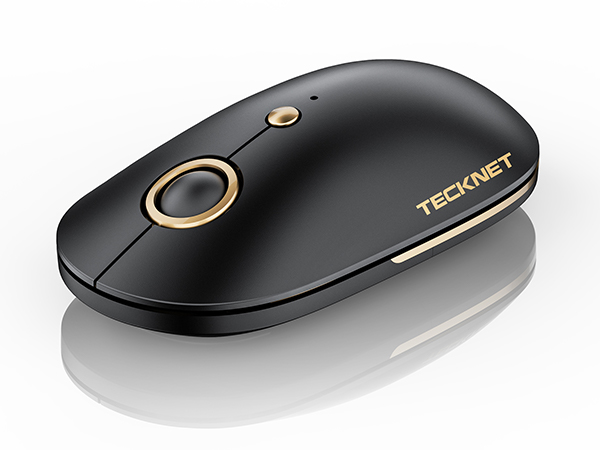
Portable Silent Mouse
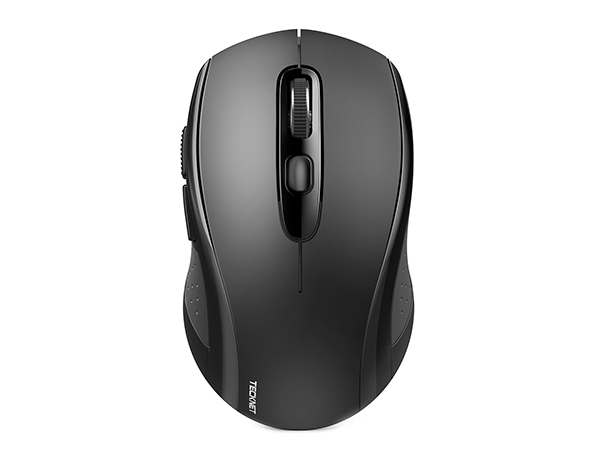
Bluetooth Mouse -Black
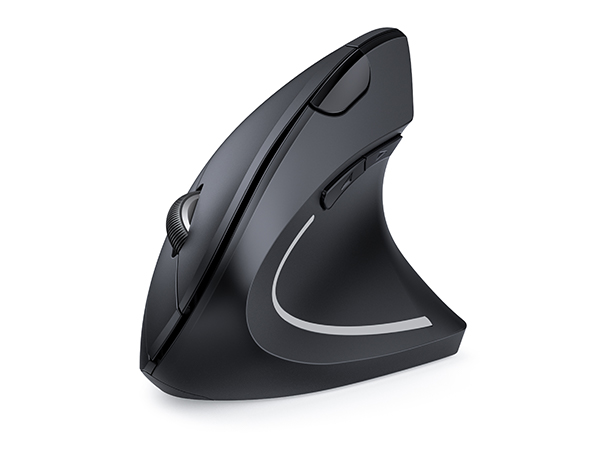
Ergonomic Wireless Mouse
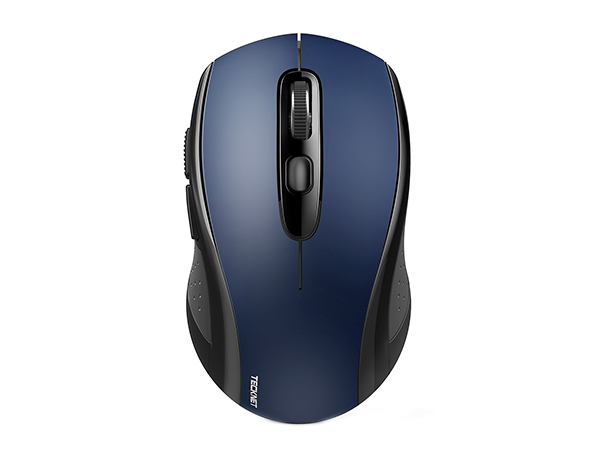
Bluetooth Mouse -Blue
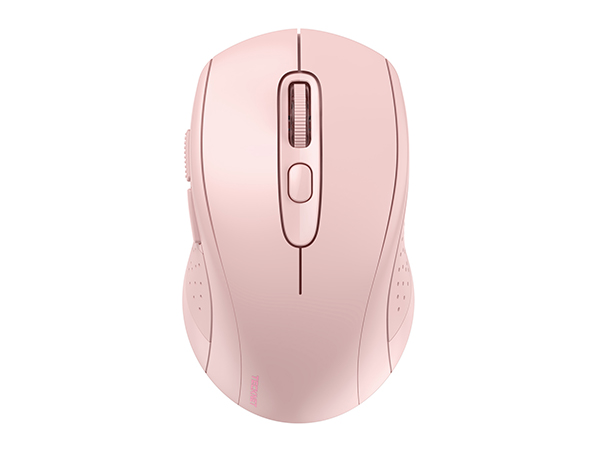
Bluetooth Mouse -Pink
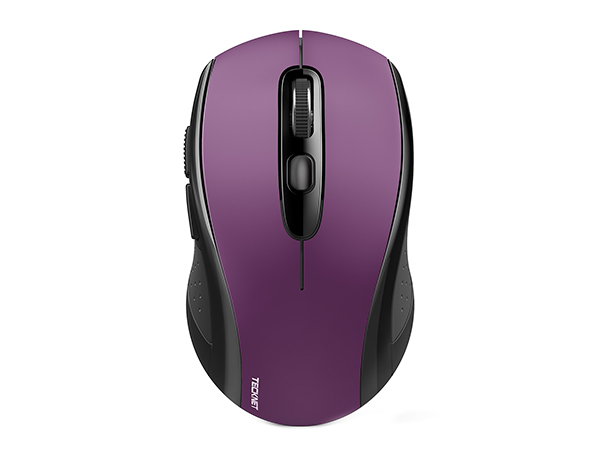
Bluetooth Mouse -Purple
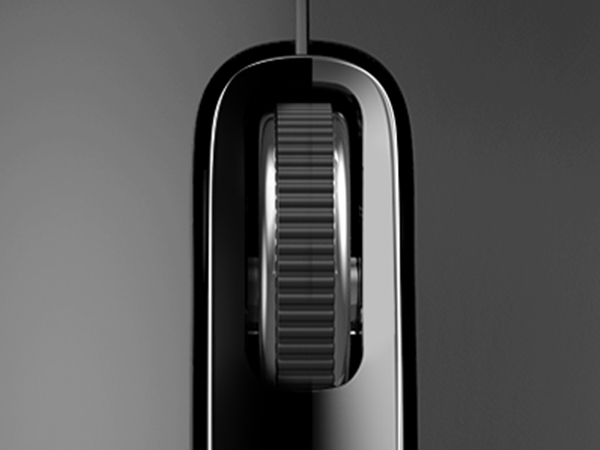
Scroll Wheel
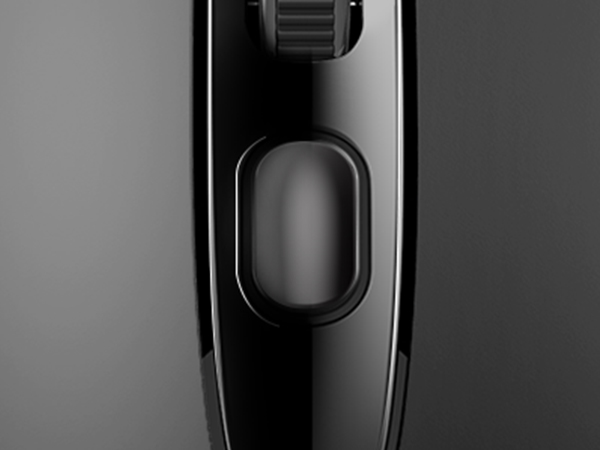
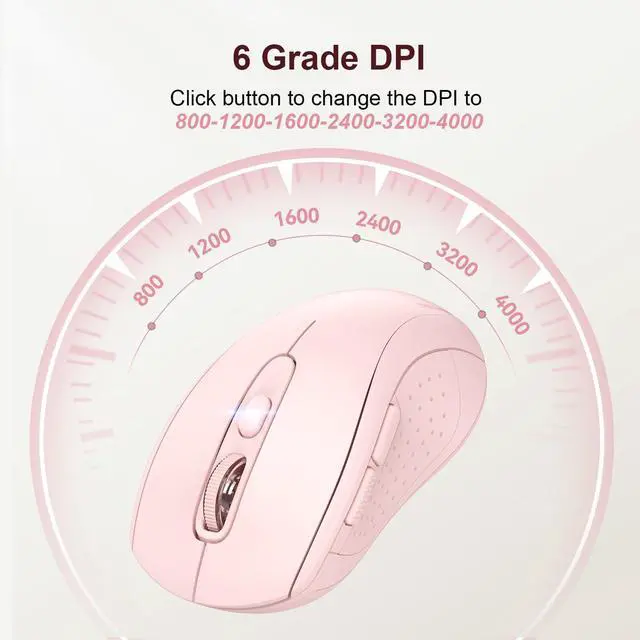
DPI Switch Button
The slowest DPI, the LED light flashes once. As the DPI increases, the number of LED light flashes increases
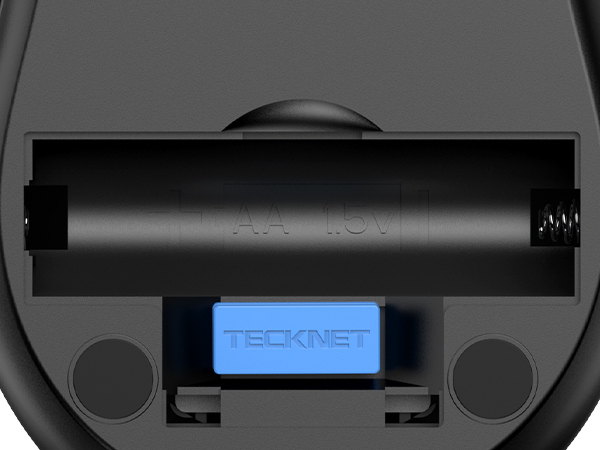
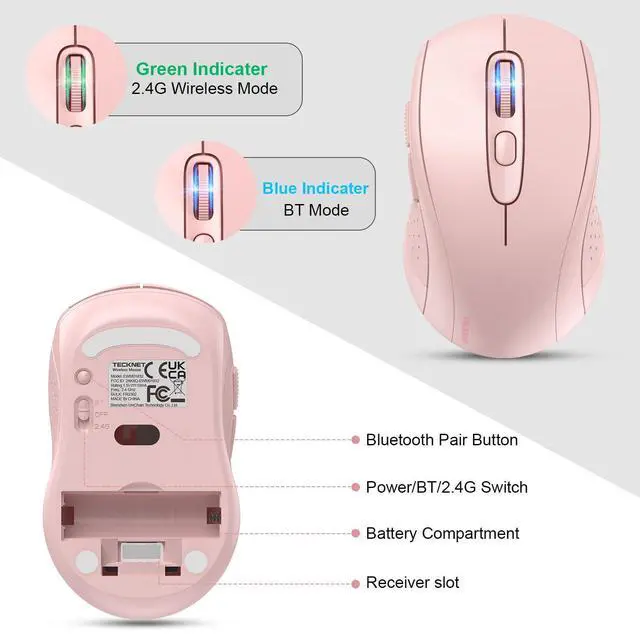
Battery Compartment & USB-A Receiver Slot
comes with a USB-A receiver, if you don’t want to use the USB connection method, you can store it here to avoid losing it
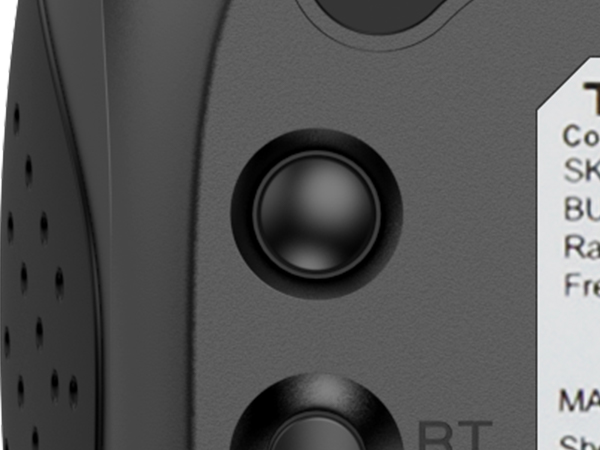
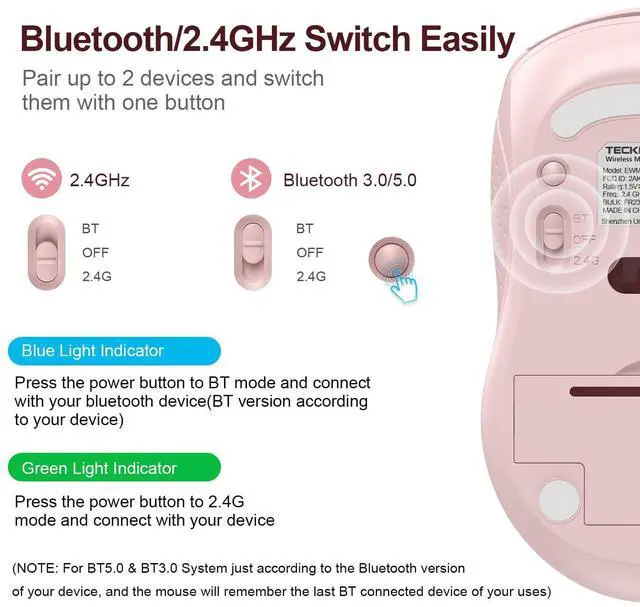
Bluetooth Pair Button
press and hold for 3 seconds to enter bluetooth pairing mode
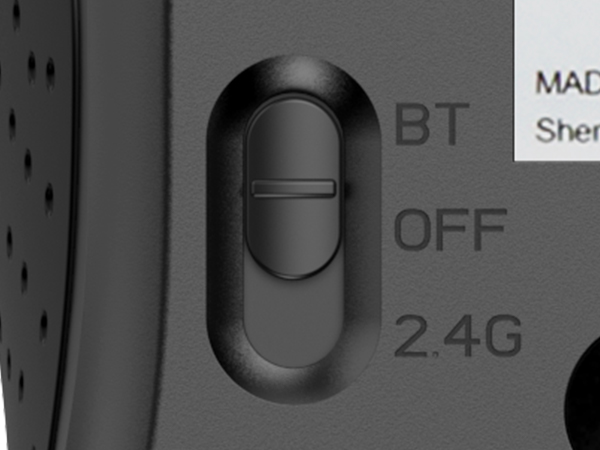
Bluetooth/Power/2.4G Button
Slide the button to the corresponding icon to select the corresponding mode
Forward and Backward keys
Return to the previous page or switch to the next page
This wireless mouse support charging?
No. Wireless mouse needs 1 AA battery. It has auto shut off, battery last forever. (NOT INCLUDED BATTERY)
Why does the wireless mouse always disconnects from my computer in bluetooth mode ?
Please check whether the Bluetooth pairing of your computer has reached the upper limit. If it is still disconnected after cleaning, please contact our service department. We will give you satisfactory service.
Does this work on a m1 MacBook Pro 2020? What is the size of the item itself?
Yes, the bluetooth wireless mouse will work with your MacBook Pro and any device with Bluetooth or a USB port. It's 4.25" long and 2.5" wide at its widest point. Portable.
Is this a USB mouse or a Bluetooth mouse?
This 2-in-1 wireless mouse offers USB-A and Bluetooth connection with stability and wide compatibility. BT mode supports Mac Book/Chrome Book, USB-A mode supports desktops/laptops and devices with USB-A port, cannot connect though WiFi.
Does this wireless mouse have a sleep mode, and how do you wake the wireless mouse from sleep?
Yes, it has smart auto-sleep mode to save power. Wake up is instant as soon as you move it.
Wireless Mouse by TECKNET
2-in-1 Bluetooth & USB Mouse
Silent Portable Wireless Mouse
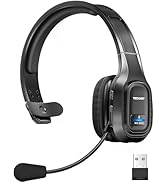
On-ear Bluetooth Headphones
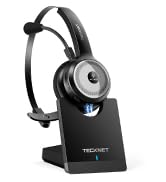
Headset with Charging Base
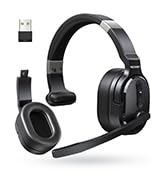
Single and Dual Ear Headset