


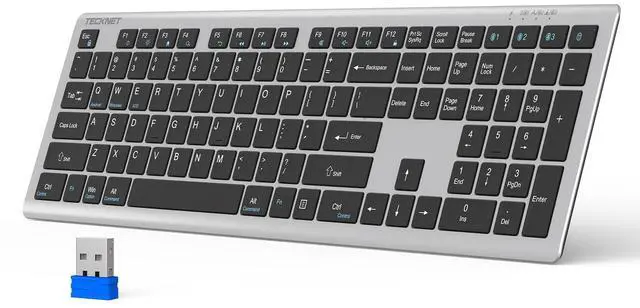
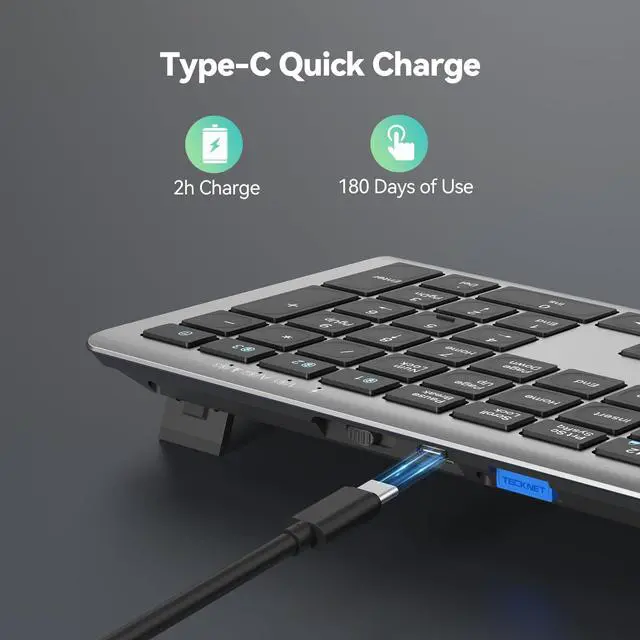
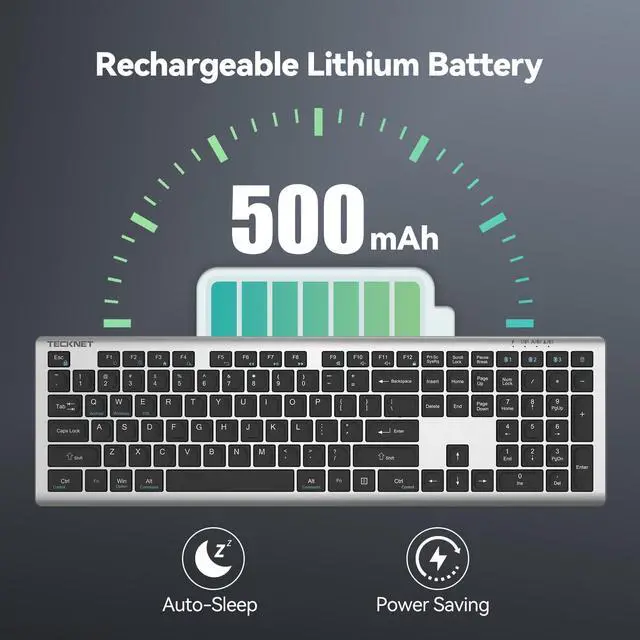

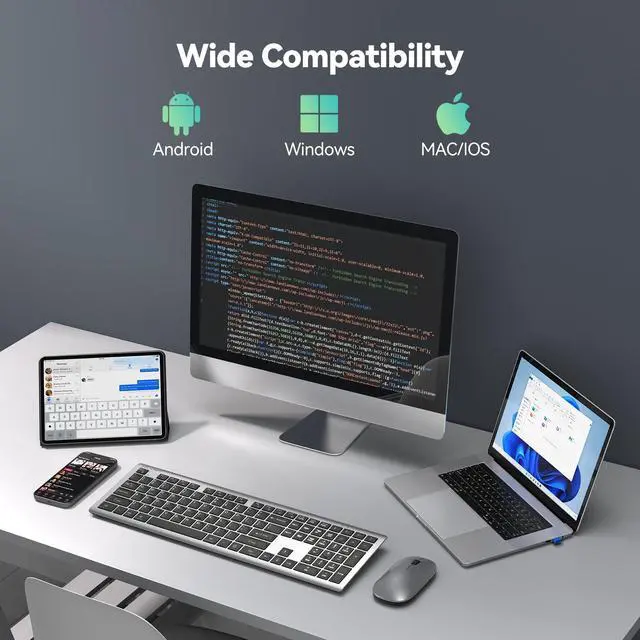


TECKNET Multi Devices Keyboard-Rechargeable

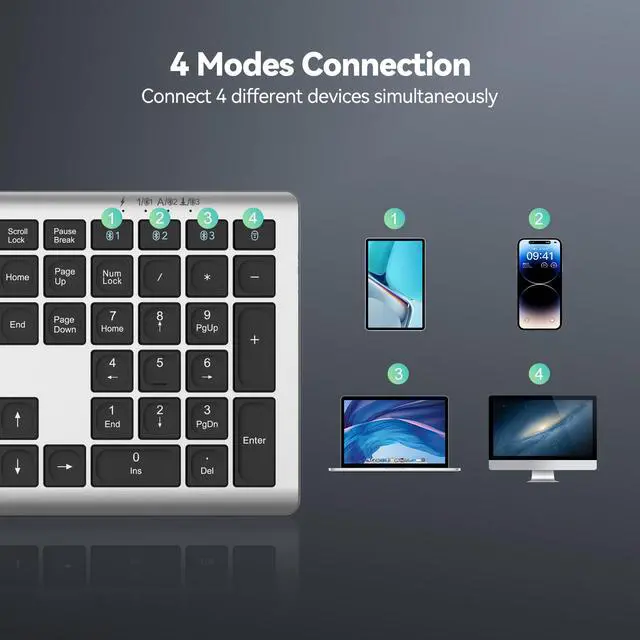
4 Devices Share 1 Keyboard, Efficient, Fast, Convenient!!!


Small Tips Big Helps – No More Problems
1) Stop sticky keys: wipe liquid spills at once!
2) Use hairdryer regularly to remove dust & debris from keyboard key gaps.
3) First Mac connection: Complete mapping to ensure successful pairing.
4) Bluetooth mode: Turn off unused Bluetooth devices; ensure unobstructed connection within 10M.



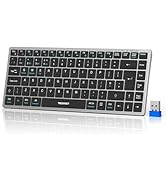
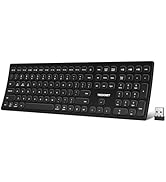

TECKNET Multi Devices Keyboard-Rechargeable

4 Devices Share 1 Keyboard, Efficient, Fast, Convenient!!!


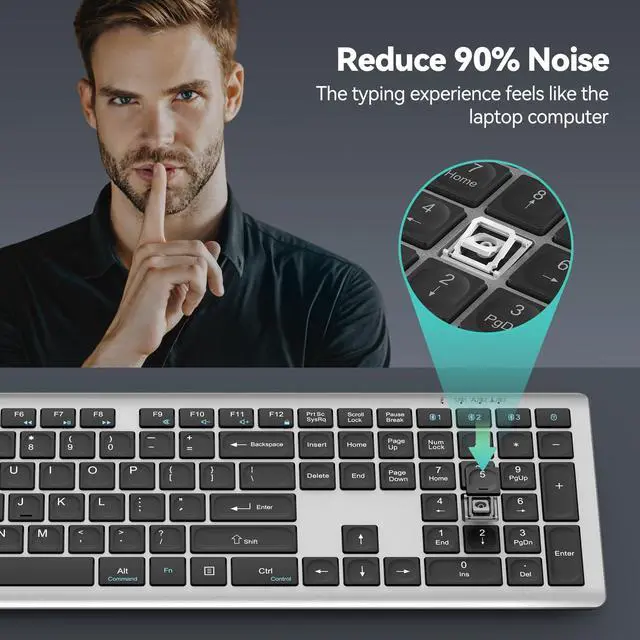
Silent TECKNET Bluetooth Keyboard, Good Companion for Your Work!
Back Details


Small Tips Big Helps – No More Problems
1) Stop sticky keys: wipe liquid spills at once!
2) Use hairdryer regularly to remove dust & debris from keyboard key gaps.
3) First Mac connection: Complete mapping to ensure successful pairing.
4) Bluetooth mode: Turn off unused Bluetooth devices; ensure unobstructed connection within 10M.
TECKNET Related Products
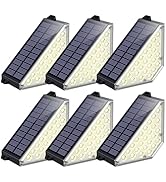
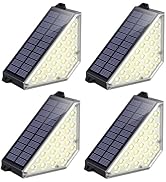
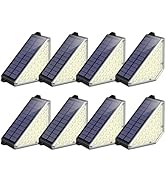
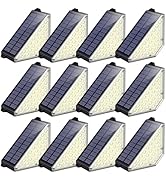
Solar Step Lights for Outside


- 2 Modes Brightness Adjustable
- 30% conversion rate & 900mAh Battery
- 24 LEDs (2X Brightness )/ IP67 Waterproof
- 2 Installation Ways for Wide Application Scenarios
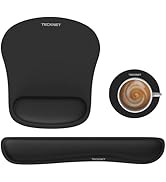
Keyboard Wrist Rest
2.4G+BT Keyboard & Mouse
2 Modes Solar Step Lights
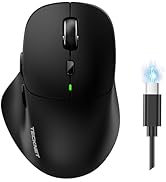
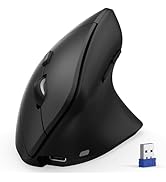
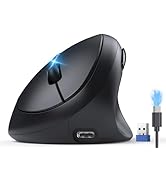
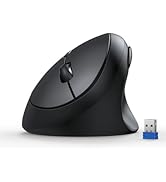
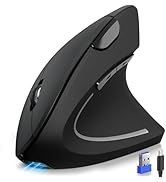
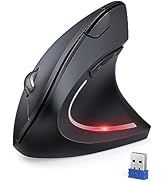
TECKNET Ergonomic Mouse
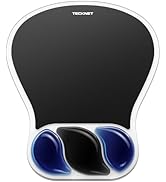
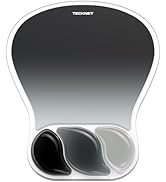
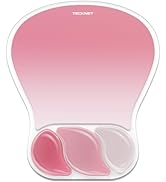
mouse pad with wrist rest
