


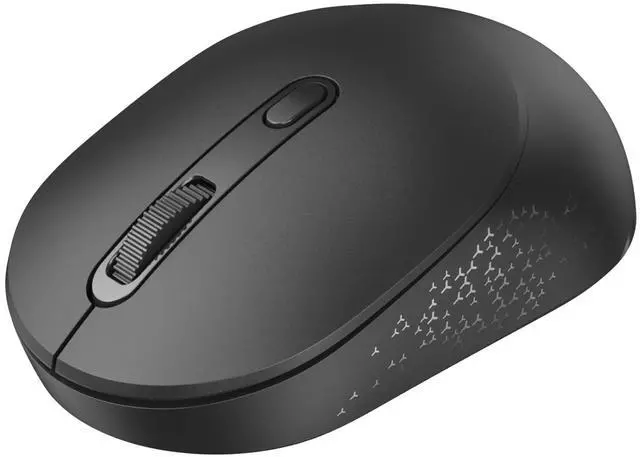
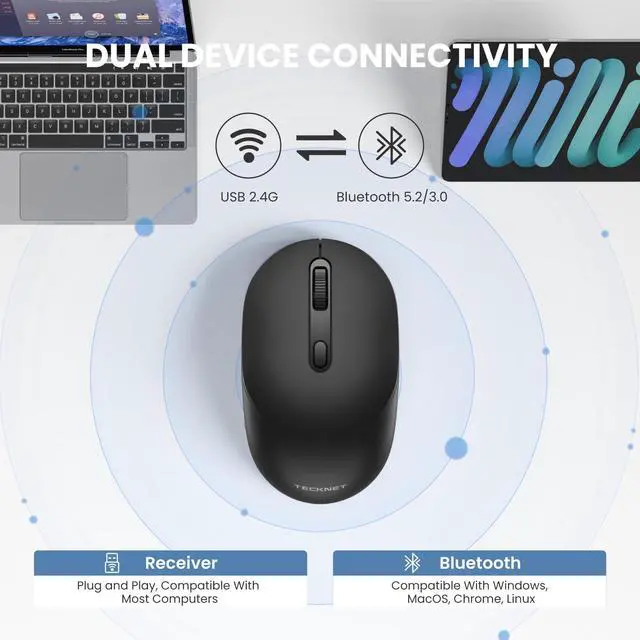
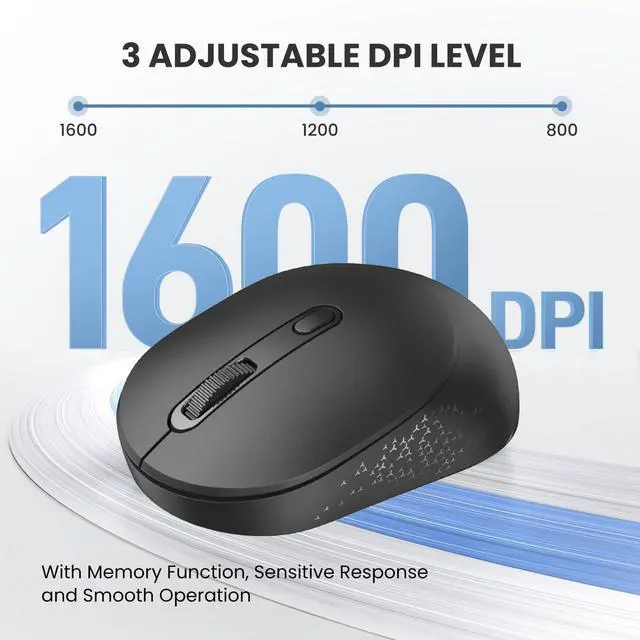



Only For 2.4Ghz + Bluetooth


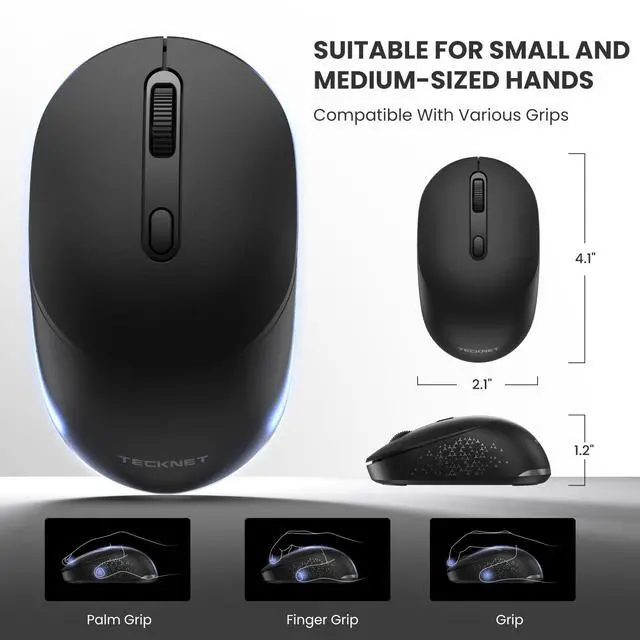
Designed for Small & Medium Hands

How to pair?

What should I do if the device is disconnected after connecting?
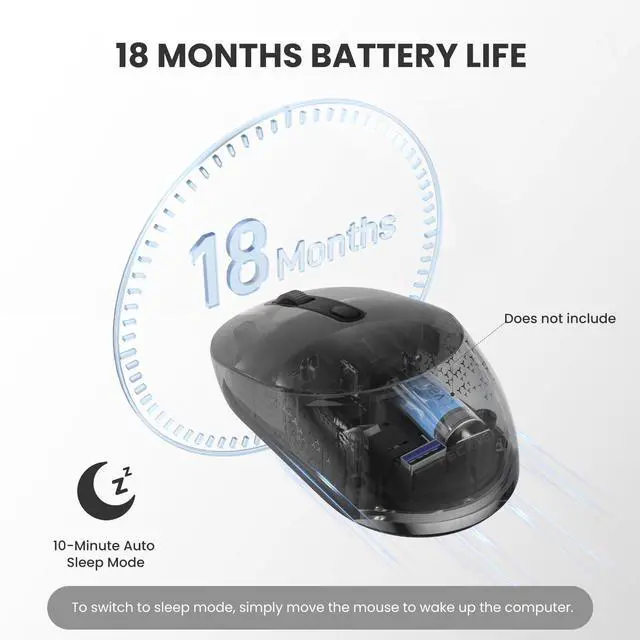
The reason for disconnection after connection is this mouse will enter sleep mode after 10 minutes of inactivity. Press any key to wake, then click a second time can be used normally.
Could it connect 2 bluetooth devices simultaneously?
No. This 2-in-1 wireless mouse only supports easy switching between two devices (compatible with Bluetooth and 2.4G modes), and cannot connect to two devices simultaneously.
How to connect the bluetooth mode?
1.Insert one AA battery to turn on the mouse.2.Press the mode switch button to switch to BT mode (Red light).3.Patiently press and hold the mode switch button until the BT indicator flashes green rapidly—then the mouse will enter BT pairing mode.
Is it rechargeable or does it require batteries?
This wireless mouse is not rechargeable and requires AA batteries (batteries not included).
The package contained an adapter, but the product link indicates it's a Bluetooth mouse. Could this be a USB mouse?
This is a 2-in-1 wireless mouse that supports both USB and Bluetooth connections.
Is the receiver on this Bluetooth mouse USB-A or USB-C?
This Bluetooth mouse uses a USB-A receiver for its 2.4G connection mode, not a USB-C receiver. Note: 1.USB-C devices can Bluetooth without usb.2.If your device only supports USB-C,you will need to use a USB-C to USB-A adapter to use the 2.4G mode.

Only For 2.4Ghz + Bluetooth


Designed for Small & Medium Hands

How to pair?

What should I do if the device is disconnected after connecting?
The reason for disconnection after connection is this mouse will enter sleep mode after 10 minutes of inactivity. Press any key to wake, then click a second time can be used normally.
Could it connect 2 bluetooth devices simultaneously?
No. This 2-in-1 wireless mouse only supports easy switching between two devices (compatible with Bluetooth and 2.4G modes), and cannot connect to two devices simultaneously.
How to connect the bluetooth mode?
1.Insert one AA battery to turn on the mouse.2.Press the mode switch button to switch to BT mode (Red light).3.Patiently press and hold the mode switch button until the BT indicator flashes green rapidly—then the mouse will enter BT pairing mode.
Is it rechargeable or does it require batteries?
This wireless mouse is not rechargeable and requires AA batteries (batteries not included).
The package contained an adapter, but the product link indicates it's a Bluetooth mouse. Could this be a USB mouse?
This is a 2-in-1 wireless mouse that supports both USB and Bluetooth connections.
Is the receiver on this Bluetooth mouse USB-A or USB-C?
This Bluetooth mouse uses a USB-A receiver for its 2.4G connection mode, not a USB-C receiver. Note: 1.USB-C devices can Bluetooth without usb.2.If your device only supports USB-C,you will need to use a USB-C to USB-A adapter to use the 2.4G mode.