here!
I’m your shopping assistant for PC builds, upgrades, and everything tech.
Got questions? Ask away!
Start a conversation
here!
I’m your shopping assistant for PC builds, upgrades, and everything tech.
Got questions? Ask away!
Start a conversation



Any questions? Ask CelesteSM will help you find out quickly.


Focuses on trading high-quality electronic products. We primarily sell display solutions such as TFT LCD, OLED, and AMOLED panels.
Our experienced sourcing and quality control teams work closely with international suppliers to deliver dependable products and responsive service.
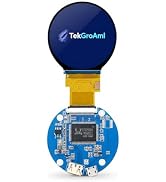
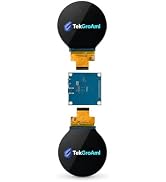
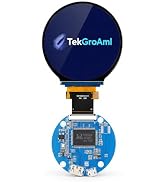
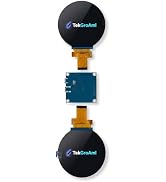
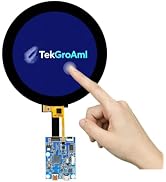
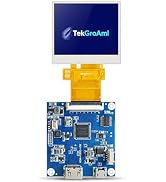
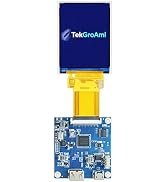
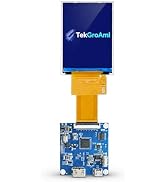
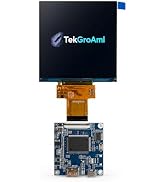


TekGroAml 2.1 Inch Round LCD Screen, 480x480 400 nits IPS Circle Display with...
|

TekGroAml 2.8 inch Mini IPS PC Case LCD Round Display,480x480 330 nits | Circ...
|

TekGroAml 2.1 Inch Round Touch LCD Display with H/D Controller Board, 480x480...
|

TekGroAml 2.8 inch Dual TFT IPS Round Circular LCD Display 480x480,with H/D C...
|

3.4 Inch Round 330nit LCD Display & HDMI Board, 800x800 IPS Circular Screen |...
|

TekGroAml 4 Inch Round LCD Display with Micro H/D Controller Board 720x720 | ...
|
|
|---|---|---|---|---|---|---|
| Customer Reviews | — | — |
—
|
—
|
— |
—
|
| Price | — | — | — | — | — | — |
| Screen size | 2.1 inch | 2.8 inch | 2.1 inch | 2.8 inch | 3.4 inch | 4 inch |
| Video input | mini H/D 1.4 | mini H/D 1.4 | mini H/D 1.4 | Micro H/D 1.4 | mini H/D 1.4 | mini H/D 1.4 |
| Resolution | 480x480 | 480x480 | 480x480 | 480x480 | 800x800 | 720x720 |
| Touch | NO | NO | ? | NO | NO | NO |

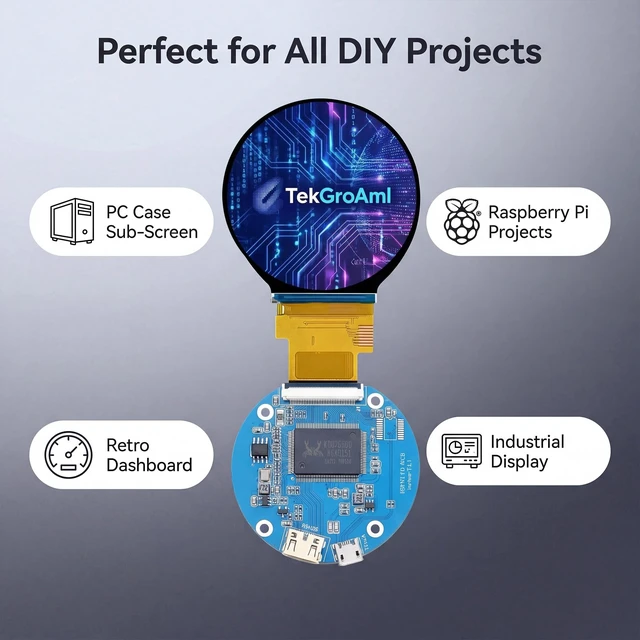
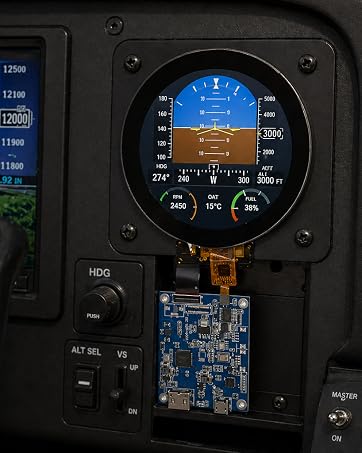
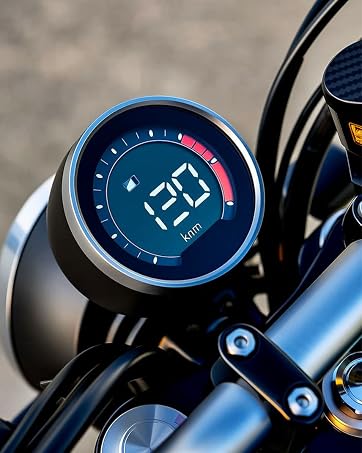
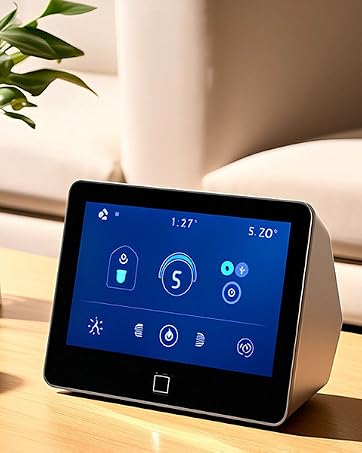
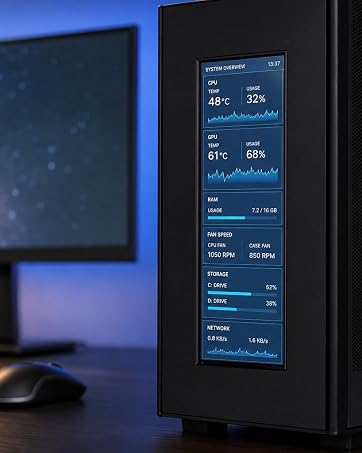
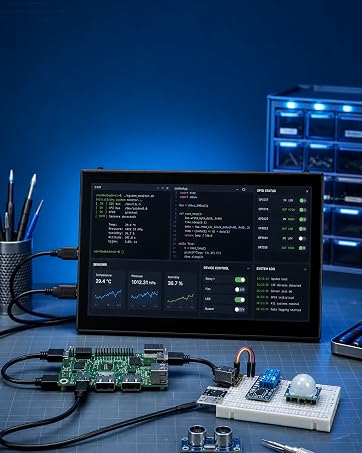
This display is a fantastic fit for all sorts of projects, including:


Windows Quick Setup
Single-Board-Computer Setup Notes
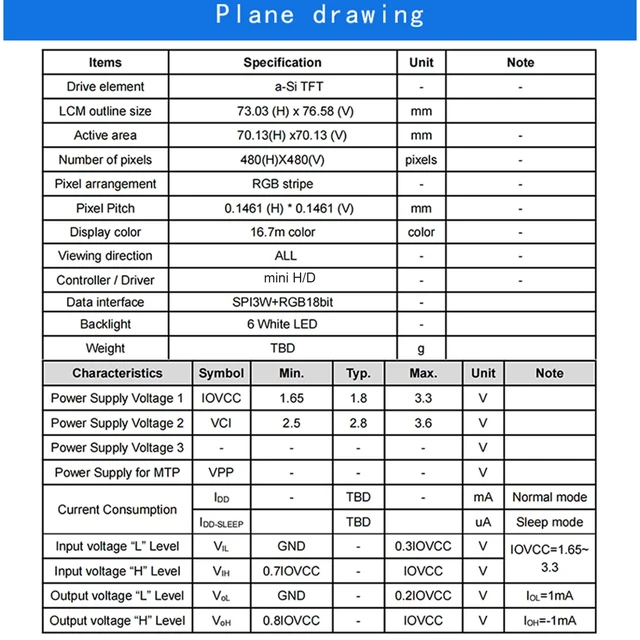
| Screen size | 2.1 inch / 2.8 inch |
| Resolution | 480 (RGB) x 480 |
| Display Type | a-Si TFT |
| Display Mode | Normally Black |
| Viewing Angle | ALL |
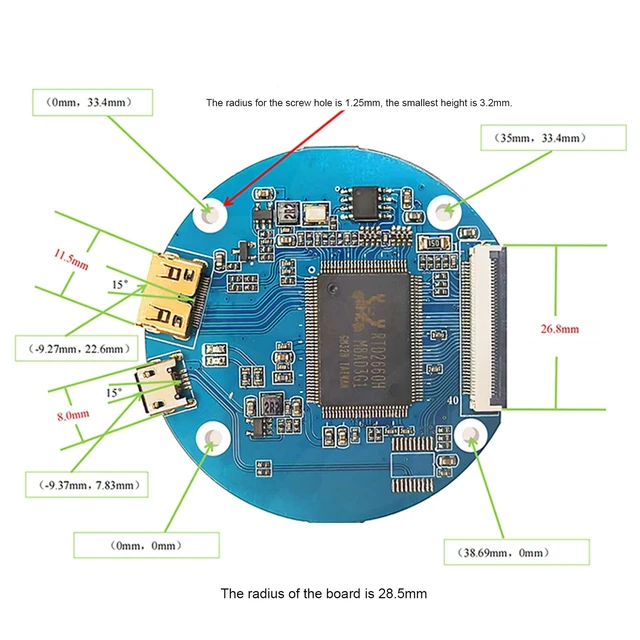
| Outline Dimensions | 56.18x59.71x2.3//73.03x76.58x2.3(W×H×D)mm |
| Active Area | 53.28 x 53.28 mm//70.13 (H) x 70.13 (V) mm |
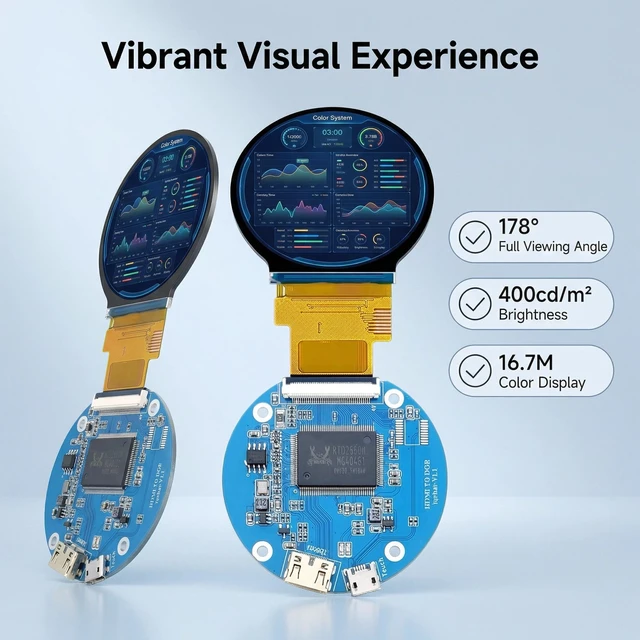
| Brightness | 300 nits / 330 nits |
| Operating Voltage (VDD) | 2.5V (Min) / 2.8V (Typ) / 4.8V (Max) |
| Feature | No OSD ,can't adjust the brightness or setting menu |
|
TekGroAml 2.1 Inch Round LCD Screen, 480x480 400 nits IPS Circle Display with...
|
TekGroAml 2.8 inch Mini IPS PC Case LCD Round Display,480x480 330 nits | Circ...
|
TekGroAml 2.1 Inch Round Touch LCD Display with H/D Controller Board, 480x480...
|
TekGroAml 2.8 inch Dual TFT IPS Round Circular LCD Display 480x480,with H/D C...
|
3.4 Inch Round 330nit LCD Display & HDMI Board, 800x800 IPS Circular Screen |...
|
TekGroAml 4 Inch Round LCD Display with Micro H/D Controller Board 720x720 | ...
|
|
|---|---|---|---|---|---|---|
| Customer Reviews | — | — |
—
|
—
|
— |
—
|
| Price | — | — | — | — | — | — |
| Screen size | 2.1 inch | 2.8 inch | 2.1 inch | 2.8 inch | 3.4 inch | 4 inch |
| Video input | mini H/D 1.4 | mini H/D 1.4 | mini H/D 1.4 | Micro H/D 1.4 | mini H/D 1.4 | mini H/D 1.4 |
| Resolution | 480x480 | 480x480 | 480x480 | 480x480 | 800x800 | 720x720 |
| Touch | NO | NO | ? | NO | NO | NO |
This display is a fantastic fit for all sorts of projects, including:
Windows Quick Setup
Single-Board-Computer Setup Notes
Focuses on trading high-quality electronic products. We primarily sell display solutions such as TFT LCD, OLED, and AMOLED panels.
Our experienced sourcing and quality control teams work closely with international suppliers to deliver dependable products and responsive service.
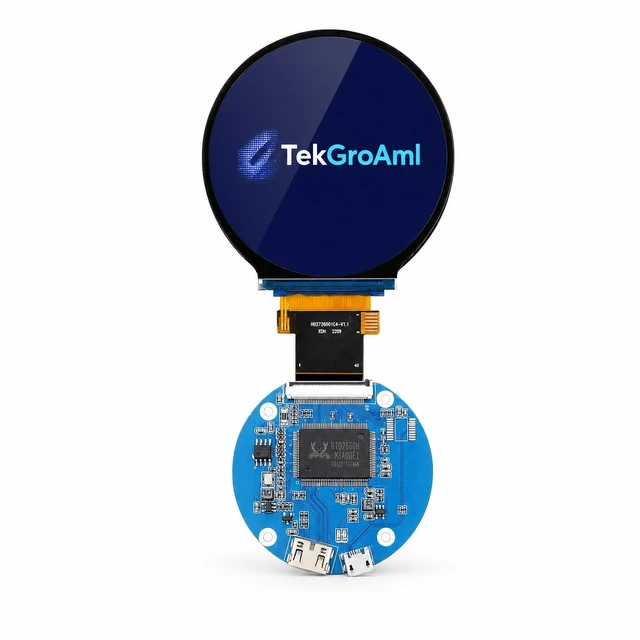
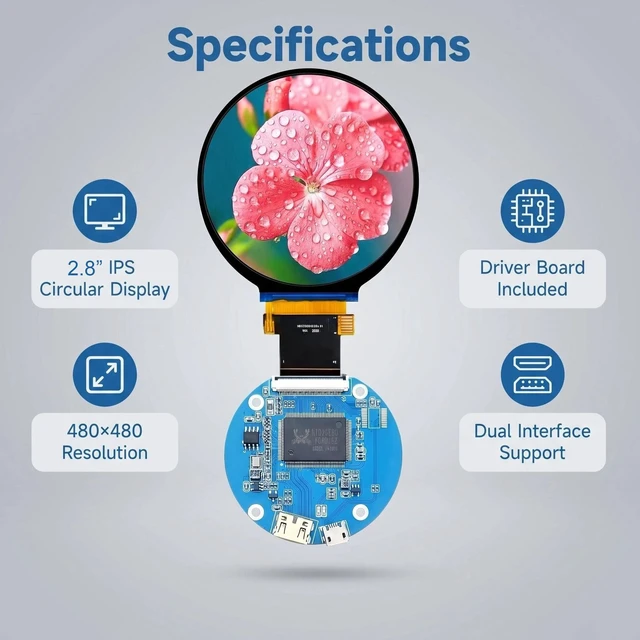
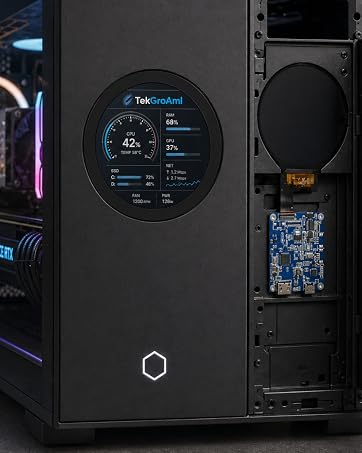
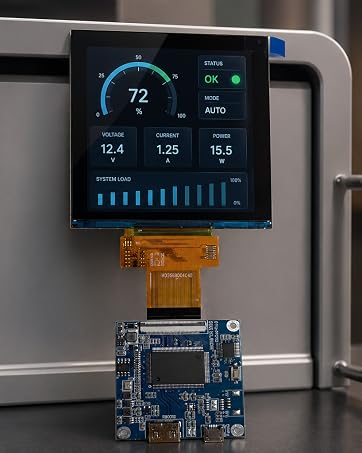
The TekGroAml 2.8-inch round LCD display kit provides 480x480 pixels for PC sensor panels, custom gauges, equipment readouts and compact DIY interfaces.
Project use
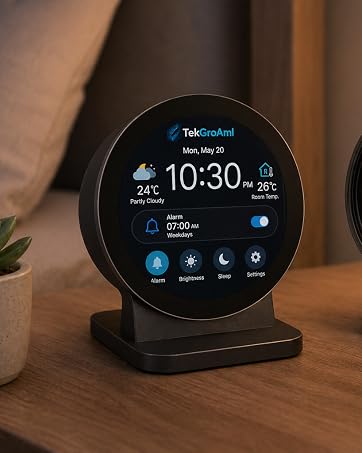
Use the round viewing area for status widgets, instrument graphics or a host-rendered monitoring layout. The display shows the image supplied by the host; it does not measure CPU or GPU data on its own.
Specifications
Included hardware
1 LCD screen, 1 controller board, 1 signal cable and 1 power cable.
Connection and setup
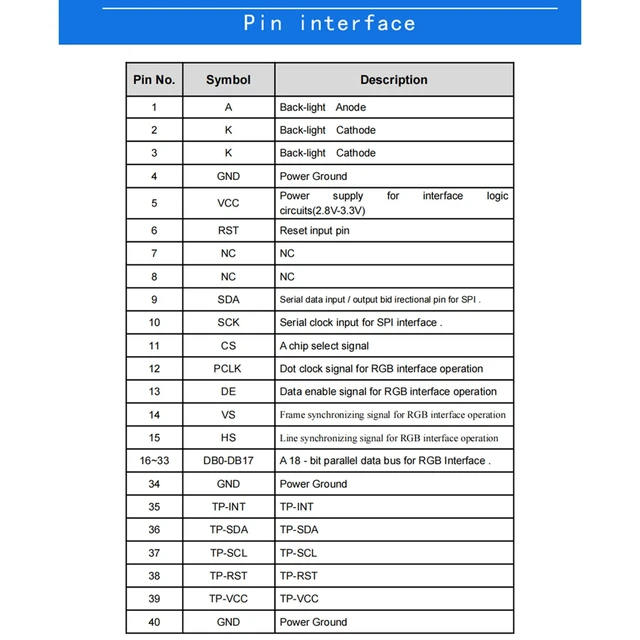
Connect the LCD to the controller with power disconnected. Then connect video and the correct power source. Set the host to 480x480 at 60 Hz. Set orientation and scaling in the host as required. Secure the electronics in an insulated mount and leave the flex cable free of strain.
Controls
No on-board OSD; brightness is not adjustable on this version.