• $2.99
  • $9.99
  • Save: $7.00 (70%)
  • Free 30-day Returns
  • Price alert
    Shop it at NeweggBusiness.

    Meet Your Seller

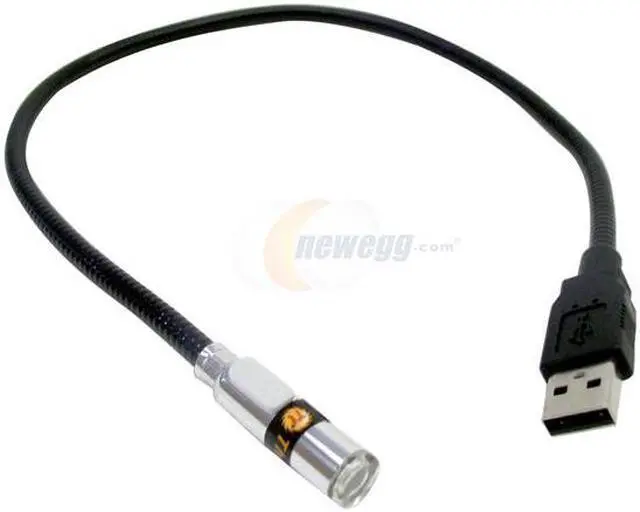
    Thermaltake Xjog A2035 White USB Light

    +
    +
    Overview
    Specs
    Reviews (33)

    Any questions? Ask CelesteSM will help you find out quickly.

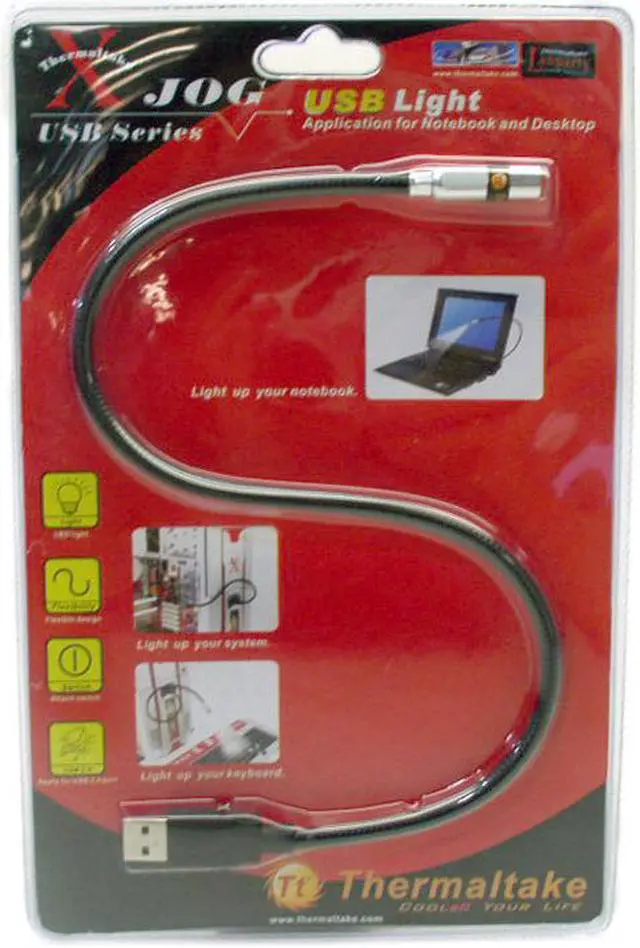
    Thermaltake’s Xjog is ideal for notebook users, LAN gamers, or anyone using a PC in a low-light environment. Powered by USB, the Xjog easily lights up your computer case, your keyboard or your notebook – simply plug and go.
    • neweggEasy To CarryThe compact Xjog easily fits into your briefcase and draws power from the USB port directly so you don’t have to carry any power adapter wherever you go.
    • neweggFlexible NeckThe flexible neck allows you to place the light in a comfortable position for optimum visibility.
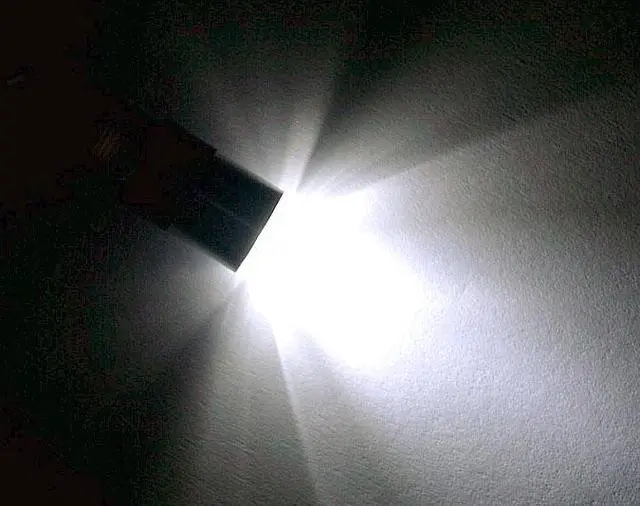
    • neweggLED LightThe gentle LED light provides illumination for work and play without disturbing others. It is rated to average 8,000 hours of use for power saving.
    • neweggOn/off SwitchTurn on/off the light with the handy switch.

    Warranty & Returns

    Warranty, Returns, And Additional Information

    Warranty

    • Please contact the Seller directly for warranty information. Warranty information may also be found on the Manufacturer's website.
    • CONTACT

    Return Policies

    • Return for refund within: 30 days
    • Return for replacement within: non-replaceable
    • This item is covered by Thermaltake Return Policy

    Manufacturer Contact Info

    LOADING...
    LOADING...

    The Thermaltake Xjog A2035 is a compact USB LED light for notebook users, LAN gamers, and others who need gentle illumination while using a PC in low-light settings. Its flexible neck, on/off switch, and plug-and-play design make it easy to position and use.

    Recommended For

    • Laptop users who work or type in dim locations—such as during travel—and want a small USB-powered light aimed at the work area.
    • People at a PC in a shared or dark room who need a small, directed light for nearby computer work rather than lighting the whole room.
    • Notebook users who want a portable light they can plug in without carrying a separate power adapter.
    • Desktop PC users who need a simple USB light positioned near a keyboard or another nearby work area.

    Real-World Use Scenarios

    • When typing on a laptop in a dim room, plug the light into a USB port and aim it at the keys; it adds local visibility without turning on the room lights.
    • During a late-night gaming session, position the light toward the keyboard or nearby controls to make them easier to see in a low-lit setup.
    • While traveling with a notebook, keep the compact light in a bag and use a nearby USB port for quick illumination when working in a dim hotel room or other temporary workspace.
    • At a desktop PC, bend the neck to direct light toward the computer case or a nearby work area when checking or handling equipment in a dark space.
    • In a shared room, use the light for computer work or play when you want targeted illumination rather than lighting the whole space; switch it off when finished.