




 here!
I’m your shopping assistant for PC builds, upgrades, and everything tech.
Got questions? Ask away!
Start a conversation
here!
I’m your shopping assistant for PC builds, upgrades, and everything tech.
Got questions? Ask away!
Start a conversation Hot Seller


Make informed decisions with expert advice. Learn More




Any questions? Ask CelesteSM will help you find out quickly.

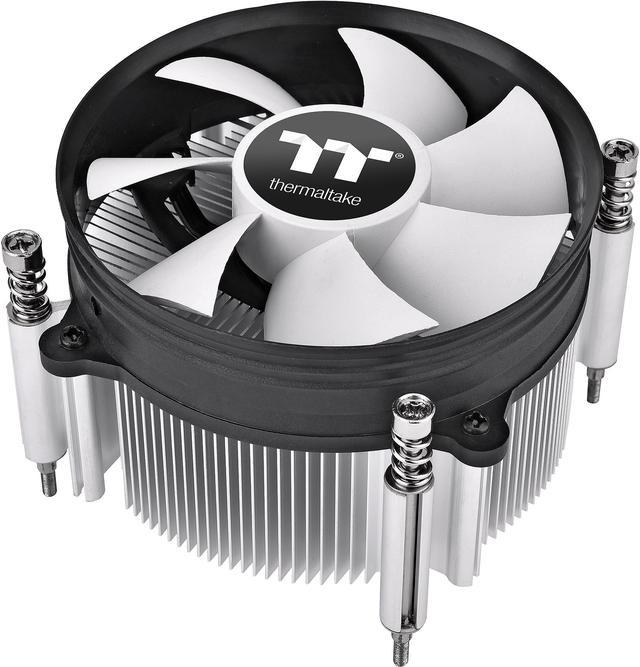
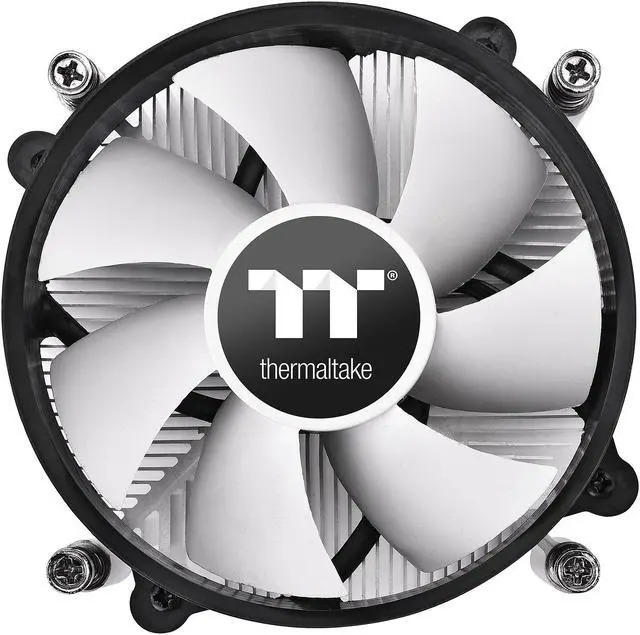
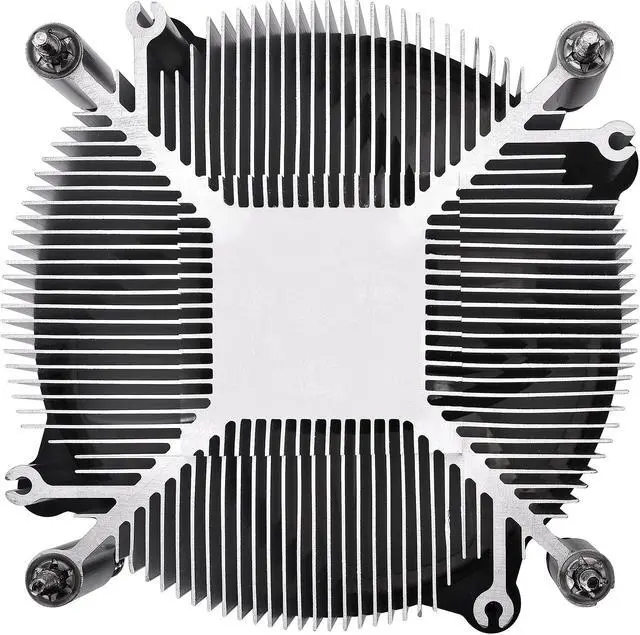
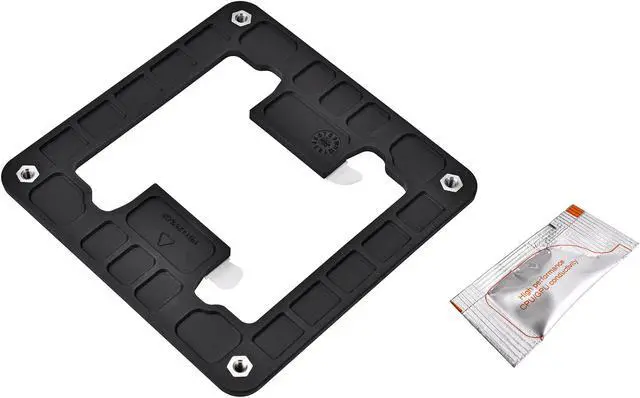
Gravity i3 is a simple low-profile CPU cooler optimized for low power processors. With a compact size 92mm fan with a 7-blade design and aluminium extrusion heatsink, the air cooler can dissipate heat up to 95W. Gravity i3 can only supports the latest Intel LGA 1700 Socket.

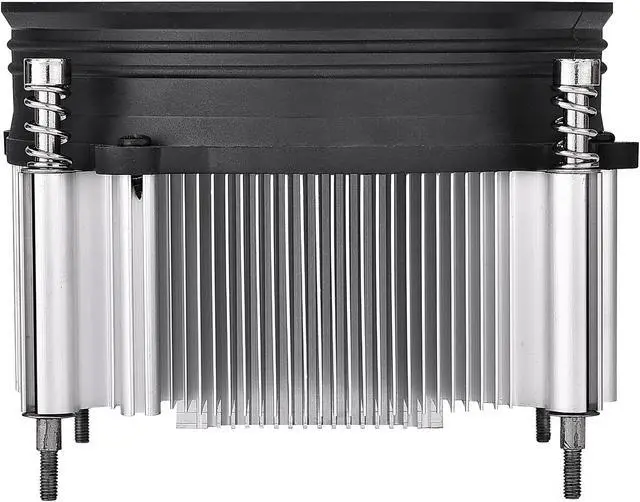
Low-profile Gravity i3 has a perfect aluminum extrusion heatsink ratio for better heat dissipation of up to 95W.

7-blade 92mm fan provides better cooling performance with low noise level, plus, quick and easy installation.
The Thermaltake Gravity i3 is a 95W-rated air CPU cooler for Intel LGA 1700 systems, suited to builds that need a compact cooler with a 92mm fan, 1,800 RPM speed, and 31.34 CFM airflow.
| Attribute | Value |
|---|---|
| Best For | Air cooling for desktop systems with Intel LGA 1700 processors |
| Cooling Capacity | 95 W |
| Fan Performance | 92 mm fan running at 1800 RPM, delivering 31.34 CFM at 21.3 dBA |
| Power And Connection | 4-pin fan connector with 12 V operation |
| Dimensions And Materials | Aluminum heatsink measuring 65.40 × 96.60 × 96.60 mm, with a 66 mm maximum cooler height; 92 × 25 mm fan; weighs 1.05 lb |
| Model Identifiers | Thermaltake Gravity i3, model CL-P094-AL09WT-A |
Q: Thermaltake Gravity i3 or UX200 SE for an LGA 1700 build?
A: Choose the Gravity i3 when a compact cooler is the priority: it is 65.4 mm tall and rated for up to 95 W. Choose the UX200 SE when you have room for a tower cooler and want a higher manufacturer-rated cooling capacity; it is 156.2 mm tall and rated for up to 170 W. Both support Intel LGA 1700.
Q: How does the Thermaltake Gravity i3 compare with the UX100?
A: Both are compact Thermaltake coolers with Intel LGA 1700 support. The Gravity i3 is rated for up to 95 W, compared with 65 W for the UX100, making it the higher-rated option of the two. Their listed heights are similar: 65.4 mm for the Gravity i3 and 66.1 mm for the UX100.
Q: For an Intel LGA 1700 upgrade, should I choose the Gravity i3 or the older Gravity i2?
A: Choose the Gravity i3 for an LGA 1700 system: Thermaltake lists LGA 1700 compatibility for the i3, while the i2 specifications list older Intel sockets and do not list LGA 1700. Both models are rated for up to 95 W, so the key distinction for this upgrade is socket compatibility.
Q: Will this cooler fit my processor and motherboard?
A: It is specified for Intel LGA 1700 sockets only. Check that your processor and motherboard use LGA 1700; the listed compatibility does not cover other sockets.
Q: Will it fit inside my PC case?
A: The cooler is listed as 66 mm tall. Confirm your case allows at least 66 mm of CPU-cooler height, and check the cooler’s 96.6 × 96.6 mm heatsink footprint against nearby components.
Q: Is this cooler suitable for a high-power or overclocked CPU?
A: It is specified to dissipate up to 95 W and is described as intended for low-power processors. If your CPU’s sustained power exceeds 95 W, or you plan to overclock it, this cooler may not provide adequate cooling; check the CPU’s power requirements before buying.
Q: Is it quiet enough for a quiet PC build?
A: The supplied specifications list a noise level of 21.3 dBA, a fan speed of 1800 RPM, and airflow of 31.34 CFM. These figures describe the listed fan performance, but actual noise can vary with the PC case, installation, and CPU load.
Q: Is the Thermaltake Gravity i3 enough for an i7-12700K?
A: It is not a well-supported choice for this pairing: Reddit commenters reviewing a build with an i7-12700K said the cooler was inadequate. The product is rated for up to 95W, so check the CPU’s cooling requirements and consider a higher-capacity cooler for this processor.
Q: Is it suitable for a gaming or video-editing PC?
A: It depends on the processor and its cooling needs, not just the workload. Reddit discussion about a gaming and video-editing build with an i7-12700K advised using a stronger cooler; the Gravity i3’s stated 95W rating makes it a better fit for lower-power setups than demanding CPUs.
Q: Should I use it with an i5-12600K?
A: Reddit commenters advised against pairing this cooler with an i5-12600K, noting that the processor can draw more power than the cooler’s 95W rating suggests it is suited to handle. A higher-capacity cooler is the safer choice for this pairing.


