




 here!
I’m your shopping assistant for PC builds, upgrades, and everything tech.
Got questions? Ask away!
Start a conversation
here!
I’m your shopping assistant for PC builds, upgrades, and everything tech.
Got questions? Ask away!
Start a conversation




Any questions? Ask CelesteSM will help you find out quickly.


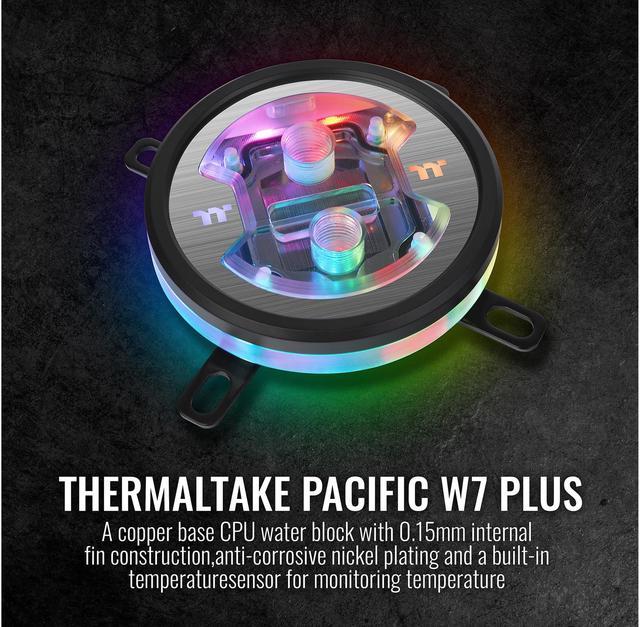
A copper base CPU water block with 0.15mm internal fin construction, anti-corrosive nickel-plated base, and a built-in temperature sensor. 12 high-intensity LEDs pair with transparent block design to give a truly brilliant RGB lighting, which can be customized and synced with TT RGB Plus software.
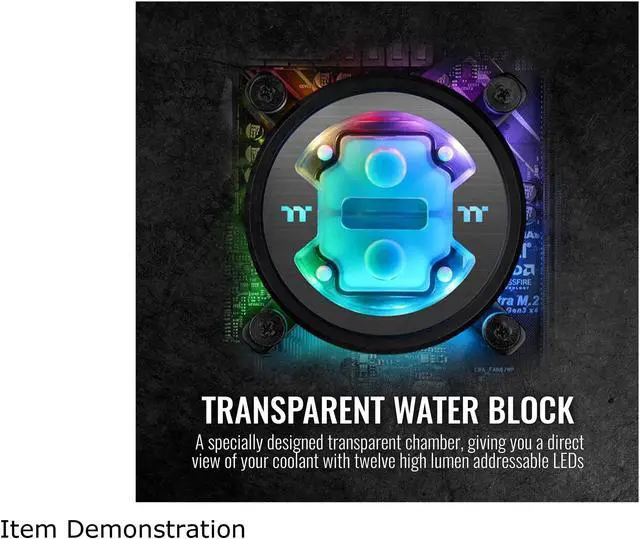
The Pacific W7 Plus incorporates twelve high-lumen addressable LEDs. Its specially designed upper cover provides stunning RGB illumination that can be seen through transparent water block. Moreover, the Pacific W7 Plus allows users to edit lighting effects via the TT RGB Plus software, or synchronize with other compatible products for a unique RGB ecosystem.

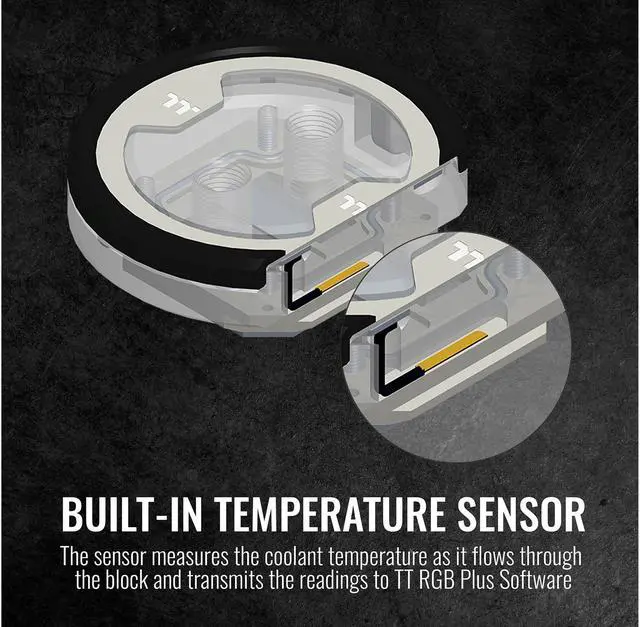
The Pacific W7 Plus CPU Water Block features a built-in temperature sensor that will pick up the temperature from the passing coolant and transmits the signal to the TT RGB Plus software, this allows users to monitor current temperature immediately whilst controlling its addressable LEDs for color editing.

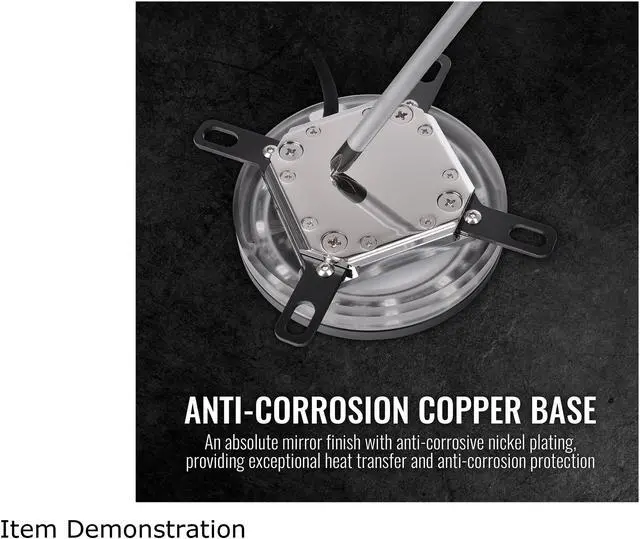
Manufactured with Thermaltake’s highest quality of standards, the Pacific W7 Plus CPU Water Block’s specially machined copper base has an absolute mirror finish with anti-corrosive nickel plating which provides exceptional heat transfer and anti-corrosion protection for the most demanding usage conditions.

Pacific W7 Plus CPU Water Block uses high density design that features 0.15mm micro-channel fin structure for optimal clearance and heat dissipation.

The controller is designed with a DIP switch on the back to set up a number for each controller easily. You can add up to 5 devices to one lighting controller and up to 16 controllers to the software.
* DO NOT connect W7 Plus to other TT RGB PLUS controllers.

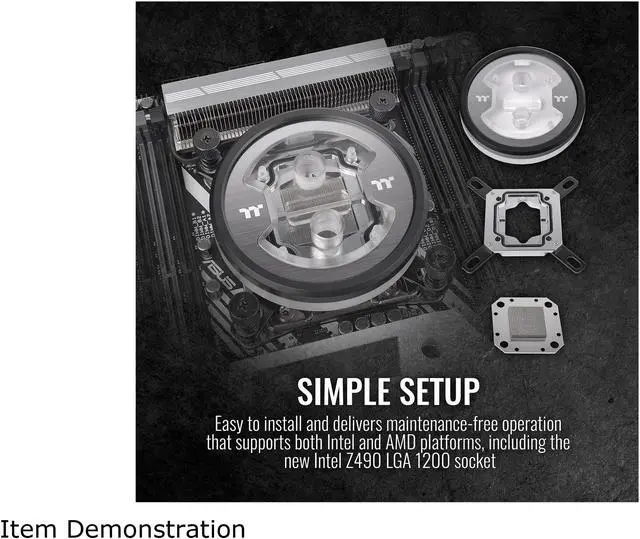
Featuring superb cooling performance, the Pacific W7 Plus provides an easy installation and maintenance-free operation which also supports Intel and AMD universal brackets including Intel Z490 LGA 1200 socket.

Cautions
Thermaltake recommends users take following steps before using the Pacific series radiators and water blocks
1.To ensure a clean loop, flush and rinse your radiators and water blocks with distilled water prior to use.
2. Do not use tap water or distilled water as your coolant, it may harm your loop and reduce performance.
3. It is strongly recommended to use market proven pre-mix coolant, such as Thermaltake Coolant 1000. It offers great performance while protecting the entire liquid loop from corrosion.
4. Before storing your water cooling components, please clean, rinse and dry. This will ensure a longer lifespan for your components.
Thermaltake recommends taking following steps after completing your water loop setup
1. It is strongly recommended to use market proven pre-mix coolant, such as Thermaltake Coolant 1000. It offers great performance while preventing the entire cooling system – copper, brass, nickel, aluminum, and steel – from corrosion.
2. Fill the reservoir with coolant and cycle the power on and off several times while the pump pushing the coolant into the loop.
3. DO NOT let the pump run dry, when there is no liquid entering the pump turn off your power immediately
4. Fill the reservoir to the top as it will prevent air from going into the pump
5. If necessary tilt the system slightly from side to side to bleed the air out of the loop.
6. Place some paper towels under fittings and joining points to test for leaks.
7. Run the loop with the fill port open for about 24 hours to completely bleed the air out of the loop
8. Before starting, flush out your system correctly to prevent any coolant or unwanted particles sticking to your tubes, radiators and other cooling components.
9. Coolant might fade over time.
The Thermaltake Pacific W7 Plus is a CPU water block for custom liquid-cooling loops, suited to PC builders who want coolant-temperature monitoring and customizable RGB lighting alongside a copper base. It supports listed Intel and AMD sockets; LGA 1700 requires an additional bracket.



