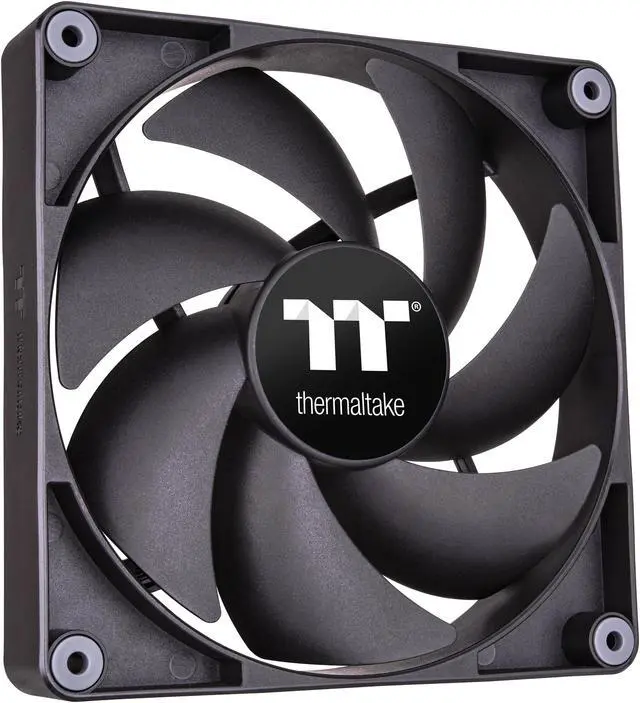
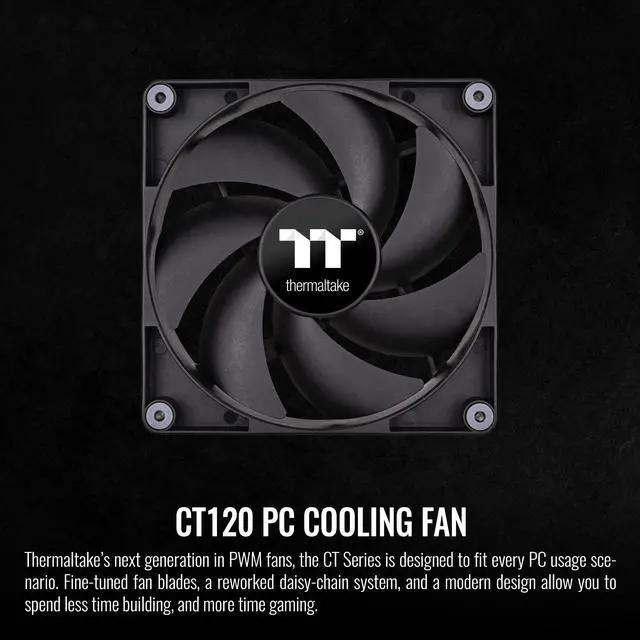
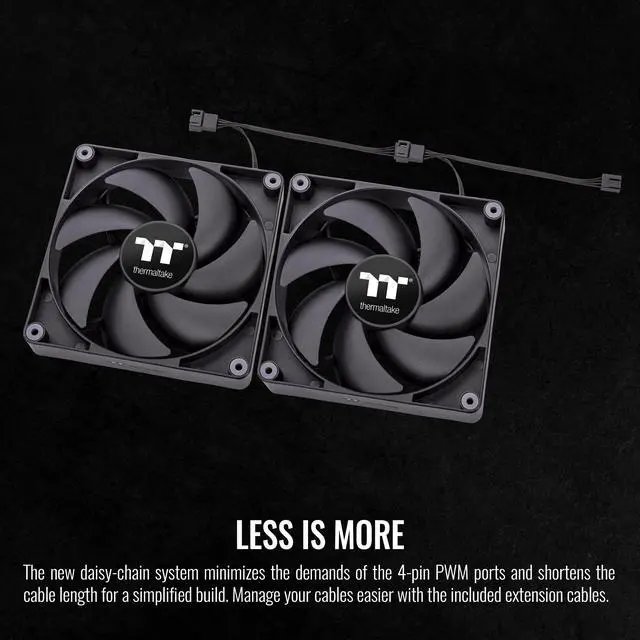
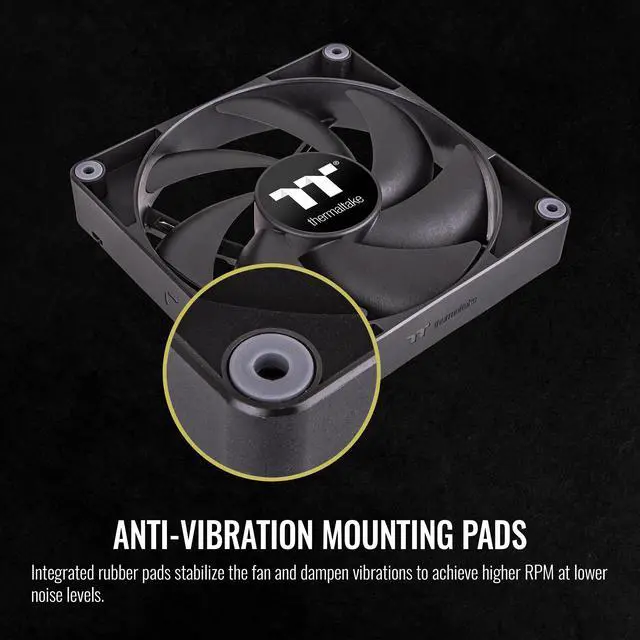
The Thermaltake CT120 is a two-pack of 120 mm black, non-LED case fans for PC builders who want PWM-controlled airflow, with speeds from 500 to 2000 RPM and a daisy-chain design that reduces cable and header use.
Recommended For
- PC builders adding or replacing two 120 mm case fans who want PWM speed control and a daisy-chain connection to reduce cable and motherboard-header clutter.
- Builders who prefer a plain black, non-LED look and want case airflow without adding lighting to their PC.
- Users seeking fans for a compatible 120 mm radiator: Thermaltake lists 2.23 mm-H₂O maximum air pressure, and a review of the CT120 ARGB variant reports it handled a 38 mm-thick radiator.
- Builders who want to run fans slowly for quieter everyday use and raise speed when cooling demand increases; an OCinside test of the CT120 ARGB variant found low-speed operation nearly unnoticeable.
Real-World Use Scenarios
- Adding two front intake fans to a compatible case: they can bring outside air into the chassis to support airflow across the components; the temperature change will depend on the case and the rest of the cooling setup.
- Replacing case fans and setting a motherboard PWM curve: the fans can run more slowly during light use and ramp up when cooling demand rises, letting the user balance airflow and fan noise.
- Adding exhaust fans at available rear or top mounts: they can help move warm air out of the case, complementing the existing intake fans when the case layout supports that airflow path.
- Building or refreshing a PC with limited fan-header access: the two fans can connect in a daisy chain, reducing cable clutter and the number of motherboard PWM connections needed.
- Mounting compatible 120 mm fans on a liquid-cooling radiator: the CT120 can serve as radiator airflow, while the review’s tests indicate that noise becomes more noticeable as fan speed increases.




 here!

 Hot Seller