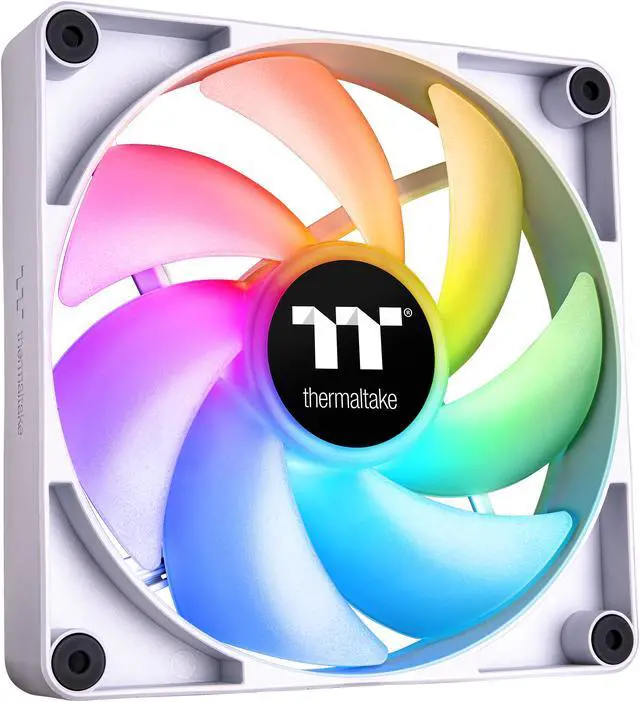
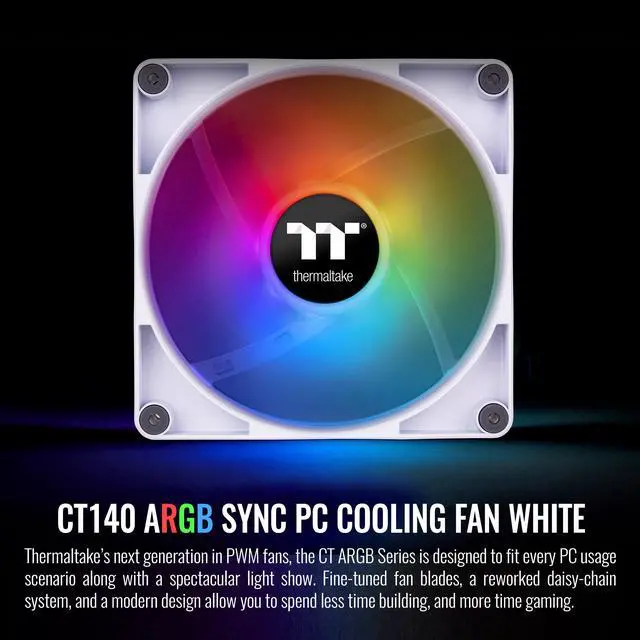
The Thermaltake CT140 ARGB Sync is a white two-pack of 140 mm PWM case fans for PC builders who want motherboard-synchronized lighting and adjustable cooling, with speeds from 500 to 1,500 RPM and airflow rated at 77.37 CFM per fan.
Recommended For
- PC builders adding intake or exhaust airflow to a case with 140 mm mounts who want PWM speed control and 5V ARGB lighting.
- White-build owners matching their case components who want addressable lighting that can sync through a compatible motherboard’s 5V ARGB header.
- Builders adding multiple case fans who want daisy-chain connections to help reduce cable clutter and the number of required motherboard connections.
- Users replacing or adding 140 mm fans on a compatible case radiator who want a fan the manufacturer lists for both case and radiator use.
Real-World Use Scenarios
- When a PC case has open 140 mm mounting positions, use the pair as intake or exhaust fans to add airflow; the exact effect on temperatures depends on the case layout and the rest of the cooling setup.
- When adding airflow to a compatible 140 mm radiator, mount the fans to move air through it; a review describes the CT140 as suitable for both case and radiator installations.
- When installing several fans in one build, use the daisy-chain connections to reduce cable runs and connect the group to motherboard PWM and ARGB headers, provided the board has a compatible 5V ARGB header.
- When finishing a white or RGB-focused PC build, sync the fan lighting with supported motherboard software so it can match the rest of the system’s lighting.
- When tuning a gaming or work PC for quieter everyday use, set a motherboard fan curve that increases airflow under load and lowers fan speed when cooling demand is lower; the fans can become audible at higher speeds.




 here!

 Top Rated