
Your Browsing History






Any questions? Our AI beta will help you find out quickly.

P/N:MO-VER-WDOOBK-01
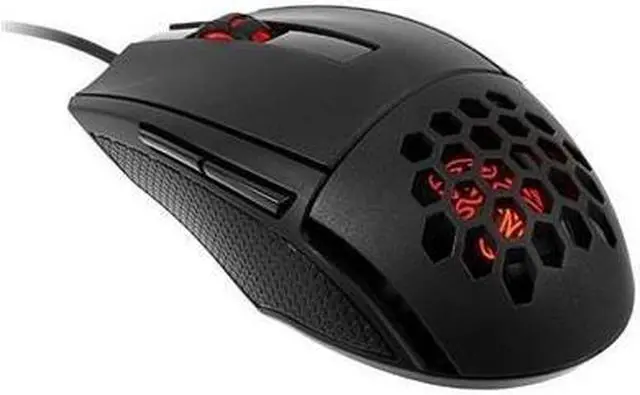
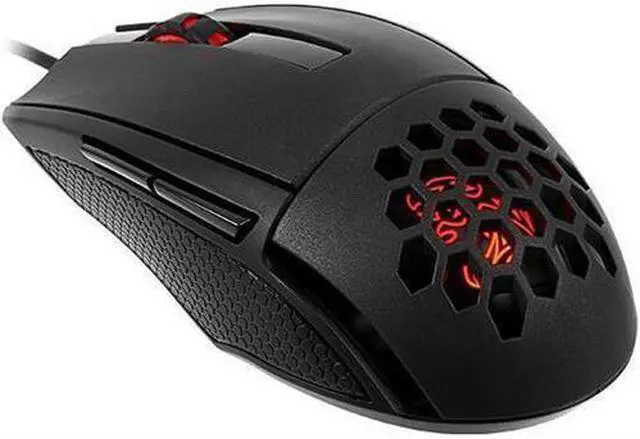
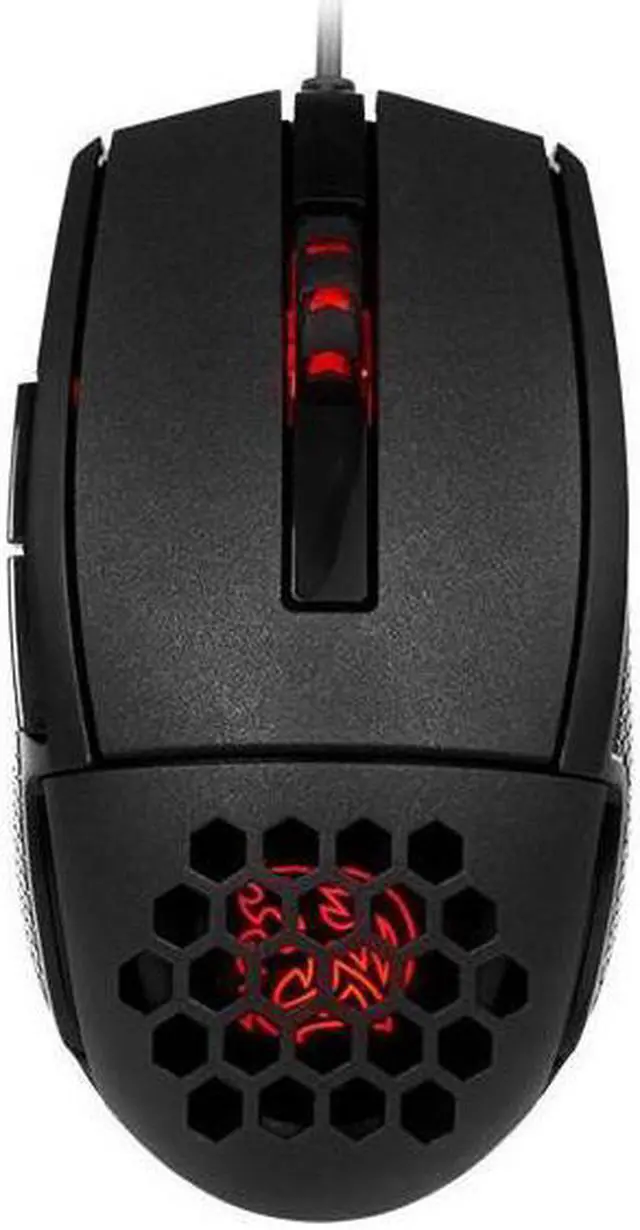
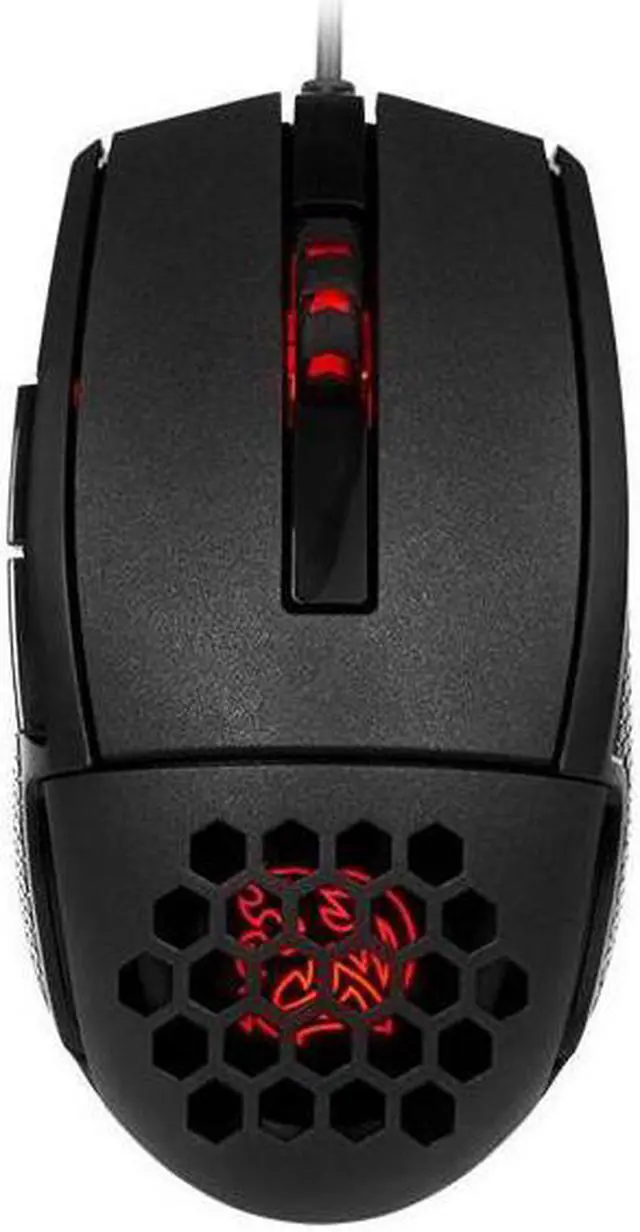
The VENTUS R features a PIXART PMW-3310 optical sensor with up to 5000 DPI that offers superior tracking across the widest variety of surfaces; and comes equipped with an ARM based 32bit microcontroller with 32KB flash memory, 5 programmable keys for 5 different gaming profiles and 256kb of on-board memory to meet all the performance needs of the gaming enthusiast. With a unique aerodynamic engineered air-through ventilation system coupled with smart ergonomic design, a perfect balance is struck from hand-to-mouse to create the most optimal touch feel user experience.
Tt eSPORTS Plus+ is a software made for the Tt eSPORTS SMART SERIES that offers a user-friendly UI to record and display gaming performance. It records gamers’ performance statistics to the Tt eSPORTS PLUS+ application, breaking them down by distance, clicks, actions per minute, and lift-off. In addition, the Tt eSPORTS PLUS+ COMMUNITY & Data Management Platform further analyzes your stats, compares your usage with pro players and enables you to challenge your friends to mouse usage competitions. The Tt eSPORTS PLUS+ application is currently available for download on PC device.


Powered by an ARM 32 bit microcontroller with 32KB flash memory, the VENTUS R provides lightning-fast processing power and speed to handle the most demanding of calculations, without compromising valuable computer resources.

The VENTUS R optical gaming mouse offers up to 5000 DPI and can be fine-tuned in increments of 100 DPI allowing you to move with precision and pinpoint accuracy during gameplay.

The use of high quality OMRON switches provide a truly enhanced tactile response from each click; and with a 20 million click lifecycle, the VENTUS R gaming mouse plans to compete as long as you do.

AIR-THROUGH VENTILATION SYSTEM
Aerodynamic honeycomb design with smart ergonomic construction enables the smooth passage of airflow from hand-to-mouse during gameplay; and creates an environment of breathability for enhanced movement and comfort during use, especially during periods extended gameplay.

The VENTUS R mouse is built for those looking for customization. It’s built with 5 programmable buttons that can store up to 5 profiles with 25 programmable macro key options. Selectable polling rates can also be changed through the ranges of 125/250/500/1000 Hz via the gaming software.

Designed for maximum comfort and flexibility, the VENTUS R is suited towards gaming enthusiasts who desire something smaller. Ergonomic and aerodynamic design features ensure movement and flexibility are not affected.


The new gaming software of the VENTUS R equips the gaming mouse with 16.8 million colors across 2 zones with readily adjustable illumination from 0 to 255. Personalize your gaming mouse to your style and gameplay, whenever, wherever.
Specially advanced coated material covers each zone of the VENTUS R for improved comfort and durability, whilst creating a perfect balance between the areas required for essential grip, and areas for soft touch during your gaming sessions.


Gaming enthusiasts can adjust the color illumination of the VENTUS R via the preset color profiles stored in the 32 bit ARM processor of the mouse or download the new gaming software to customize their own color scheme. 8-bits in red, green, and blue equating to a total of 24-bits, plus 256 colors each, results to a whopping 16.8 million possible color options.

The VENTUS R features 256K of built-in memory which allows for quick save and recall of your favorite settings anytime and from any PC. Save up to 5 individual profiles, DPI adjustments, lighting configurations and macros all directly onto the mouse.
VENTUS R

Right Button + Scroll Button ->
Change Backlit Effect
To choose a STATIC color, you will need to choose your desired color from the SPECTRUM RUNNING effect by pressing both buttons.
To have a PULSE effect, press both buttons again to start pulse effect.
To TURN OFF, press both buttons again. Press both buttons again to start over.

Left Button + Scroll Button ->
Change Backlit Brightness(CYCLE)
Three level brightness (0% ?50%?100%).

Mouse Button 5 + Scroll Button ->
Switch DPI Level(CYCLE)
When changing DPI, the light on mouse wheel and Tt DRAGON LOGO will flash for 3 seconds to match current DPI level. Color and DPI level as below:
RED(400DPI)?YELLOW(800DPI)?GREEN(1600DPI)? BLUE(3200DPI)?PURPLE(5000DPI).

Mouse Button 4 + Scroll Button ->
Spectrum Running Speed(CYCLE)
Three level speed (3 Cycling?6 Cycling?10 Cycling).