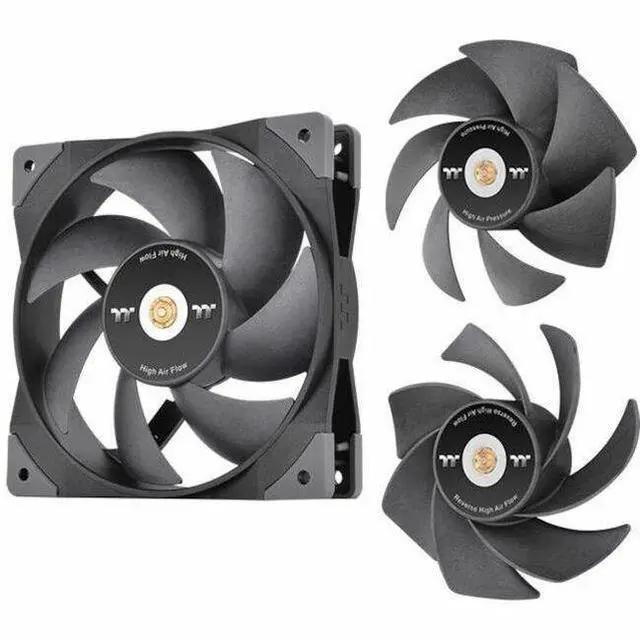
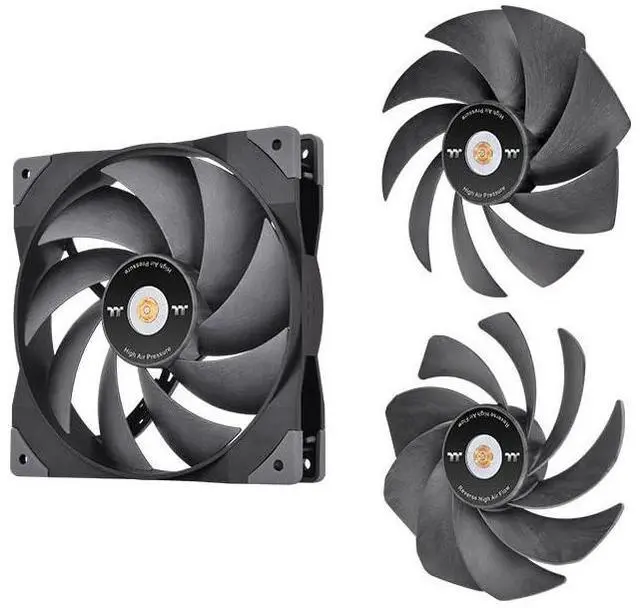
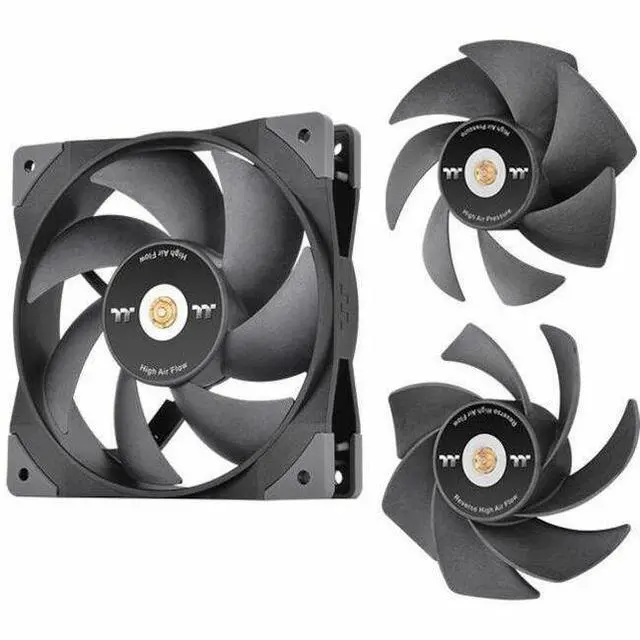
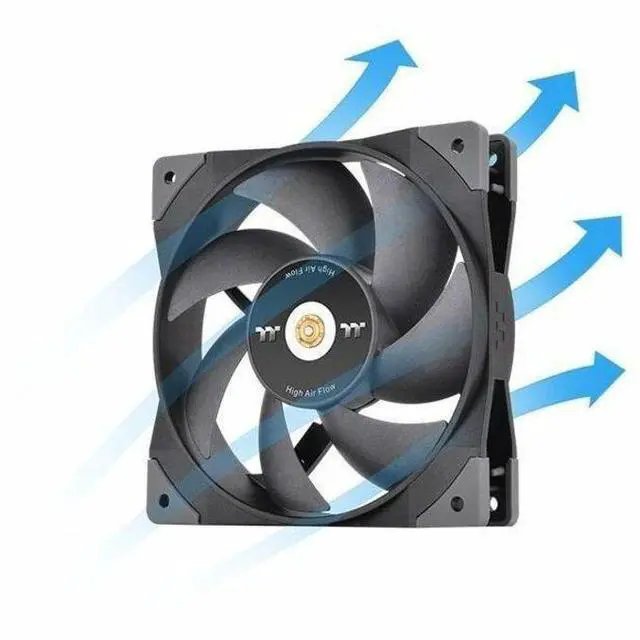
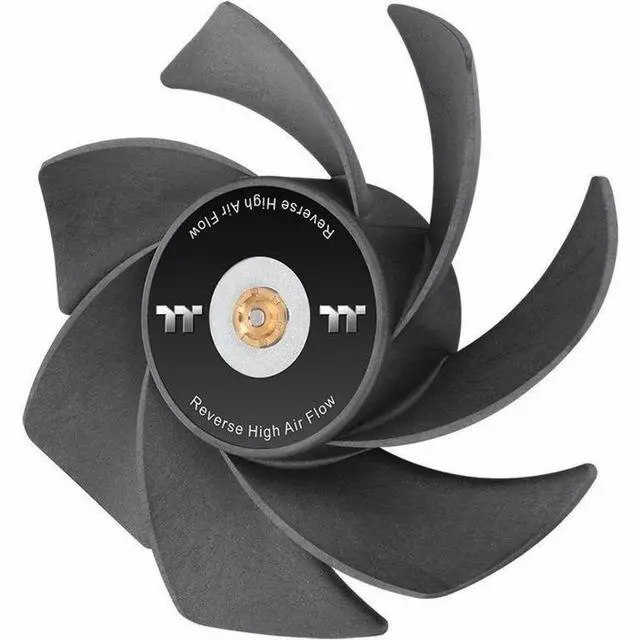
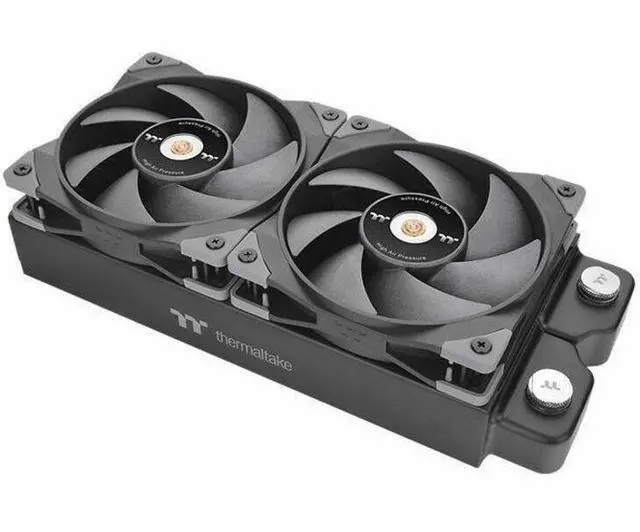
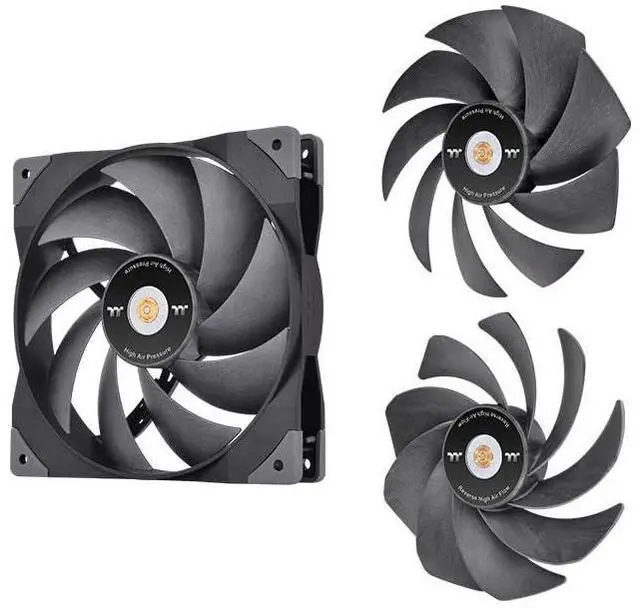
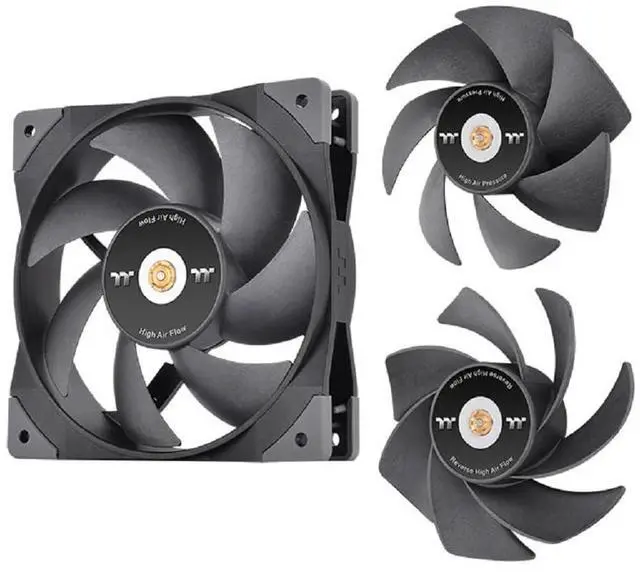
The Thermaltake SWAFAN GT12 is a 120 mm ARGB PC case fan with three interchangeable blade options—high-pressure, high-airflow, and reverse—making it suitable for builders who want to tailor airflow direction and cooling style to their case layout.
Recommended For
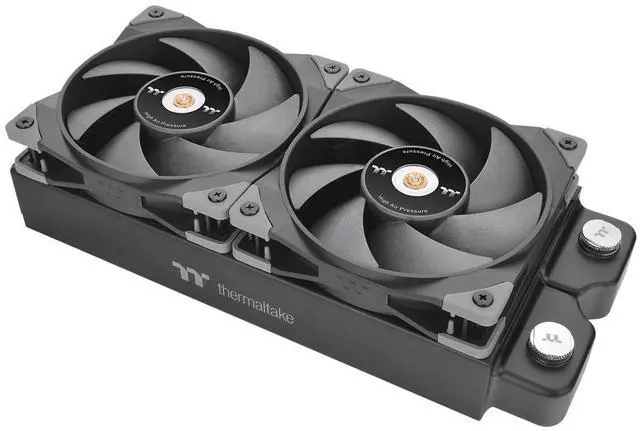
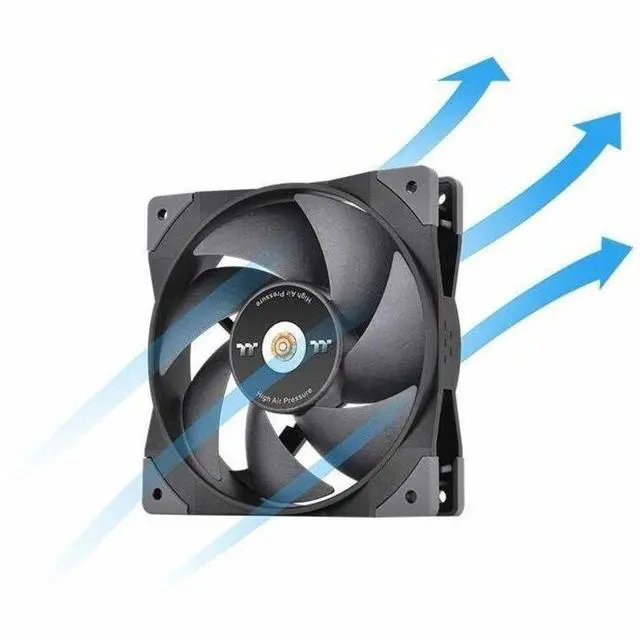
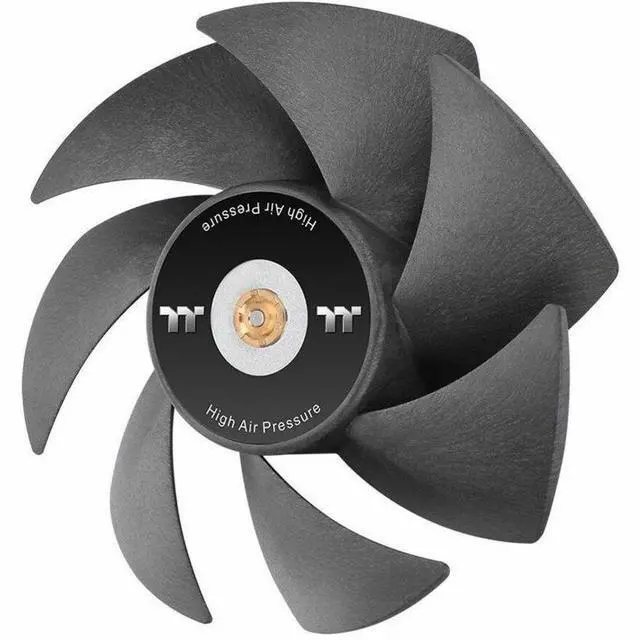
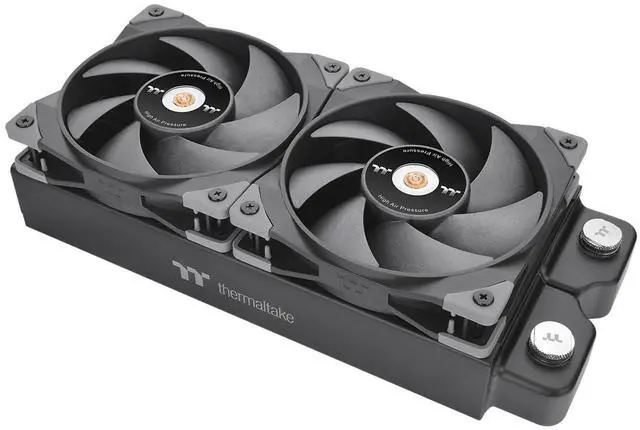
- PC builders installing a 120 mm fan on a radiator or other airflow-restrictive surface who want to use the included high-static-pressure blade.
- Builders balancing different case-cooling positions who want to choose between the included high-airflow and high-static-pressure blades for each fan.
- Showcase-PC builders who want intake airflow while keeping the fan’s front side visible, using the included reverse-airflow blade.
- PC owners who want to remove the blades for cleaning and are comfortable drying them thoroughly and applying lubricant when needed.
Real-World Use Scenarios
- When adding a fan to a CPU heatsink or radiator, use the high-air-pressure blades to push air through the fins; this blade option is intended for restricted airflow paths.
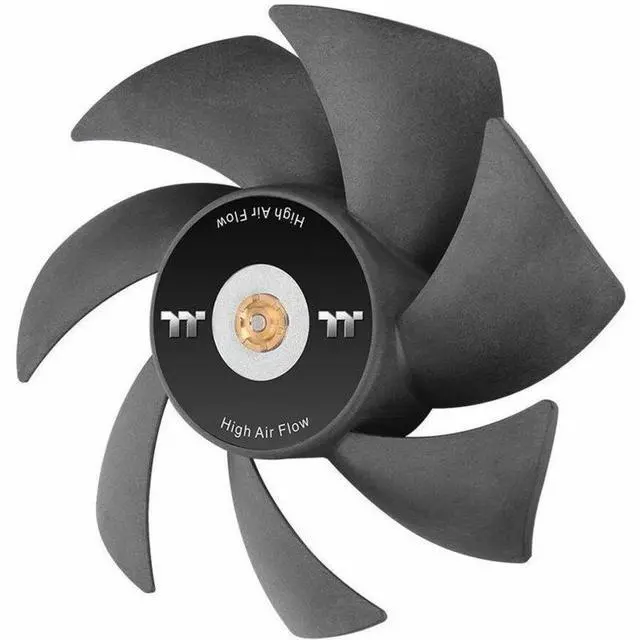
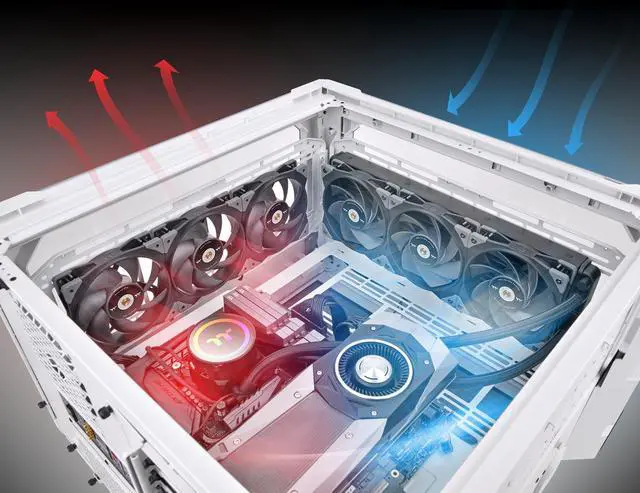
- When a case needs more general intake or exhaust airflow, choose the high-airflow blades; they are designed for faster air exchange through the case rather than pushing through a radiator or heatsink.
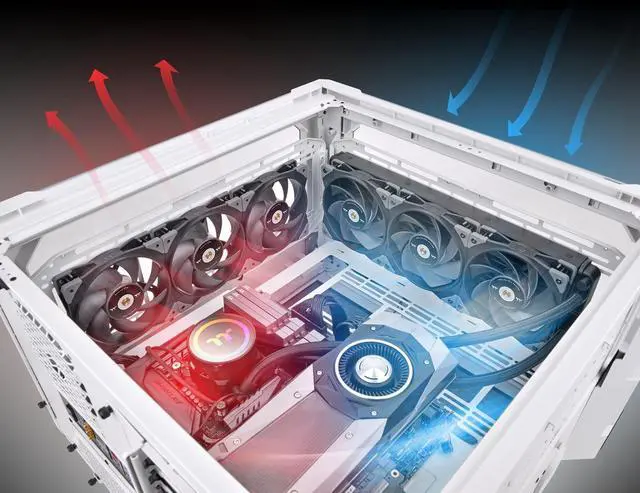
- In a glass-sided or other showcase build, use the reverse blades when the fan must move air in the opposite direction but you want to keep the fan’s visible side facing outward; this can avoid showing the support-strut side.
- When reworking a case’s intake and exhaust layout, swap the blades instead of turning the whole fan around; the available blade types let you change airflow direction while choosing the fan side that faces the room.
- When dust builds up or you change the fan’s role in a build, remove the detachable blades for cleaning or replacement; Thermaltake describes the blades as washable and includes lubricant for maintenance.




 here!