• $34.99
  • Free 30-day Returns
  • Price alert
    Shop it at NeweggBusiness.

    Meet Your Seller

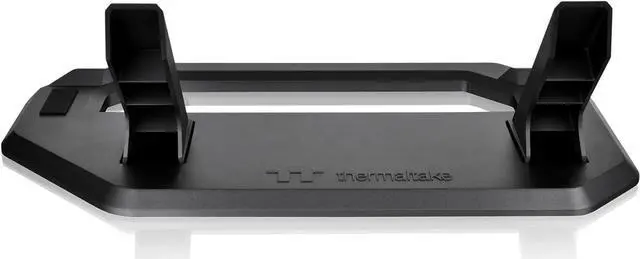
    Thermaltake Tower 300 Series Horizontal Display Chassis Support Stand -Matcha Green - AC-074-ONENAN-A1

    • A Unique View - Horizontal Case Placement
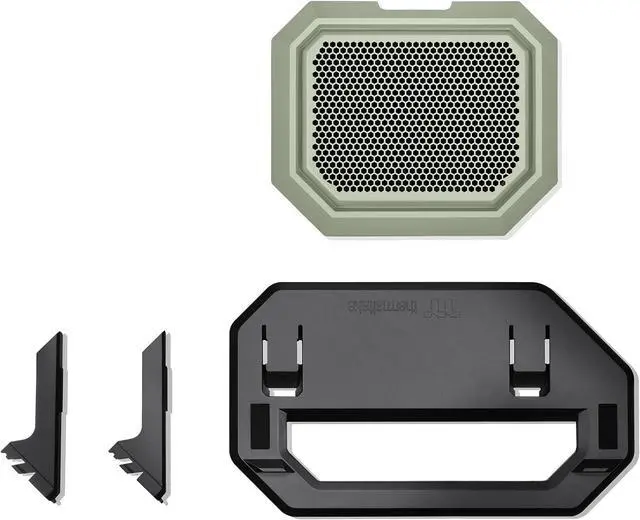
    • Includes A Bottom Cover Panel and A Display Stand
    • Easy Installation
    • Anti-Scratch Rubber Pad
    • Anti-Slip Design
    +
    +
    Overview
    Specs
    Reviews

    Any questions? Ask CelesteSM will help you find out quickly.

    Thermaltake Tower 300 Series Horizontal Display Chassis Support Stand
    Thermaltake Tower 300 Series Horizontal Display Chassis Support Stand
    Thermaltake Tower 300 Series Horizontal Display Chassis Support Stand
    Thermaltake Tower 300 Series Horizontal Display Chassis Support Stand
    Thermaltake Tower 300 Series Horizontal Display Chassis Support Stand
    Thermaltake Tower 300 Series Horizontal Display Chassis Support Stand
    Thermaltake Tower 300 Series Horizontal Display Chassis Support Stand
    Thermaltake Tower 300 Series Horizontal Display Chassis Support Stand
    Thermaltake Tower 300 Series Horizontal Display Chassis Support Stand
    Thermaltake Tower 300 Series Horizontal Display Chassis Support Stand
    Thermaltake Tower 300 Series Horizontal Display Chassis Support Stand
    Thermaltake Tower 300 Series Horizontal Display Chassis Support Stand
    Thermaltake Tower 300 Series Horizontal Display Chassis Support Stand
    Thermaltake Tower 300 Series Horizontal Display Chassis Support Stand
    Thermaltake Tower 300 Series Horizontal Display Chassis Support Stand
    Thermaltake Tower 300 Series Horizontal Display Chassis Support Stand
    Thermaltake Tower 300 Series Horizontal Display Chassis Support Stand
    Thermaltake Tower 300 Series Horizontal Display Chassis Support Stand
    Thermaltake Tower 300 Series Horizontal Display Chassis Support Stand
    Thermaltake Tower 300 Series Horizontal Display Chassis Support Stand
    Thermaltake Tower 300 Series Horizontal Display Chassis Support Stand
    Thermaltake Tower 300 Series Horizontal Display Chassis Support Stand
    Thermaltake Tower 300 Series Horizontal Display Chassis Support Stand
    Thermaltake Tower 300 Series Horizontal Display Chassis Support Stand
    Thermaltake Tower 300 Series Horizontal Display Chassis Support Stand
    Thermaltake Tower 300 Series Horizontal Display Chassis Support Stand

    Warranty & Returns

    Warranty, Returns, And Additional Information

    Warranty

    • Please contact the Seller directly for warranty information. Warranty information may also be found on the Manufacturer's website.
    • Read full details
    • CONTACT

    Return Policies

    • Return for refund within: 30 days
    • Return for replacement within: non-replaceable
    • This item is covered by Thermaltake Return Policy

    Manufacturer Contact Info

    LOADING...

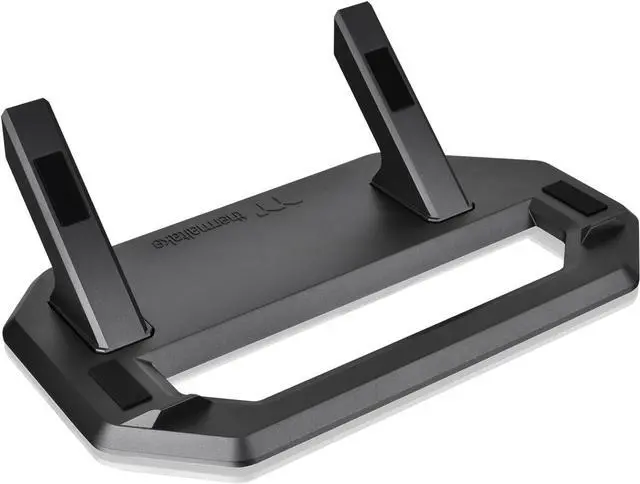
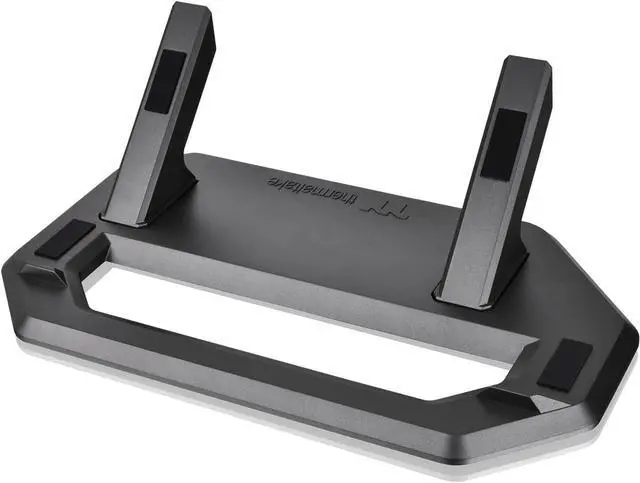
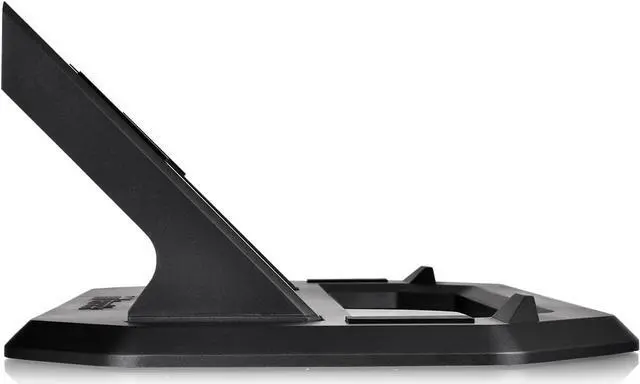
    The Thermaltake Tower 300 Series Chassis Stand Kit in Matcha Green is a horizontal display stand and bottom cover panel for Tower 300 owners who want to show their case in a different orientation while matching its color.

    Recommended For

    • Thermaltake Tower 300 owners who want to display the case horizontally for a different view of their build; the kit is designed specifically for this orientation.
    • Tower 300 builders with enough desk or display-surface space to accommodate the case laid on its side; a review notes that this orientation takes up more desk space.
    • Tower 300 owners who want a dedicated stand and replacement bottom cover for horizontal placement instead of improvising support for the case.
    • Tower 300 owners troubleshooting a graphics card that has temperature issues in their current case orientation; some owners report improvement after switching to horizontal placement, but results may vary by build.

    Real-World Use Scenarios

    • When a Tower 300 owner wants the PC’s glass panels and components to be viewed from a different angle, this kit lets them place the case horizontally on its stand for a more display-oriented setup.
    • When a builder prefers a horizontal PC layout for their desk or room, the stand provides a supported alternative to the Tower 300’s usual upright position; check available surface space because horizontal placement changes how the case fits.
    • If a graphics card has high temperatures in the Tower 300’s upright orientation, an owner can try the horizontal arrangement and compare results in their own build; community reports describe mixed experiences, so the stand should not be treated as a guaranteed cooling fix.
    • When changing the case’s orientation, a builder can replace the original feet with the kit’s stand and bottom cover; Thermaltake recommends positioning the radiator higher than the AIO pump when using the horizontal setup.
    • For a horizontal build that still needs dust protection at the bottom of the case, the included replacement cover has an attached filter, so the orientation change does not mean leaving that opening uncovered.