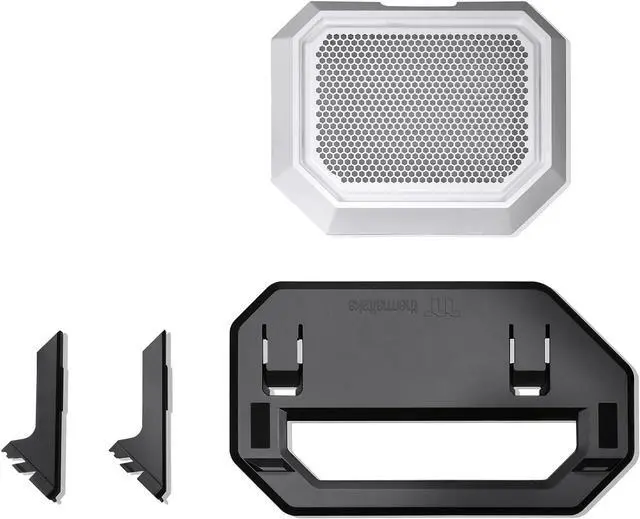
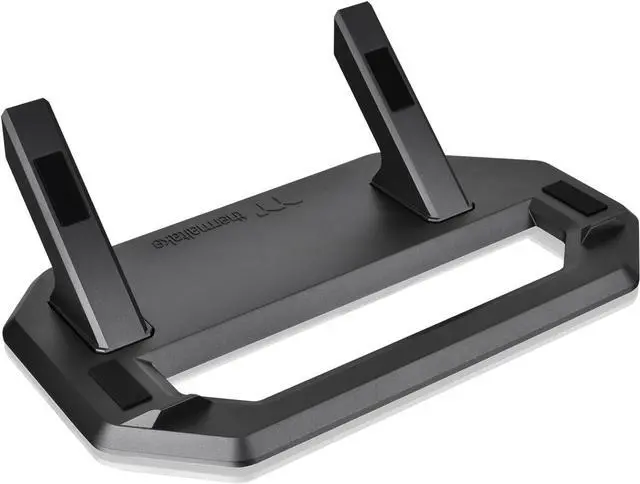
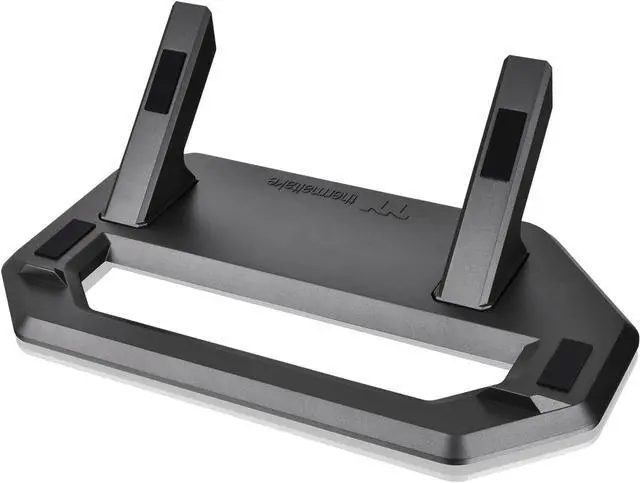
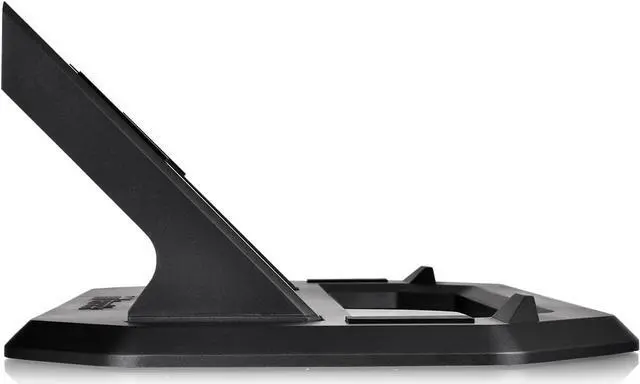
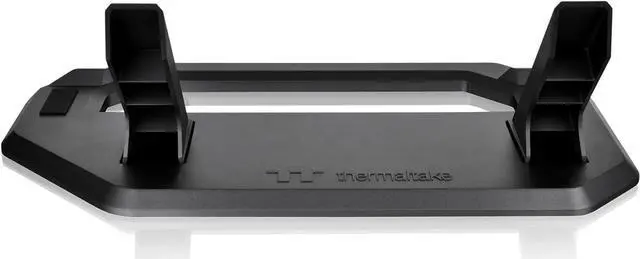
The Thermaltake Tower 300 Series Chassis Stand Kit in Snow is a stand and replacement bottom cover panel that lets Tower 300 owners display their case horizontally, with anti-scratch rubber pads and an anti-slip design.
Recommended For
- Tower 300 owners who want to display the case horizontally as a visible part of a desk or gaming-room setup; the kit adds a stand and matching bottom cover for that orientation.
- Tower 300 owners whose graphics card has temperature concerns in the upright orientation and who are willing to test horizontal placement; some community members report improvement, but results can vary by GPU and build.
- Tower 300 builders who want to change the case’s display orientation without replacing the chassis, and are setting up a mostly stationary build; the reviewer says the stand works well when the case does not need to be moved often.
Real-World Use Scenarios
- When you want your Tower 300 build to stand out as a horizontal display, the kit lets you show the case in a different orientation without replacing the chassis.
- When a tall, upright case does not suit your desk or display area, you can lay the Tower 300 horizontally; plan for it to use more space across the surface.
- When you want to change the look of an existing Tower 300 build, the stand provides a straightforward way to switch from its standard upright presentation to a horizontal one.
- If a graphics card runs unusually hot in your Tower 300's upright orientation, trying the case horizontally may help with some card designs; owner reports vary, so treat it as a troubleshooting option rather than a guaranteed temperature fix.
- For a build that will mostly stay in one place, the stand gives the case a supported horizontal base; take care when first positioning it, as one review found setting the case onto the stand a little awkward.




 here!