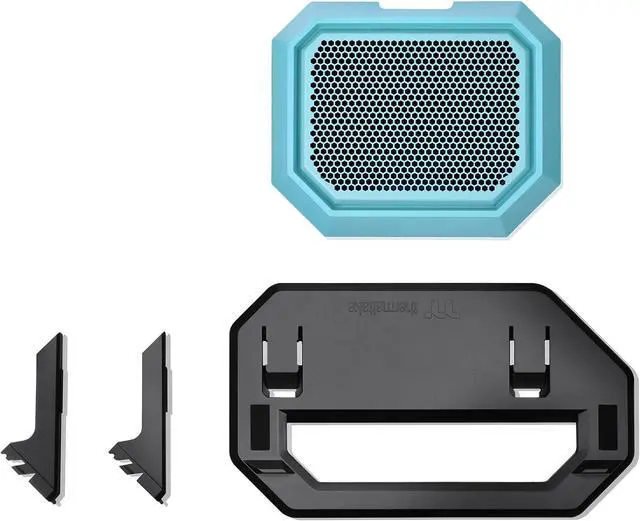
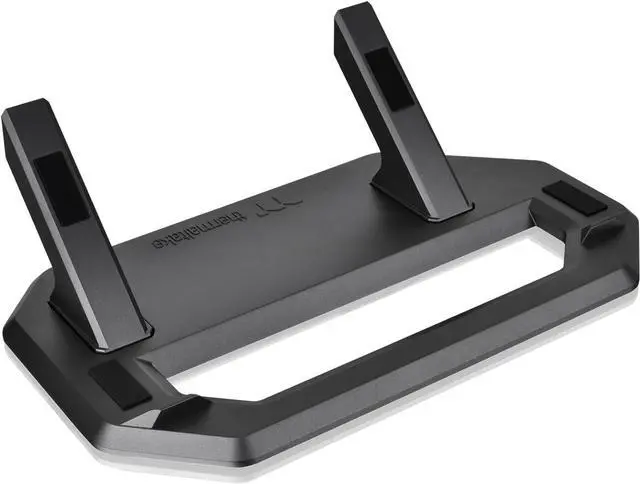
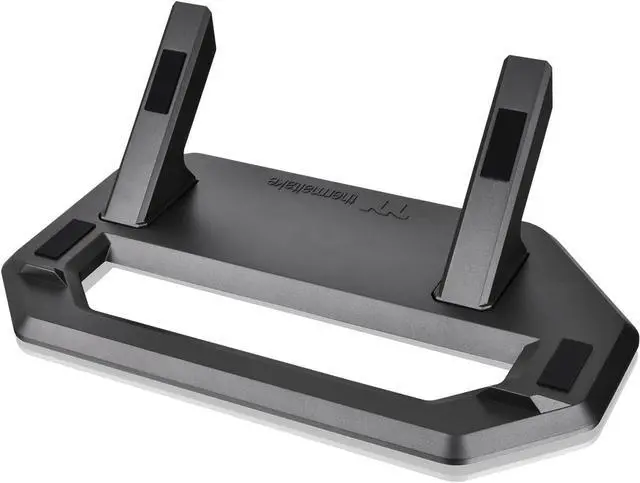
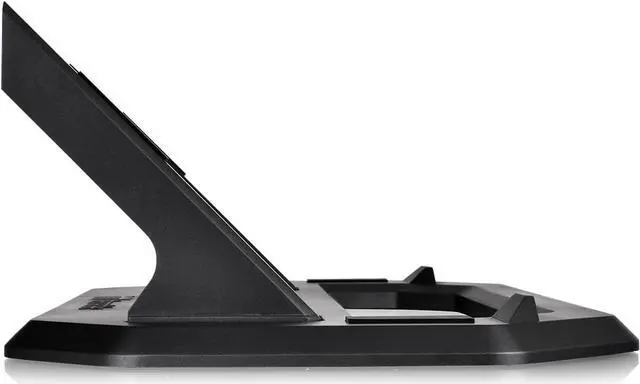
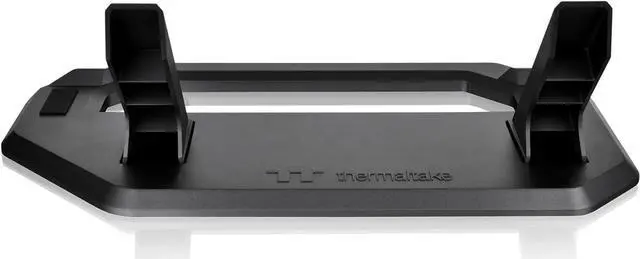
The Thermaltake Tower 300 Series Chassis Stand Kit in Turquoise lets Tower 300 owners display their case horizontally, with a matching display stand and bottom cover panel for a distinctive setup.
Recommended For
- Tower 300 owners who want to display the case horizontally as a centerpiece, with the matching turquoise panel and stand completing the look.
- PC builders with enough desk or display-surface space who want an alternative to the Tower 300’s vertical presentation; reviewers note that horizontal placement takes up more space.
- Tower 300 owners planning a stationary showcase build who want to change the case orientation without improvising a support; the kit includes a stand and replacement bottom cover.
Real-World Use Scenarios
- When you want the Tower 300 to sit horizontally as a desk or shelf centerpiece, the stand supports that alternate orientation and gives the build a different display angle.
- When you are changing a Tower 300 build from upright to horizontal for a new look, the kit provides the matching stand and replacement bottom cover needed for that setup.
- If a particular graphics card has temperature issues in the Tower 300’s upright orientation, you can try the horizontal layout as a troubleshooting option; community reports vary, so a temperature improvement is not guaranteed.
- When installing the stand for horizontal use, the replacement bottom panel includes a dust filter, helping protect the case from dust entering through that panel.
- When you want the horizontal setup to coordinate with a turquoise Tower 300 build, this kit provides a matching-color stand rather than requiring a differently colored stand.




 here!