


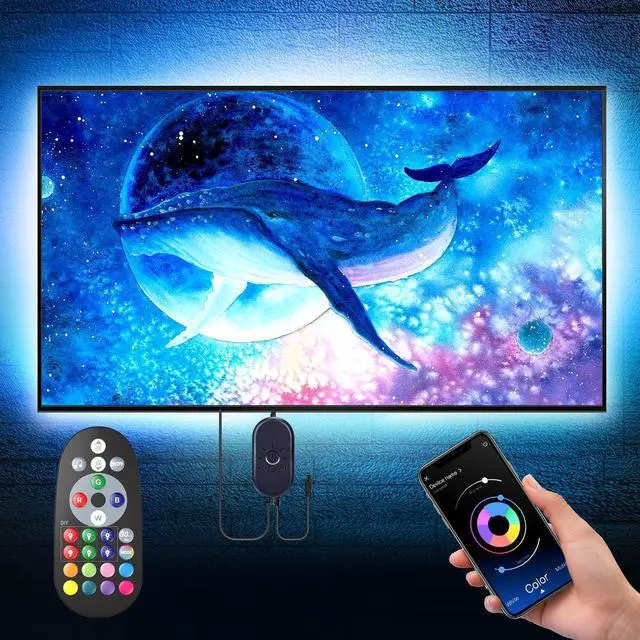
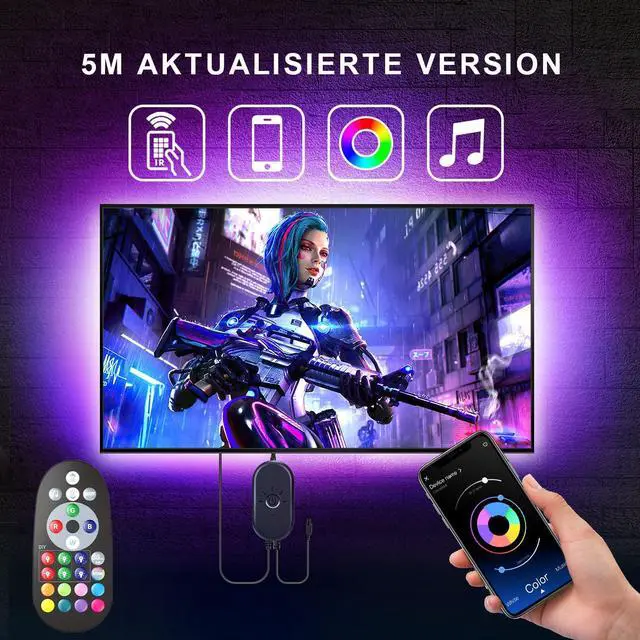


Loads of color combos: Your TV backlight's got a whopping 16 million color combos, perfect for jazzing up your TV, computer, and streaming setup. It'll totally enhance your viewing game. Plus, you can rock out with the music mode or vibe with the sound mode—lights will dance to the beat.
Note: This version doesn't have pure white (but you can mix colors to get it), and it doesn't sync with your TV screen's visuals (but the sound mode's a sweet alternative).
Got 3 ways to control your TV LED backlight: You can use the button, the remote, or the app to control LED lights for TV—pick your favorite! The app is super cool; it lets you tweak the colors super fine, switch up scenes, groove to music modes, sync with sound, and even get creative with DIY settings.
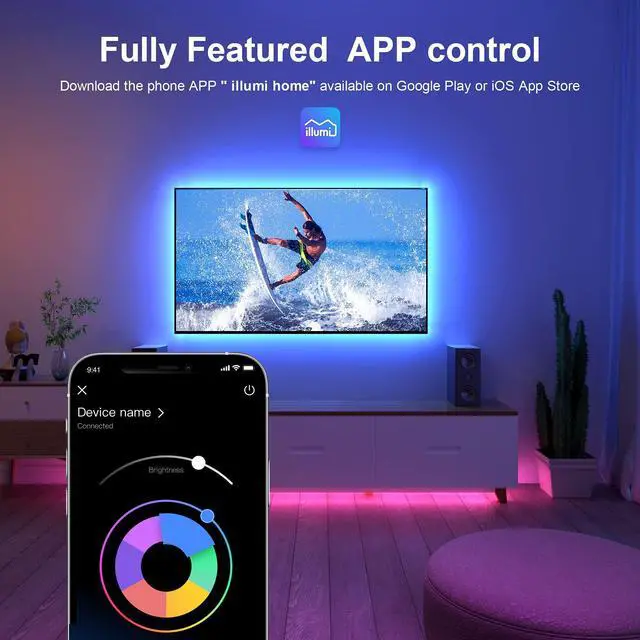
Pro tip: Grab the app from the App Store if you're on iOS, or Google Play if you're on Android. Just search for "illumi home" and you're good to go!

Button Control
The button control is like your basic choice for the TV led lights. It's simple: just press the button for basic stuff.

Remote Control
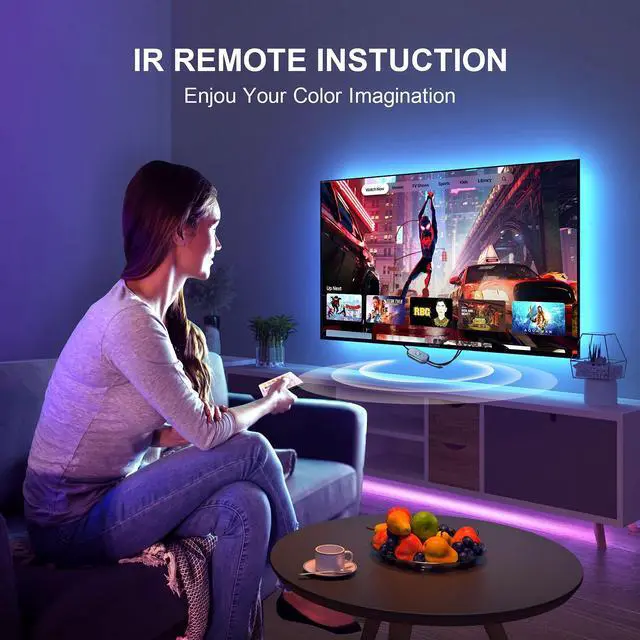
We've stepped up our game with the remote. It's got 24 buttons, and the interface is way easier to use (we've updated the remote totally). With the remote, you can tweak all kinds of settings for your TV lights.

App Control
Pair your TV lights behind with the app for smart control. The "illumi home" app takes it to the next level. You can control the light with finesse and unlock a bunch of cool features, like DIY mode, detailed scheduling, sound mode, and more.

Installation Steps
Installation Steps
1.Before you dive in, make sure your behind TV LED lighting is working by testing it out.
2.Clean and dry the spot where you're going to install the LED TV lights.
3.Plug it in. It's good to go with a TV USB port at 5V/1A, a phone charger, or a power bank that puts out 5V/1A.
4.Peel off the backing from the TV background light and stick it along the edge of your TV. If you hit a corner, just bend the flexible connector wire gently—don't bend smart light strip itself.
5.Once you've got it set up, use the app on your mobile device to unlock all the features of the light strip.

More Fun
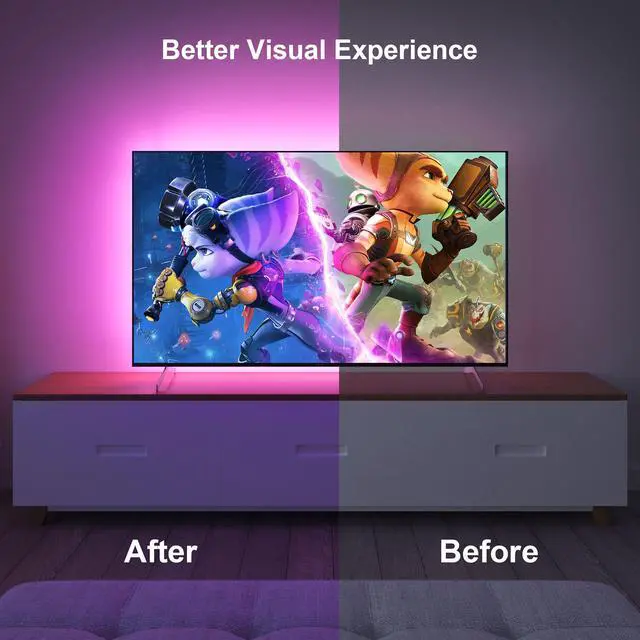
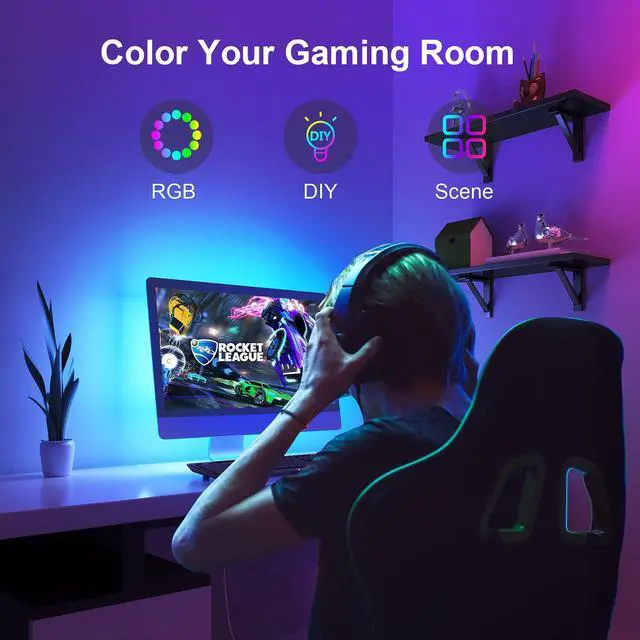
Gaming, movie night, or online shopping? Your TV LED strip light doesn't just amp up the immersion when you're using the screen—it also adds a soft glow that makes the screen light easier on the eyes.

More Hues
Not only does the TV backlight dress up your streaming, but it also doubles as LED lights for bedroom. It can create a vibrant atmosphere in your space, like stepping into a cyber world!

More Cozy
After dinner, maybe it's time to catch some TV! As you unwind and enjoy your video streaming services, the TV background light strip will be the cherry on top.
Loads of color combos: Your TV backlight's got a whopping 16 million color combos, perfect for jazzing up your TV, computer, and streaming setup. It'll totally enhance your viewing game. Plus, you can rock out with the music mode or vibe with the sound mode—lights will dance to the beat.
Note: This version doesn't have pure white (but you can mix colors to get it), and it doesn't sync with your TV screen's visuals (but the sound mode's a sweet alternative).
Got 3 ways to control your TV LED backlight: You can use the button, the remote, or the app to control LED lights for TV—pick your favorite! The app is super cool; it lets you tweak the colors super fine, switch up scenes, groove to music modes, sync with sound, and even get creative with DIY settings.
Pro tip: Grab the app from the App Store if you're on iOS, or Google Play if you're on Android. Just search for "illumi home" and you're good to go!
Button Control
The button control is like your basic choice for the TV led lights. It's simple: just press the button for basic stuff.
Remote Control
We've stepped up our game with the remote. It's got 24 buttons, and the interface is way easier to use (we've updated the remote totally). With the remote, you can tweak all kinds of settings for your TV lights.
App Control
Pair your TV lights behind with the app for smart control. The "illumi home" app takes it to the next level. You can control the light with finesse and unlock a bunch of cool features, like DIY mode, detailed scheduling, sound mode, and more.
Installation Steps
Installation Steps
1.Before you dive in, make sure your behind TV LED lighting is working by testing it out.
2.Clean and dry the spot where you're going to install the LED TV lights.
3.Plug it in. It's good to go with a TV USB port at 5V/1A, a phone charger, or a power bank that puts out 5V/1A.
4.Peel off the backing from the TV background light and stick it along the edge of your TV. If you hit a corner, just bend the flexible connector wire gently—don't bend smart light strip itself.
5.Once you've got it set up, use the app on your mobile device to unlock all the features of the light strip.
More Fun
Gaming, movie night, or online shopping? Your TV LED strip light doesn't just amp up the immersion when you're using the screen—it also adds a soft glow that makes the screen light easier on the eyes.
More Hues
Not only does the TV backlight dress up your streaming, but it also doubles as LED lights for bedroom. It can create a vibrant atmosphere in your space, like stepping into a cyber world!
More Cozy
After dinner, maybe it's time to catch some TV! As you unwind and enjoy your video streaming services, the TV background light strip will be the cherry on top.