




video of H61CX
Merchant Video

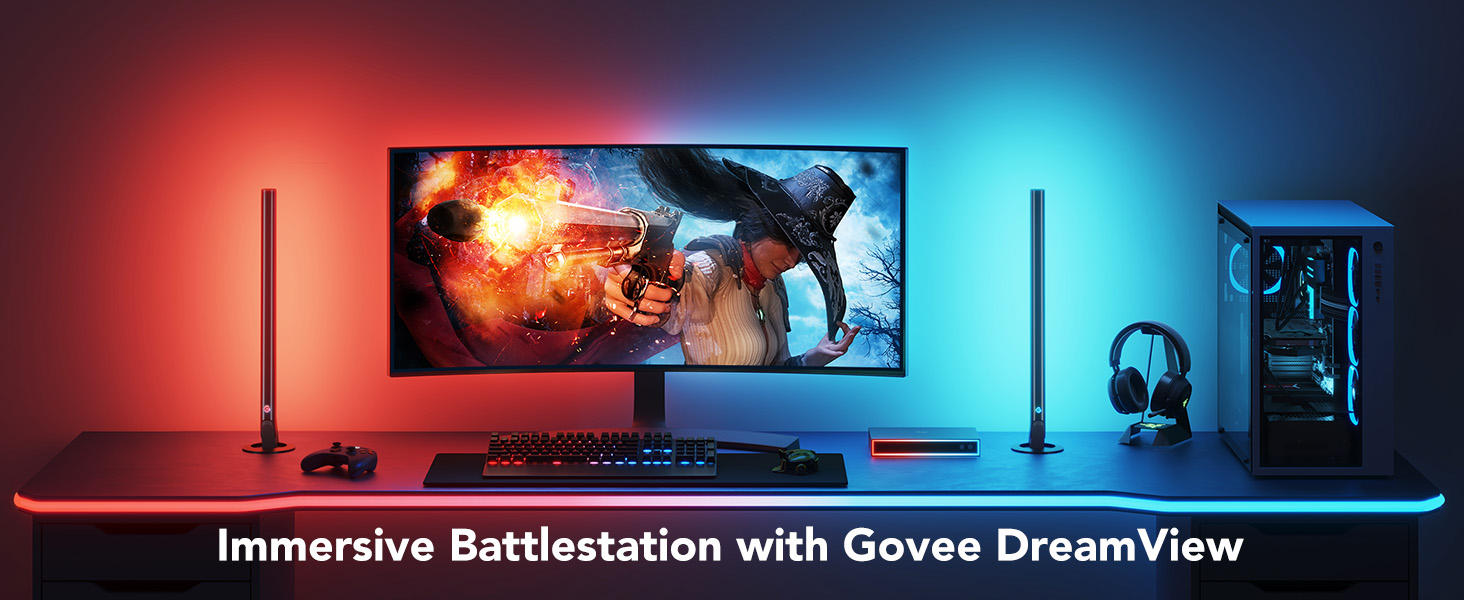
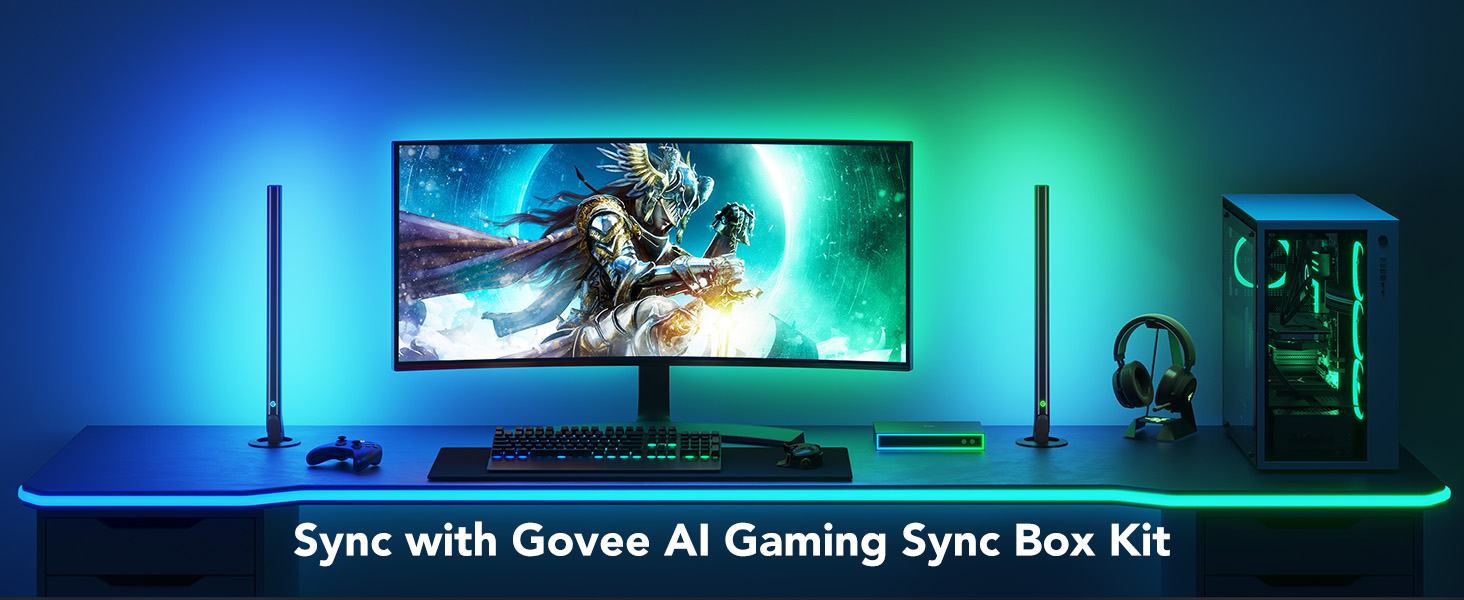
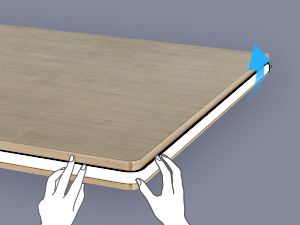
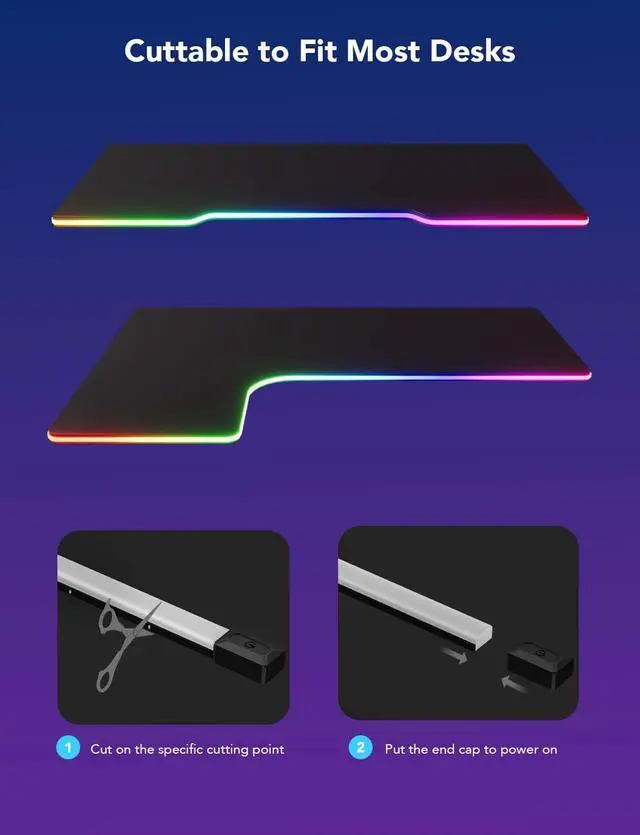
Determine desks length
Before installing the gaming lights, Please compare the rope light to the desk edges and determine the final length you want.
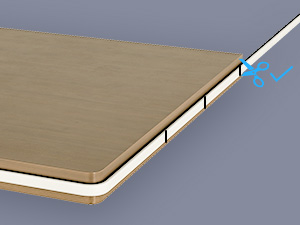
Cut on the specific cut point
Find the cuttable position that is closest to and does not surpass the end. Carefully cut along the indicator line with scissors.
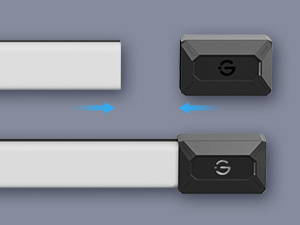
Put the end cap
Put the end cap onto the end of the rope light. Power on and check if it lights up.
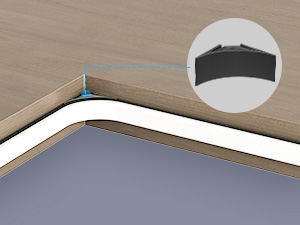
Note: L-shape gaming desks
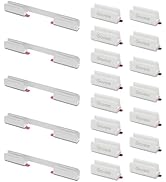
Desks with an internal angle, which you can stick the internal angle cover to the corner. Firmly press it for 10s to fit snugly into the corner
Can this be used with Razer Synapse 3?
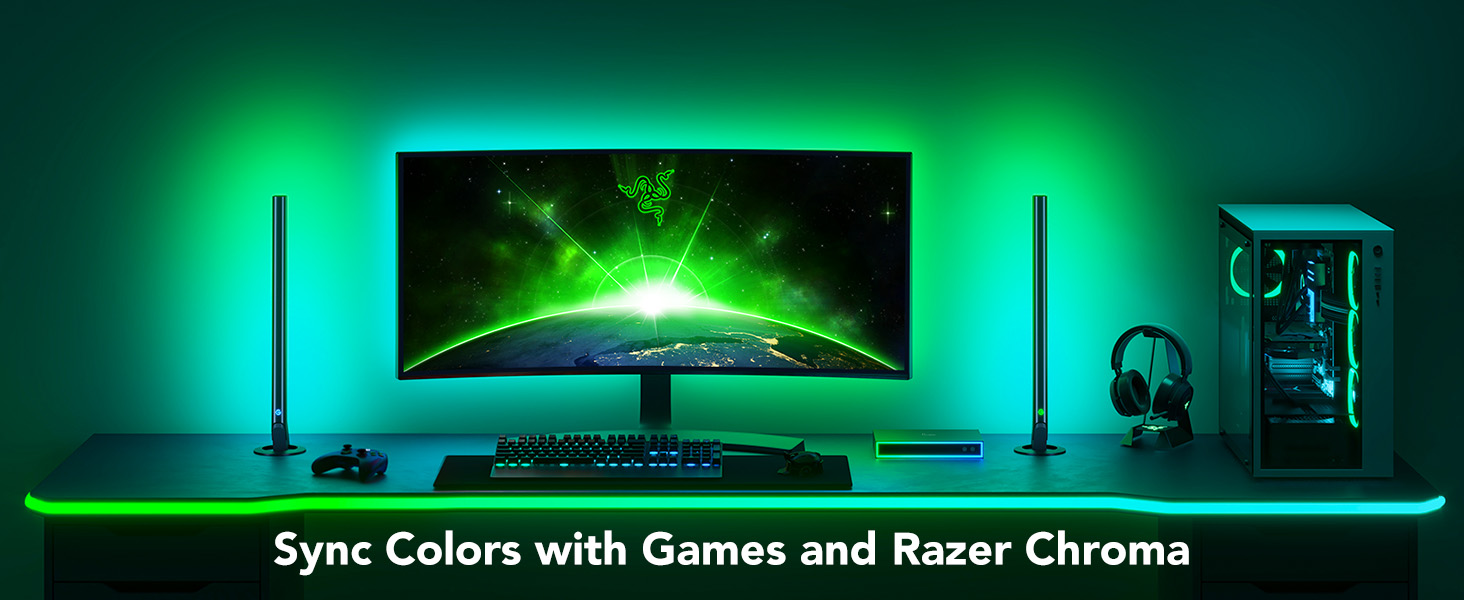
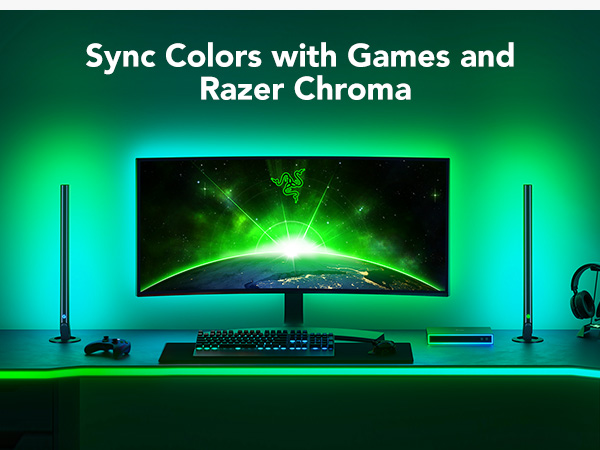
Yes, it can. Not all Govee lights work with Razer Synapse 3, but the neon lights do. You’ll need to install the Govee Desktop App and Razer Synapse 3 to control the lighting effects.
Can this gaming light be cut and shortened?
Yes, the gaming light is cuttable. You are allowed to cut the light strip on the specific cutting point at the tail, then put the end cap onto the rope light to power. You can also calibrate the length of the light when you connect it to our app.
Can this gaming light be extended to length?
No, the gaming light does not support extensions. They can’t be joined physically, but can be lengthened virtually via Govee Home App, which can control several gaming light strips simultaneously.
How do I install the neon light around the corners of the gaming desk?
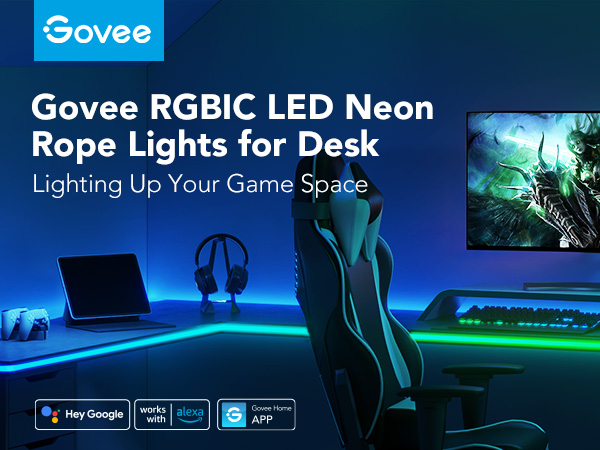
The upgraded adhesive is durable and long-lasting, allowing the strip to be installed in the corners of the desk. Press for 10s after installation to fit around the desk. If the corners of the desk are 90°, you can use the internal angle cover.
What is the size of the strip itself?
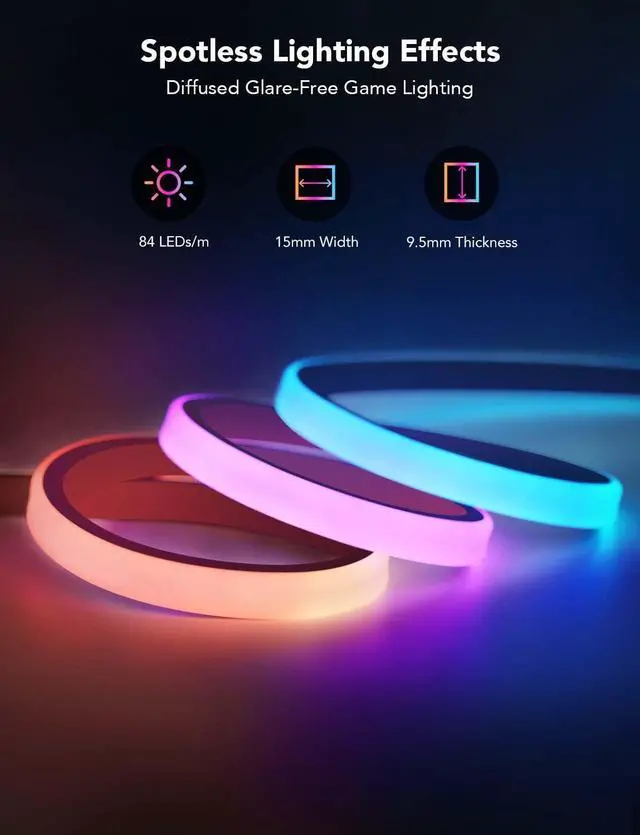
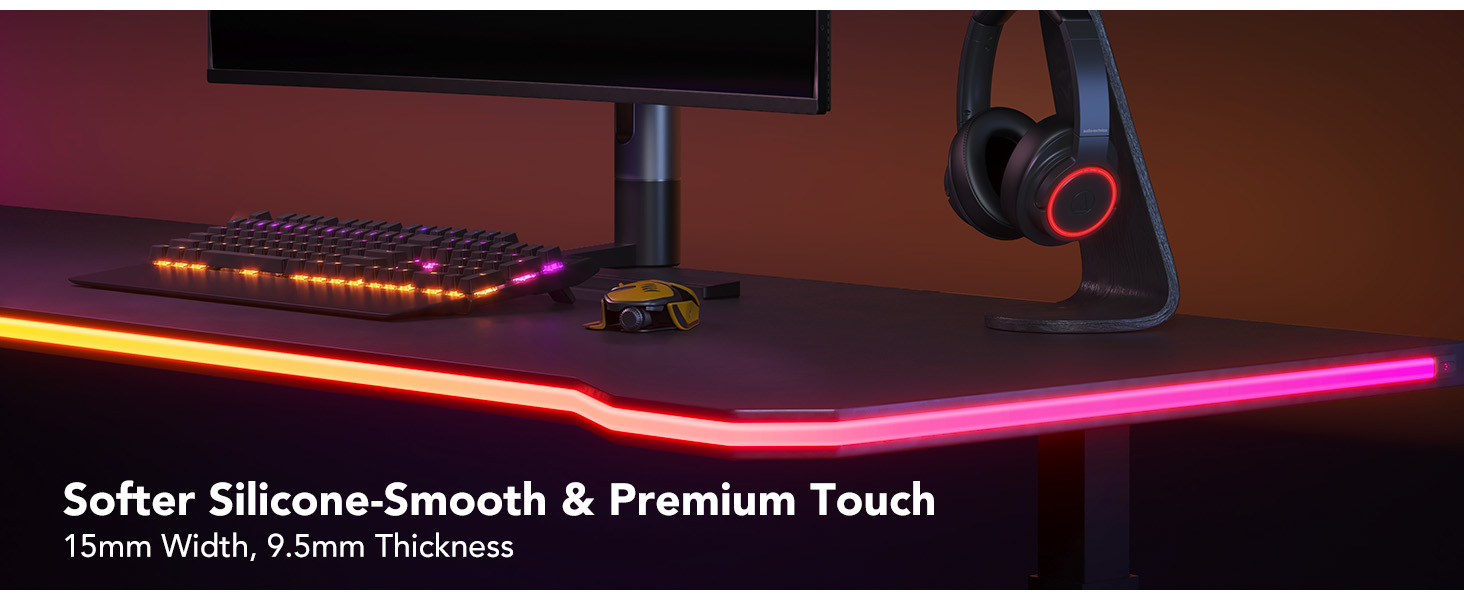
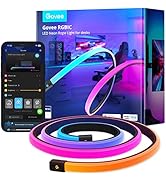
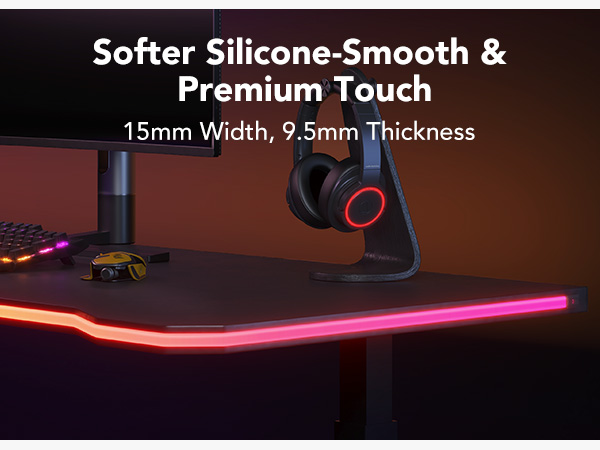
The length of the gaming neon light is 10ft (3m), the width is 15 mm, and the thickness is 9.5mm.The length of the cable is 5.9ft (1.8m).
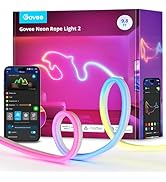
Govee Neon Rope Lights
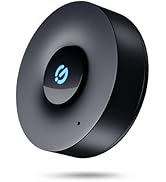
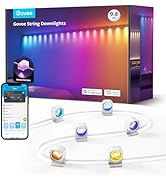
 Govee Neon Lights H61C3 | 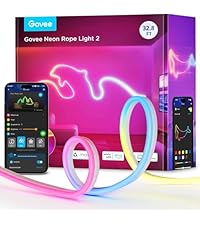 Govee Neon Lights H61D6 |  Govee Neon Lights H6641 |  Govee Music Sync Box | 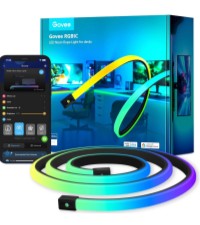 Govee Neon Lights H61C5 |  Govee Neon Lights H61D5 | 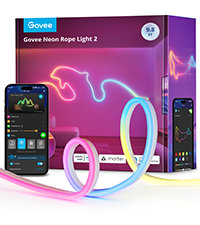 Govee Neon Lights H61D3 | |
|---|---|---|---|---|---|---|---|
Customer Reviews | — | — | — | — | — | — | — |
Price | — | — | — | — | — | — | — |
Generation | First Generation | Second Generation | First Generation | First Generation | First Generation | Second Generation | Second Generation |
Length | 9.8ft | 32.8ft | 16.4ft | / | 16.4ft | 16.4ft | 9.8ft |
Recommended Location | For Desk | For Wall | For Wall Lining | Indoor | For Desk | For Wall | For Wall |
Material Color | Black | White | White | Black | Black | White | White |
Lighting Color | RGBIC | RGBIC | RGBIC | / | RGBIC | RGBIC | RGBIC |
Scene Modes | 64 | 64 | 99+ | / | 64 | 64 | 64 |
Mucis Mode | 11 | 12 | 11 | 22 | 11 | 12 | 12 |
Work with Alexa | ? | ? | ? | ? | ? | ? | ? |
Matter Compatible | ? | ? | ? | ? | ? | ? | ? |
Shape Mapping | ? | ? | ? | ? | ? | ? | ? |
Mohs Hardness | / | 60 | / | / | / | 60 | 60 |

video of H61CX
Merchant Video

Determine desks length
Before installing the gaming lights, Please compare the rope light to the desk edges and determine the final length you want.
Cut on the specific cut point
Find the cuttable position that is closest to and does not surpass the end. Carefully cut along the indicator line with scissors.
Put the end cap
Put the end cap onto the end of the rope light. Power on and check if it lights up.
Note: L-shape gaming desks
Desks with an internal angle, which you can stick the internal angle cover to the corner. Firmly press it for 10s to fit snugly into the corner
Can this be used with Razer Synapse 3?
Yes, it can. Not all Govee lights work with Razer Synapse 3, but the neon lights do. You’ll need to install the Govee Desktop App and Razer Synapse 3 to control the lighting effects.
Can this gaming light be cut and shortened?
Yes, the gaming light is cuttable. You are allowed to cut the light strip on the specific cutting point at the tail, then put the end cap onto the rope light to power. You can also calibrate the length of the light when you connect it to our app.
Can this gaming light be extended to length?
No, the gaming light does not support extensions. They can’t be joined physically, but can be lengthened virtually via Govee Home App, which can control several gaming light strips simultaneously.
How do I install the neon light around the corners of the gaming desk?
The upgraded adhesive is durable and long-lasting, allowing the strip to be installed in the corners of the desk. Press for 10s after installation to fit around the desk. If the corners of the desk are 90°, you can use the internal angle cover.
What is the size of the strip itself?
The length of the gaming neon light is 10ft (3m), the width is 15 mm, and the thickness is 9.5mm.The length of the cable is 5.9ft (1.8m).
Govee Neon Rope Lights
Govee Neon Lights H61C3 | Govee Neon Lights H61D6 | Govee Neon Lights H6641 | Govee Music Sync Box | Govee Neon Lights H61C5 | Govee Neon Lights H61D5 | Govee Neon Lights H61D3 |
|---|---|---|---|---|---|---|
| Customer Reviews | ||||||
| — | — | — | — | — | — | — |
| Price | ||||||
| — | — | — | — | — | — | — |
| Generation | ||||||
| First Generation | Second Generation | First Generation | First Generation | First Generation | Second Generation | Second Generation |
| Length | ||||||
| 9.8ft | 32.8ft | 16.4ft | / | 16.4ft | 16.4ft | 9.8ft |
| Recommended Location | ||||||
| For Desk | For Wall | For Wall Lining | Indoor | For Desk | For Wall | For Wall |
| Material Color | ||||||
| Black | White | White | Black | Black | White | White |
| Lighting Color | ||||||
| RGBIC | RGBIC | RGBIC | / | RGBIC | RGBIC | RGBIC |
| Scene Modes | ||||||
| 64 | 64 | 99+ | / | 64 | 64 | 64 |
| Mucis Mode | ||||||
| 11 | 12 | 11 | 22 | 11 | 12 | 12 |
| Work with Alexa | ||||||
| ? | ? | ? | ? | ? | ? | ? |
| Matter Compatible | ||||||
| ? | ? | ? | ? | ? | ? | ? |
| Shape Mapping | ||||||
| ? | ? | ? | ? | ? | ? | ? |
| Mohs Hardness | ||||||
| / | 60 | / | / | / | 60 | 60 |
Govee Neon Lights
Creative DIY as You Like