here!
I’m your shopping assistant for PC builds, upgrades, and everything tech.
Got questions? Ask away!
Start a conversation
here!
I’m your shopping assistant for PC builds, upgrades, and everything tech.
Got questions? Ask away!
Start a conversation



Any questions? Ask CelesteSM will help you find out quickly.
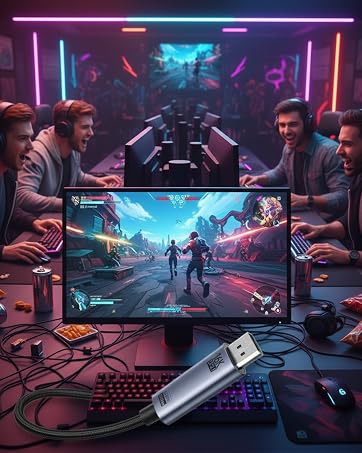
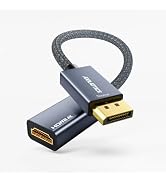
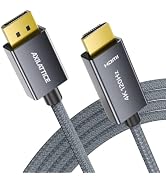
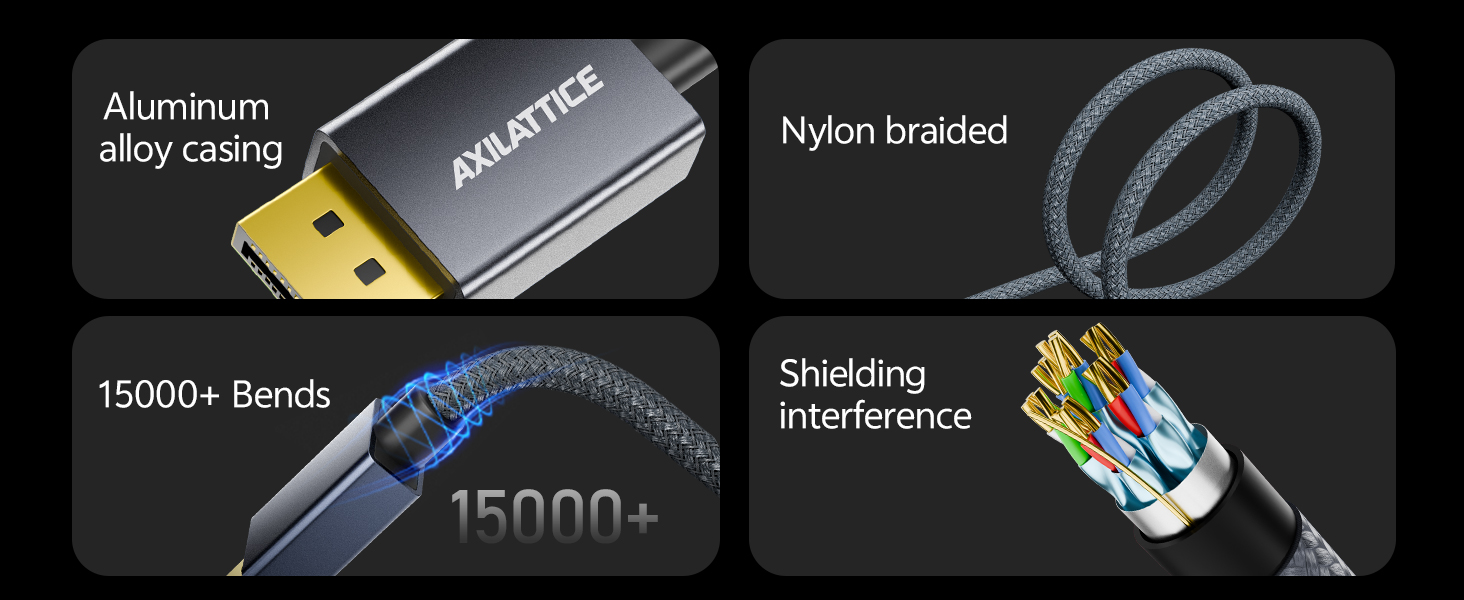
Bidirectional & Alu Braided. Support 16K@30Hz 8K@120Hz 4K@240Hz. Perfect for Playing Games
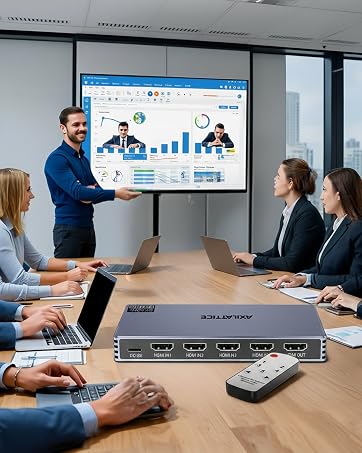
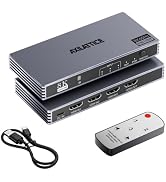
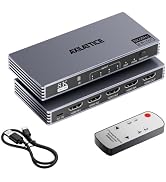
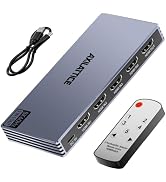
8K@60Hz 4K@240Hz, Aluminum, Ultra HD, Support G-Sync HDR HDCP 2.3, and auto-switching

Because in a world drowning in connections, only the seamless ones stand out.
AXILATTICE. Your signal. Perfected.
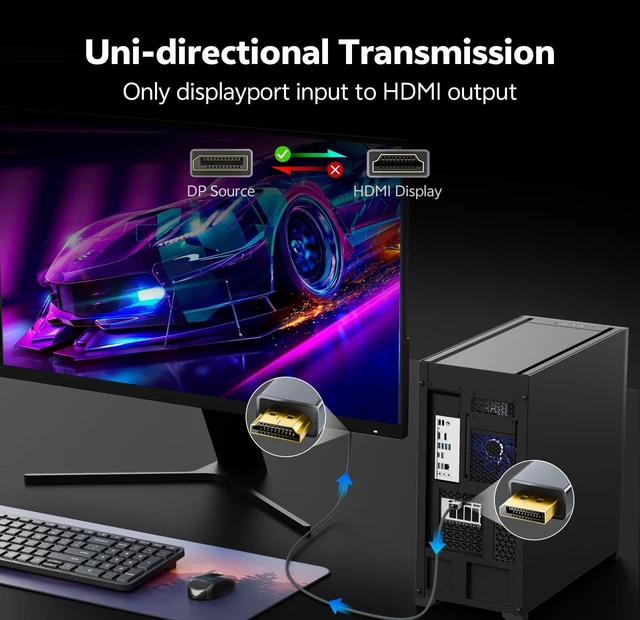
Is this cable bidirectional? Can I use it from HDMI to DisplayPort?
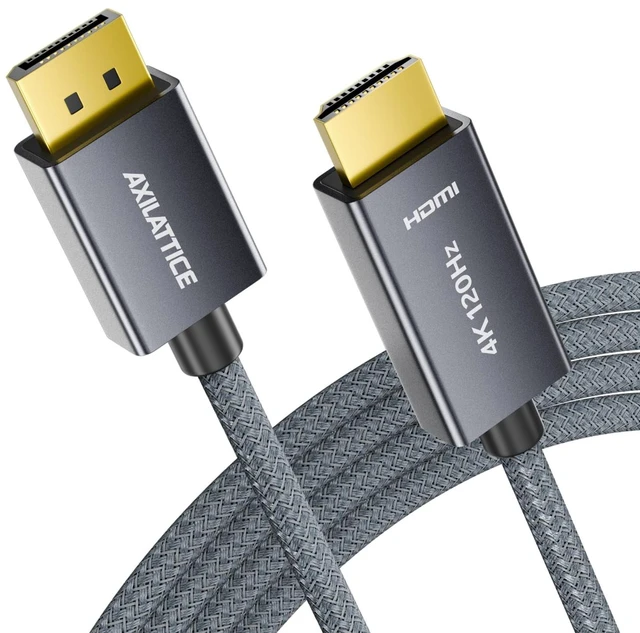
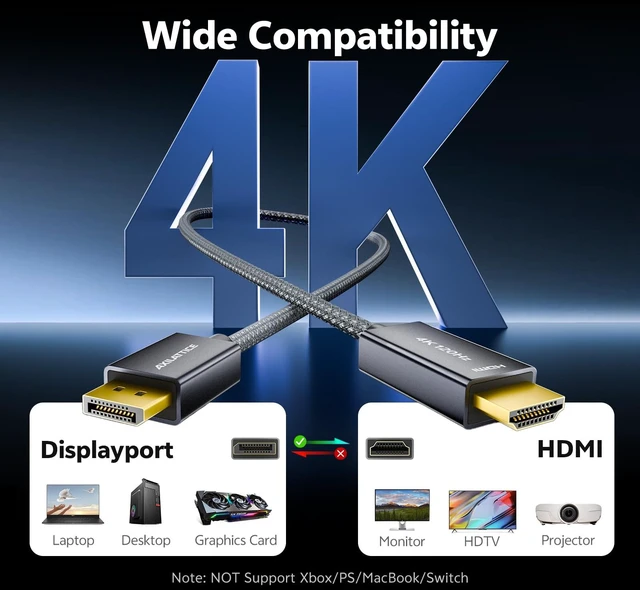
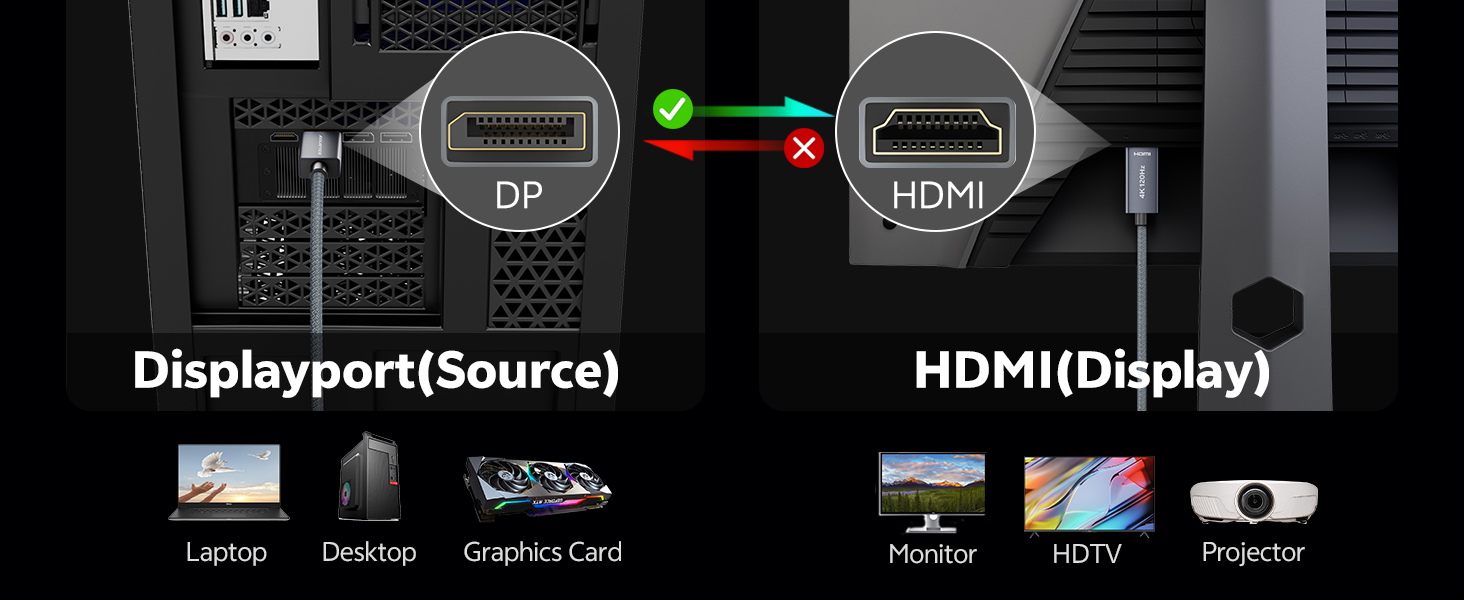
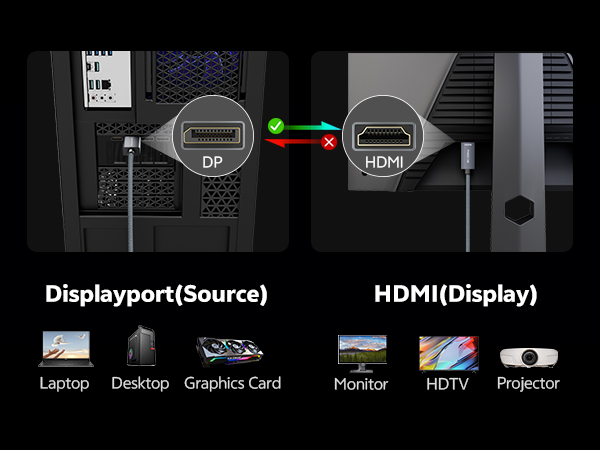
No. This is a unidirectional DP?HDMI cable, only support DisplayPort source to HDMI display.
Does this active DP to HDMI cable support 8K resolution?
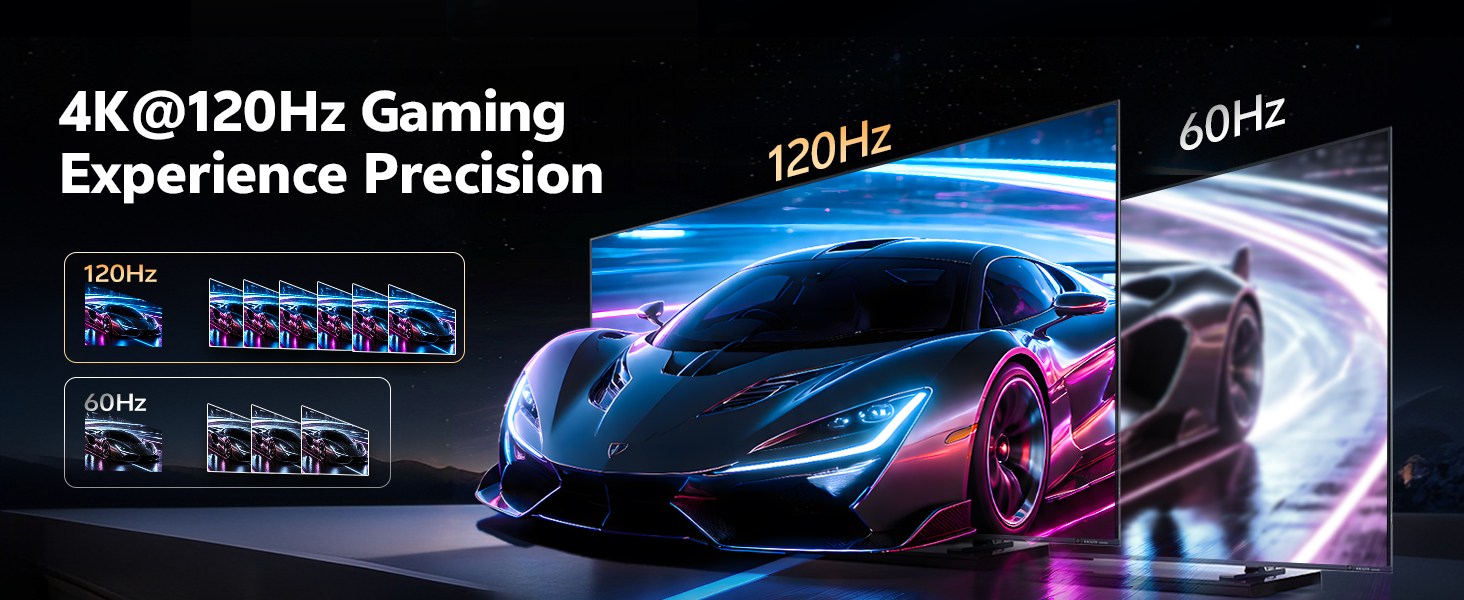
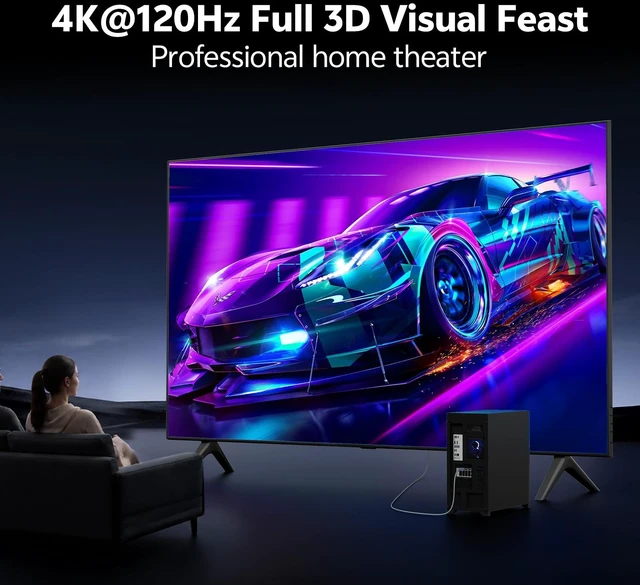
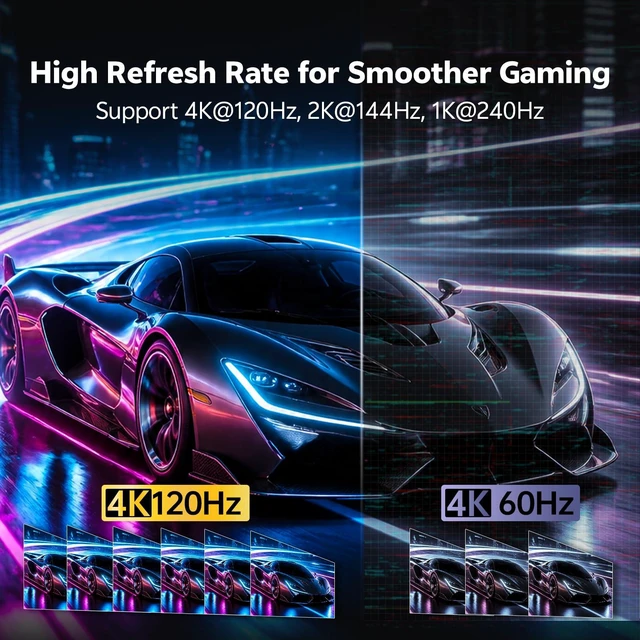
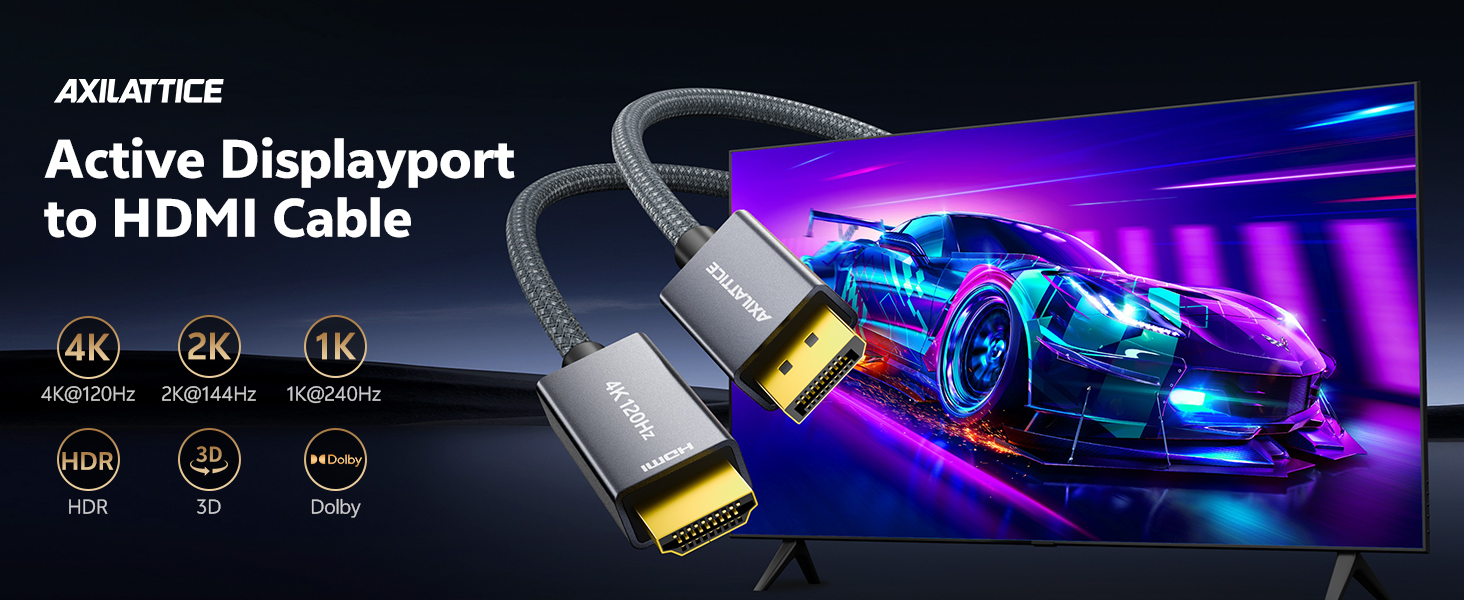
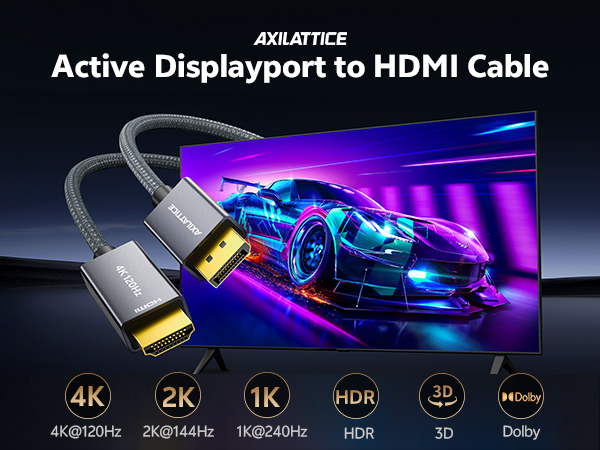
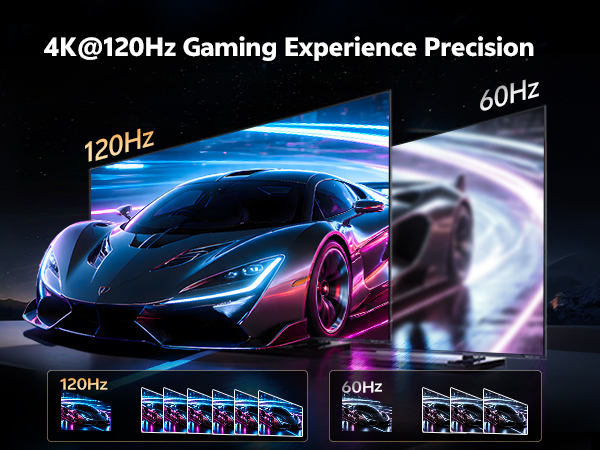
No. This dp to hdmi cable is designed for up to 4K@120Hz and does not support 8K. It excels at 4K ultra HD, 2K, and 1K high-refresh-rate applications.
Will the DP to HDMI cable work with my NVIDIA RTX or AMD Radeon GPU?
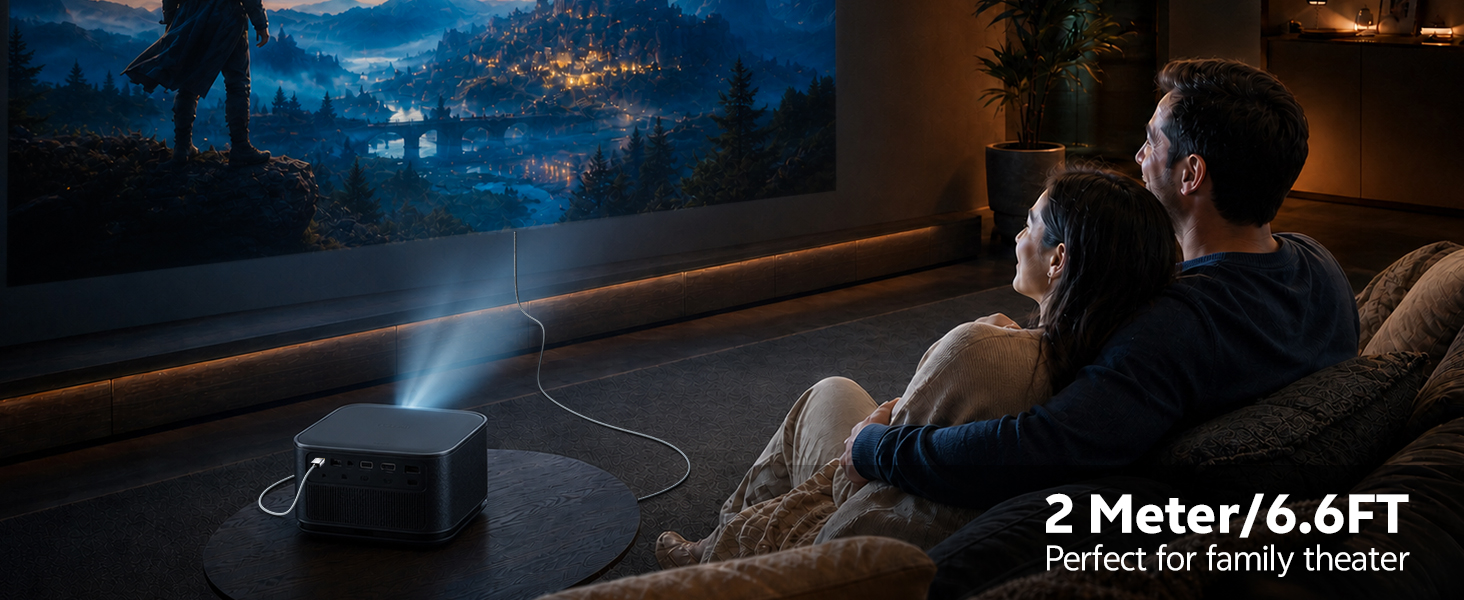
Yes. This cable connects DisplayPort 1.4 (DP++) equipped PCs, laptops, and GPUs—including NVIDIA RTX series and AMD Radeon series—to HDMI monitors, TVs, and projectors.
Does this cable support VRR, G-SYNC, or FreeSync?
No. This DisplayPort to HDMI cable does not support VRR, G-SYNC, or FreeSync. It supports HDCP for protected content.
Can I use this active displayport-to-hdmi cable for dual-screen or extended mode setups?
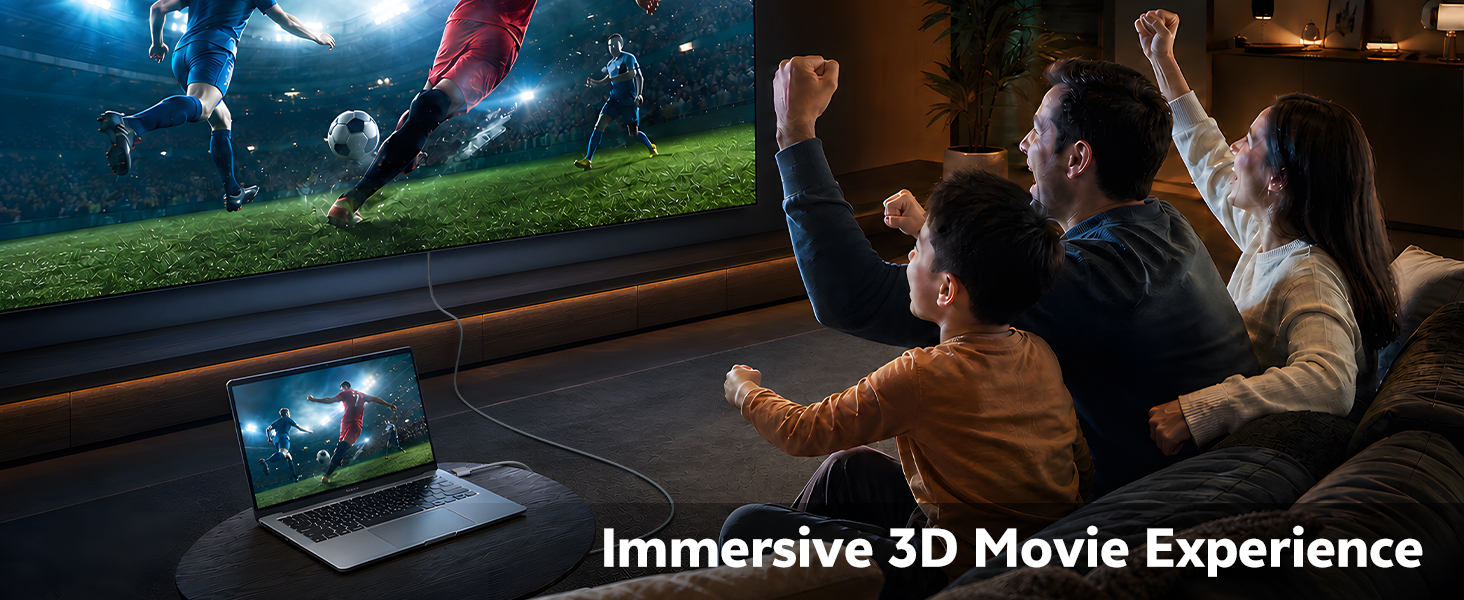
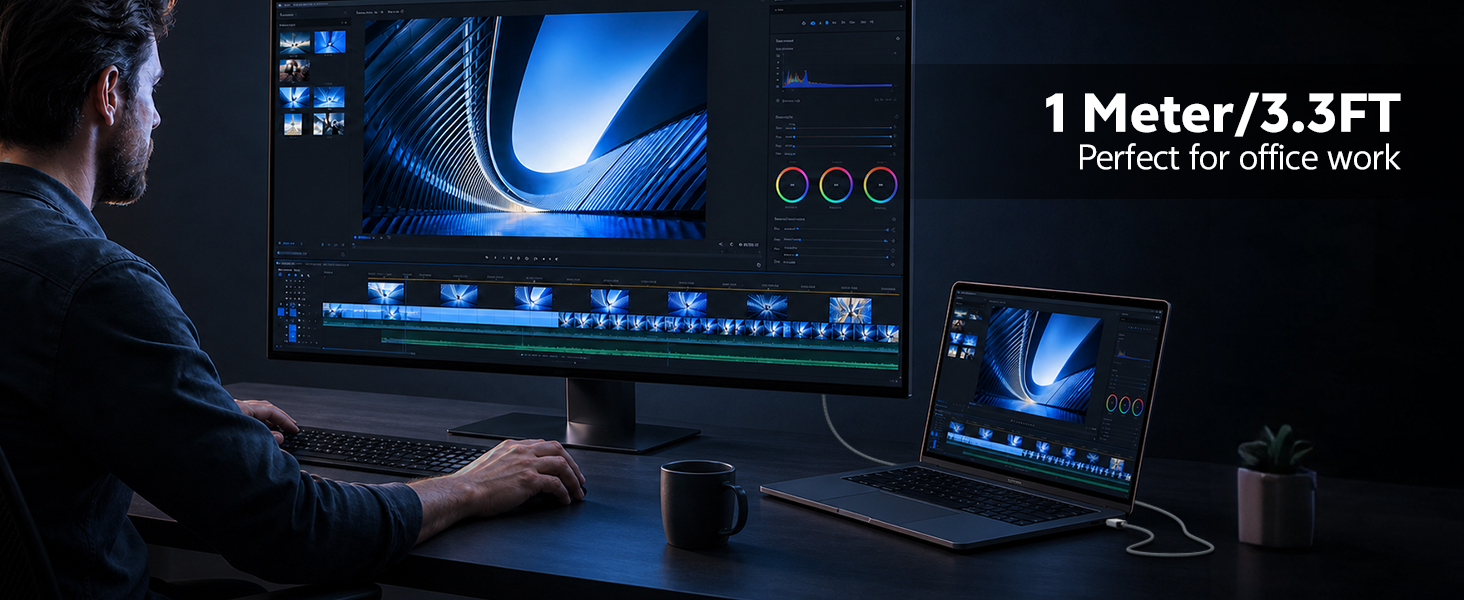
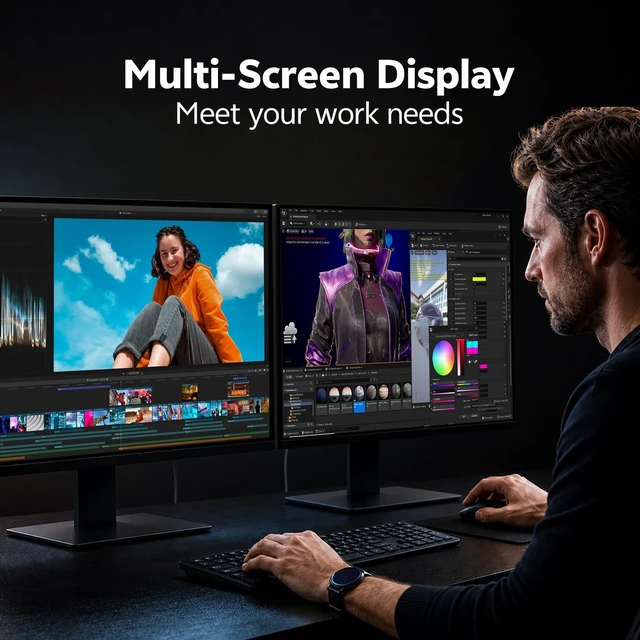
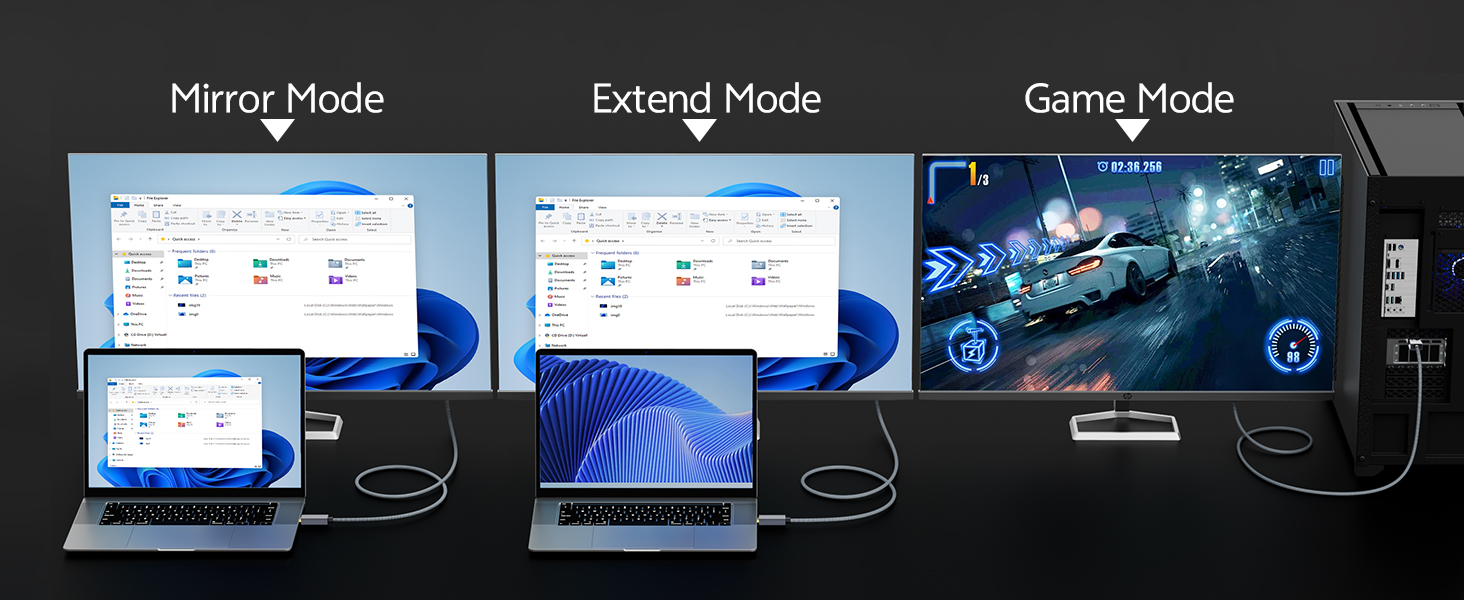
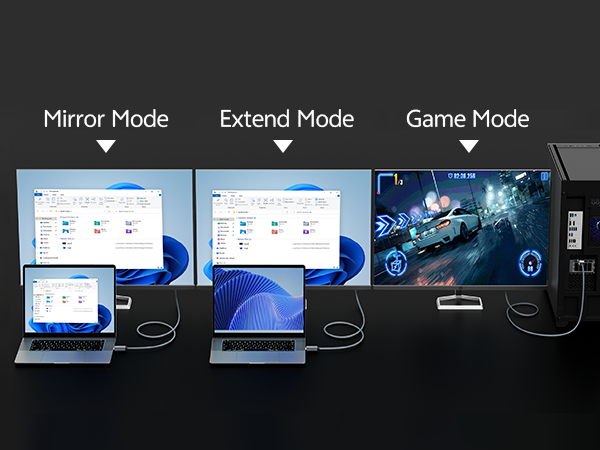
Yes. This cable supports both mirror mode and extend mode for multitasking and dual-screen setups. Connect your DP source to an HDMI monitor for expanded workspace, presentations, or gaming across multiple screens.
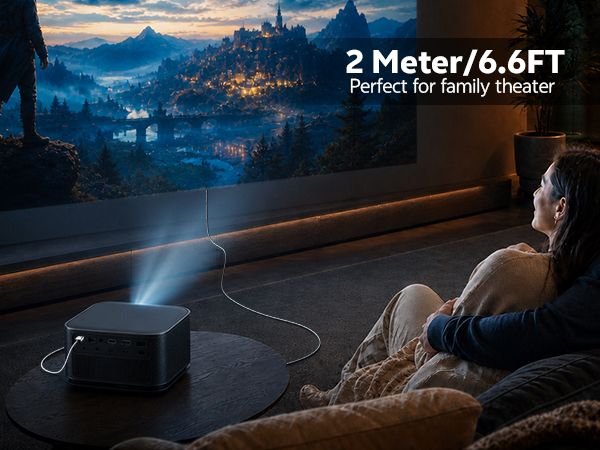
Is this cable bidirectional? Can I use it from HDMI to DisplayPort?
No. This is a unidirectional DP?HDMI cable, only support DisplayPort source to HDMI display.
Does this active DP to HDMI cable support 8K resolution?
No. This dp to hdmi cable is designed for up to 4K@120Hz and does not support 8K. It excels at 4K ultra HD, 2K, and 1K high-refresh-rate applications.
Will the DP to HDMI cable work with my NVIDIA RTX or AMD Radeon GPU?
Yes. This cable connects DisplayPort 1.4 (DP++) equipped PCs, laptops, and GPUs—including NVIDIA RTX series and AMD Radeon series—to HDMI monitors, TVs, and projectors.
Does this cable support VRR, G-SYNC, or FreeSync?
No. This DisplayPort to HDMI cable does not support VRR, G-SYNC, or FreeSync. It supports HDCP for protected content.
Can I use this active displayport-to-hdmi cable for dual-screen or extended mode setups?
Yes. This cable supports both mirror mode and extend mode for multitasking and dual-screen setups. Connect your DP source to an HDMI monitor for expanded workspace, presentations, or gaming across multiple screens.
Bidirectional & Alu Braided. Support 16K@30Hz 8K@120Hz 4K@240Hz. Perfect for Playing Games
8K@60Hz 4K@240Hz, Aluminum, Ultra HD, Support G-Sync HDR HDCP 2.3, and auto-switching
Because in a world drowning in connections, only the seamless ones stand out.
AXILATTICE. Your signal. Perfected.